AppRecs review analysis
AppRecs rating 3.3. Trustworthiness 73 out of 100. Review manipulation risk 23 out of 100. Based on a review sample analyzed.
★★★☆☆
3.3
AppRecs Rating
Ratings breakdown
5 star
39%
4 star
20%
3 star
10%
2 star
2%
1 star
29%
What to know
✓
Low review manipulation risk
23% review manipulation risk
✓
Credible reviews
73% trustworthiness score from analyzed reviews
About Philips Entertainment
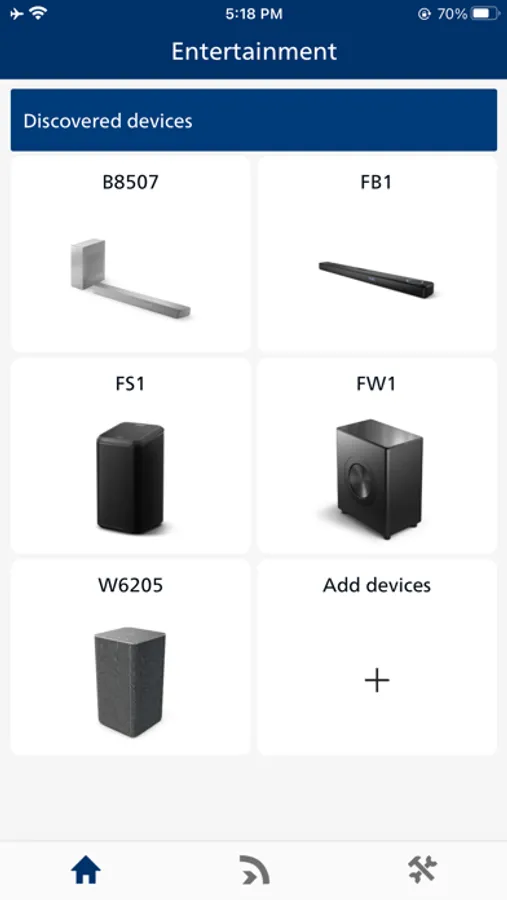
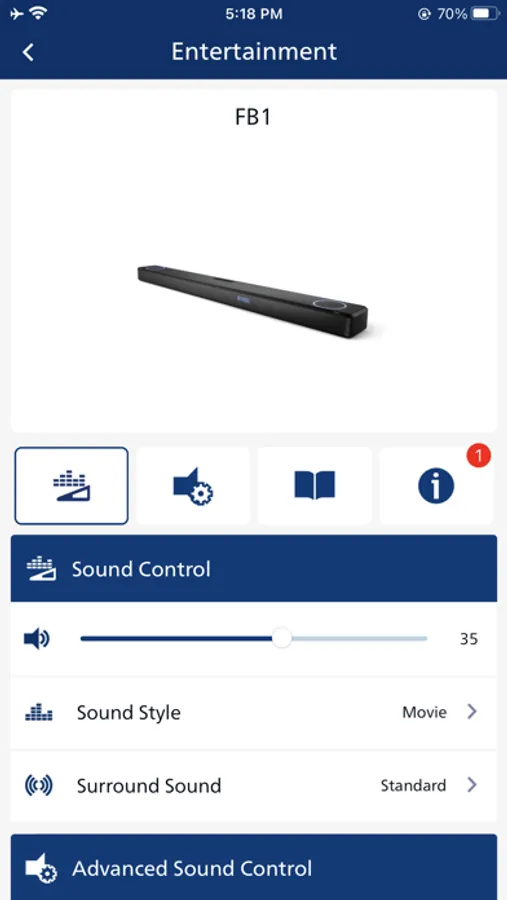
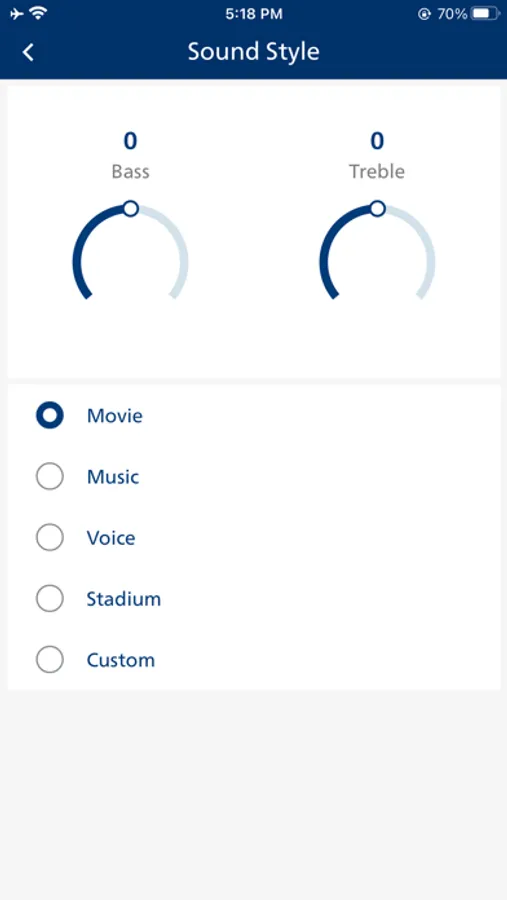
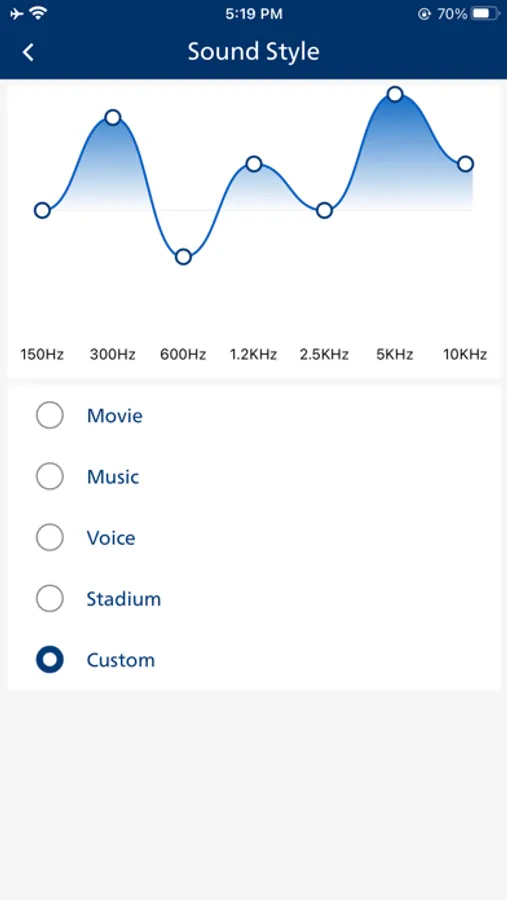
Control selected models of Philips Bluetooth Speakers, Soundbars, Party Speakers, Micro Systems, CD Soundmachine.
Companion app for sound control Philips Wireless Home Speakers and Soundbars powered by Play-Fi™.
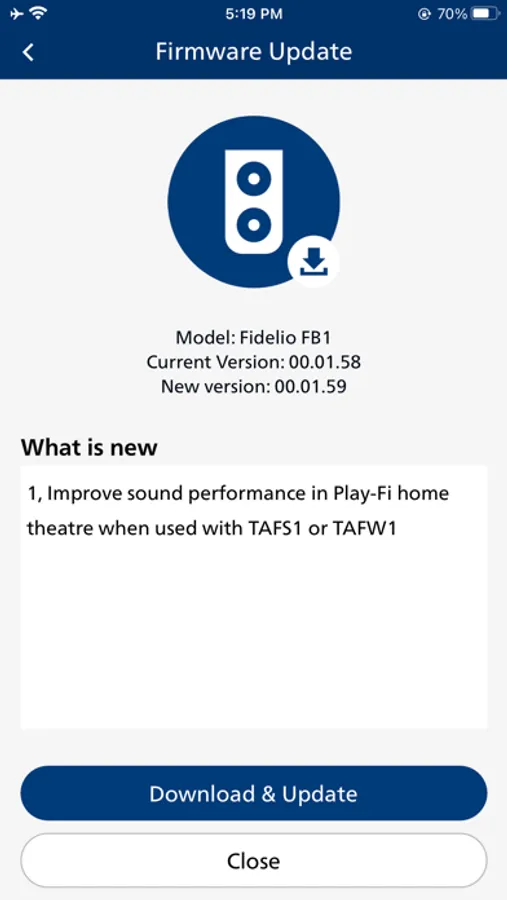
Update the firmware of supported devices.
Supported products:
S1000, S5000E, FT1, FA3, TAV9000D/TAV9000F, TAM4555
X5000/X5000E, X2000, S7000/7000E, TAB6200
X4000, TAM4205M2/TAM4505M2, S2000, TAV3000, TAB8200
TAB5201, TAB5601, TAB6100YW, X3000
TAB6100, TAX5309
TAZ6000, TAZ5000
TAM3505M2, TAM3205M2
TAX5509
TAB6309, TAB5309, TAB5109
TAB8507, TAB8907
TAFB1, TAFS1, TAFW1
TAW8506
TAW6505, TAW6205
TAB8205, TAB8405, TAB8505, TAB8805, TAB8905
B95, B97
Companion app for sound control Philips Wireless Home Speakers and Soundbars powered by Play-Fi™.
Update the firmware of supported devices.
Supported products:
S1000, S5000E, FT1, FA3, TAV9000D/TAV9000F, TAM4555
X5000/X5000E, X2000, S7000/7000E, TAB6200
X4000, TAM4205M2/TAM4505M2, S2000, TAV3000, TAB8200
TAB5201, TAB5601, TAB6100YW, X3000
TAB6100, TAX5309
TAZ6000, TAZ5000
TAM3505M2, TAM3205M2
TAX5509
TAB6309, TAB5309, TAB5109
TAB8507, TAB8907
TAFB1, TAFS1, TAFW1
TAW8506
TAW6505, TAW6205
TAB8205, TAB8405, TAB8505, TAB8805, TAB8905
B95, B97
Philips Entertainment Screenshots
Tap to Rate:
Reviews for Philips Entertainment
Shwany mam jaza
Shwan
Shwan
Anonymous10076
.
Could have a better ui otherwise good