
With this parental control app, you can set time limits, schedule device usage, and monitor app activity on a teen’s device. Includes application blocking, usage tracking, and communication access management.
AppRecs review analysis
AppRecs rating 4.2. Trustworthiness 80 out of 100. Review manipulation risk 24 out of 100. Based on a review sample analyzed.
★★★★☆
4.2
AppRecs Rating
Ratings breakdown
5 star
77%
4 star
6%
3 star
2%
2 star
0%
1 star
15%
What to know
✓
Low review manipulation risk
24% review manipulation risk
✓
Credible reviews
80% trustworthiness score from analyzed reviews
✓
High user satisfaction
83% of sampled ratings are 4+ stars (4.3★ average)
About Alli360 by Kids360
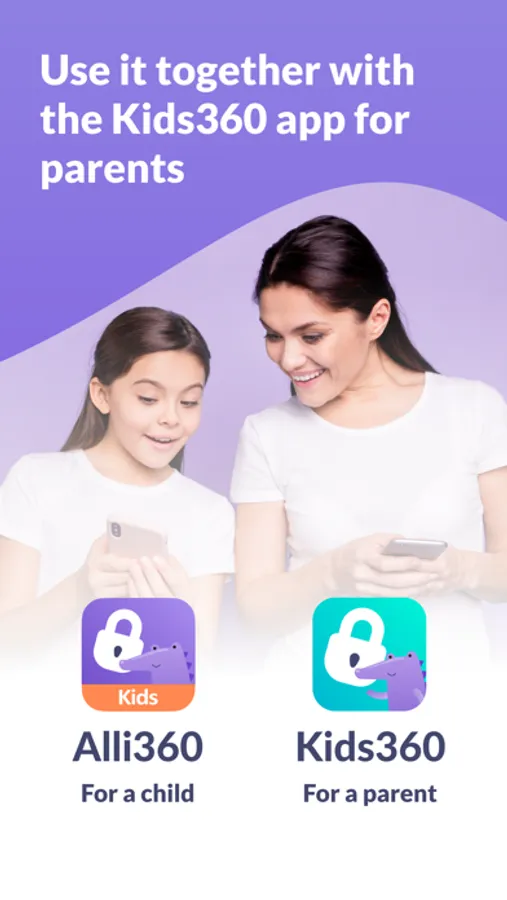
The “Alli360” app complements the “Kids360 for parents” app and must be installed on the device the teen is using
This app provides you with the following options:
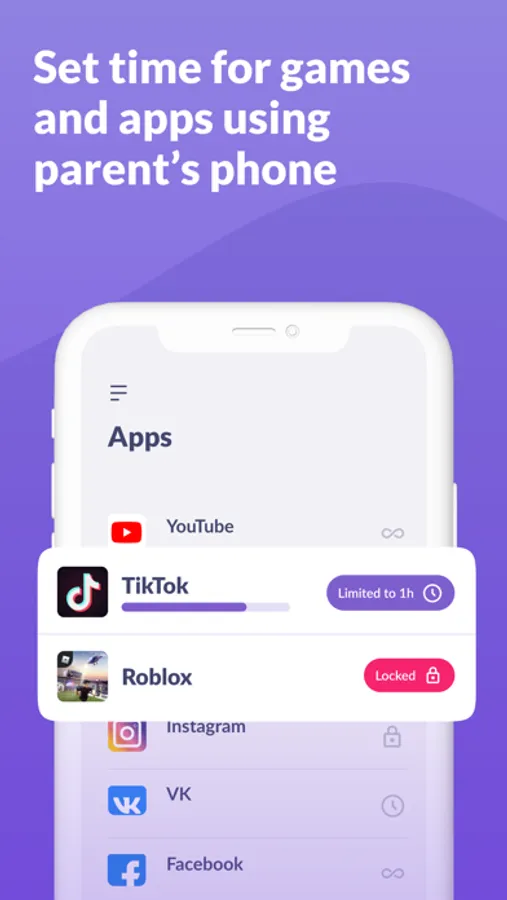
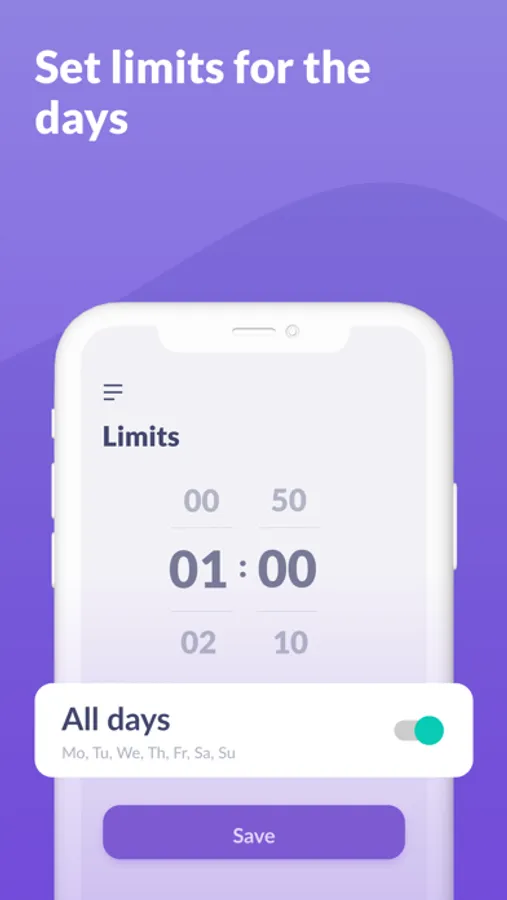
Time limit - set a time limit for specific applications and games your teens uses
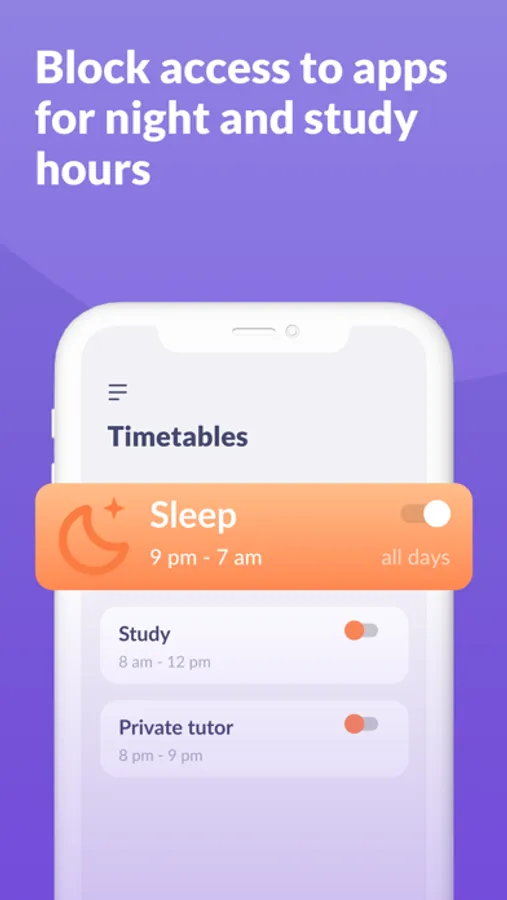
Schedule - set schedules for school time and rest in the evening: games, social networks, and entertainment apps will not be available during the specified time
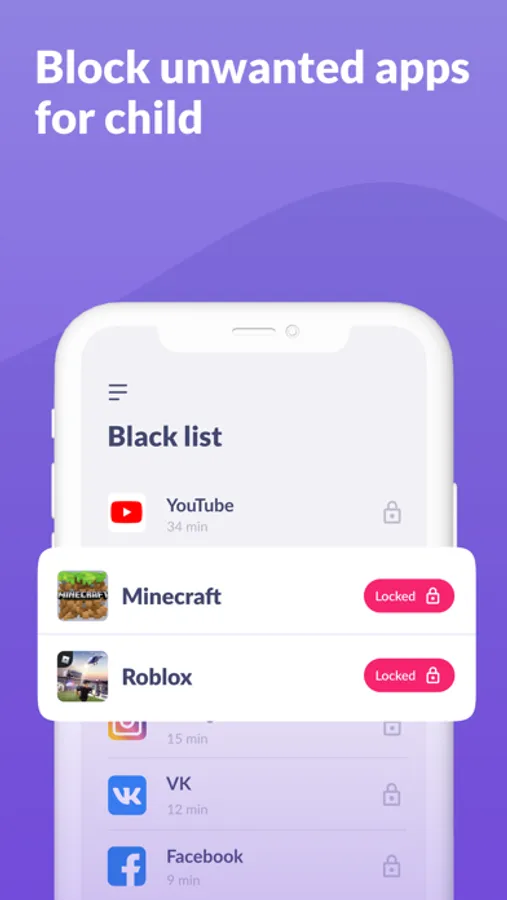
List of applications - select applications you want to limit or block completely
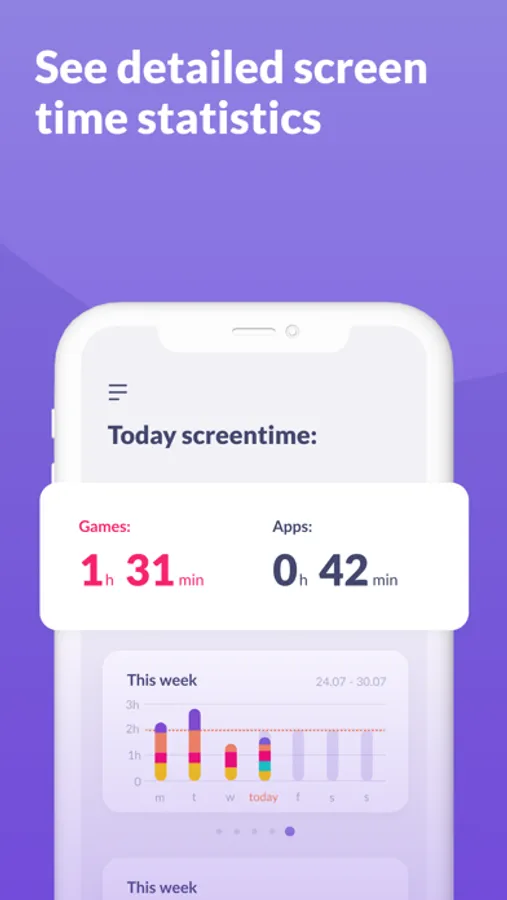
Time spent - see how much time your teen spends on their smartphone and identify their most used applications
Always keep in touch - applications for calls, messages, taxis, and other non-entertainment applications will always be available and you will always be able to contact your school student.
The “Kids360” app is designed for family safety and parental control. Thanks to the application tracker, you will always know how much time teen is spending on their smartphone. The app cannot be installed on the cell phone without your child’s knowledge, its use is available only with the explicit consent. Personal data is stored in strict accordance with legislation and GDPR policies.
How to start using the "Kids360" app:
1. Install the “Kids360 for parents” app on your mobile device;
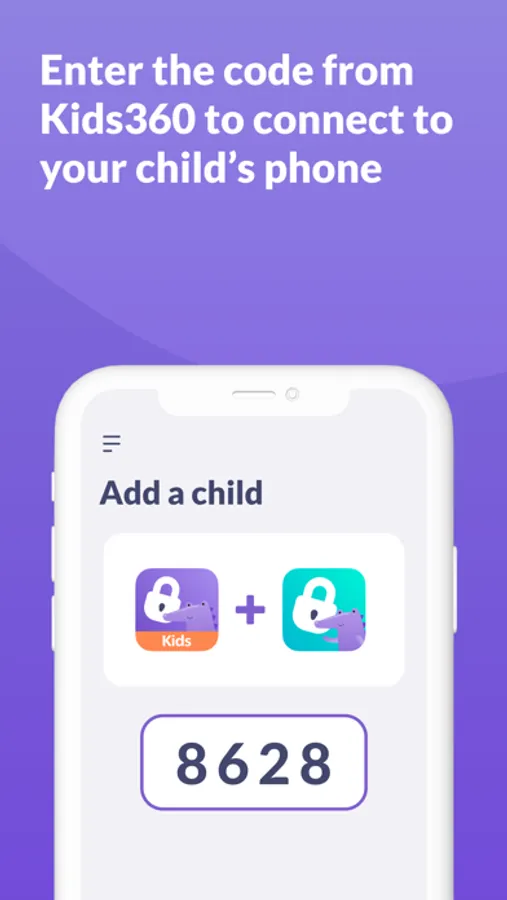
2. Install the “Alli360” app on your teen's phone and enter the link code with the parental device;
3. Allow monitoring of your teenager's smartphone in the app.
In case of technical problems, you can always contact the 24-hour support service in the app or via the following email support@kids360.app
You can monitor your time on the smartphone for free after connecting second device. Time management functions in applications are available during the trial period and by purchasing a subscription.
Alli360 by Kids360 Screenshots
Tap to Rate:
Reviews for Alli360 by Kids360
💗🌸💓💕💖💞🌺💘💝🌷🎀
It’s terrible
It’s terrible It’s terrible It’s terrible It’s terrible It’s terrible It’s terrible It’s terrible It’s terrible It’s terrible It’s terrible It’s terrible It’s terrible It’s terrible It’s terrible It’s terrible It’s terrible It’s terrible It’s terrible It’s terrible It’s terrible It’s terrible It’s terrible It’s terrible It’s terrible It’s terrible It’s terrible It’s terrible It’s terrible It’s terrible It’s terrible It’s terrible It’s terrible It’s terrible It’s terrible It’s terrible It’s terrible It’s terrible It’s terrible It’s terrible It’s terrible It’s terrible It’s terrible It’s terrible It’s terrible I hope the owner stubs their toe
Angelo2315
Terrible
0/5 terrible app cannot delete I emailed the company and they were very rude and call me a simpleton whatever that means DO NOT DOWNLOAD!