In this parental control app, you can create child profiles, restrict app access, and set time limits to manage screen time. Includes app blocking, custom launchers, and usage statistics.
AppRecs review analysis
AppRecs rating 4.1. Trustworthiness 79 out of 100. Review manipulation risk 22 out of 100. Based on a review sample analyzed.
★★★★☆
4.1
AppRecs Rating
Ratings breakdown
5 star
90%
4 star
4%
3 star
1%
2 star
1%
1 star
4%
What to know
✓
Low review manipulation risk
22% review manipulation risk
✓
Credible reviews
79% trustworthiness score from analyzed reviews
⚠
Pricing complaints
Many low ratings mention paywalls or pricing
About Kids Mode & Child Lock :Suzy
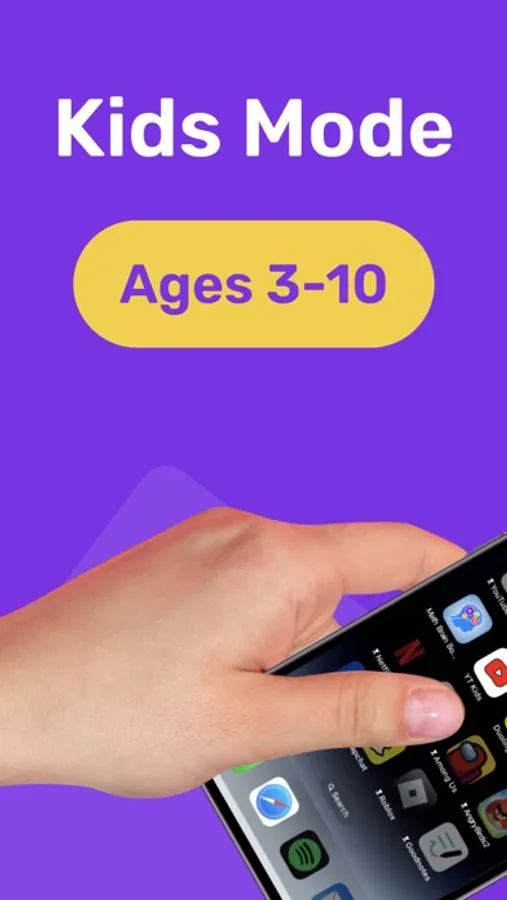
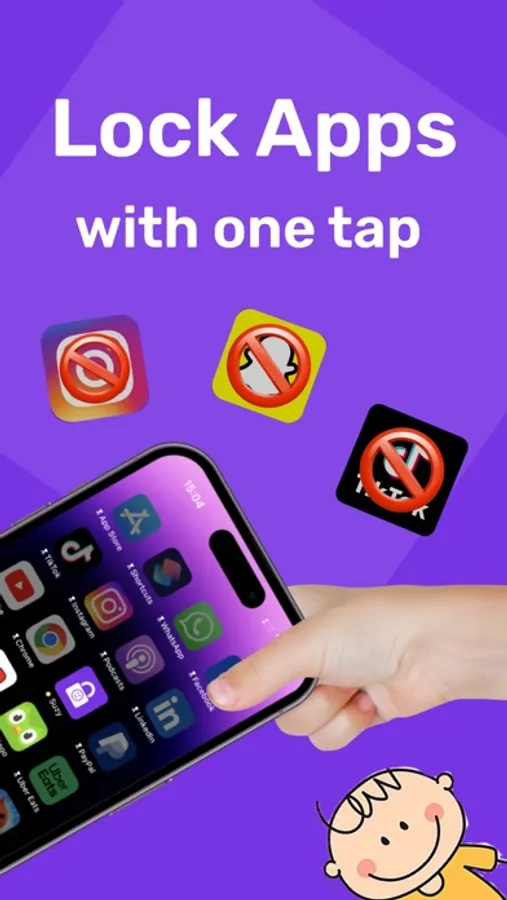
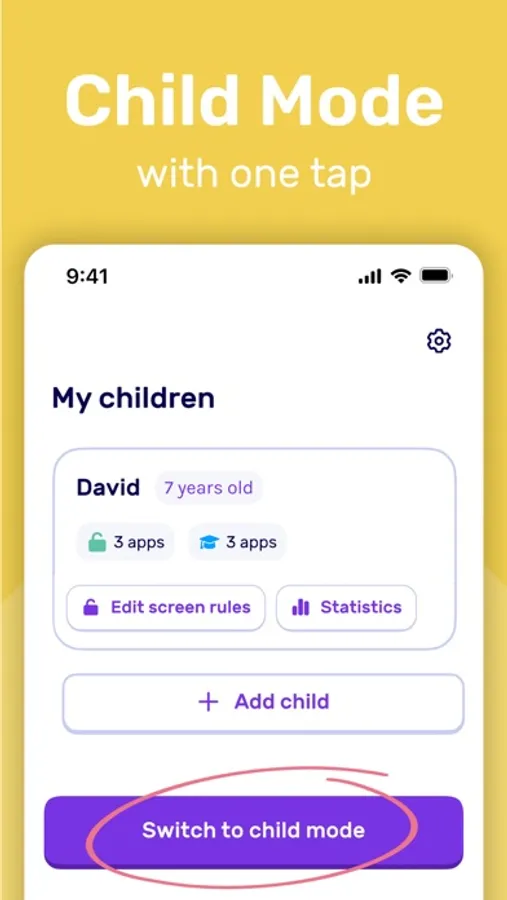
Set a kid safe mode with 1 tap while lending your device to your child. Block apps, web browsers and app downloads. Set time limits and device free moments.
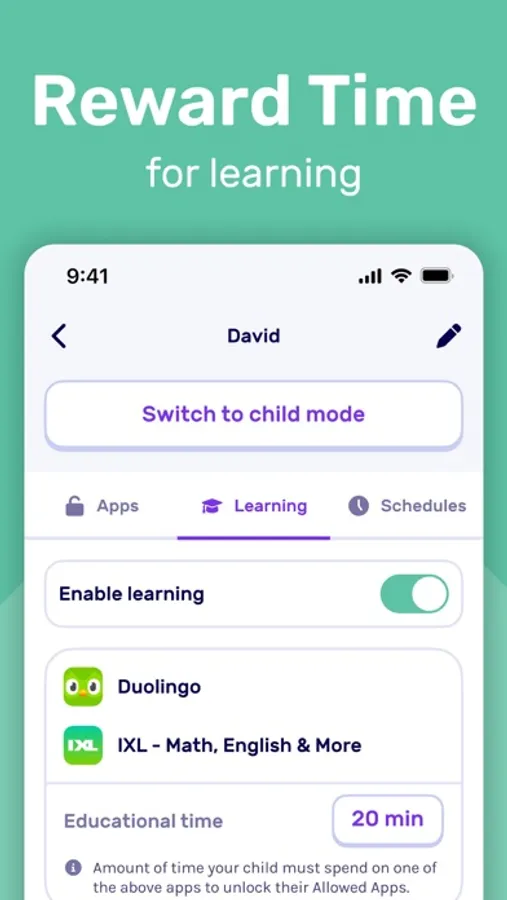
With Suzy, you can also create a kid dedicated launcher and prioritize learning by making the use of educational apps mandatory: From now on, if your child wants to access YouTube for 10 minutes, you can require them to learn a new language on Duolingo for 10 minutes first!
Passive scrolling is replaced by intentional learning sessions leading to long lasting knowledge and significant reduction in children's overall screen time.
▶ GET STARTED IN LESS THAN 3 MINUTES
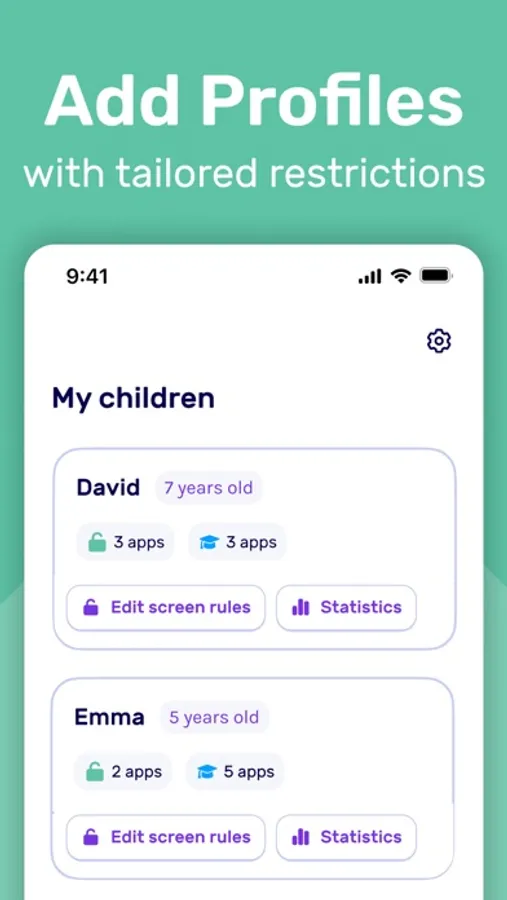
1. Create your child’s profile
2. Select the only apps your child can use on your device. All other apps are blocked by default.
That’s it! Simply tap “switch to child mode” to hand over your device to your child worry-free!
▶ BENEFITS
Hand over your device worry-free!
• Keep your child safe from inappropriate content
• Protect your content and sensitive information
• Set Time Limits your child can spend on your device to avoid arguments
• Switch ON/OFF all device’s restrictions with one tap
• Turn any screen time into a learning opportunity
▶ FEATURES
App Restrictions
• Allowed Apps: Select apps your child can use. All other apps are BLOCKED by default.
• Kids Launcher: Display a custom launcher with the apps kids can use.
• Child Mode in 1 tap: With a single tap, switch on or off all device’s restrictions.
• Multiple Child Profiles: Create custom child profiles with their own personalized restrictions.
• Pin Protected: Modifying restrictions require the use of a secret PIN code.
• Block uninstall: Prevent your child from deleting Suzy and disabling restrictions
Screen Time Controls
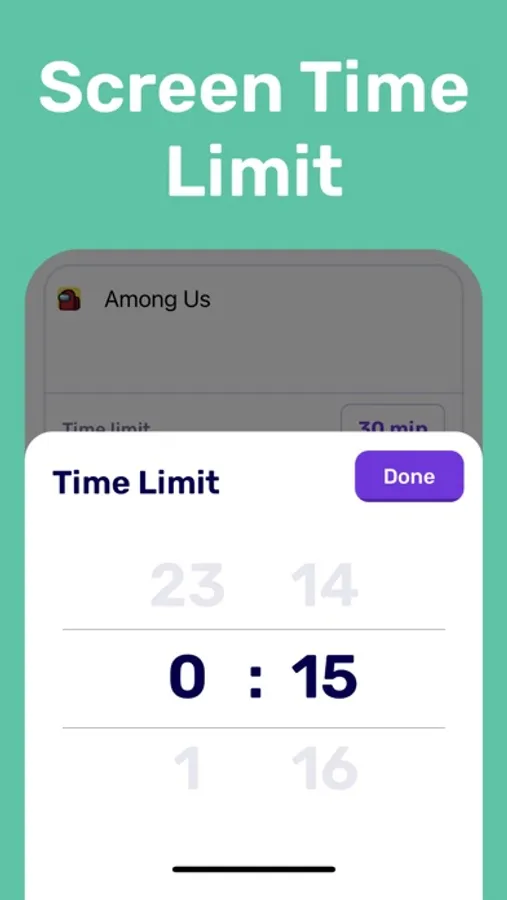
• Screen Time Limit: Set daily time limits for the apps you allow your child to use.
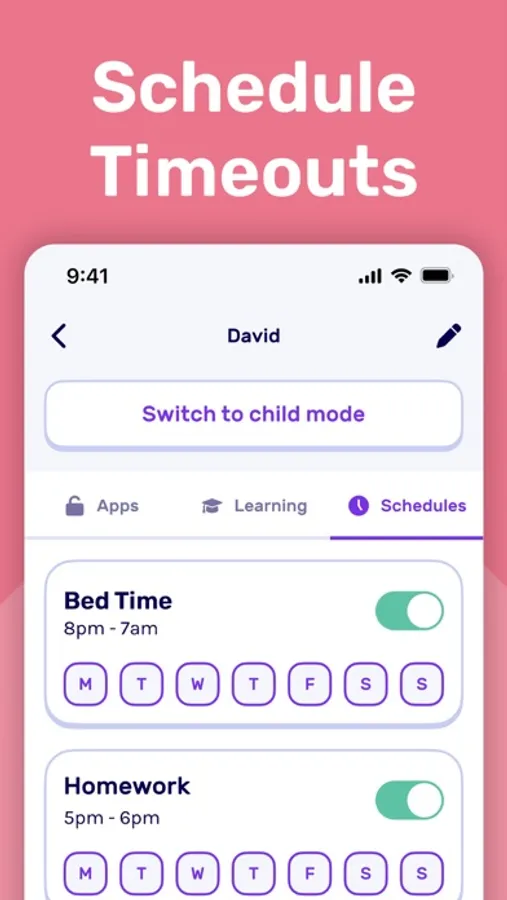
• Schedules: Set screen-free moments during dinner, homework, bedtime, or any time you see fit.
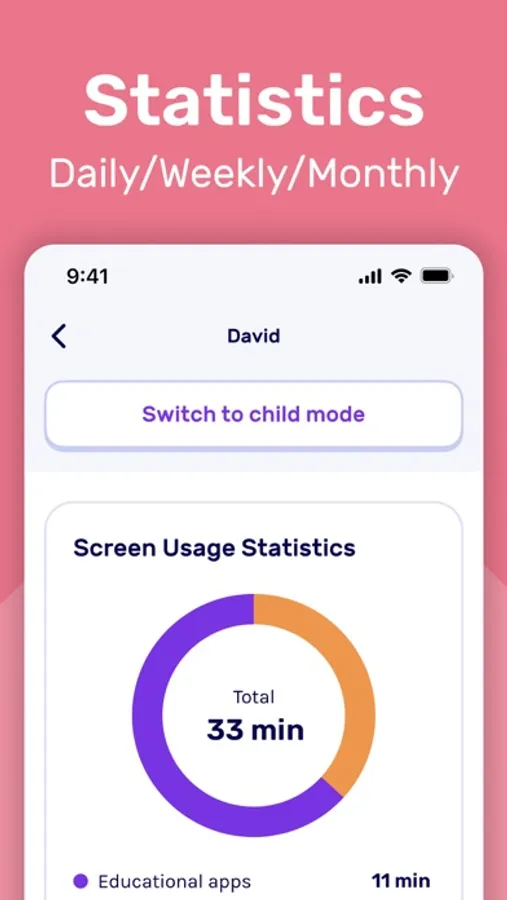
• Statistics: Track your child’s daily/weekly/monthly app usage.
Boosted Learning
• Learning: Unlock access to their favorite apps only if they use educational apps first.
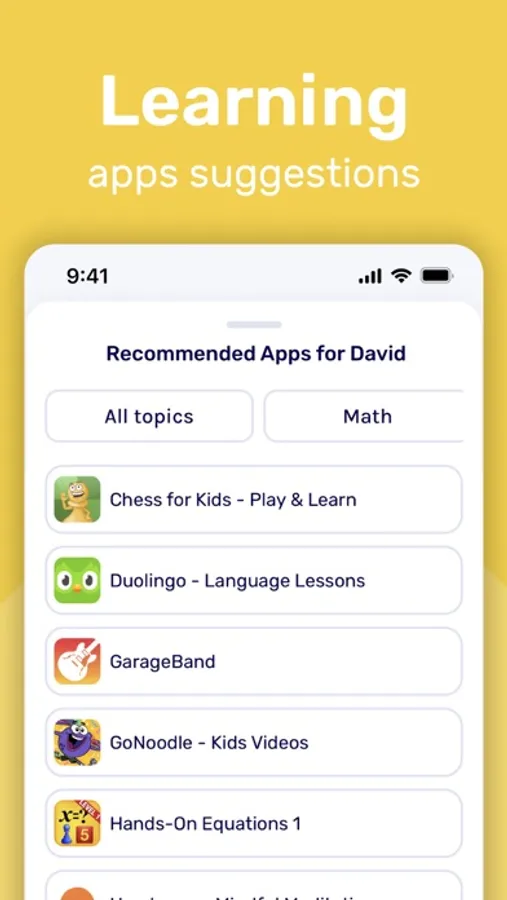
• Recommended Apps: Get a selection of educational apps to use based on your child’s profile
▶ REQUIREMENTS
Suzy is only supported on (and above):
iOS 16 for iPhone or iPadOS 16 for iPad
▶ TERMS & PRIVACY
• Terms: https://suzyapp.com/terms-of-service/
• Privacy policy: https://suzyapp.com/privacy/
• Support: support@suzyapp.com
With Suzy, you can also create a kid dedicated launcher and prioritize learning by making the use of educational apps mandatory: From now on, if your child wants to access YouTube for 10 minutes, you can require them to learn a new language on Duolingo for 10 minutes first!
Passive scrolling is replaced by intentional learning sessions leading to long lasting knowledge and significant reduction in children's overall screen time.
▶ GET STARTED IN LESS THAN 3 MINUTES
1. Create your child’s profile
2. Select the only apps your child can use on your device. All other apps are blocked by default.
That’s it! Simply tap “switch to child mode” to hand over your device to your child worry-free!
▶ BENEFITS
Hand over your device worry-free!
• Keep your child safe from inappropriate content
• Protect your content and sensitive information
• Set Time Limits your child can spend on your device to avoid arguments
• Switch ON/OFF all device’s restrictions with one tap
• Turn any screen time into a learning opportunity
▶ FEATURES
App Restrictions
• Allowed Apps: Select apps your child can use. All other apps are BLOCKED by default.
• Kids Launcher: Display a custom launcher with the apps kids can use.
• Child Mode in 1 tap: With a single tap, switch on or off all device’s restrictions.
• Multiple Child Profiles: Create custom child profiles with their own personalized restrictions.
• Pin Protected: Modifying restrictions require the use of a secret PIN code.
• Block uninstall: Prevent your child from deleting Suzy and disabling restrictions
Screen Time Controls
• Screen Time Limit: Set daily time limits for the apps you allow your child to use.
• Schedules: Set screen-free moments during dinner, homework, bedtime, or any time you see fit.
• Statistics: Track your child’s daily/weekly/monthly app usage.
Boosted Learning
• Learning: Unlock access to their favorite apps only if they use educational apps first.
• Recommended Apps: Get a selection of educational apps to use based on your child’s profile
▶ REQUIREMENTS
Suzy is only supported on (and above):
iOS 16 for iPhone or iPadOS 16 for iPad
▶ TERMS & PRIVACY
• Terms: https://suzyapp.com/terms-of-service/
• Privacy policy: https://suzyapp.com/privacy/
• Support: support@suzyapp.com
Kids Mode & Child Lock :Suzy Screenshots
Tap to Rate:
Reviews for Kids Mode & Child Lock :Suzy
Esteban3557
Weekly price
Why should there be a price on a kids app?
Shellytapia
Won’t let me delete then app what’s going on
? Won’t let me delete the app what’s going on