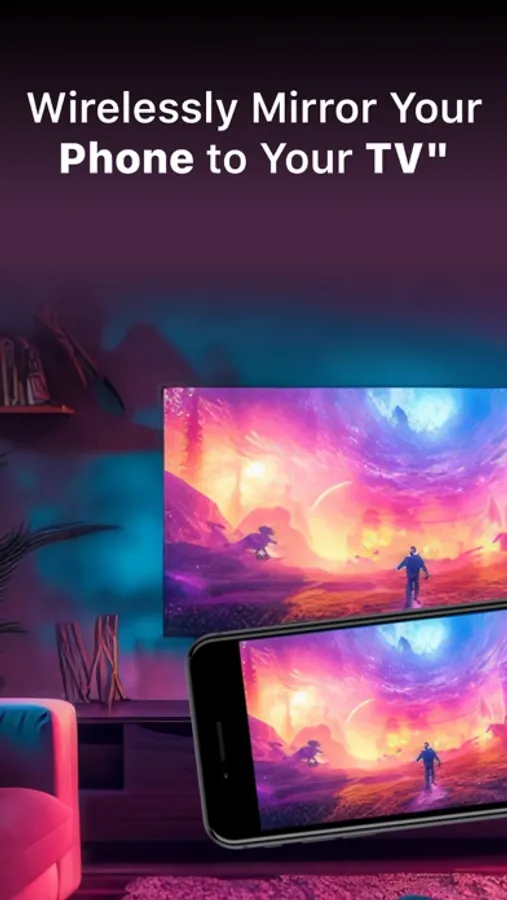
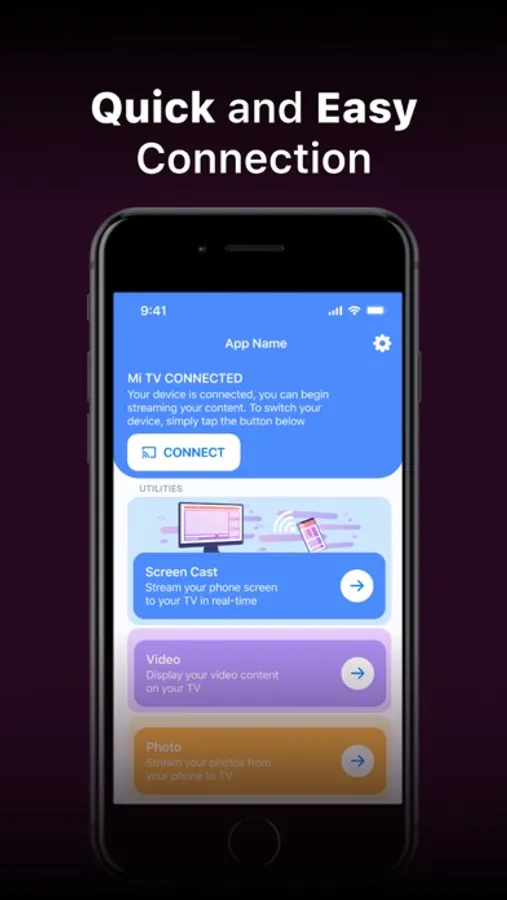
With this screen mirroring app, you can wirelessly cast your phone's screen to a compatible TV and control the connection easily. Includes support for casting photos, videos, and camera feeds.
AppRecs review analysis
AppRecs rating 4.4. Trustworthiness 65 out of 100. Review manipulation risk 31 out of 100. Based on a review sample analyzed.
★★★★☆
4.4
AppRecs Rating
Ratings breakdown
5 star
78%
4 star
8%
3 star
2%
2 star
2%
1 star
10%
What to know
✓
High user satisfaction
86% of sampled ratings are 4+ stars (4.4★ average)
✓
Authentic reviews
No red flags detected
About Screen Mirroring App: Cast TV
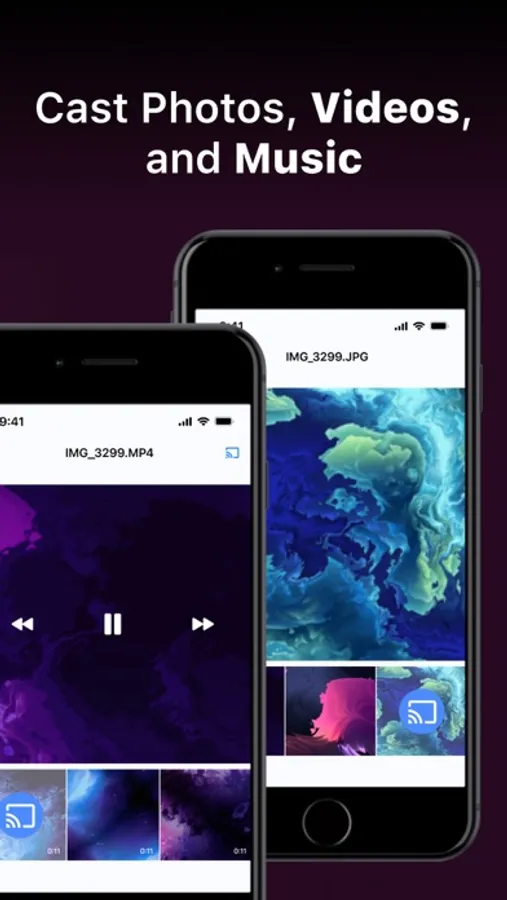
It's important to note that Screen Mirroring App: TV Cast Play operates independently and has no affiliations with specific TV brands. This application offers a wide range of features, allowing users to mirror their phone's screen, cast photos and videos directly from their photo library to the TV, and even replicate the phone's camera feed on the TV screen.
How to Use:
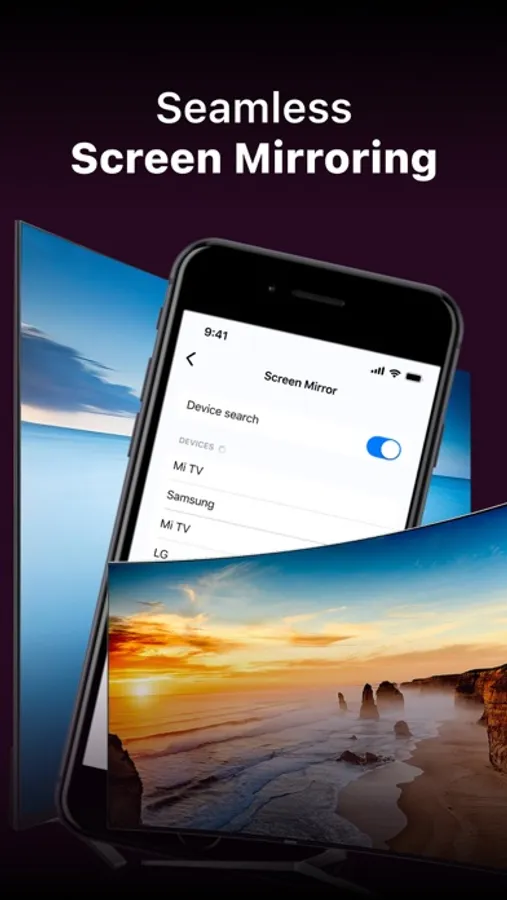
To initiate screen mirroring between your phone and TV, follow these essential steps: connect both devices to the same Wi-Fi network. Once connected, launch the app and establish a connection with your TV. Then, tap the "Screen Mirroring" button and follow the provided instructions to start mirroring seamlessly.
Screen Mirroring App: TV Cast Play offers a premium version, which grants access to the complete set of features. You can choose between a weekly, monthly, or yearly subscription, and there's a complimentary 3-day trial available. Unlock premium features, including full-screen mirroring, unrestricted photo casting, and video casting to your TV.
Enjoy a 3 days trial or opt for more affordable subscription options without a free trial: Weekly, Monthly, and Yearly Subscription.
Payments are processed through your iTunes account upon purchase confirmation, and subscriptions automatically renew unless you disable auto-renewal at least 24 hours before the current subscription period ends. You can conveniently manage your subscriptions, and any unused portion of a free trial will be forfeited upon subscribing to the publication, as applicable.
Privacy Policy:
Read our Privacy Policy here http://screencastmirrorapp.info/pp.html
Terms of Use:
Find our Terms of Use here http://screencastmirrorapp.info/terms.html
Support:
For inquiries, concerns, or feedback, our dedicated support team is ready to assist you. Feel free to contact us at vptransitltd@gmail.com, and we'll be delighted to provide assistance.
Screen Mirroring App: Cast TV Screenshots


Tap to Rate:
Reviews for Screen Mirroring App: Cast TV
DaveS 1967
No easy way to cancel or control renewals!
Signed up for the trial., Tried to cancel the app before I got billed, but there is no setting within the app that allows you to change the billing. If they have a setting to do this, they have cleverly hidden it in such a way that I can’t find it. I consider this very deceptive business practices and don’t recommend this app to anyone.
Caitlyn625?!?
Terrible
This is the worst app the only way you can watch something is if you pay. And it’s stupid because my kid wanted to watch something and I can only let her watch photos or videos like at least let me watch an add so I can let her watch a show.