With this app, you can securely store and organize sensitive information such as credit cards, documents, and health records. Includes iCloud sync, end-to-end encryption, and biometric access.
AppRecs review analysis
AppRecs rating 5.0. Trustworthiness 74 out of 100. Review manipulation risk 33 out of 100. Based on a review sample analyzed.
★★★★★
5.0
AppRecs Rating
Ratings breakdown
5 star
84%
4 star
10%
3 star
3%
2 star
2%
1 star
1%
What to know
✓
Credible reviews
74% trustworthiness score from analyzed reviews
✓
High user satisfaction
84% of sampled ratings are 5 stars
✓
Detailed user feedback
47% of sampled reviews provide substantial detail
About Uplock
“Experience a Gorgeous New Design” — Apple
Uplock keeps your important information safe, organized, and always within reach across your Apple devices.
Your data syncs through iCloud and never goes anywhere else, no other servers involved. With Advanced Data Protection for iCloud enabled, everything you save in Uplock is end-to-end encrypted.
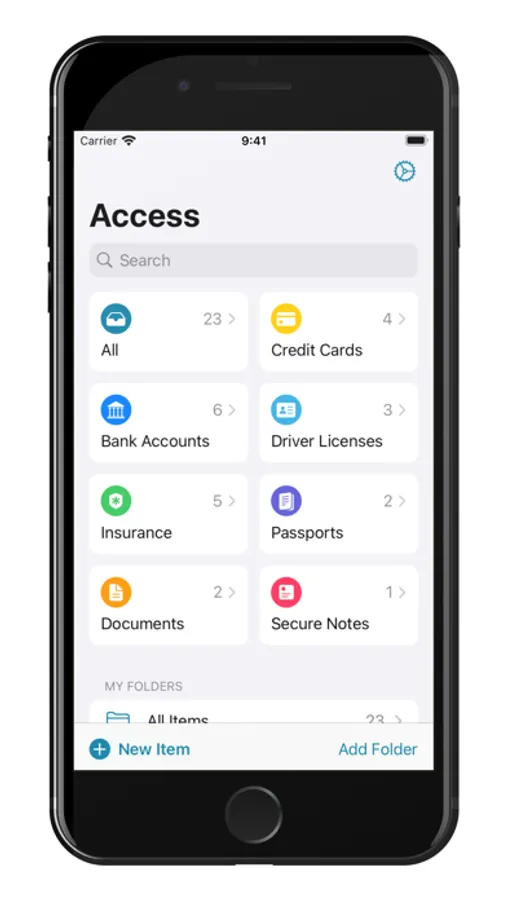
What you can store in Uplock
- Credit cards and payment information
- Passports, driver’s licenses, and other important documents
- Health records and insurance information
- Software licenses and loyalty programs
- Secure notes and anything else that matters
Features to help you stay productive and organized
- Shared Groups for families or sharing data with friends
- AutoFill on iOS, plus a Safari extension and menu bar app on macOS
- Reminders for expiration dates
- Attachments for files, photos, and PDFs
- Smart Fill turns almost anything into an Uplock item, powered by Apple Intelligence and processed entirely on your device
Private and simple by design
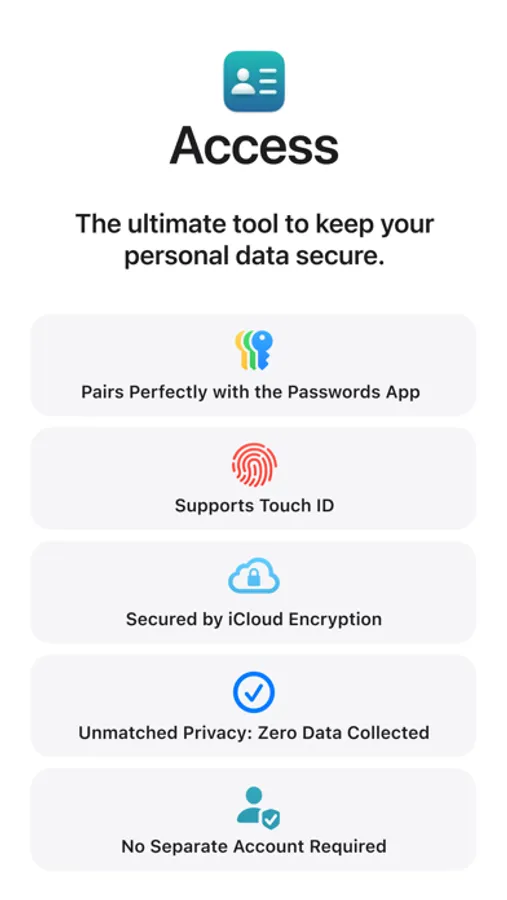
No account. No email. No third-party tracking or analytics.
Uplock supports Face ID, Touch ID, and Optic ID for quick and secure access. It uses Apple’s strongest security and privacy protections to keep your information safe.
Start using Uplock right away with no setup or sign-in. Try it free with a limited number of entries. Export your data anytime in plain text or CSV.
Uplock is made in Montreal by an independent two-person team.
Privacy policy:
https://uplock.app/privacy
Terms of use:
https://uplock.app/terms
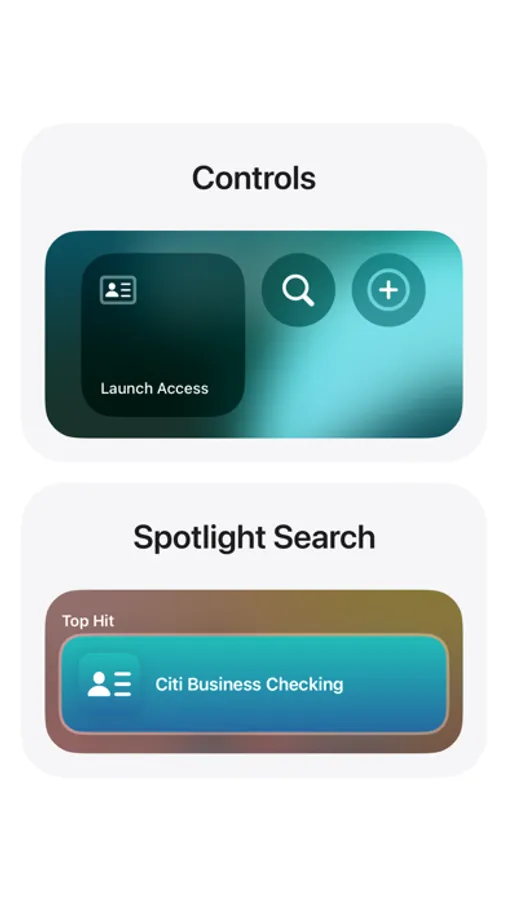
Uplock Screenshots
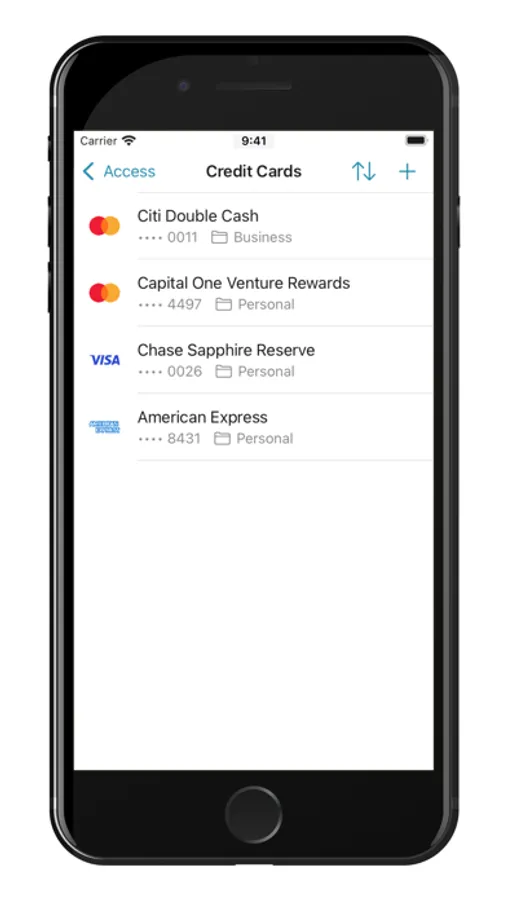
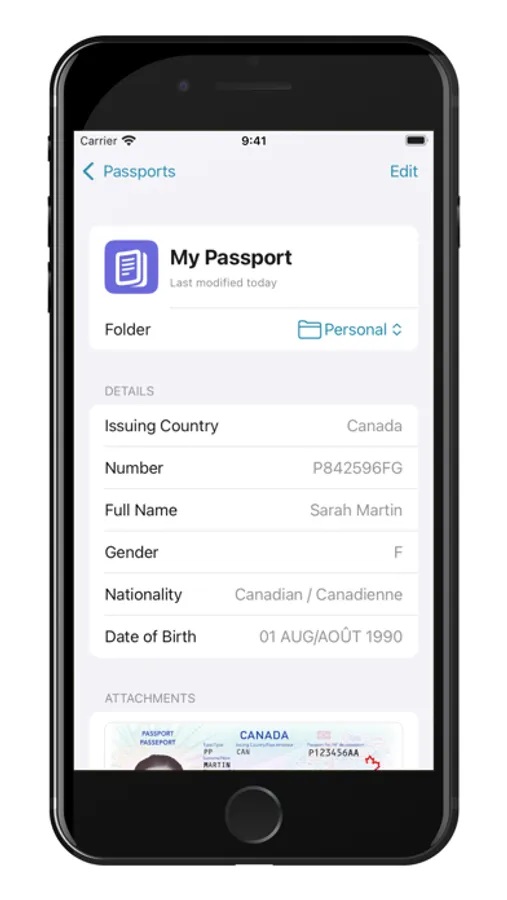
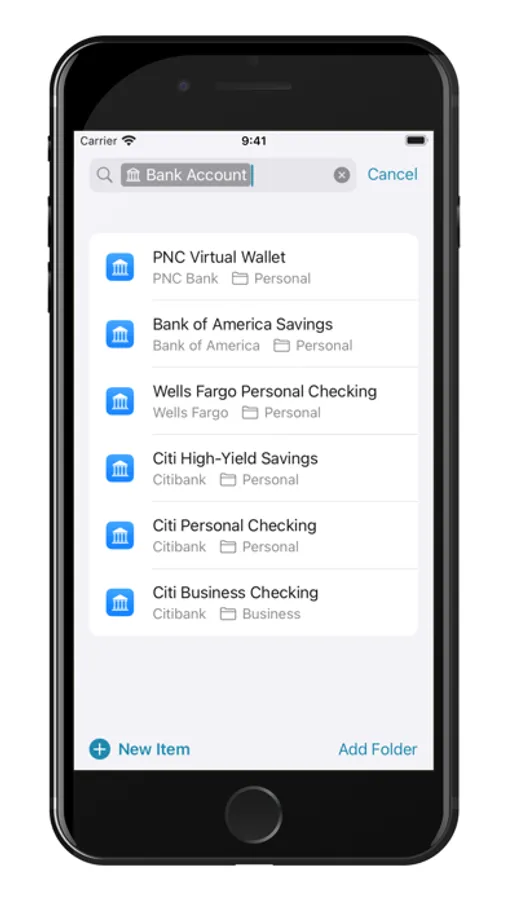
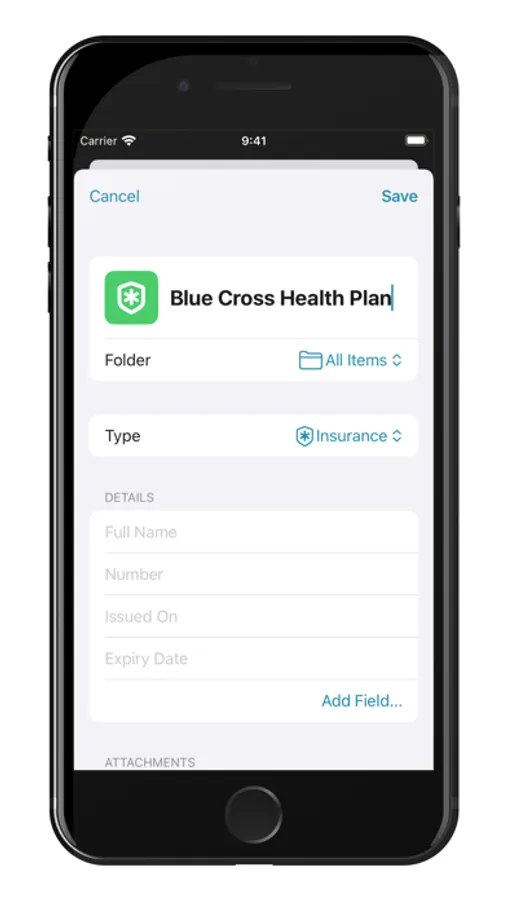
Tap to Rate:
Reviews for Uplock
Njrick
Excellent product fills the gap
Found this by accident and couldn’t be happier. Apple passwords has a couple of huge holes that this fills completely! Having secure notes with images is exactly what the commercial password managers offer. Getting Uplock with Apple means I have a secure icloud environment easily managed and shared as I choose. Developers are extremely responsive. Absolutely worth trying if you use apple passwords.
ThisDudeFax
Unstable, missing functionality, not sure if trustworthy.
App seems promising and the reviews are great. Unfortunately I found a major bug about 30 seconds into it that crashes the app completely if you do the following: Open Settings > General, Toggle on Lock Uplock, Require Touch ID, select any option other than Only on Launch, Toggle on Show in Menu Bar and Keep in Menu Bar, Close the Settings window and main window, Click the menu bar icon and click the restore main window button… CRASH! Apart from it being annoying it also makes the app insecure. There is some sort of disconnect with the menu bar functionality. I am giving it 2 stars for now and have sent in a bug report via email. Let’s see if that gets fixed. I find it also frustrating that there isn’t a place other than email to send in feedback. Also there’s no Help under the Help menu. "Help isn’t available for Uplock.” isn’t acceptable. The app feels half-baked because of these issues.