AppRecs review analysis
AppRecs rating 2.5. Trustworthiness 74 out of 100. Review manipulation risk 23 out of 100. Based on a review sample analyzed.
★★☆☆☆
2.5
AppRecs Rating
Ratings breakdown
5 star
23%
4 star
7%
3 star
12%
2 star
5%
1 star
53%
What to know
✓
Low review manipulation risk
23% review manipulation risk
✓
Credible reviews
74% trustworthiness score from analyzed reviews
⚠
Mixed user feedback
Average 2.4★ rating suggests room for improvement
About TesDisplay - Screen Mirror
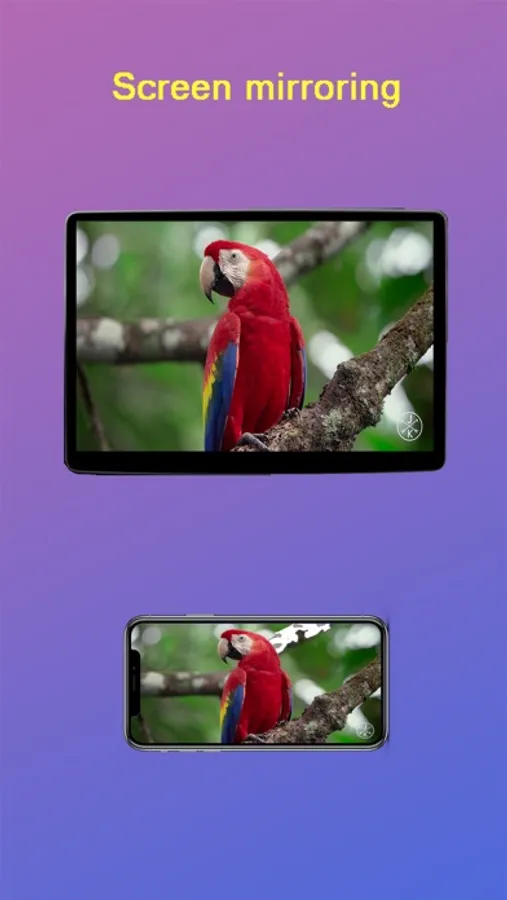
TesDisplay can cast video or mirror your phone screen to Tesla's big screen.
Key features:
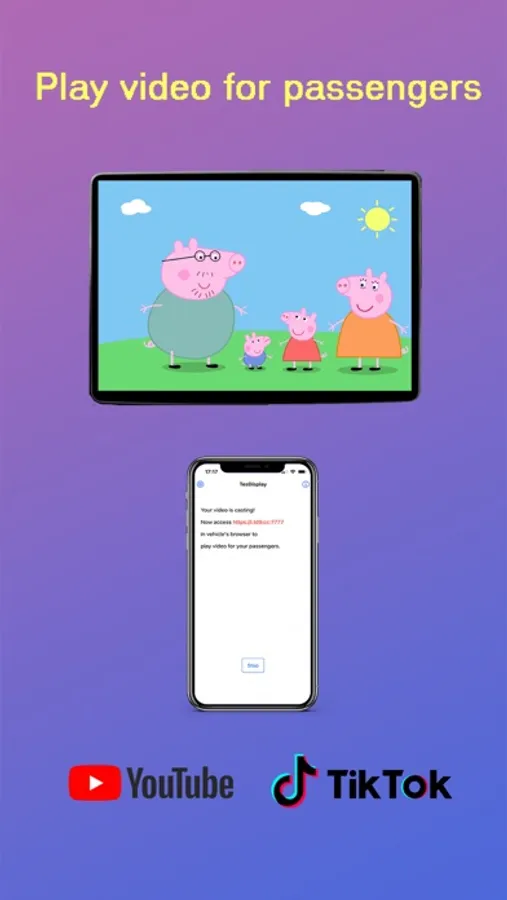
1. Play video for passengers when you are driving
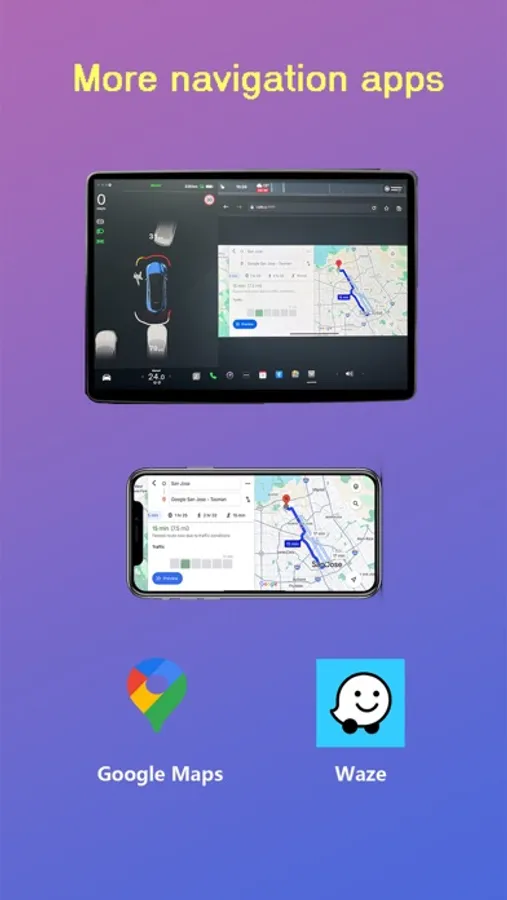
2. Let you use navigation apps such as Waze, Google Map, Here WeGo, MAPS.ME on Tesla's screen
3. Can mirror various video apps, such as Youtube, Youtube Kids, Tiktok, Netflix(only for iPad with cellular), Twitch, DailyMotion, PBS, PBS Kids, TED Talks, Khan Academy, Plex, Rumble, Vimeo, Zeus, etc. for passengers.
4. Cast video files on your phone to Tesla's screen for passengers
5. Cast Youtube, Tiktok, ESPN, TED Talk, CBC, PBS videos to Tesla's screen for passengers
6. No extra internet traffic
Those features have been verified on Tesla Model 3, Model Y, Model S(late than March 2018), and Model X(late than March 2018).
For vehicles with Tesla MCU1, you can try setting "Decode video by Phone" to get better video quality.
Key features:
1. Play video for passengers when you are driving
2. Let you use navigation apps such as Waze, Google Map, Here WeGo, MAPS.ME on Tesla's screen
3. Can mirror various video apps, such as Youtube, Youtube Kids, Tiktok, Netflix(only for iPad with cellular), Twitch, DailyMotion, PBS, PBS Kids, TED Talks, Khan Academy, Plex, Rumble, Vimeo, Zeus, etc. for passengers.
4. Cast video files on your phone to Tesla's screen for passengers
5. Cast Youtube, Tiktok, ESPN, TED Talk, CBC, PBS videos to Tesla's screen for passengers
6. No extra internet traffic
Those features have been verified on Tesla Model 3, Model Y, Model S(late than March 2018), and Model X(late than March 2018).
For vehicles with Tesla MCU1, you can try setting "Decode video by Phone" to get better video quality.
TesDisplay - Screen Mirror Screenshots
Tap to Rate:
Reviews for TesDisplay - Screen Mirror
vinnysaj
Developer no longer active. Broken on iOS 26.
Ever since the iOS 26 update, the app has gone from flawless to ridiculously laggy. The latency is so high, the quality so grainy, it’s a mess!
leng from night
no local mirror
can not mirror offline