
Affinity Plus Youth Banking
Affinity Plus Federal Credit Union
4.6 ★
87 ratings
Free
With this banking app, you can send and receive money, view transactions, and monitor balances. Includes account management, request handling, and family finance tools.
AppRecs review analysis
AppRecs rating 4.7. Trustworthiness 0 out of 100. Review manipulation risk 0 out of 100. Based on a review sample analyzed.
★★★★☆
4.7
AppRecs Rating
Ratings breakdown
5 star
80%
4 star
11%
3 star
0%
2 star
1%
1 star
7%
What to know
✓
High user satisfaction
80% of sampled ratings are 5 stars
✓
Authentic reviews
No red flags detected
About Affinity Plus Youth Banking
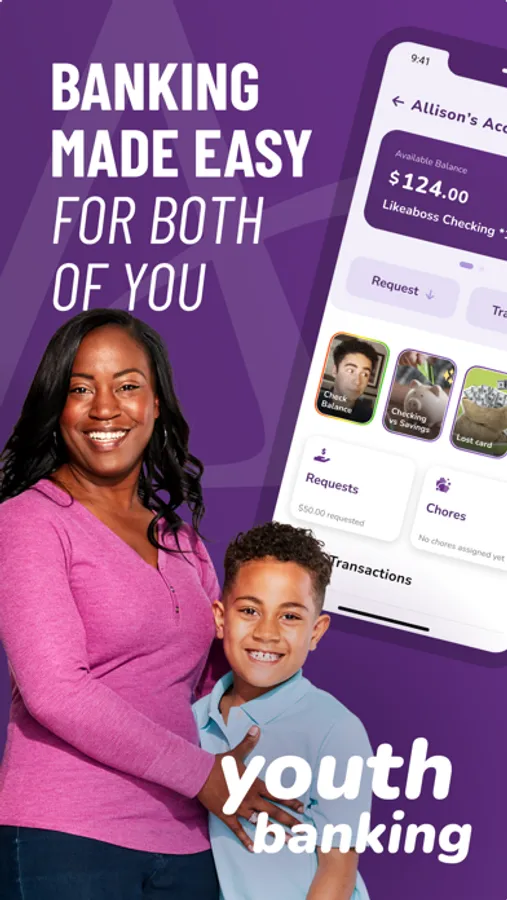
Welcome to Affinity Plus Youth Banking! Easily send money, view transactions, and track finances with our all-in-one app designed for parents and kids.
It’s where your kids can learn about money and practice good habits, all with your help.
What kids can do:
• Set a savings goal and transfer money into it.
• Watch short videos about how banking works, and how to be smart with money.
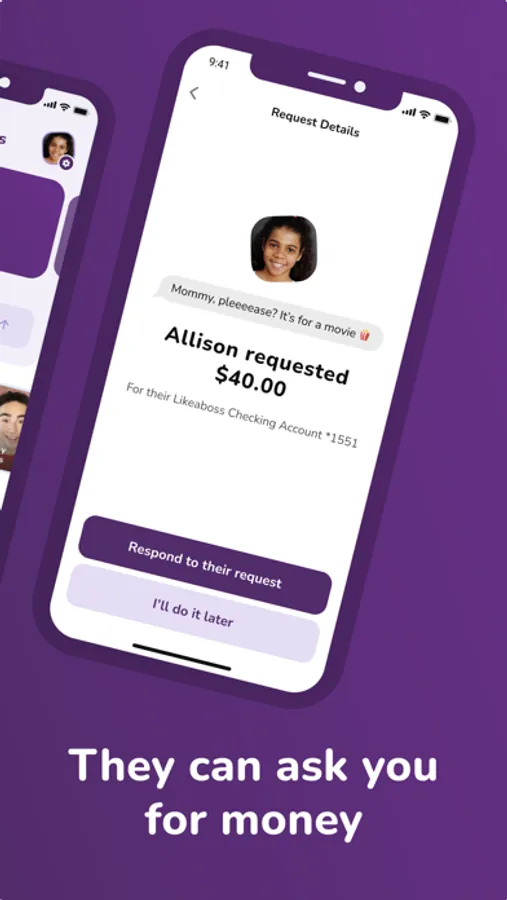
• Send you requests for money, with a note about why they want it.
• See your notes and reply to them, or just send a heartfelt emoji.
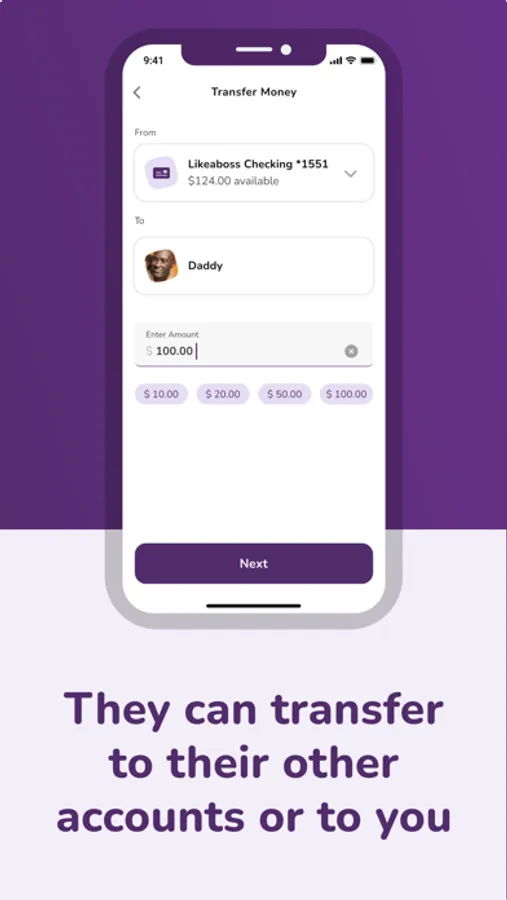
• Transfer between their own Affinity Plus accounts, if they have more than one.
• Keep track of their chores, and let you know when they’re done.
• They can even send YOU money, if they need to pay you back.
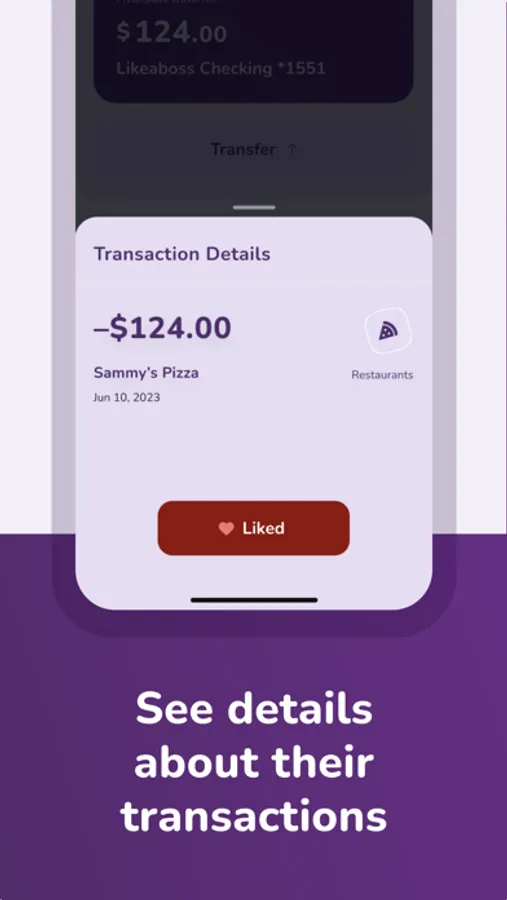
• Check their balance and see all their transactions.
What parents can do:
• Set a savings goal for your child, and watch their saving progress.
• Watch short videos with tips on how to talk to your child about money, and how to use the app with them.
• Request money from your child, and make it a practice loan with monthly payments, an interest rate, and due dates (late fees, too).
• Include notes to your child when you transfer to them, or when you say no to their requests.
• Set spending limits for them.
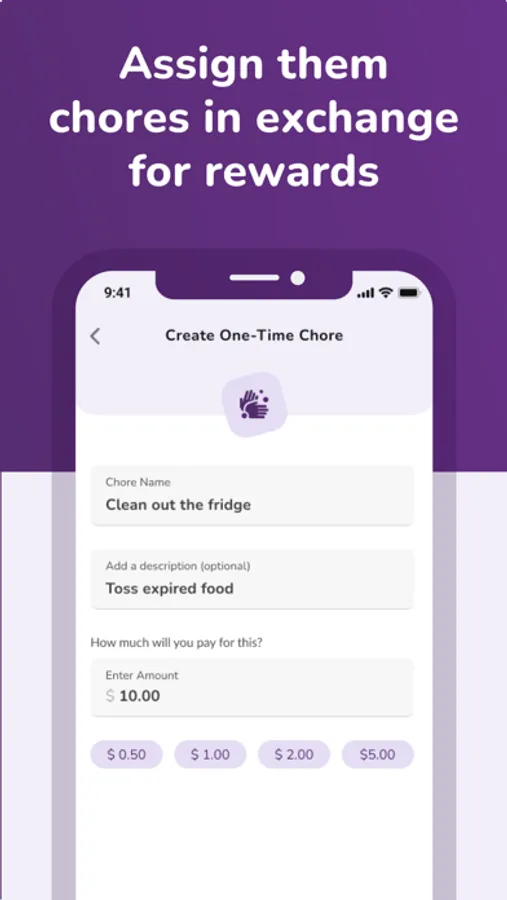
• Assign chores, track progress, and pay when they’re done.
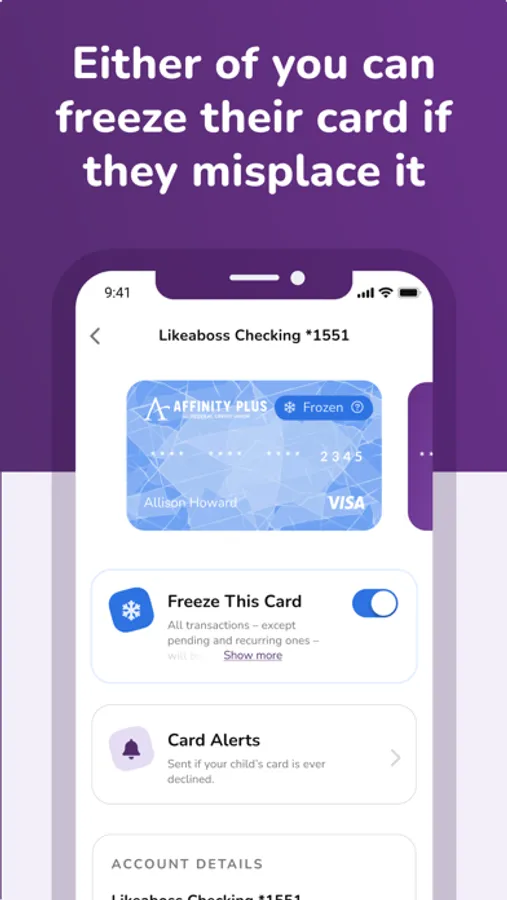
• Freeze their debit card.
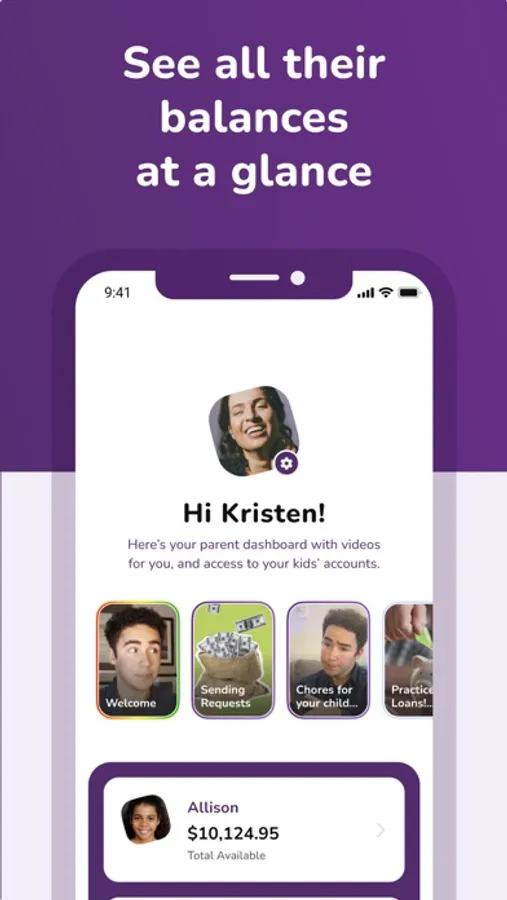
• Check their balance and see all their transactions.
• One parent can link to multiple kids in the app.
To get the app:
1. First, both you and your child need:
• Your own mobile phones with separate phone numbers (for multi-factor authentication)
• Your own separate email addresses (to register for the app)
• Affinity Plus memberships
If your child doesn't have a membership yet, you can open one over video banking, or at one of our branches. Please note that we’ll ask for a copy of your child’s birth certificate.
2. You’ll both download the Affinity Plus Youth Banking app to your devices.
3. The parent should register first, then the child – and both should do it on their own phones.
4. It helps to have both devices handy when you register, because your child will need a Parent Code from you.
5. Then get ready for easy transfers, and even better – good talks about money!
It’s where your kids can learn about money and practice good habits, all with your help.
What kids can do:
• Set a savings goal and transfer money into it.
• Watch short videos about how banking works, and how to be smart with money.
• Send you requests for money, with a note about why they want it.
• See your notes and reply to them, or just send a heartfelt emoji.
• Transfer between their own Affinity Plus accounts, if they have more than one.
• Keep track of their chores, and let you know when they’re done.
• They can even send YOU money, if they need to pay you back.
• Check their balance and see all their transactions.
What parents can do:
• Set a savings goal for your child, and watch their saving progress.
• Watch short videos with tips on how to talk to your child about money, and how to use the app with them.
• Request money from your child, and make it a practice loan with monthly payments, an interest rate, and due dates (late fees, too).
• Include notes to your child when you transfer to them, or when you say no to their requests.
• Set spending limits for them.
• Assign chores, track progress, and pay when they’re done.
• Freeze their debit card.
• Check their balance and see all their transactions.
• One parent can link to multiple kids in the app.
To get the app:
1. First, both you and your child need:
• Your own mobile phones with separate phone numbers (for multi-factor authentication)
• Your own separate email addresses (to register for the app)
• Affinity Plus memberships
If your child doesn't have a membership yet, you can open one over video banking, or at one of our branches. Please note that we’ll ask for a copy of your child’s birth certificate.
2. You’ll both download the Affinity Plus Youth Banking app to your devices.
3. The parent should register first, then the child – and both should do it on their own phones.
4. It helps to have both devices handy when you register, because your child will need a Parent Code from you.
5. Then get ready for easy transfers, and even better – good talks about money!
Affinity Plus Youth Banking Screenshots
Tap to Rate: