
AppRecs review analysis
AppRecs rating 3.0. Trustworthiness 68 out of 100. Review manipulation risk 28 out of 100. Based on a review sample analyzed.
★★★☆☆
3.0
AppRecs Rating
Ratings breakdown
5 star
0%
4 star
0%
3 star
13%
2 star
0%
1 star
88%
What to know
✓
Low review manipulation risk
28% review manipulation risk
About RayNeo AR
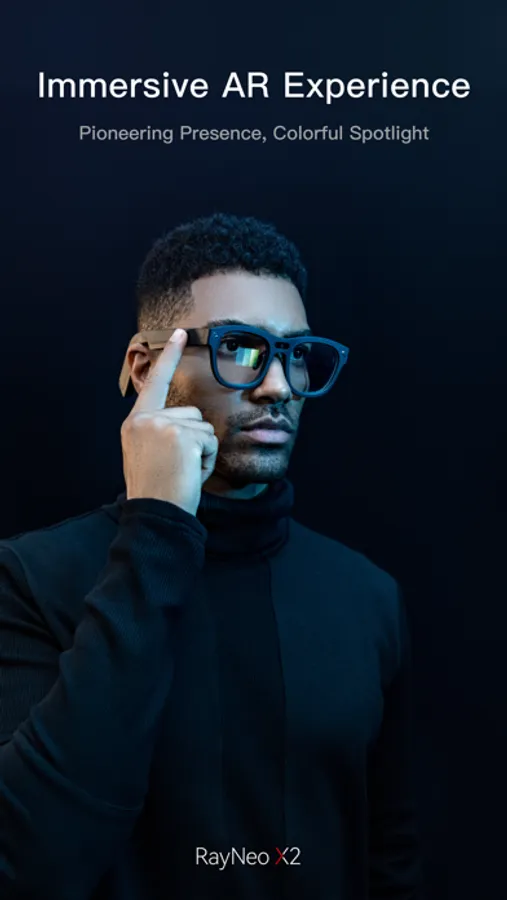
RayNeo Co., Ltd. has unveiled its RayNeo AR app. The app is paired with RayNeo X2 to establish a connection
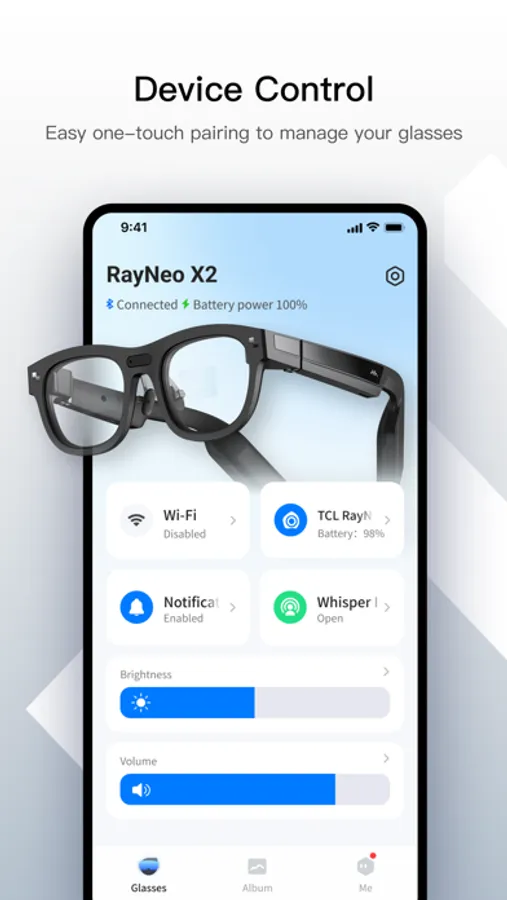
[Glasses control]
After the glasses are connected to your phone via Bluetooth, the data set on your phone is transmitted to the glasses. This implements accurate control for the glasses system. The data includes the brightness and sound settings on the phone
[Status display]
The following information can be displayed: the remaining battery power of RayNeo X2, connection status with the phone, connection status with the ring, network usage, and Wi-Fi connection status of the glasses. The Wi-Fi connection status of the glasses is set on the phone
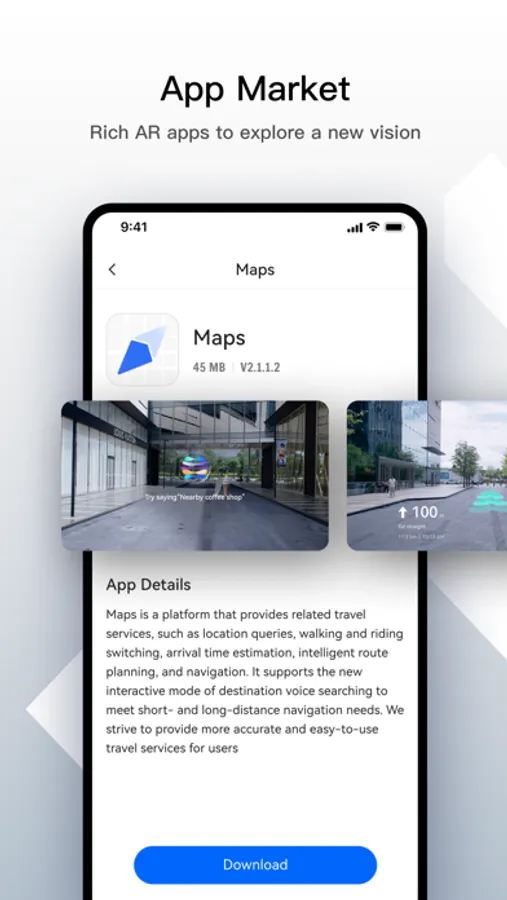
[Streaming pushing for navigation]
The product has an internal GPS positioning system that allows you to search for destinations, select navigation modes, and plan routes. The glasses push destinations and routes for AR navigation services
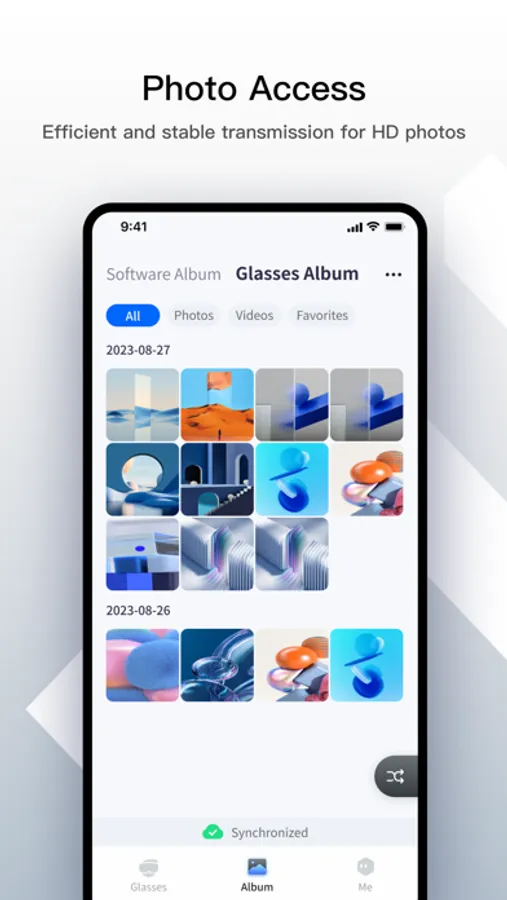
[Photo transmission]
The Wi-Fi module of the glasses is used to send hotspots. You can export the photos taken by the glasses from the photo, and synchronize, view, edit, share, and save the photos. App Center is integrated with third-party app platforms to manage glasses, translation, navigation, and other apps. You can obtain different experiences through the AR glasses
[Glasses control]
After the glasses are connected to your phone via Bluetooth, the data set on your phone is transmitted to the glasses. This implements accurate control for the glasses system. The data includes the brightness and sound settings on the phone
[Status display]
The following information can be displayed: the remaining battery power of RayNeo X2, connection status with the phone, connection status with the ring, network usage, and Wi-Fi connection status of the glasses. The Wi-Fi connection status of the glasses is set on the phone
[Streaming pushing for navigation]
The product has an internal GPS positioning system that allows you to search for destinations, select navigation modes, and plan routes. The glasses push destinations and routes for AR navigation services
[Photo transmission]
The Wi-Fi module of the glasses is used to send hotspots. You can export the photos taken by the glasses from the photo, and synchronize, view, edit, share, and save the photos. App Center is integrated with third-party app platforms to manage glasses, translation, navigation, and other apps. You can obtain different experiences through the AR glasses
RayNeo AR Screenshots
Tap to Rate:
Reviews for RayNeo AR
Lunar_Kachow
需要中文界面的不要买
别浪费钱,如果你不在中国大陆又需要中文操作界面。哪怕手机设置成中文,app还是英文的,眼镜里面也是英文的,app没有给出语言设置选项,但是只提供英文,也不会跟随手机操作系统的语言。
hdjsbsvdv
Very bad app
It seems no developers were put into this app