AppRecs review analysis
AppRecs rating 4.0. Trustworthiness 79 out of 100. Review manipulation risk 20 out of 100. Based on a review sample analyzed.
★★★★☆
4.0
AppRecs Rating
Ratings breakdown
5 star
50%
4 star
14%
3 star
21%
2 star
7%
1 star
7%
What to know
✓
Low review manipulation risk
20% review manipulation risk
✓
Credible reviews
79% trustworthiness score from analyzed reviews
✓
Good user ratings
64% positive sampled reviews
About AstroEdit - Simple and Quick
Transform your astrophotography with our game-changing app—the only app that harnesses advanced AI tools to deliver stunning results effortlessly! Edit your night sky images in a flash before sharing them on social media.
Unlock the Universe with Cutting-Edge AI Features:
Noise Reduction: Our state-of-the-art AI effortlessly eliminates noise, ensuring crystal-clear images.
Star Removal: Remove stars with precision using advanced AI, allowing you to focus on the beauty of nebulas and galaxies without distractions.
Gradient Removal: Say goodbye to distracting sky gradients and enhance your photos like never before.
Satellite Trail Removal: Trained on real images, our AI tool removes streaks created by satellites or aircraft.
Plus All the Essential Image Processing Tools:
Easy Controls: Adjust exposure, brightness, saturation, temperature, and tint with simple sliders.
Curves Adjustment: Fine-tune your images with five layers of precise control.
Wavelet Sharpening: Bring out intricate details while preserving the natural look of your photos!
Why Choose AstroEdit?
This isn’t just another editing tool—it’s a revolutionary experience designed specifically for astrophotographers using Seestar, Dwarf, and other telescopes with iPhone apps. Whether you’re capturing deep-sky objects or terrestrial scenes, our app delivers professional-quality edits right on your iPhone.
Key Features:
Exclusive to iOS: Experience capabilities unmatched by any other app on the market.
Supports TIFF & JPEG: Open and save high-quality images in both formats.
Optimized Performance: Designed for seamless use at 1920x1080 resolution for device less than 4GB RAM, otherwise at 2160x3840(4K), with automatic resizing for large files.
Get Started Today!
Transform your night sky captures into breathtaking masterpieces. Check out our demo video https://youtube.com/shorts/11nECmjHdC0 and discover how fun and magical astrophotography can be!
For support, contact us at help@AstroEditApp.com.
Don’t just take photos—create cosmic art with our unique AI-powered app!
Education:
If you are a student belong to an Astronomy society, you can write in (ustransit74@gmail.com) to request up to 10 promotion code. Each promotion code enables an installation of the app on a device. For others, you can write in too to request based on individual case.
Basic app tutorial video at https://www.instagram.com/ycbsl/
Requirement:
The AI tools require at least 4G RAM for best image. If the device has less than 4GB RAM memory, lesser weight(memory) will be used for the specific AI starless, AI oval and AI satellite, and it will produce degraded results with maximum image size of 1080x1920. This is to prevent crashes due to run out of memory. You can check your device RAM by going to this app Help section.
Privacy policy and term of use (EULA) is at https://deepskycolor.blogspot.com/2018/12/privacy-policy-for-deep-sky-color-app.html
New Feature:
AstroEdit uses AI to automate the complex comet stacking. Currently, user needs to stack first for the stars and second for the comet since they moves at different speeds. Then he has to blend them together and do further edition on another program on a laptop. AstroEdit makes comet stacking quick and simple.
Subscription is optional:
With one time purchase, users can access all features in AstroEdit. Users can subscribe monthly and we'll keep improving AstroEdit.
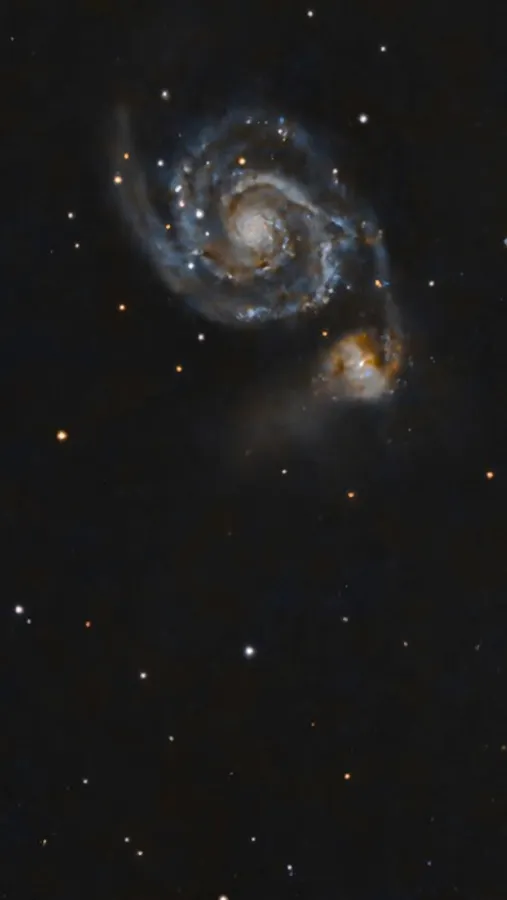
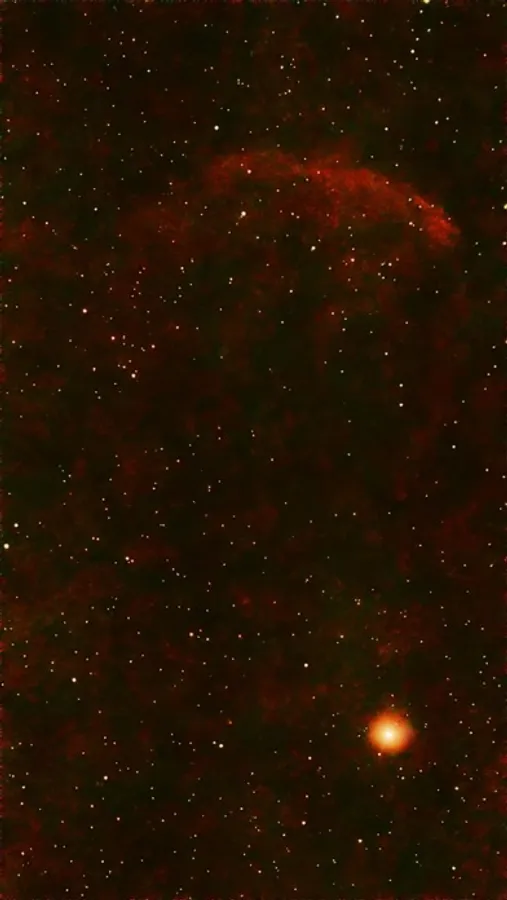
AstroEdit - Simple and Quick Screenshots
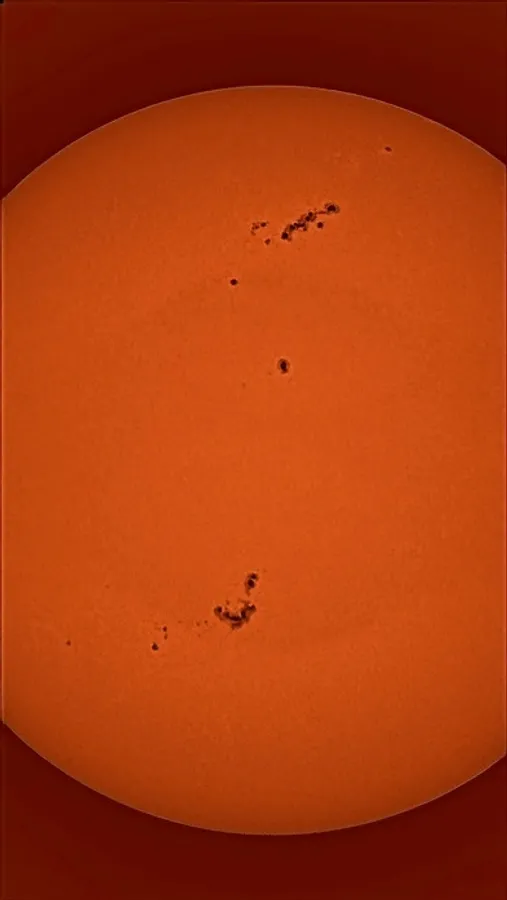
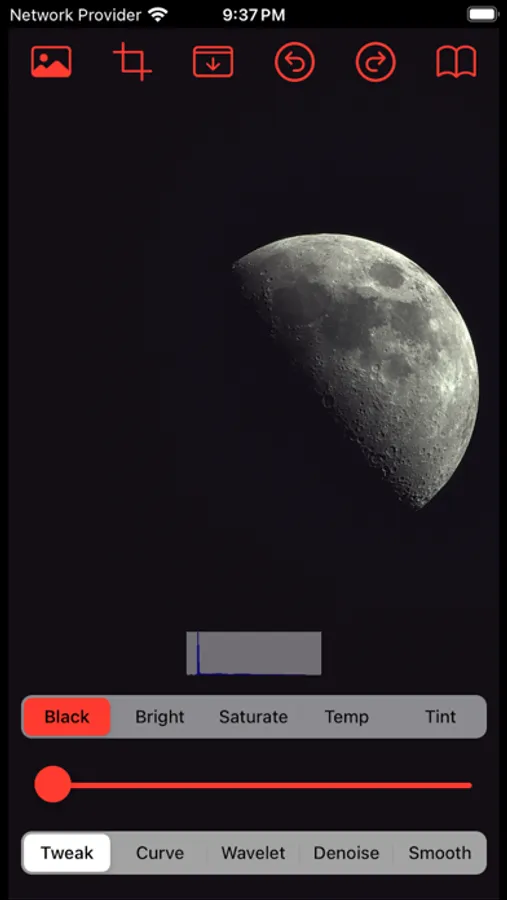
Tap to Rate:
Reviews for AstroEdit - Simple and Quick
Eric Ladner
Files are grayed out, no reply to requests for help
Yong Chang Loh, please reply to my requests for help opening .fit files. All files are grayed out and I can only open the jpegs saved in Apple Photos. This seriously decreases the usefulness of the app.
Another old grouch
Cannot open files, no response to emails
I really want to make Astroedit my primary post-processing app for Seestar images, but as it stands it works only with pictures saved to Apple Photos, and that is a major problem, since they are only jpegs. When I try to open files they are all grayed out. Two emails to the contact address have received no reply, and that is very disappointing.