AppRecs review analysis
AppRecs rating 4.5. Trustworthiness 65 out of 100. Review manipulation risk 31 out of 100. Based on a review sample analyzed.
★★★★☆
4.5
AppRecs Rating
Ratings breakdown
5 star
100%
4 star
0%
3 star
0%
2 star
0%
1 star
0%
What to know
✓
High user satisfaction
100% of sampled ratings are 5 stars
About Uinta
Top Features
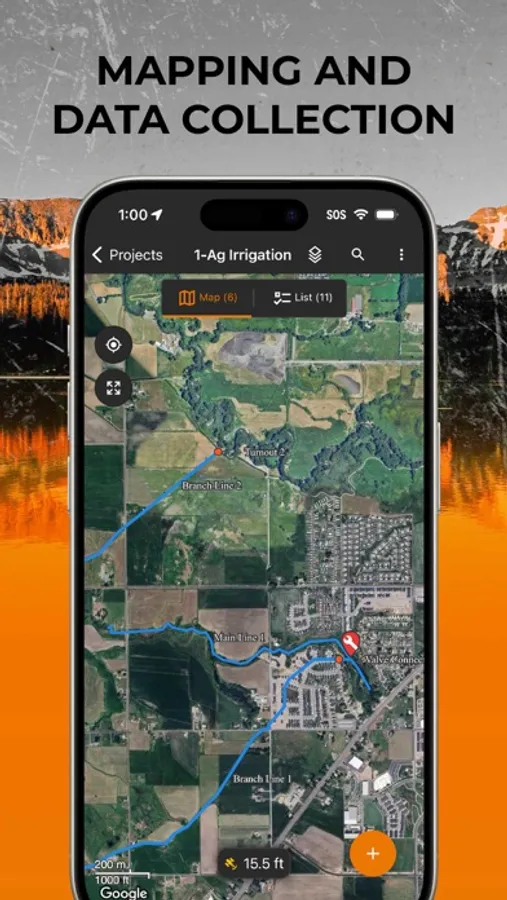
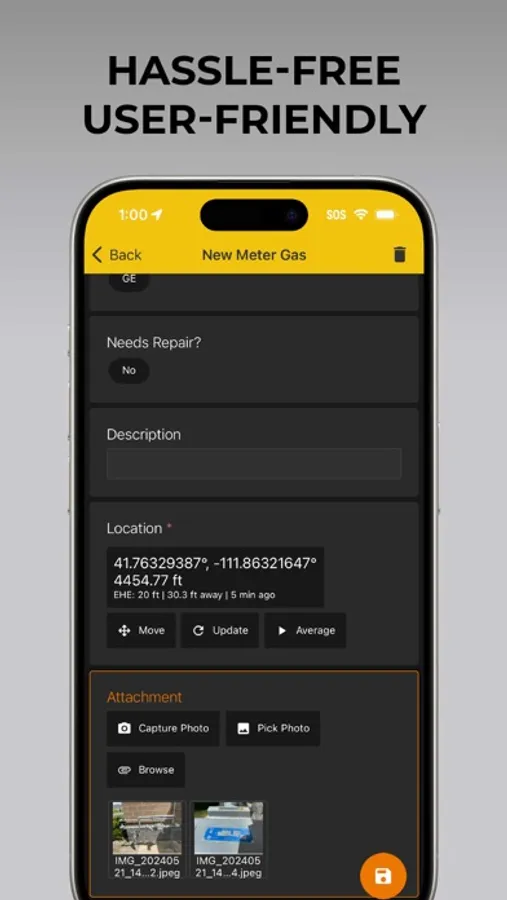
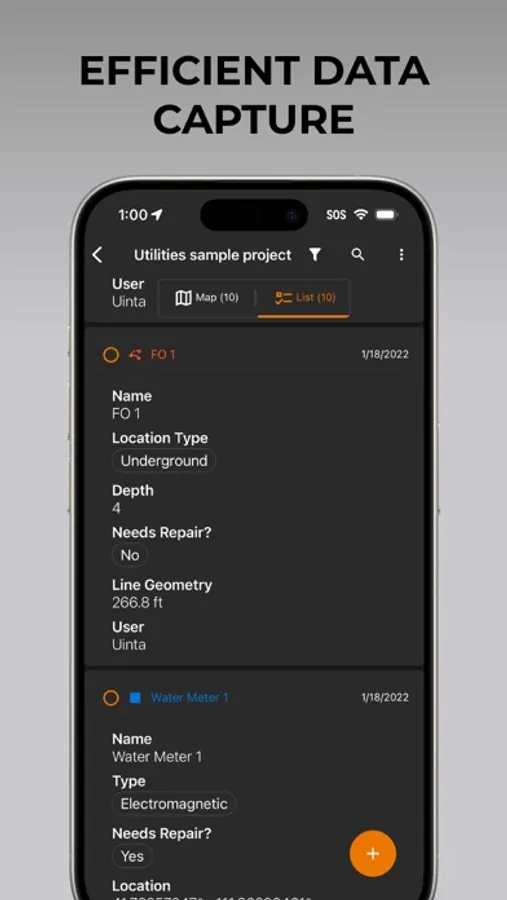
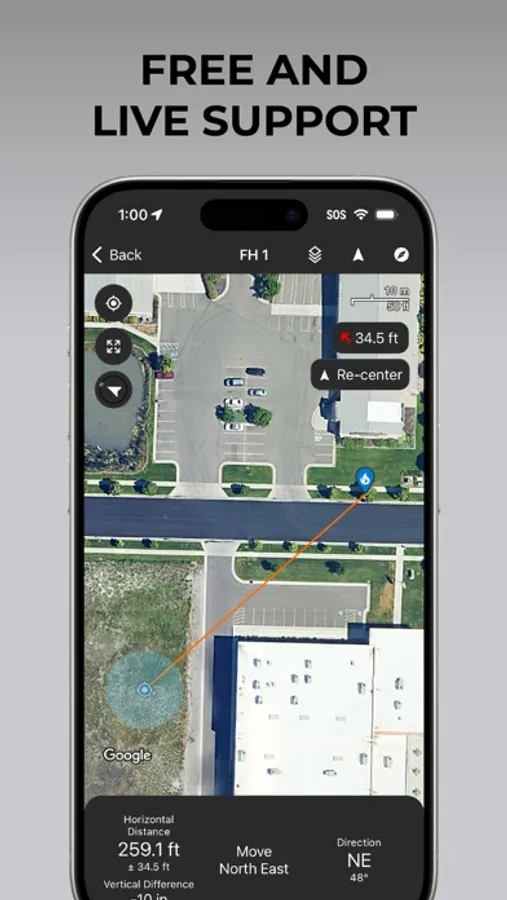
• Efficient Data Capture - Replace paper forms with efficient electronic data entry forms, for use with or without maps
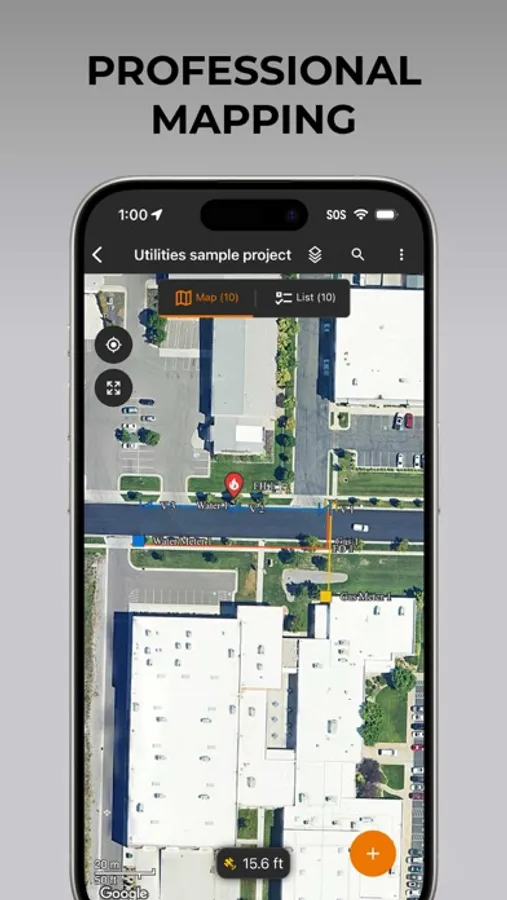
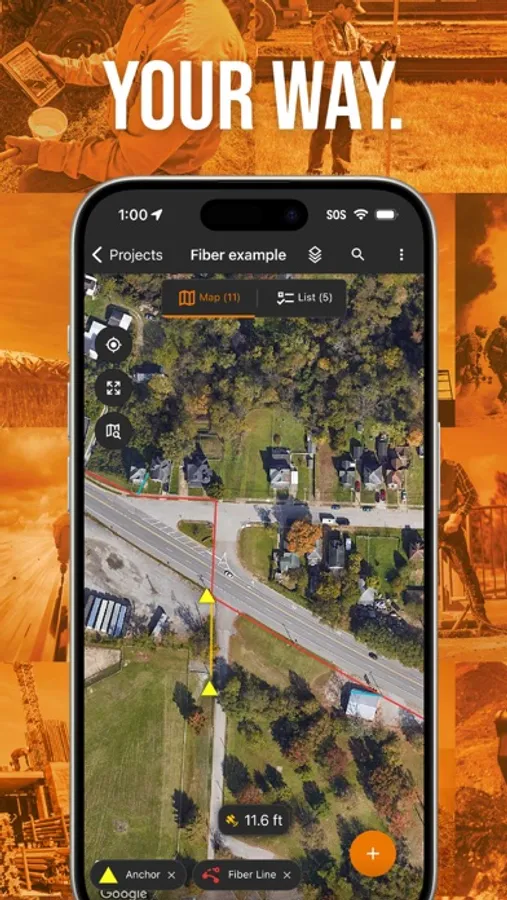
• Professional Mapping - Quickly map points, lines, and areas. High-accuracy mapping supported
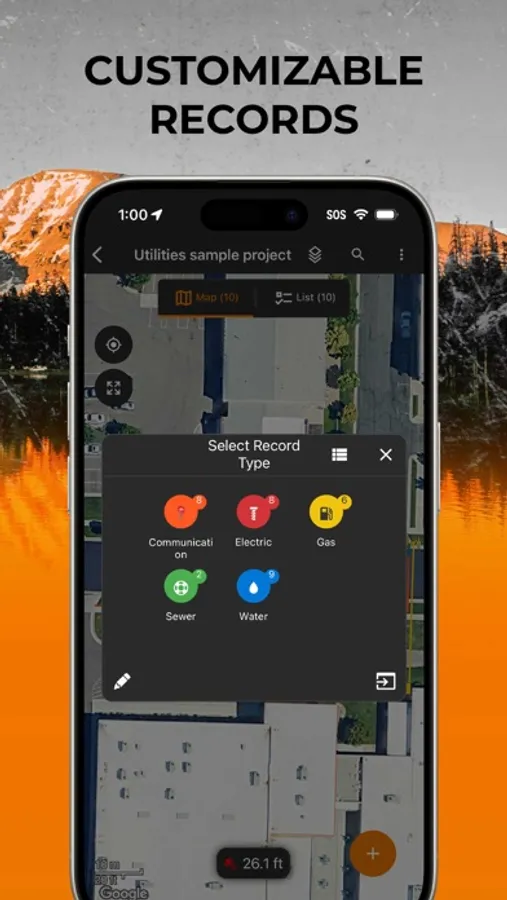
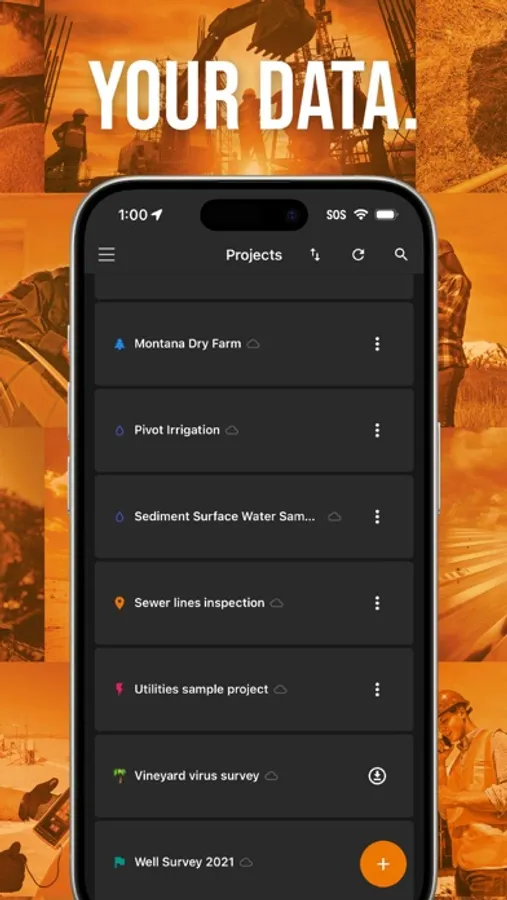
• Customizable - Create custom project templates so field-collected data reflects your job(s)
• User-friendly - Simple interface allows users to be trained and collecting data in minutes
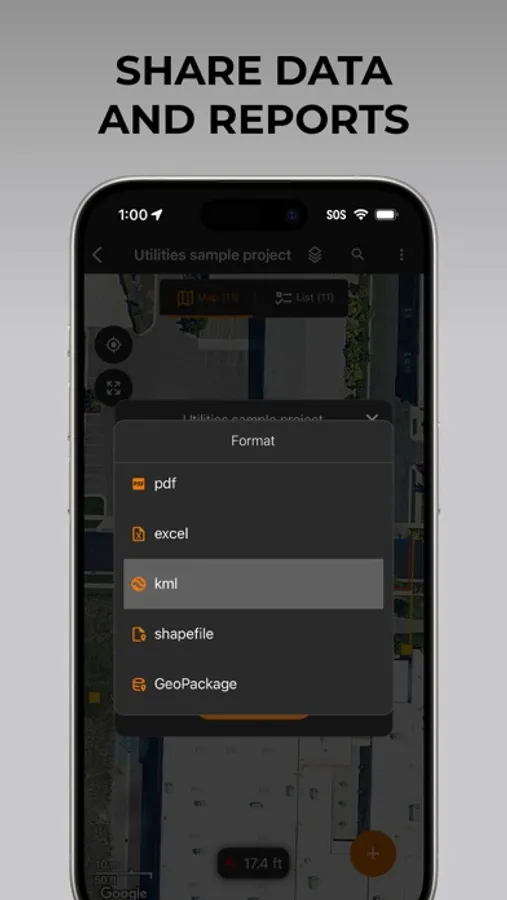
• Sharable - Export data to a file, print professional PDF map reports, and create optional cloud projects
• Included Live Support - Get a jump start on your project with help from Juniper Systems' in-house customer success team
Uinta software is designed to be easily customized to your job. Users may create and save re-usable project templates. Free templates are available for common customer applications such as utility mapping, irrigation, wetland delineations, natural resources, and many more.
Uinta Screenshots
Tap to Rate:
Reviews for Uinta
Flojoworldwide in Perry
Uinta on my iPhone!
This latest version is now on iOS, which is great as I can now use my iPhone in the field for projects.
NBH38off
Super simple and intuitive!
I had two projects that I needed to collect some spatial data for and found Uinta made those projects really easy to execute. The first was to locate and map a slalom waterski course to check alignment and find underwater anchors in the spring using the navigation feature. The second project was more complex. I needed to layout a temporary parking lot on a grass field. I first used the app to measure the area and map it and things like sprinkler heads to avoid. Then used the desktop version to layout some lines to optimize the parking in the space available. Lastly, went to the field and marked the lines using the navigation features. It turned out great and I got a lot of compliments.