
With this download manager, you can organize, pause, resume, and prioritize downloads easily. Includes a built-in file explorer, auto-renaming, and error messaging features.
AppRecs review analysis
AppRecs rating 4.4. Trustworthiness 75 out of 100. Review manipulation risk 31 out of 100. Based on a review sample analyzed.
★★★★☆
4.4
AppRecs Rating
Ratings breakdown
5 star
85%
4 star
8%
3 star
3%
2 star
1%
1 star
4%
What to know
✓
Credible reviews
75% trustworthiness score from analyzed reviews
✓
High user satisfaction
85% of sampled ratings are 5 stars
✓
Authentic reviews
No red flags detected
About dManager - datamanager
Introducing your new go-to download manager, designed for anyone seeking enhanced management over their downloads directly from their device.
Here's what makes it standout:
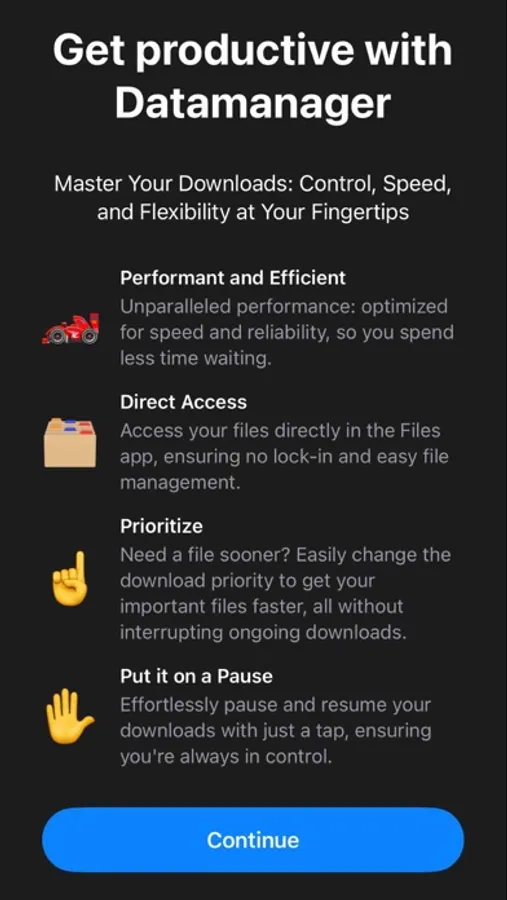
• Precise Management: Seamlessly pause and resume downloads as needed.
• Smart Network Handling: Downloads pick up right where they left off, eliminating the need to restart due to network disruptions.
• Prioritized Queuing: Effortlessly adjust the download queue to set priorities, ensuring important downloads finish first.
• Efficient Multi-threading: Accelerate downloads while optimizing battery consumption.
But there's even more:
Intelligent Auto-renaming & Error Insights: Automatically renames files and provides clear error messages for trouble-free downloading.
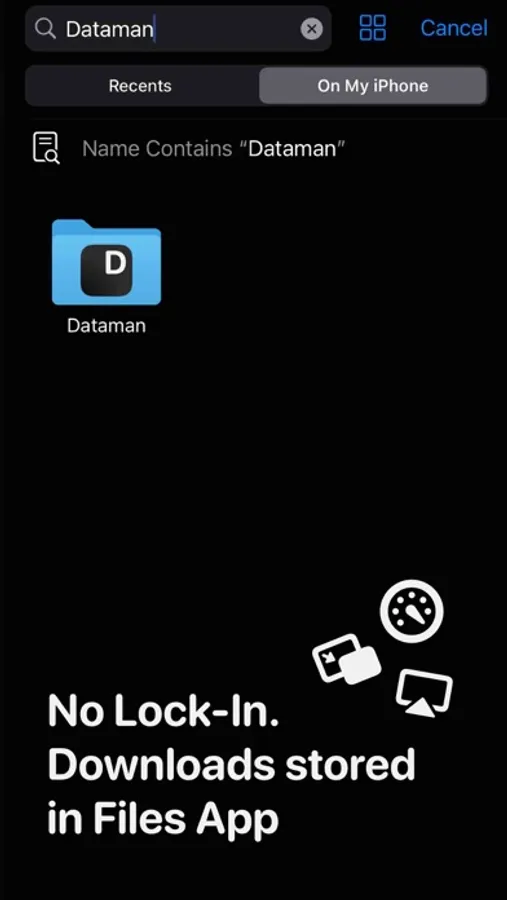
• Integrated File Explorer: Comes with a built-in file manager and compatibility with the Files app, allowing for immediate access and preview of your downloads.
• Unrestricted File Access: Downloaded files are instantly accessible without any usage restrictions.
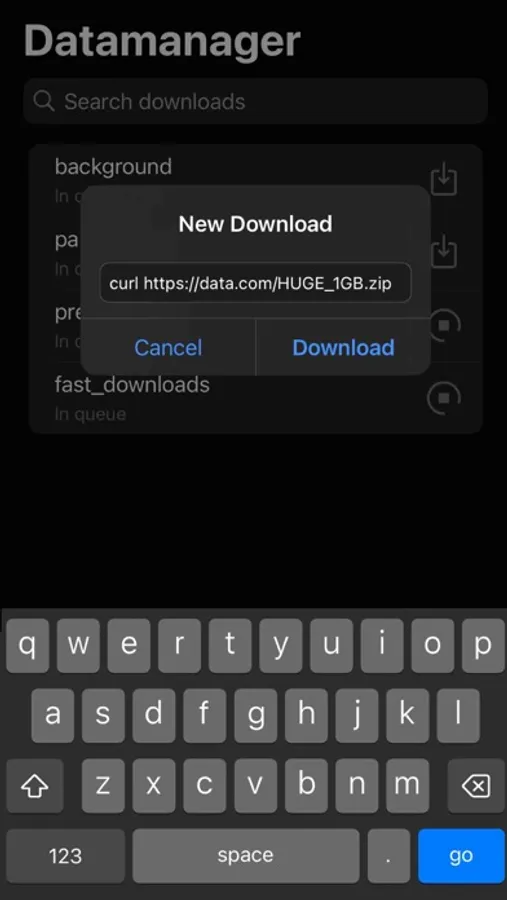
• Developer-Friendly: Includes a developer mode, enabling direct cURL command inputs for advanced download options.
Transform your downloading experience with our app, where convenience meets efficiency.
Here's what makes it standout:
• Precise Management: Seamlessly pause and resume downloads as needed.
• Smart Network Handling: Downloads pick up right where they left off, eliminating the need to restart due to network disruptions.
• Prioritized Queuing: Effortlessly adjust the download queue to set priorities, ensuring important downloads finish first.
• Efficient Multi-threading: Accelerate downloads while optimizing battery consumption.
But there's even more:
Intelligent Auto-renaming & Error Insights: Automatically renames files and provides clear error messages for trouble-free downloading.
• Integrated File Explorer: Comes with a built-in file manager and compatibility with the Files app, allowing for immediate access and preview of your downloads.
• Unrestricted File Access: Downloaded files are instantly accessible without any usage restrictions.
• Developer-Friendly: Includes a developer mode, enabling direct cURL command inputs for advanced download options.
Transform your downloading experience with our app, where convenience meets efficiency.
dManager - datamanager Screenshots
Tap to Rate:
Reviews for dManager - datamanager
Djbdih
Kids
Krishna Throne
Dad_zayed
One of the best file managers
One of it’s kind Need to recognize by iTunes so I can transfer my files to this app