AppRecs review analysis
AppRecs rating 4.5. Trustworthiness 71 out of 100. Review manipulation risk 28 out of 100. Based on a review sample analyzed.
★★★★☆
4.5
AppRecs Rating
Ratings breakdown
5 star
86%
4 star
9%
3 star
5%
2 star
0%
1 star
0%
What to know
✓
Low review manipulation risk
28% review manipulation risk
✓
Credible reviews
71% trustworthiness score from analyzed reviews
✓
High user satisfaction
86% of sampled ratings are 5 stars
About Defer: Capture Tasks
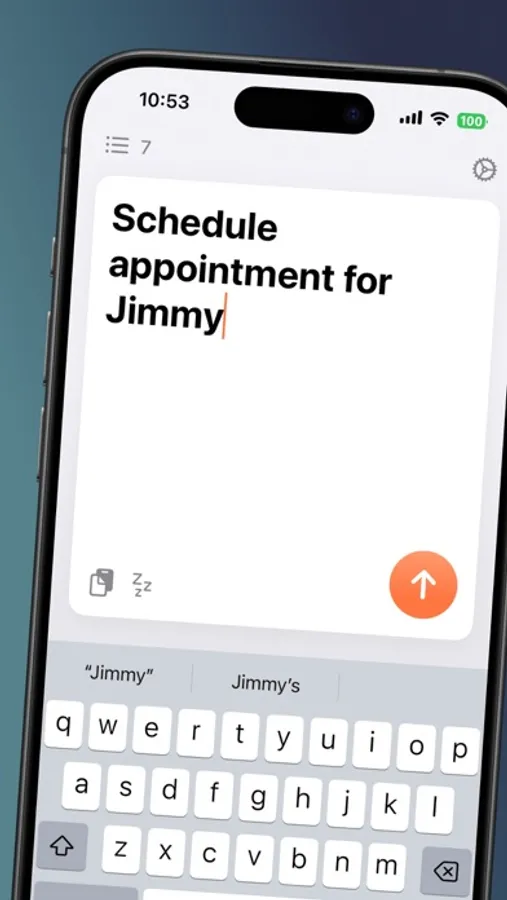
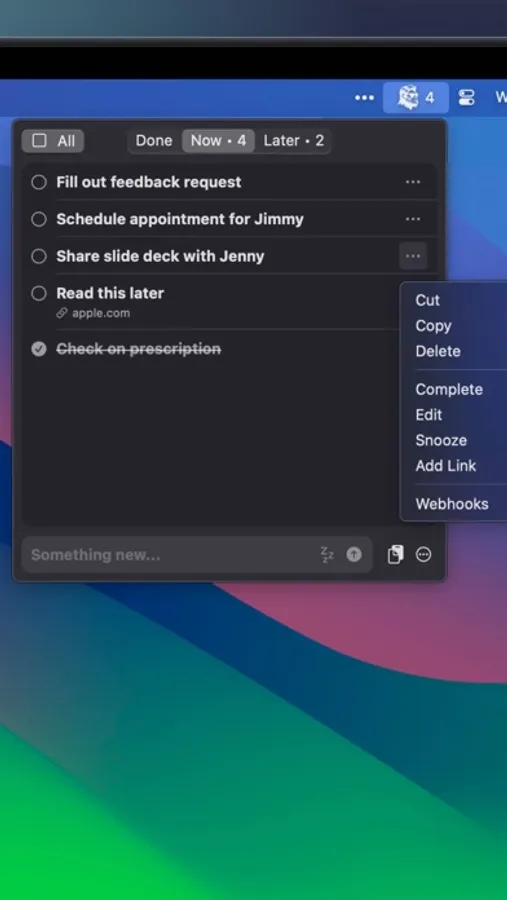
Defer is the app to get things out of your head. It's a task inbox or a capture inbox. Simply open the app, type (or paste!), and move on, knowing the thing will be there when you need it later. It works best with the accompanying Mac app: capture something on your phone, act on it when you're back at your Mac.
- Private by Design: All your data is either stored on device or in a private iCloud container if you've got an Apple ID.
- Simple: No bloat. Fast. Just write!
- Synced Automatically: No account creation needed. If you're signed in with the same Apple ID on multiple iOS devices, everything will just sync.
- Export anytime: Take your data with you in the form of a very compatible .csv file.
- Integrated with Siri, Shortcuts, and Widgets (activate Siri and then say "Defer Something")
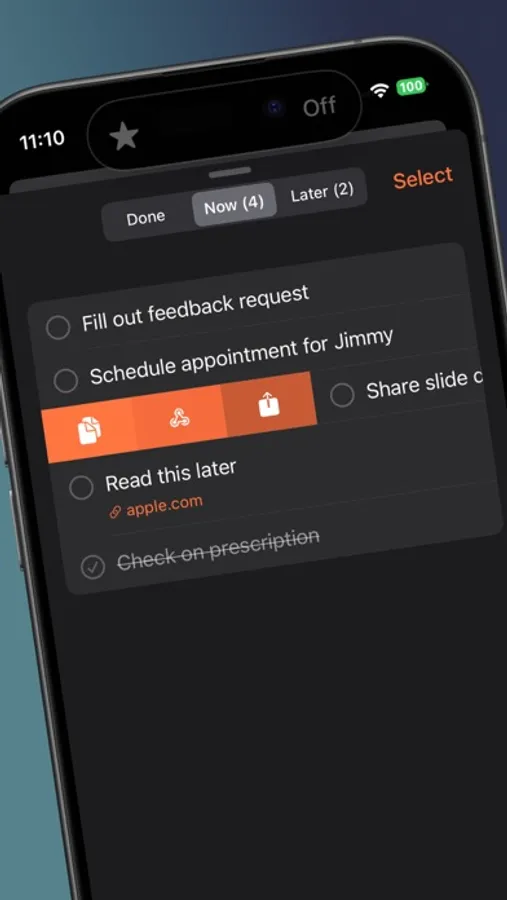
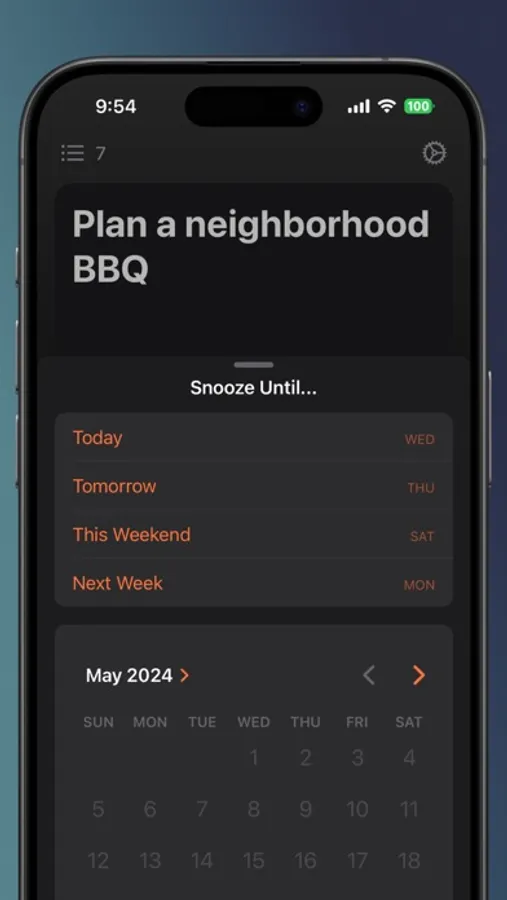
- Add dates, or don't! Put stuff out of site / out of mind until you need it.
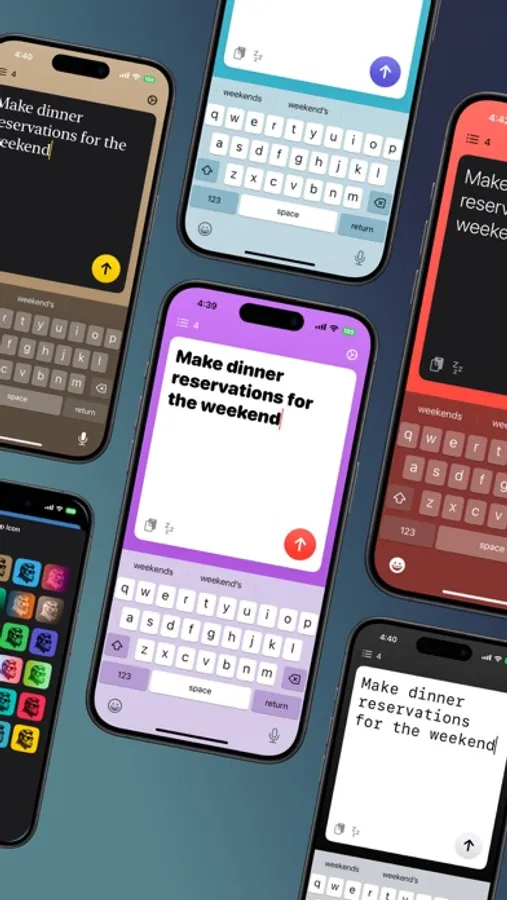
- Pro feature: Make the app your own by customizing colors and fonts.
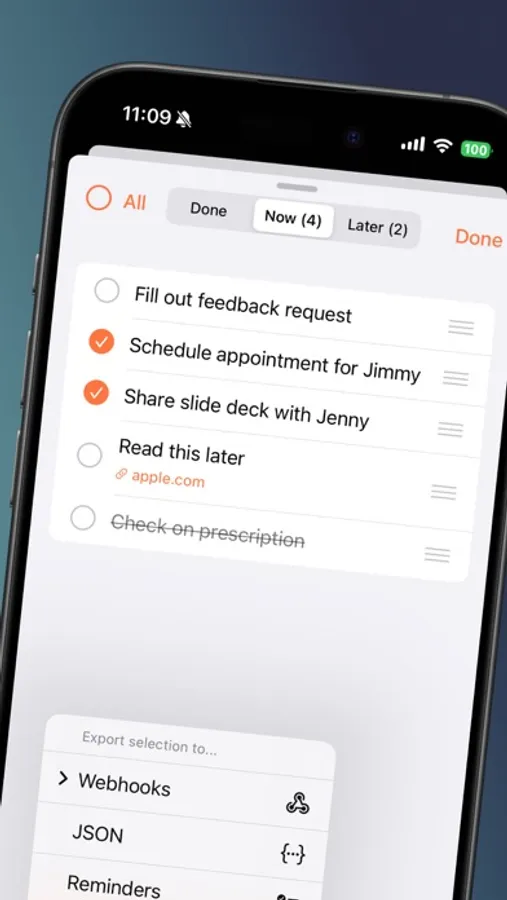
- Pro feature: Export to Apple Reminders or JSON
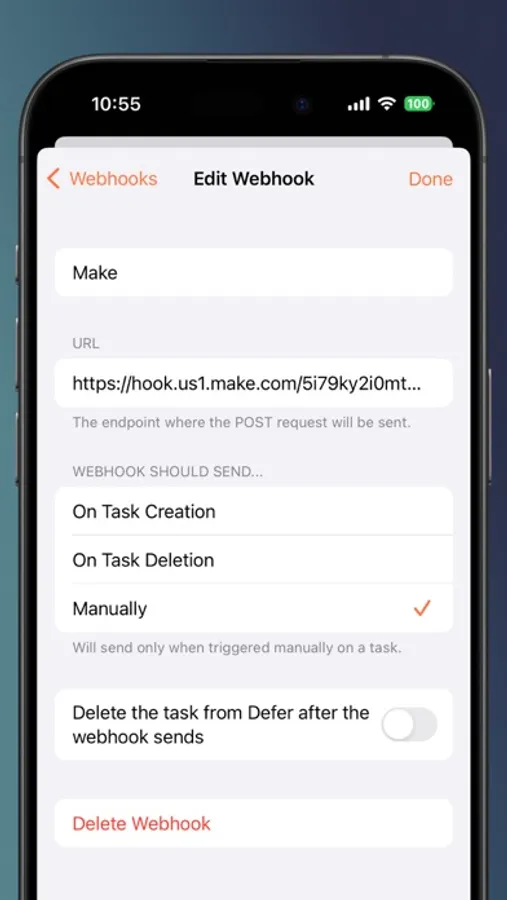
- Pro feature: Use webhooks to send tasks to other apps, on demand or automatically.
We take privacy seriously. Really. We don't track anything about you or how you use Defer. More here: https://deferapp.com/privacy
Terms of Use: https://www.apple.com/legal/internet-services/itunes/dev/stdeula/
- Private by Design: All your data is either stored on device or in a private iCloud container if you've got an Apple ID.
- Simple: No bloat. Fast. Just write!
- Synced Automatically: No account creation needed. If you're signed in with the same Apple ID on multiple iOS devices, everything will just sync.
- Export anytime: Take your data with you in the form of a very compatible .csv file.
- Integrated with Siri, Shortcuts, and Widgets (activate Siri and then say "Defer Something")
- Add dates, or don't! Put stuff out of site / out of mind until you need it.
- Pro feature: Make the app your own by customizing colors and fonts.
- Pro feature: Export to Apple Reminders or JSON
- Pro feature: Use webhooks to send tasks to other apps, on demand or automatically.
We take privacy seriously. Really. We don't track anything about you or how you use Defer. More here: https://deferapp.com/privacy
Terms of Use: https://www.apple.com/legal/internet-services/itunes/dev/stdeula/
Defer: Capture Tasks Screenshots
Tap to Rate:
Reviews for Defer: Capture Tasks
Cri8tiveSol
Nice UI/UX, but…
The share to Reminders won’t add date with time, which defeats the purpose of a reminder. Would be great if the app were able to add the date and time to the Reminders app when it is written in Defer and exported.
Skyperkloze
great idea
simple jot down