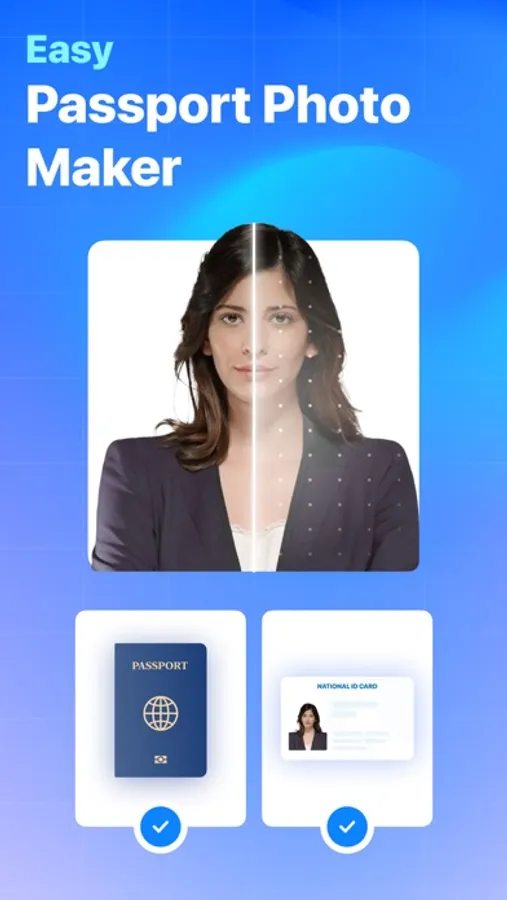
With this app, you can capture, crop, and customize passport, ID, or visa photos with AI-guided face alignment and background options. Includes real-time compliance checks, multiple size support, and sharing features.
AppRecs review analysis
AppRecs rating 4.5. Trustworthiness 60 out of 100. Review manipulation risk 28 out of 100. Based on a review sample analyzed.
★★★★☆
4.5
AppRecs Rating
Ratings breakdown
5 star
89%
4 star
7%
3 star
3%
2 star
0%
1 star
1%
What to know
✓
Low review manipulation risk
28% review manipulation risk
✓
High user satisfaction
89% of sampled ratings are 5 stars
✓
Authentic reviews
No red flags detected
About Passport Photo: ID Photo
Key Features:
Instant Capture and Crop:
Take a perfect passport photo with just a few taps. The app's integrated camera allows you to capture high-resolution photos, and the intelligent cropping tool ensures that your photo meets the specific size and composition requirements of passport standards.
Guidelines and Compliance Checker:
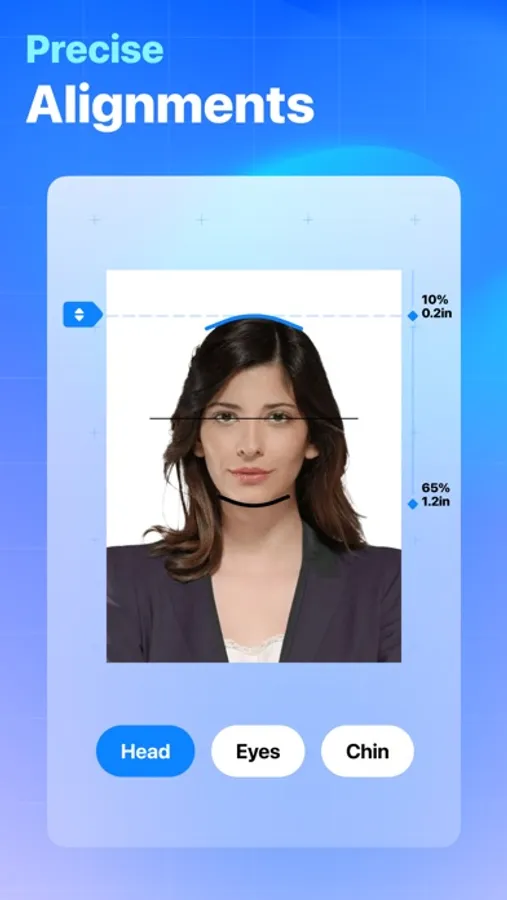
Worried about meeting the stringent regulations for passport photos? The app provides real-time feedback and guidelines to help you align your photo correctly. It automatically checks for common issues such as head positioning, background color, and overall photo quality to ensure compliance with international standards.
Background Customization:
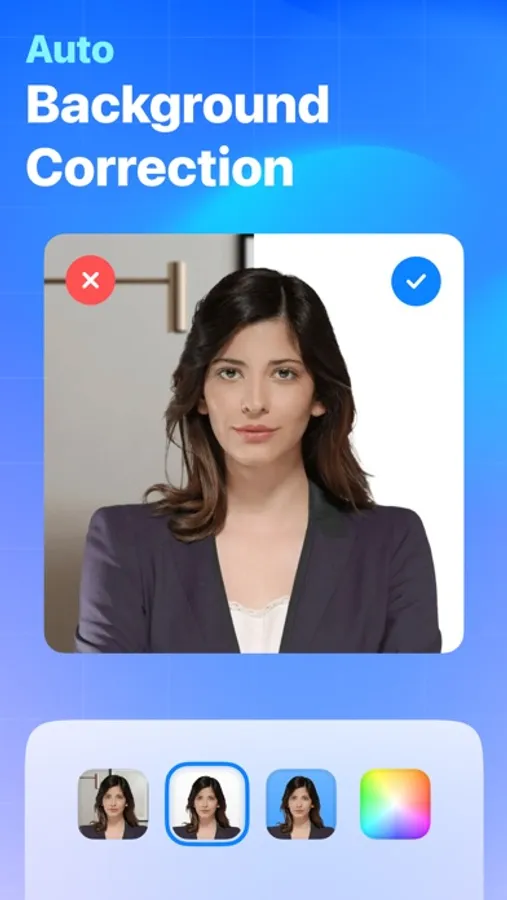
Choose a background color that suits your preferences or adheres to specific passport regulations. The app lets you easily switch between plain white, light blue, and other acceptable background colors, ensuring your photo meets the official criteria.
Print and Share Options:
Once you've created the perfect passport photo, the app allows you to save it to your device, share it digitally, or even print it directly from your phone. Say goodbye to expensive photo studios and lengthy processing times – get your passport photo in minutes.
Multi-Size Support:
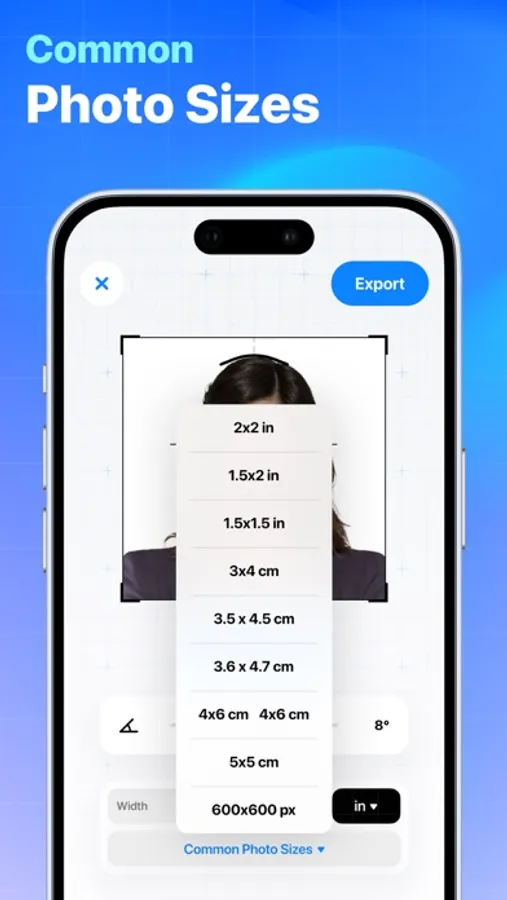
Whether you need a standard passport photo, visa photo, or any other identification-sized photo, this app supports various sizing options. Simply select the required dimensions, and the app adjusts your photo accordingly.
User-Friendly Interface:
The Passport Photo Creator app is designed for users of all levels of tech-savviness. Its intuitive interface guides you through each step, making the entire process quick and stress-free.
Passport Photo: ID Photo Screenshots
Tap to Rate:
Reviews for Passport Photo: ID Photo
عبدالغني ليبيا
ليبيا
التطبيق لايشتغل
sun*flowers*
Really works!
I sat down on the floor with a white wall behind me, propped my iPhone on a phone stand on a chair, and set the timer to take my photo. The app worked its magic by meeting all the online passport requirements—even though the website states that selfies aren’t allowed. I never encountered any issues and just received my passport in the mail today with the photo taken by this app. I highly recommend using it! 😊