Panasonic LUMIX Lab
PANASONIC ENTERTAINMENT & COMMUNICATION CO., LTD.
3.4 ★
127 ratings
Free
In this app, users can connect Panasonic LUMIX cameras to mobile devices to transfer, edit, and share photos and videos. Includes camera connection, media transfer, color editing with LUTs, and sharing options.
AppRecs review analysis
AppRecs rating 3.2. Trustworthiness 77 out of 100. Review manipulation risk 21 out of 100. Based on a review sample analyzed.
★★★☆☆
3.2
AppRecs Rating
Ratings breakdown
5 star
48%
4 star
7%
3 star
9%
2 star
12%
1 star
24%
What to know
✓
Low review manipulation risk
21% review manipulation risk
✓
Credible reviews
77% trustworthiness score from analyzed reviews
⚠
High negative review ratio
36% of sampled ratings are 1–2 stars
About Panasonic LUMIX Lab
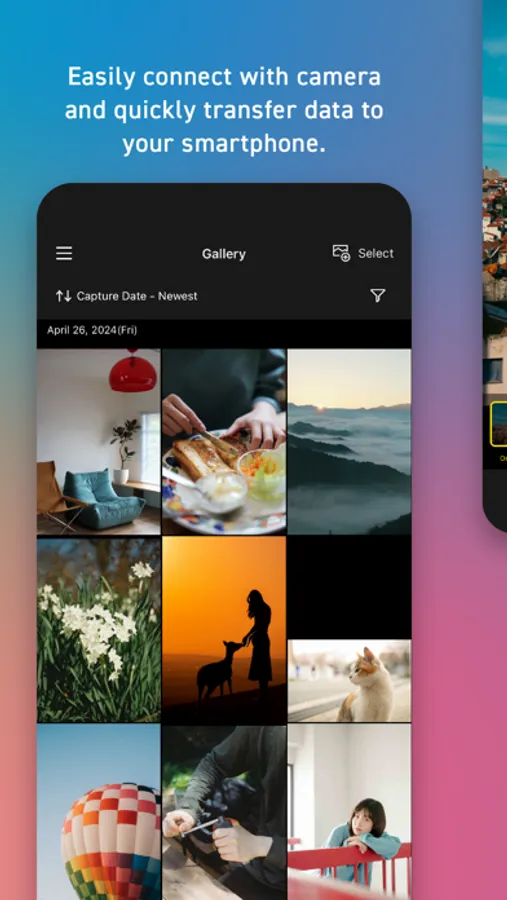
Connect to your camera and transfer the photos and videos to your mobile device.
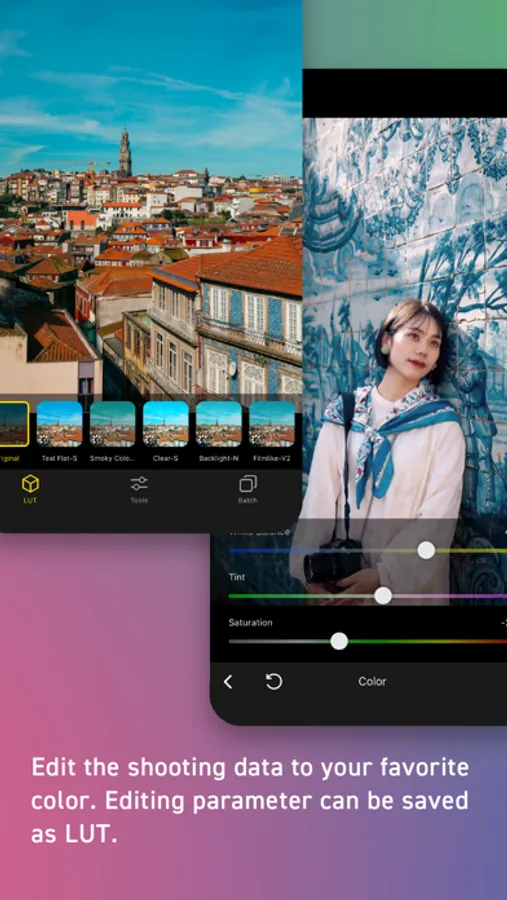
You can edit the photos and videos to your favorite color. Editing parameter can be saved as LUT* and used for your next editing.
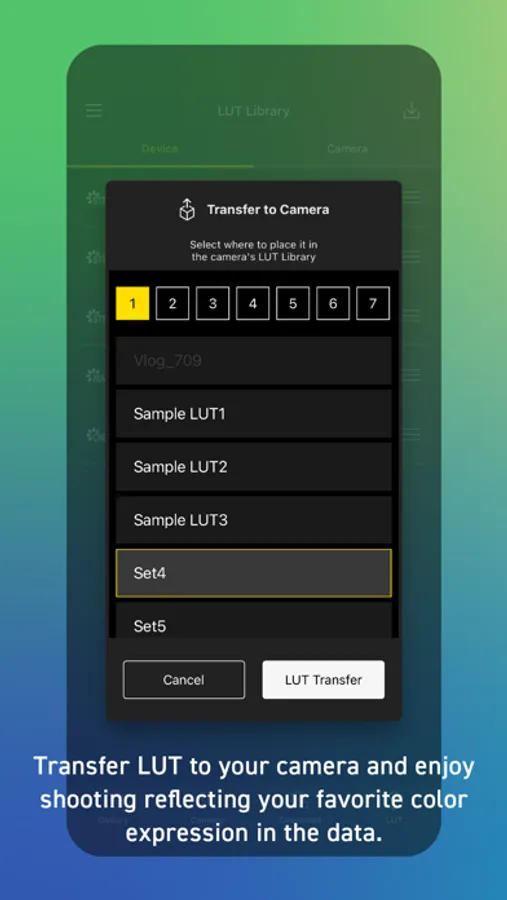
Transfer the LUT to your camera and take photos and videos reflecting your favorite color expressions.
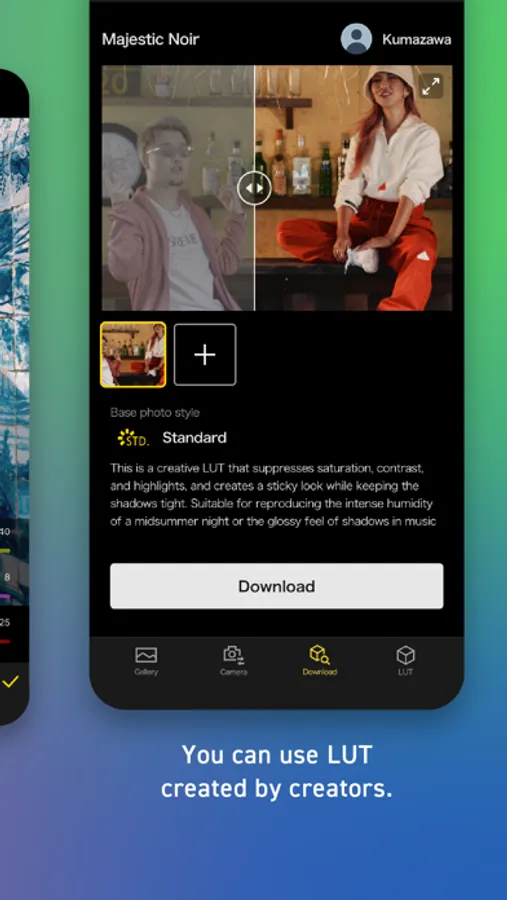
You can also use LUT created by creators.
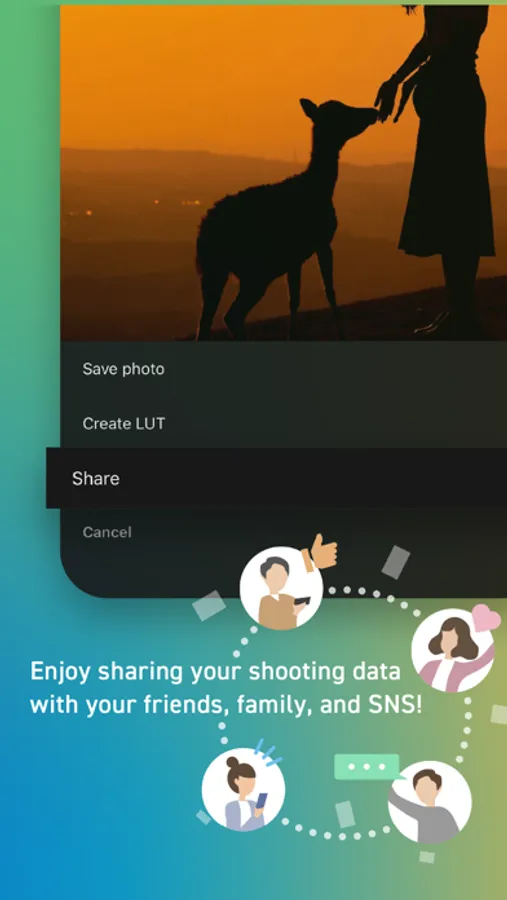
Enjoy sharing your photos and videos with your friends, family, and social media!
*A kind of filter or preset that can be applied to photos and videos to change its appearance.
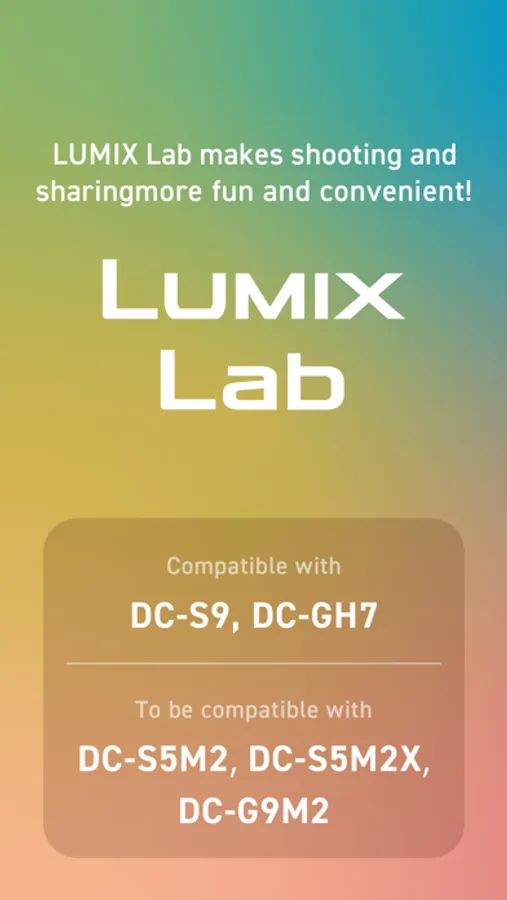
[Compatible models]
S series: DC-S9 / DC-S5M2 / DC-S5M2X / DC-S1RM2 / DC-S1M2 / DC-S1M2ES
G series: DC-GH7 / DC-G9M2
[Compatible Operating Systems]
iOS 16 - 18
[Notes]
・Be aware that when using the location information recording function, continued use of the GPS function can lead to a dramatic decrease in battery capacity.
・For information on using this app or compatible models, visit the following support page.
https://panasonic.jp/support/global/cs/soft/lumix_lab/en/index.html
Panasonic LUMIX Lab Screenshots
Tap to Rate:
Reviews for Panasonic LUMIX Lab
Stimela
Crashes incessantly
I really wanted to like this app. Unfortunately, it crashes every time I try to transfer a LUT to my camera.
MDMartinez
App continues to Crash
When it works, it works great. However, fairly often when adding media not shot on a lumix camera from the Phone Gallery, App with crash and be unable to open, unless deleted and reinstalled, causing loss of all saved data (luts, media, paired cameras).