
With this network diagnostic app, you can test internet speeds, analyze latency, and perform device scans. Includes speed tests, device identification, and connection troubleshooting tools.
AppRecs review analysis
AppRecs rating 4.8. Trustworthiness 61 out of 100. Review manipulation risk 26 out of 100. Based on a review sample analyzed.
★★★★☆
4.8
AppRecs Rating
Ratings breakdown
5 star
86%
4 star
12%
3 star
0%
2 star
2%
1 star
0%
What to know
✓
Low review manipulation risk
26% review manipulation risk
✓
High user satisfaction
86% of sampled ratings are 5 stars
✓
Authentic reviews
No red flags detected
About Wi-Fi Navi
Wi-Fi Navi offers a range of efficient, convenient network diagnostic tools, aiding network administrators and system engineers in troubleshooting issues, optimizing performance, and enhancing internet experiences. The free tools in the Wi-Fi Navi app allow you to:
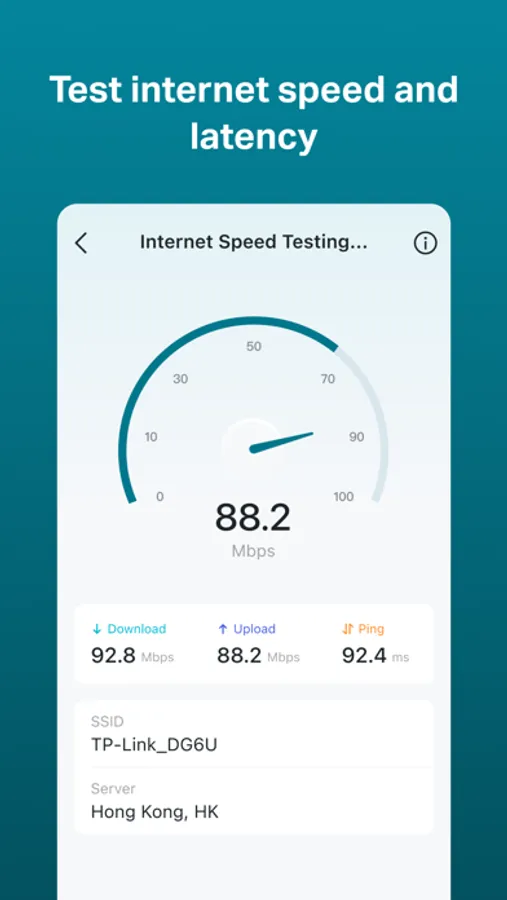
• Test internet upload and download speeds and analyze network latency.
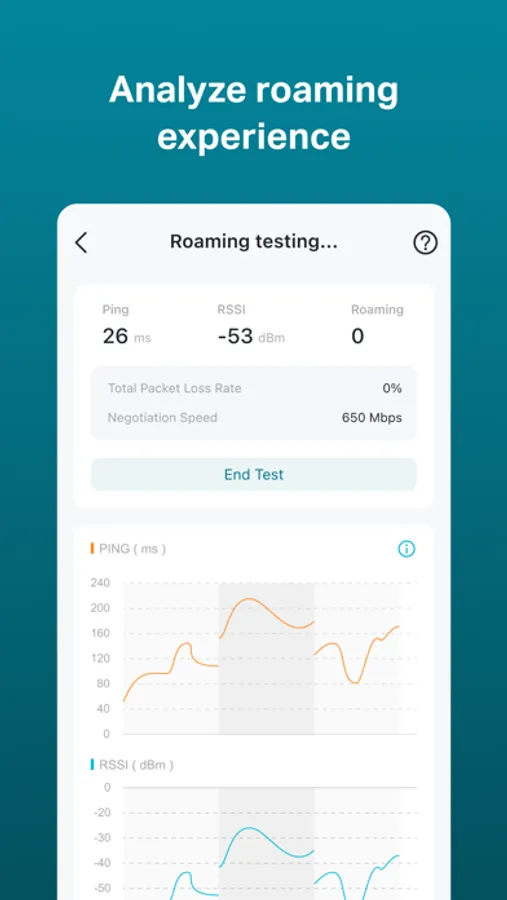
• Enhance wireless network deployment for improved roaming through comprehensive tests.
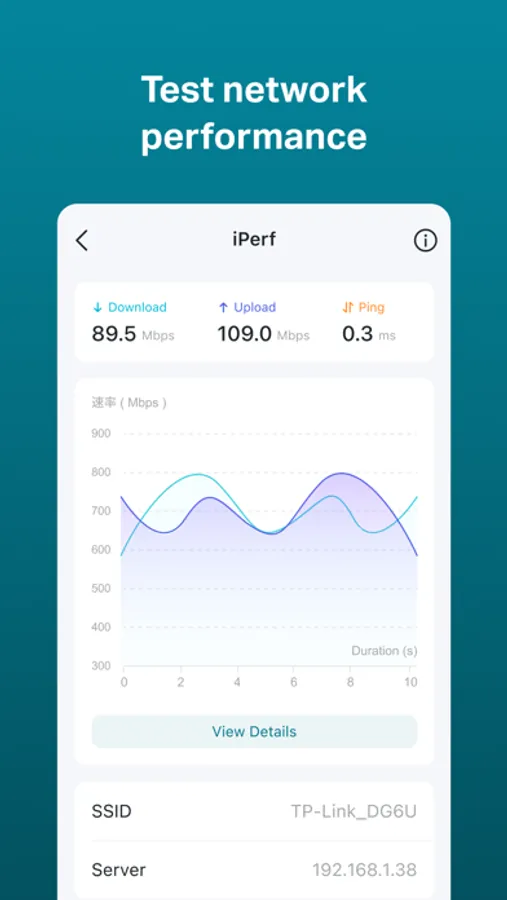
• Perform TCP and UDP performance tests.
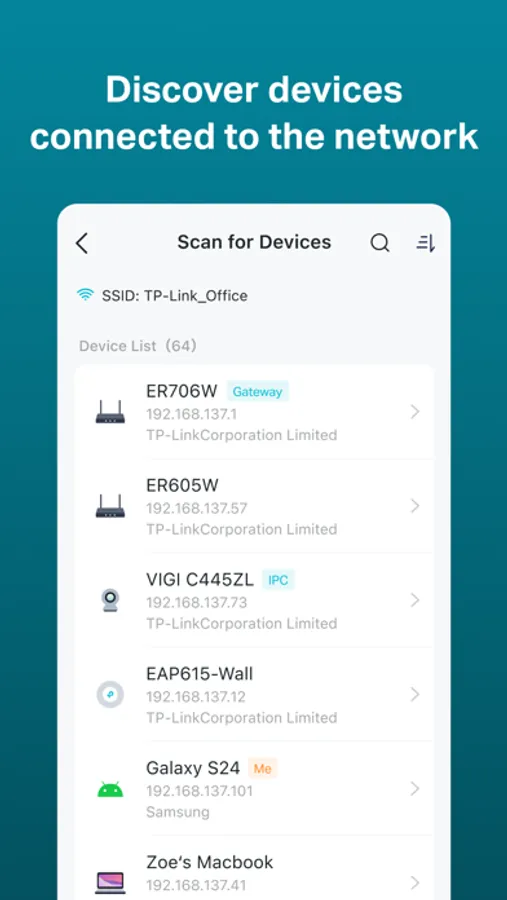
• Quickly find all devices on the same network and identify their IP addresses, MAC addresses, device names, and other information.
• Test your connection to the target service through Ping and Trace Route.
• Test internet upload and download speeds and analyze network latency.
• Enhance wireless network deployment for improved roaming through comprehensive tests.
• Perform TCP and UDP performance tests.
• Quickly find all devices on the same network and identify their IP addresses, MAC addresses, device names, and other information.
• Test your connection to the target service through Ping and Trace Route.
Wi-Fi Navi Screenshots
Tap to Rate:
Reviews for Wi-Fi Navi
Preciousw025
Good
Yes
r00t_apple
Good!
Recommend for network troubleshooting