AppRecs review analysis
AppRecs rating 4.5. Trustworthiness 58 out of 100. Review manipulation risk 22 out of 100. Based on a review sample analyzed.
★★★★☆
4.5
AppRecs Rating
Ratings breakdown
5 star
93%
4 star
0%
3 star
0%
2 star
0%
1 star
7%
What to know
✓
High user satisfaction
93% of sampled ratings are 5 stars
About Contacts Sync & Transfer App
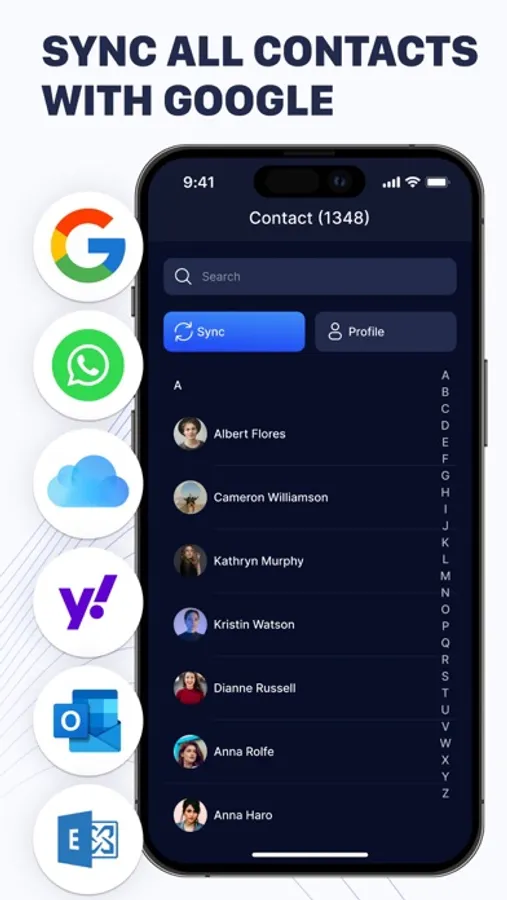
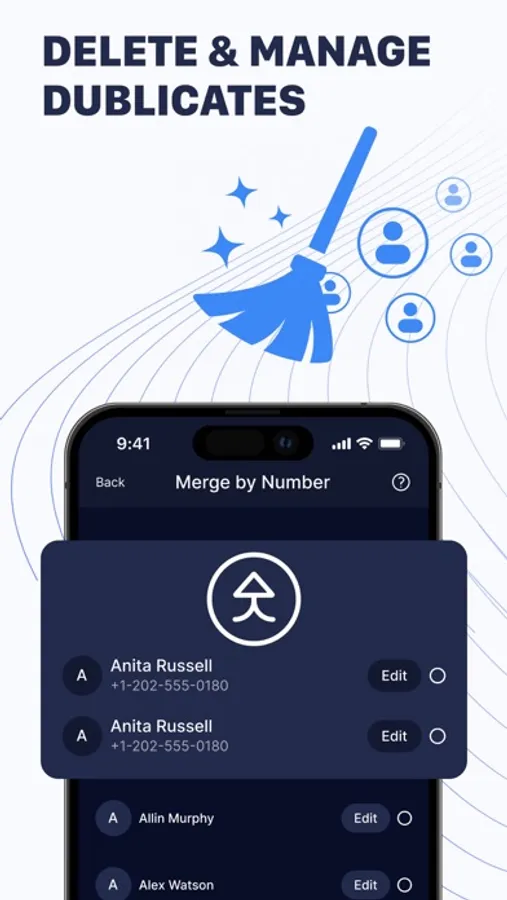
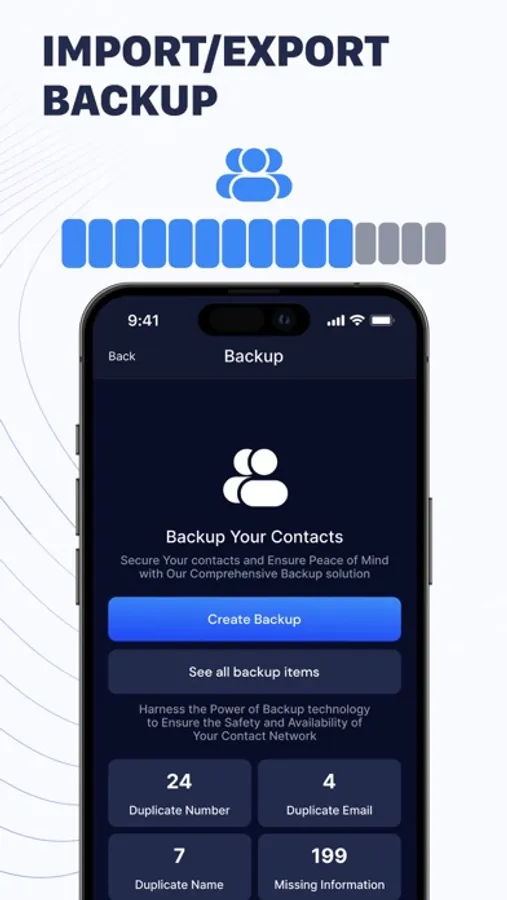
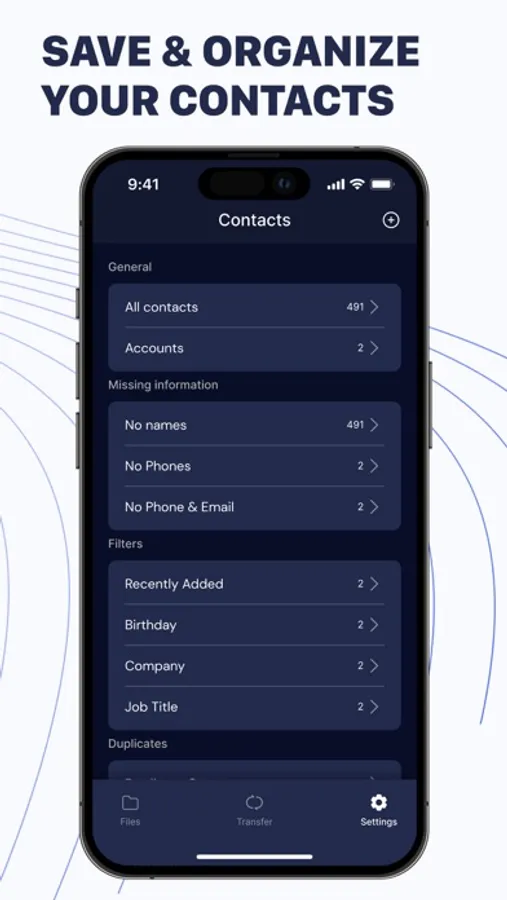
Contacts Sync & Transfer App offers a simple and convenient way to back up your contacts directly from your phone, without needing a computer. The app also helps you find and merge duplicate contacts by identifying contacts with similar names or identical phone numbers and email addresses. You can quickly back up your address book in three file formats: VCF, XLS, and CSV.
With the app, backing up your contacts is straightforward. Just access your contacts, select the Backup option, and you're done! Your contacts are securely stored in our cloud storage. You can enable automatic backups and choose the frequency: daily, weekly, or monthly.
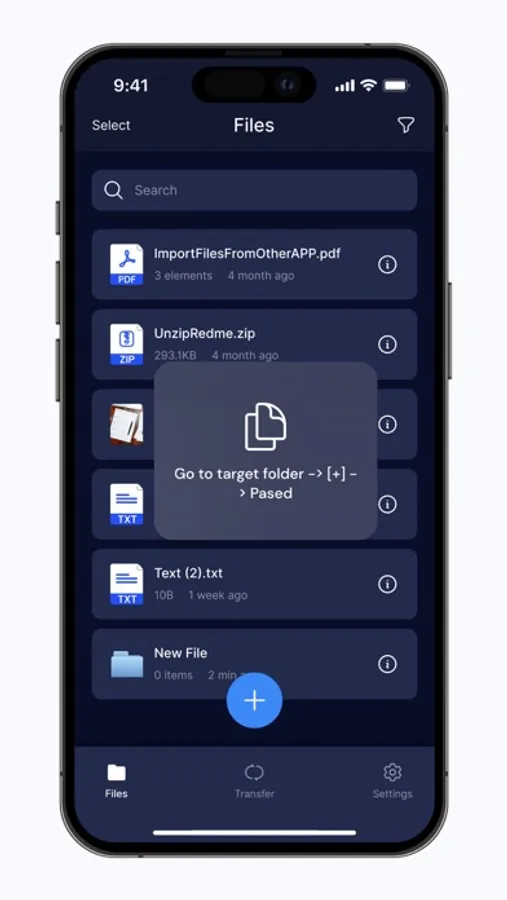
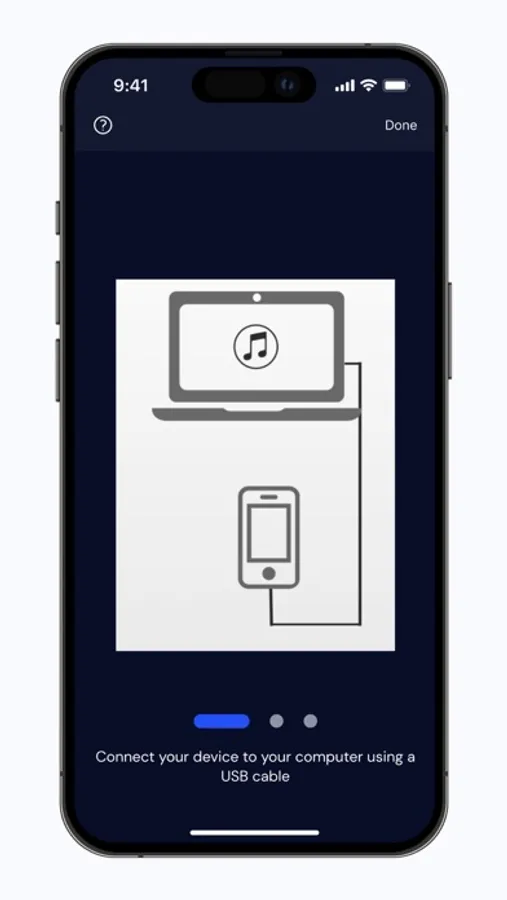
You can export your VCF, XLS, and CSV backups through third-party apps like WhatsApp, iMessage, Email, and Airdrop. You can also export your backups to Google Drive and Dropbox, and restore previous backups at any time.
Merge Duplicate Contacts: Identify contacts with duplicate or missing phone numbers, emails, or names. Easily find and merge these duplicates, and remove contacts without names or phone numbers.
Restore: Restoring your contacts is easy. Just tap on the .vcf backup file in your iPhone, iPod Touch, or iPad Mail client to restore your contacts.
Premium Features:
- Manage your Google Workspace contact labels directly from your iOS devices.
- Share Gmail contact lists with specific users or groups.
- Manage access privileges to shared contacts (Read Only/Can Edit/Can Delete/Can Share).
- Access and manage your Google LDAP contacts from your iPhone.
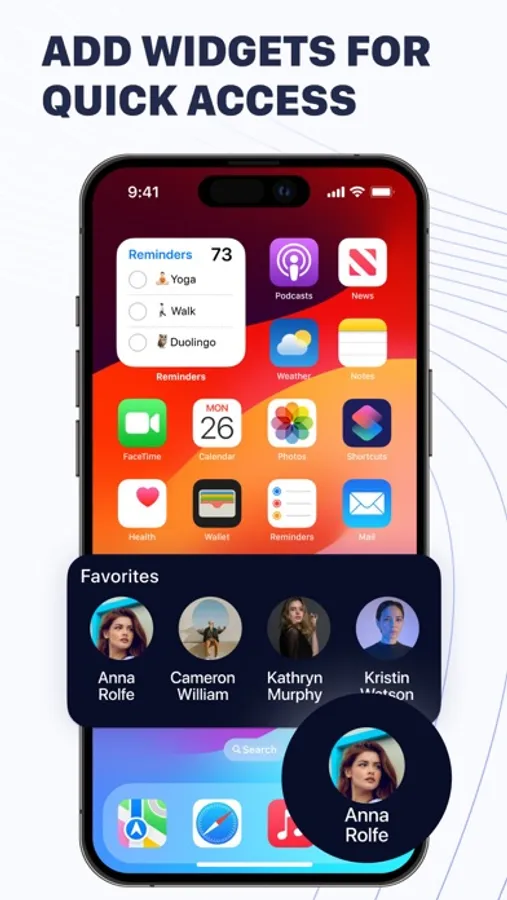
- Add phone contacts directly to your shared lists.
- Remove duplicate contacts in Google from the app, syncing to remove duplicates from your iPhone.
Important! The app does not offer free content. A subscription is required for access to all features.
Subscription and Payment Terms:
Payment is processed upon subscription confirmation. Subscriptions automatically renew unless canceled 24 hours before the end of the current period. Renewal charges are based on the chosen plan:
- 1-week subscription: $9.99
Prices vary by currency according to the App Store Price Matrix. Subscriptions with trial periods will auto-renew to a paid subscription. Manage or cancel auto-renewal in Account Settings after purchase. Any unused trial period is forfeited when upgrading to a premium subscription.
For more details, refer to our privacy policy and terms of service.
Privacy Policy: https://docs.google.com/document/d/13FCG_kjfldRQC8N8kfnCebMUELlb-LVgO_o8jpc5LKI/edit?usp=share_link
Terms of Use: https://docs.google.com/document/d/18rojDnQVRuCmZ2A6vXFmUzz3wXR7MNjV49Tr7VAGbic/edit?usp=share_link
With the app, backing up your contacts is straightforward. Just access your contacts, select the Backup option, and you're done! Your contacts are securely stored in our cloud storage. You can enable automatic backups and choose the frequency: daily, weekly, or monthly.
You can export your VCF, XLS, and CSV backups through third-party apps like WhatsApp, iMessage, Email, and Airdrop. You can also export your backups to Google Drive and Dropbox, and restore previous backups at any time.
Merge Duplicate Contacts: Identify contacts with duplicate or missing phone numbers, emails, or names. Easily find and merge these duplicates, and remove contacts without names or phone numbers.
Restore: Restoring your contacts is easy. Just tap on the .vcf backup file in your iPhone, iPod Touch, or iPad Mail client to restore your contacts.
Premium Features:
- Manage your Google Workspace contact labels directly from your iOS devices.
- Share Gmail contact lists with specific users or groups.
- Manage access privileges to shared contacts (Read Only/Can Edit/Can Delete/Can Share).
- Access and manage your Google LDAP contacts from your iPhone.
- Add phone contacts directly to your shared lists.
- Remove duplicate contacts in Google from the app, syncing to remove duplicates from your iPhone.
Important! The app does not offer free content. A subscription is required for access to all features.
Subscription and Payment Terms:
Payment is processed upon subscription confirmation. Subscriptions automatically renew unless canceled 24 hours before the end of the current period. Renewal charges are based on the chosen plan:
- 1-week subscription: $9.99
Prices vary by currency according to the App Store Price Matrix. Subscriptions with trial periods will auto-renew to a paid subscription. Manage or cancel auto-renewal in Account Settings after purchase. Any unused trial period is forfeited when upgrading to a premium subscription.
For more details, refer to our privacy policy and terms of service.
Privacy Policy: https://docs.google.com/document/d/13FCG_kjfldRQC8N8kfnCebMUELlb-LVgO_o8jpc5LKI/edit?usp=share_link
Terms of Use: https://docs.google.com/document/d/18rojDnQVRuCmZ2A6vXFmUzz3wXR7MNjV49Tr7VAGbic/edit?usp=share_link
Contacts Sync & Transfer App Screenshots
Tap to Rate:
Reviews for Contacts Sync & Transfer App
Hamer McKernanll
Cool
Thank you for this app
Jalyssa Tellenbrookgqergv
Premium standards
Absolutely essential for anyone juggling multiple phones or devices! The ability to sync and transfer contacts effortlessly without duplicating them has streamlined how I manage my connections. The interface is intuitive, making it easy to use for anyone.