AppRecs review analysis
AppRecs rating 4.5. Trustworthiness 78 out of 100. Review manipulation risk 21 out of 100. Based on a review sample analyzed.
★★★★☆
4.5
AppRecs Rating
Ratings breakdown
5 star
77%
4 star
11%
3 star
4%
2 star
4%
1 star
4%
What to know
✓
Low review manipulation risk
21% review manipulation risk
✓
Credible reviews
78% trustworthiness score from analyzed reviews
✓
High user satisfaction
77% of sampled ratings are 5 stars
About GenZD
GenZD supports running games using the open-source idTech 1 game engine for iOS, and supports running its "WAD" game files as well as community-developed "MOD" files, all rendered natively using modern technology. It supports several capabilities beyond the original engine, such as modern 3D rendering, widescreen graphics, dynamic lighting, a fully scriptable environment, and much much more.
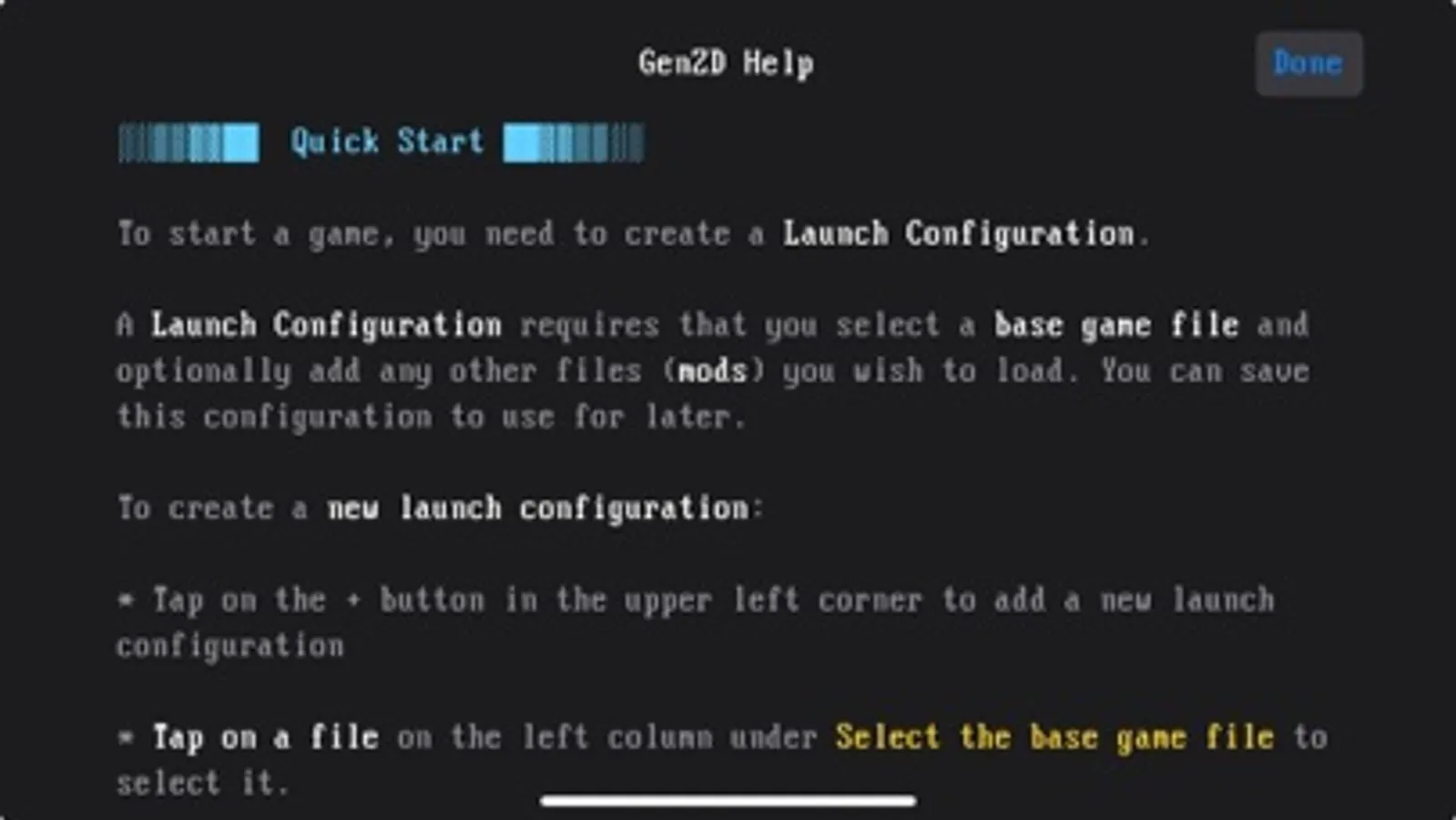
Please note that GenZD does not include content and they must be provided by you. Please use the Files app to move or copy files to the GenZD folder under "On my iPhone" or "On my iPad".
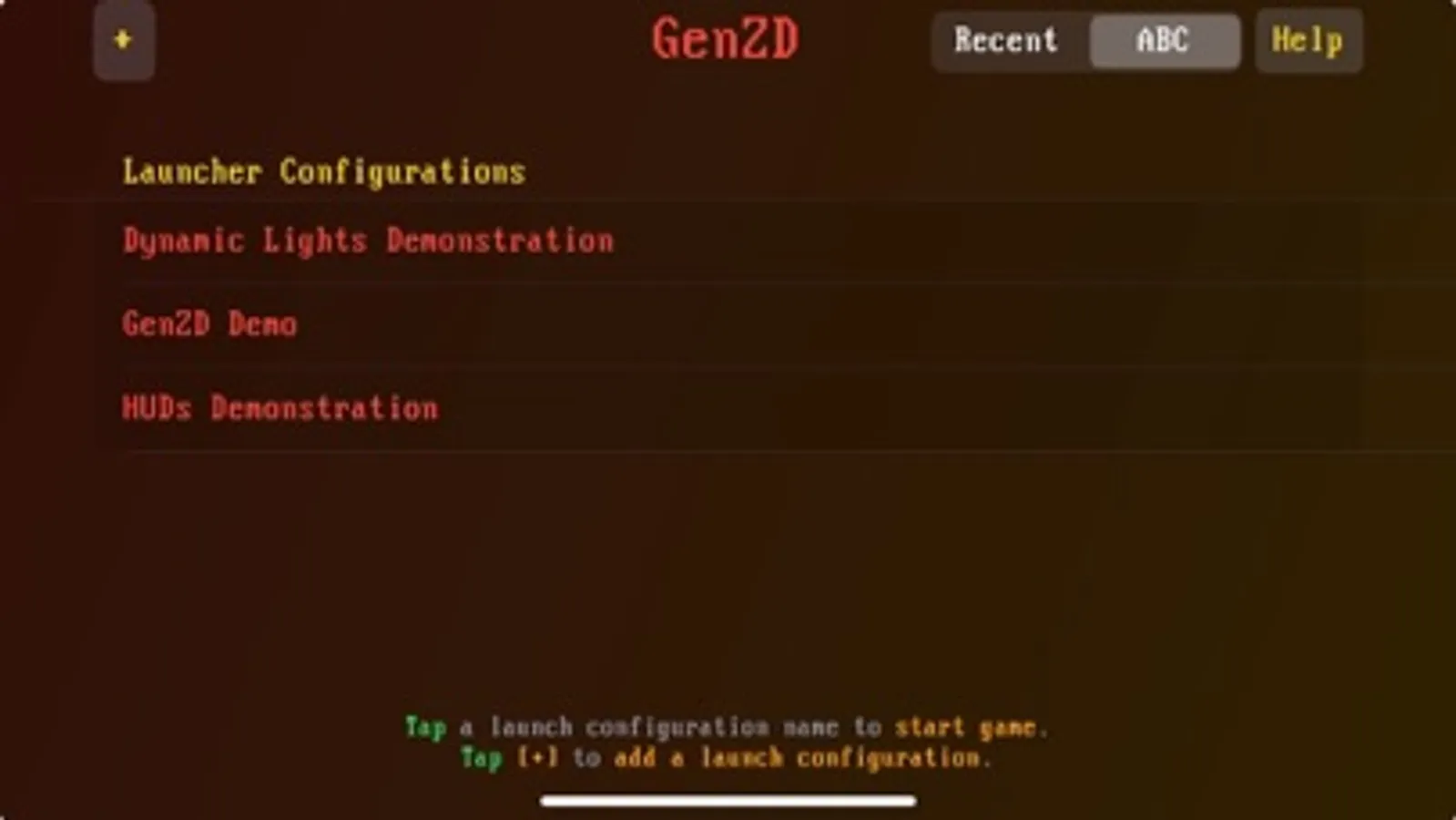
Configurations called "Launch Configurations" can be created using a base game file as well as additional MOD files (.pk3 and .zip files). A plethora of content developed by the community is available on the web, and almost all "mods" that use the UDMF or WAD formats are supported.
Additional features:
- Game controller support: PS4, PS5, Xbox One, Nintendo Switch, mFi
- On-screen touch virtual gamepad and virtual keyboard
- Customizable touch controls: Rearrange buttons, change color and size. Support for saving multiple layouts.
- Gyroscope aiming
- Widescreen Metal graphics rendering using MoltenVK
- Add your own game and mod files via the Files app
- Accessibility: Supports VoiceOver and mods that support accessibility
- Local Multiplayer: Host a co-op or deathmatch game, discover hosts running GenZD automatically on the same network and join a game
Please note that GenZD does not include content and they must be provided by you. Please use the Files app to move or copy files to the GenZD folder under "On my iPhone" or "On my iPad".
Configurations called "Launch Configurations" can be created using a base game file as well as additional MOD files (.pk3 and .zip files). A plethora of content developed by the community is available on the web, and almost all "mods" that use the UDMF or WAD formats are supported.
Additional features:
- Game controller support: PS4, PS5, Xbox One, Nintendo Switch, mFi
- On-screen touch virtual gamepad and virtual keyboard
- Customizable touch controls: Rearrange buttons, change color and size. Support for saving multiple layouts.
- Gyroscope aiming
- Widescreen Metal graphics rendering using MoltenVK
- Add your own game and mod files via the Files app
- Accessibility: Supports VoiceOver and mods that support accessibility
- Local Multiplayer: Host a co-op or deathmatch game, discover hosts running GenZD automatically on the same network and join a game
GenZD Screenshots
Tap to Rate:
Reviews for GenZD
Queso_Taco
Works great!
This is magic, doom everywhere.
Mallard820
Great app but occasionally crashes
I love this app, but my only complaint is that the app with crash or give an error message for cutscenes. It happened with siren and ashes afterglow. Can this please be fixed or is there a solution to the app crashing? Only happens on iOS not pc.