AppRecs review analysis
AppRecs rating 4.1. Trustworthiness 68 out of 100. Review manipulation risk 23 out of 100. Based on a review sample analyzed.
★★★★☆
4.1
AppRecs Rating
Ratings breakdown
5 star
43%
4 star
29%
3 star
21%
2 star
0%
1 star
7%
What to know
✓
Low review manipulation risk
23% review manipulation risk
✓
High user satisfaction
71% of sampled ratings are 4+ stars (4.0★ average)
About NiN10: Nintendo Emulator
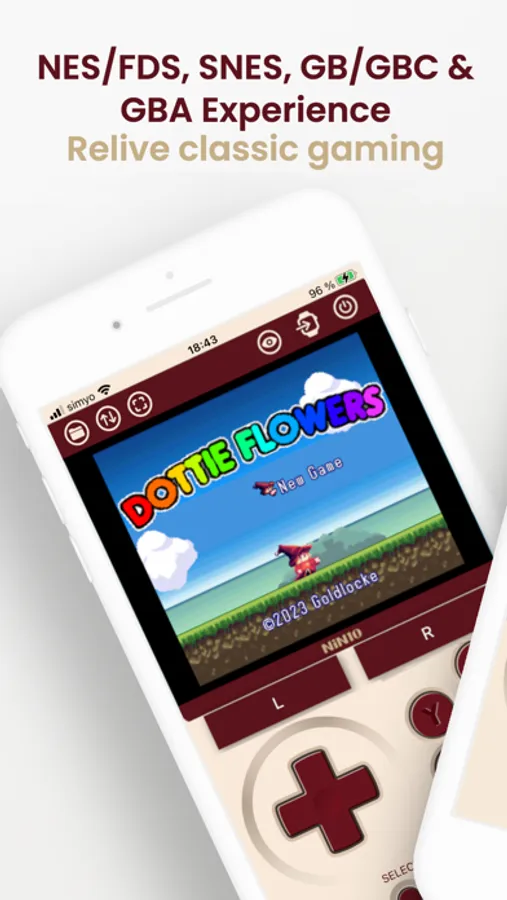
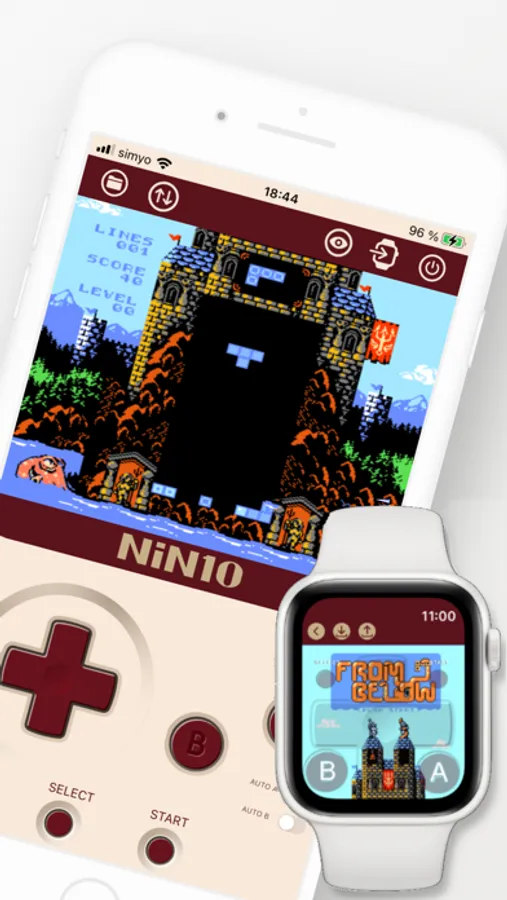
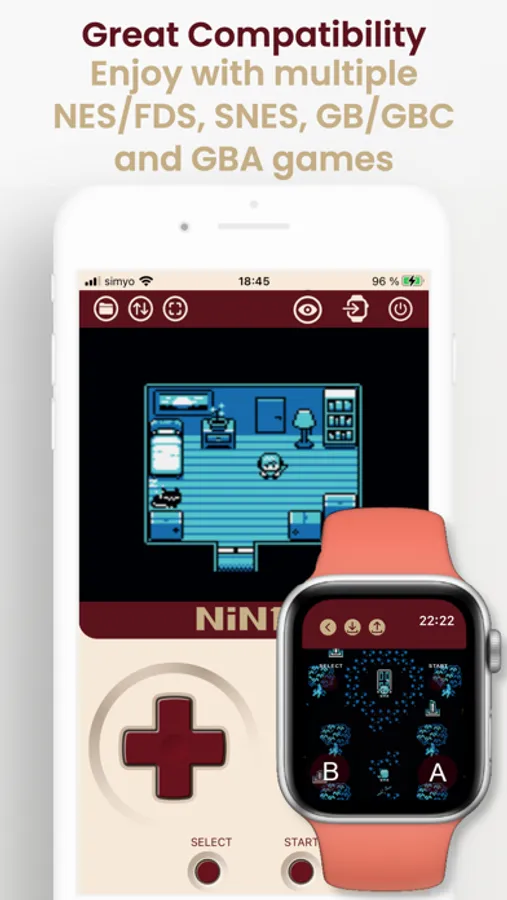
Relive the nostalgia of classic NES, Famicom Disk System, SuperNES, Game Boy, Game Boy Color and Game Boy Advance gaming on your iOS device (iPhone/iPad/Apple Watch) with NiN10, our NES/Famicom Disk System/SuperNES/Game Boy/Game Boy Color/Game Boy Advance Emulator.
Key Features:
· High Compatibility: Enjoy a vast library of NES, Famicom Disk System, SuperNES, Game Boy, Game Boy Color and Game Boy Advance titles using .nes, .fds, .smc, .sfc, .gb, .gbc, .gba and .zip file formats. Users are responsible for ensuring that any ROMs they use are legally obtained.
· Intuitive Design: Enjoy a user-friendly interface designed for easy navigation and seamless gameplay for both portrait and landscape orientations.
· Simplified Experience: Immerse yourself in retro gaming without the clutter of internet connections.
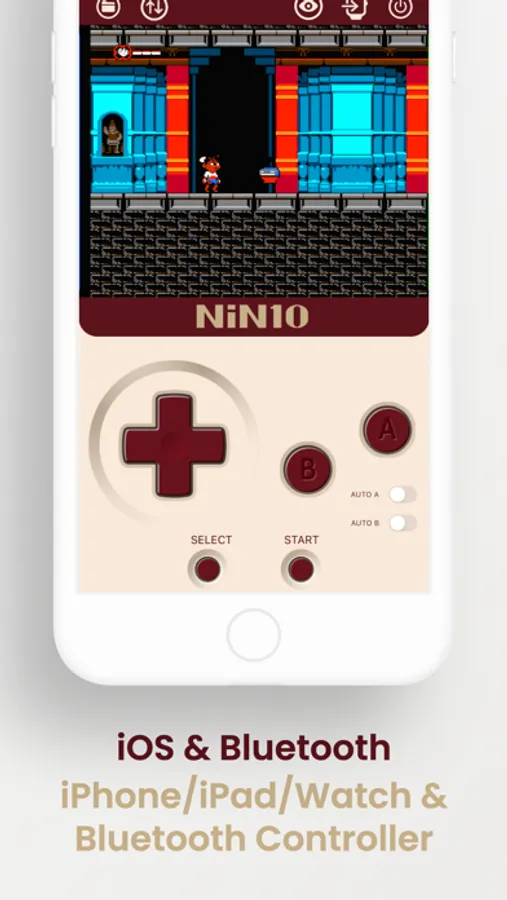
· Bluetooth Compatibility: Dive into timeless favorites with seamless compatibility for Bluetooth controllers.
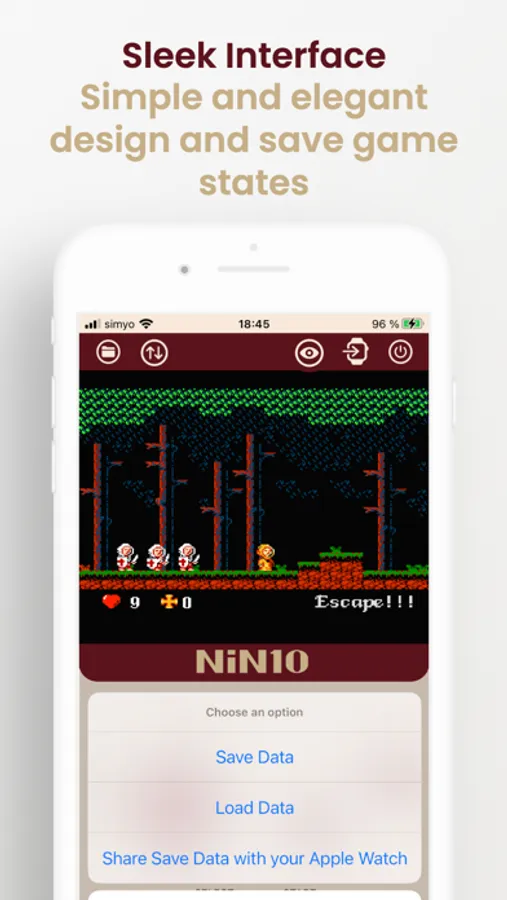
· Save States: Save and load game states easily.
· Auto-fire: Added switches to enable auto-fire for the A and B buttons.
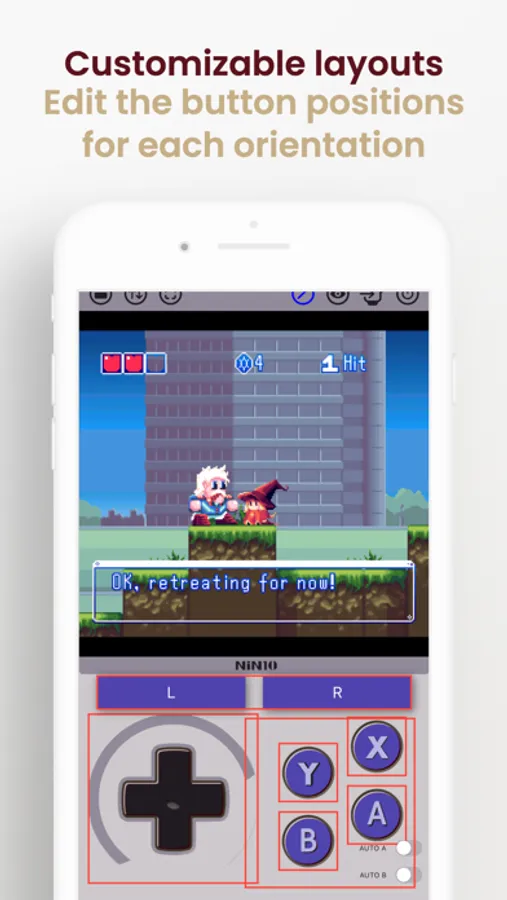
· Customizable button layouts: Edit the button positions for each orientation and enjoy full compatibility with shells like GAMEBABY and PlayCase.
· Compact Size: With minimal storage requirements, NiN10 won't weigh down your device.
· Privacy Assurance: Rest easy knowing your information remains secure, as NiN10 doesn't save any user data.
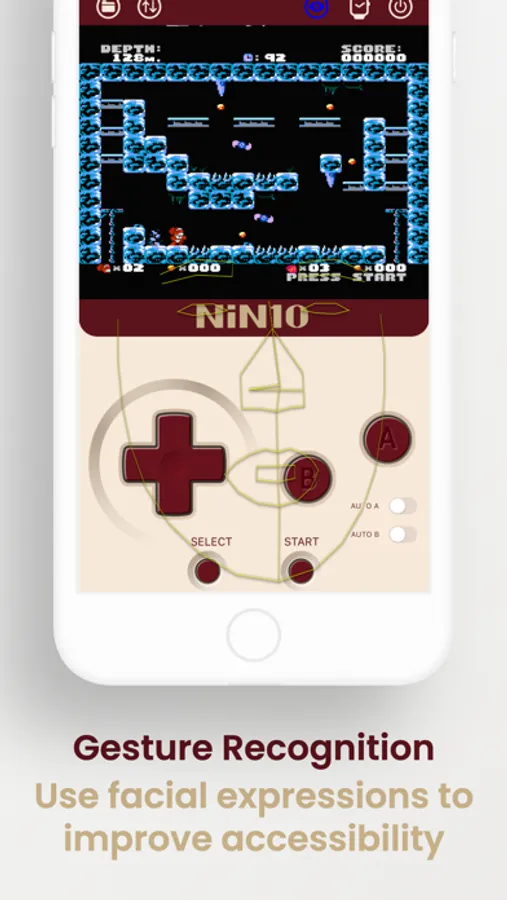
· Gesture Recognition: Allow users to use facial expressions as buttons to enhance accessibility for those with disabilities. Current gestures include head rotation, eye tracking, left and right eye winking, eyebrow raising, and mouth opening. For better gesture recognition, make sure to be in a well-lit area, have the camera properly framed to your face, and try to keep it steady for accurate detection.
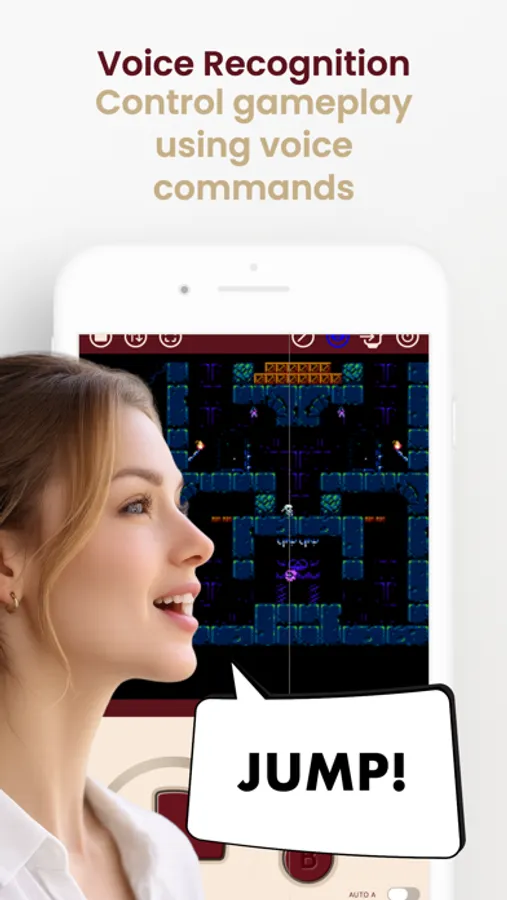
· Voice Recognition: Control gameplay actions and button presses using your voice.
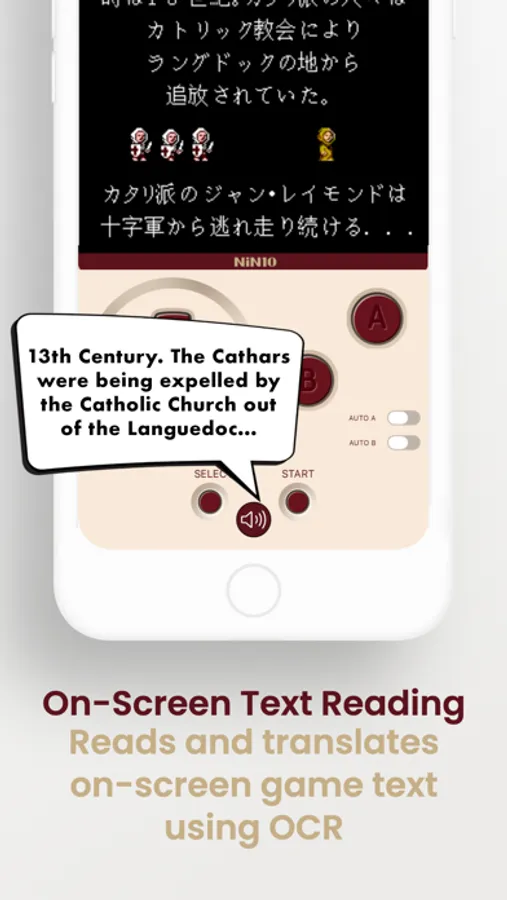
· OCR: Reads on-screen game text aloud, with optional voice translation.
Relive the magic of NES, Famicom Disk System, SuperNES, Game Boy, Game Boy Color and Game Boy Advance classics anywhere, anytime, with NiN10 for iOS.
GBmulator - Copyright (c) 2021 mpostaire
* NiN10 is not affiliated with Nintendo in any way. The name "Nintendo" and all associated game console names are registered trademarks of Nintendo Co., Ltd.
Key Features:
· High Compatibility: Enjoy a vast library of NES, Famicom Disk System, SuperNES, Game Boy, Game Boy Color and Game Boy Advance titles using .nes, .fds, .smc, .sfc, .gb, .gbc, .gba and .zip file formats. Users are responsible for ensuring that any ROMs they use are legally obtained.
· Intuitive Design: Enjoy a user-friendly interface designed for easy navigation and seamless gameplay for both portrait and landscape orientations.
· Simplified Experience: Immerse yourself in retro gaming without the clutter of internet connections.
· Bluetooth Compatibility: Dive into timeless favorites with seamless compatibility for Bluetooth controllers.
· Save States: Save and load game states easily.
· Auto-fire: Added switches to enable auto-fire for the A and B buttons.
· Customizable button layouts: Edit the button positions for each orientation and enjoy full compatibility with shells like GAMEBABY and PlayCase.
· Compact Size: With minimal storage requirements, NiN10 won't weigh down your device.
· Privacy Assurance: Rest easy knowing your information remains secure, as NiN10 doesn't save any user data.
· Gesture Recognition: Allow users to use facial expressions as buttons to enhance accessibility for those with disabilities. Current gestures include head rotation, eye tracking, left and right eye winking, eyebrow raising, and mouth opening. For better gesture recognition, make sure to be in a well-lit area, have the camera properly framed to your face, and try to keep it steady for accurate detection.
· Voice Recognition: Control gameplay actions and button presses using your voice.
· OCR: Reads on-screen game text aloud, with optional voice translation.
Relive the magic of NES, Famicom Disk System, SuperNES, Game Boy, Game Boy Color and Game Boy Advance classics anywhere, anytime, with NiN10 for iOS.
GBmulator - Copyright (c) 2021 mpostaire
* NiN10 is not affiliated with Nintendo in any way. The name "Nintendo" and all associated game console names are registered trademarks of Nintendo Co., Ltd.
NiN10: Nintendo Emulator Screenshots
Tap to Rate:
Reviews for NiN10: Nintendo Emulator
Clintosfan
I love this app, needs work though
The GameBoy emulator ArcEmu has the scroll wheel configured to be button presses, scroll up is button A, scroll down is button B. Having this implemented in your app would make this emulator way more functional. Also snes save states keep crashing/freezing the game
ProudKangroo
OK, but need the volume controls
Add a menu where you can adjust volume controls on Apple Watch