AppRecs review analysis
AppRecs rating 4.5. Trustworthiness 65 out of 100. Review manipulation risk 21 out of 100. Based on a review sample analyzed.
★★★★☆
4.5
AppRecs Rating
Ratings breakdown
5 star
94%
4 star
0%
3 star
6%
2 star
0%
1 star
0%
What to know
✓
Low review manipulation risk
21% review manipulation risk
✓
High user satisfaction
94% of sampled ratings are 5 stars
About PDF Editor - Merge and Split
Edit PDFs Easily with Our PDF Editor - Merge and Split!
Manage your PDF documents with our easy-to-use PDF editor. It's packed with powerful features to help you work with PDFs seamlessly.
Key Features:
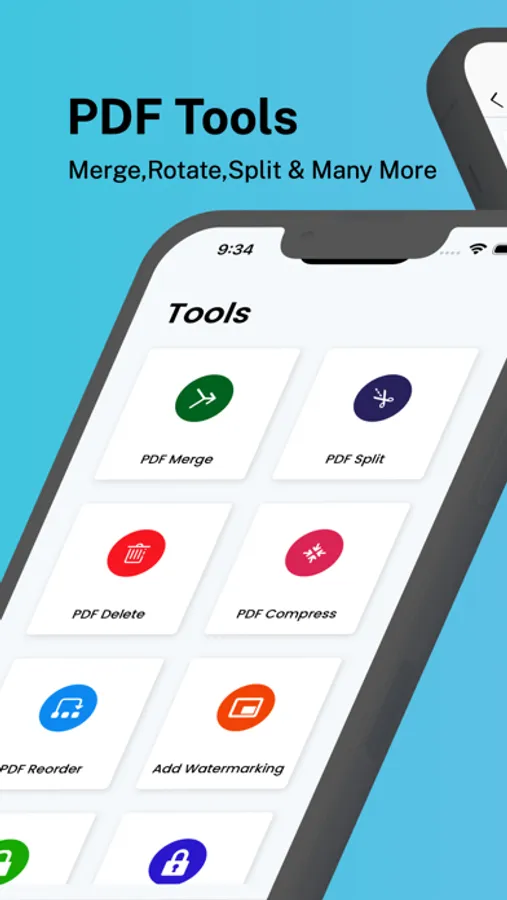
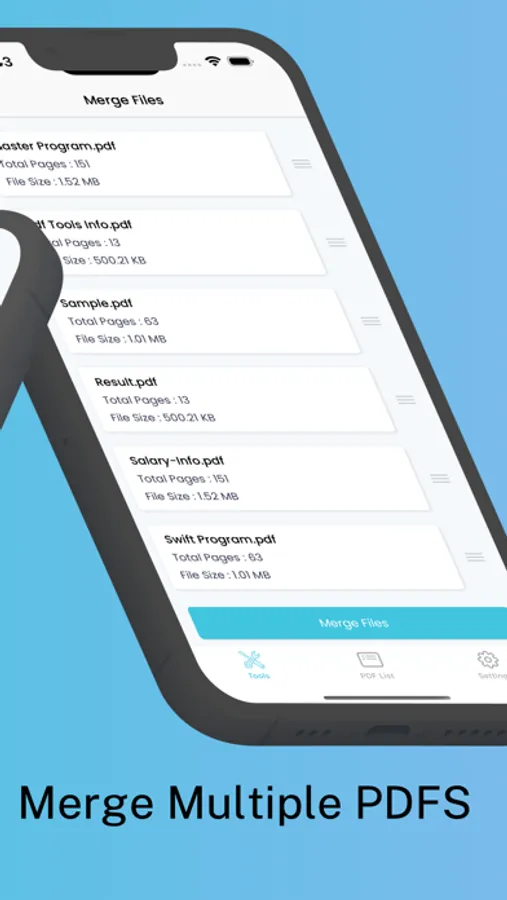
PDF Merge: Combine multiple PDF files into one document.
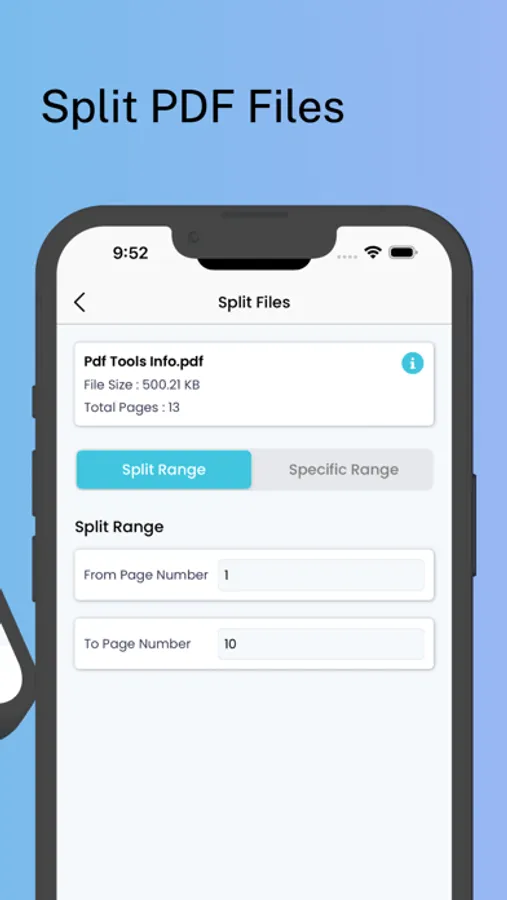
PDF Split: Split large PDF files into smaller parts.
PDF Delete: Remove unwanted pages from your PDF files.
PDF Compress: Reduce the file size of your PDFs without losing quality.
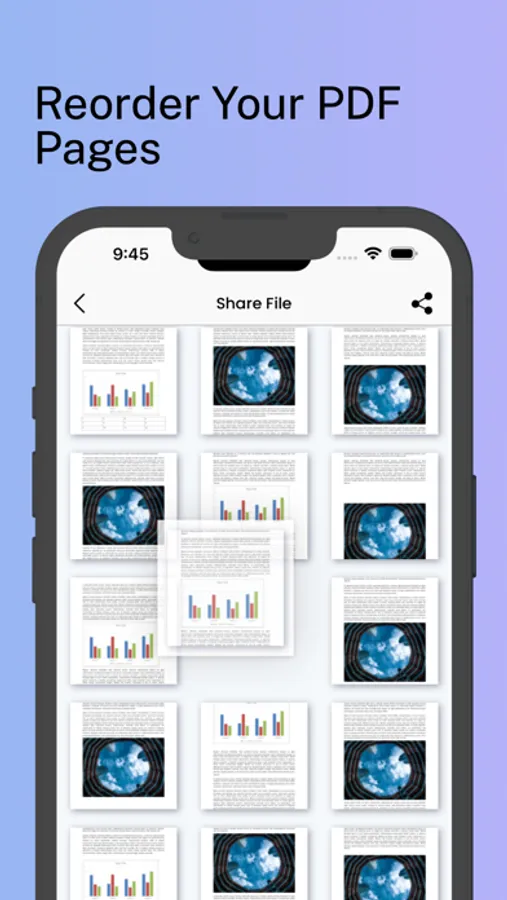
PDF Reorder: Change the order of pages in your PDF.
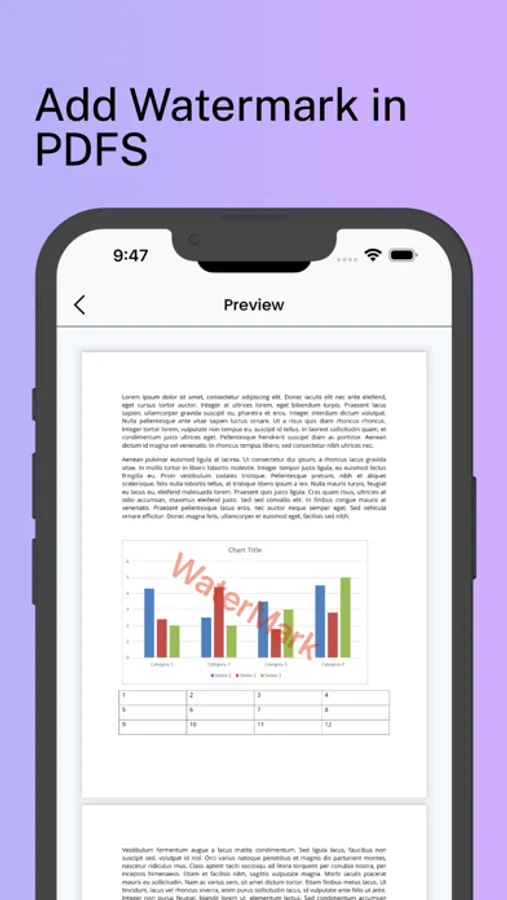
Add Watermarking: Add text or image watermarks. Customise position, rotation, colour, and size.
Unlock PDF: Remove passwords from protected PDF files.
Lock PDF: Add passwords to your PDF files to protect them.
Image to PDF: Convert images to PDF files.
PDF to Text: Extract text from your PDF files.
PDF to Image: Convert PDF pages to images.
Add Page Number: Add page numbers to your PDFs. Customise their position and style.
Why Choose Our PDF Editor - Merge and Split?
• Free: Enjoy the app’s features for free.
• User-Friendly Interface: Easy to navigate, even for beginners.
• High-Quality Output: Maintain high document quality.
• Versatile Functionality: Handle all your PDF tasks in one app.
• Secure and Reliable: Keep your documents safe with encryption.
Download our PDF Editor - Merge and Split now and make managing your PDF documents easier. Join thousands of users who trust our app for their PDF editing needs!
Manage your PDF documents with our easy-to-use PDF editor. It's packed with powerful features to help you work with PDFs seamlessly.
Key Features:
PDF Merge: Combine multiple PDF files into one document.
PDF Split: Split large PDF files into smaller parts.
PDF Delete: Remove unwanted pages from your PDF files.
PDF Compress: Reduce the file size of your PDFs without losing quality.
PDF Reorder: Change the order of pages in your PDF.
Add Watermarking: Add text or image watermarks. Customise position, rotation, colour, and size.
Unlock PDF: Remove passwords from protected PDF files.
Lock PDF: Add passwords to your PDF files to protect them.
Image to PDF: Convert images to PDF files.
PDF to Text: Extract text from your PDF files.
PDF to Image: Convert PDF pages to images.
Add Page Number: Add page numbers to your PDFs. Customise their position and style.
Why Choose Our PDF Editor - Merge and Split?
• Free: Enjoy the app’s features for free.
• User-Friendly Interface: Easy to navigate, even for beginners.
• High-Quality Output: Maintain high document quality.
• Versatile Functionality: Handle all your PDF tasks in one app.
• Secure and Reliable: Keep your documents safe with encryption.
Download our PDF Editor - Merge and Split now and make managing your PDF documents easier. Join thousands of users who trust our app for their PDF editing needs!
PDF Editor - Merge and Split Screenshots
Tap to Rate:
Reviews for PDF Editor - Merge and Split
Lypl
It’s free, but does have adds
It’s easy to use on your phone or tablet for simple stuff like splitting or merging PDFs. This free version does have adds, but for $2 you can get the add free pro version if you’d like.