AppRecs review analysis
AppRecs rating 3.5. Trustworthiness 87 out of 100. Review manipulation risk 27 out of 100. Based on a review sample analyzed.
★★★☆☆
3.5
AppRecs Rating
Ratings breakdown
5 star
67%
4 star
0%
3 star
0%
2 star
0%
1 star
33%
What to know
✓
Low review manipulation risk
27% review manipulation risk
✓
Credible reviews
87% trustworthiness score from analyzed reviews
✓
Good user ratings
67% positive sampled reviews
About A4: Type, Swipe, Share
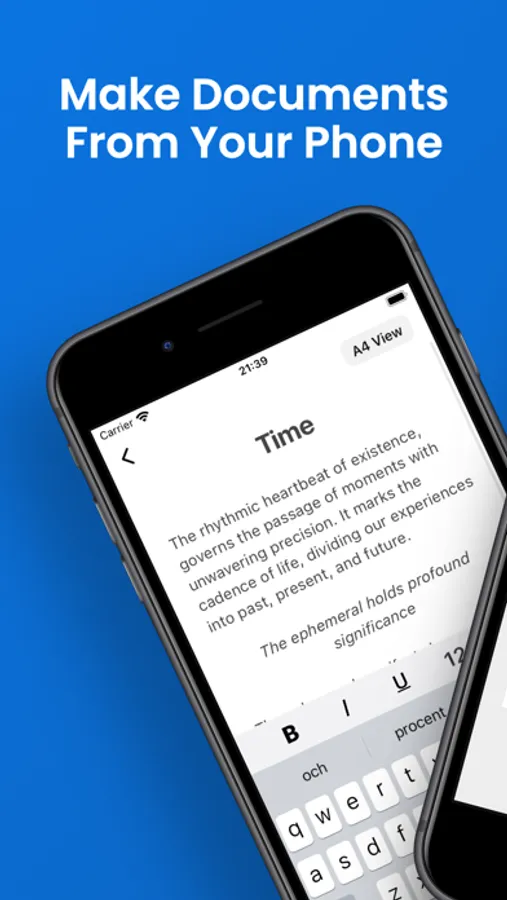
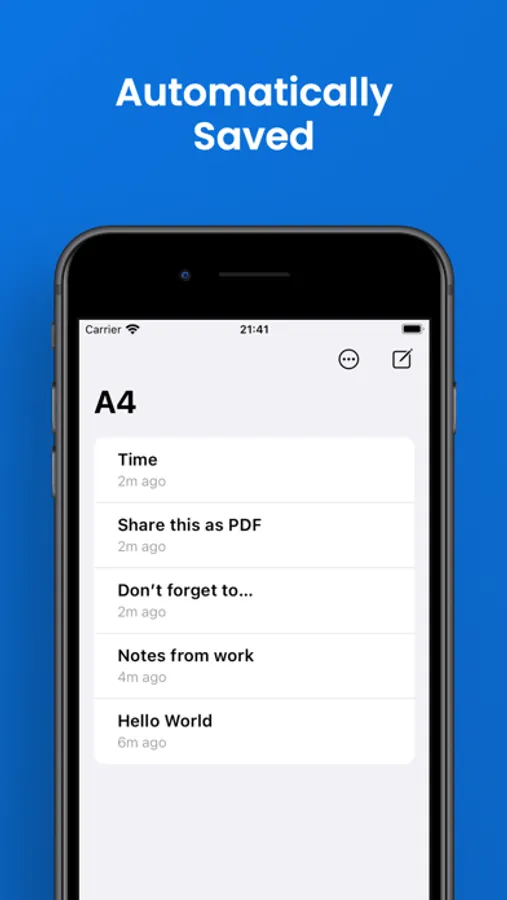
Make documents from your phone. An innovative mobile-first word processor designed for intuitive typing in your phone. Say goodbye to clunky interfaces and hello to a sleek, user-friendly experience that lets you make documents from the phone the way it's supposed to be done.
A Mobile-First Word Processor: Redefining Mobile Writing
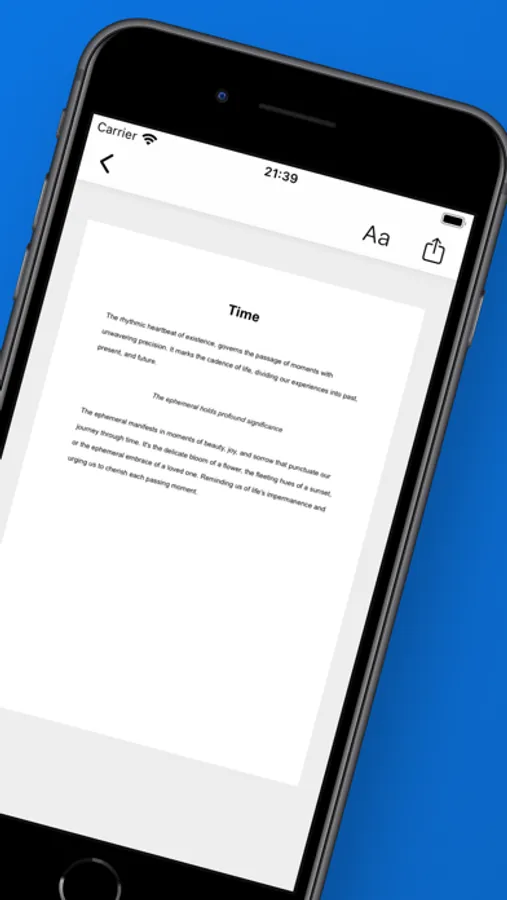
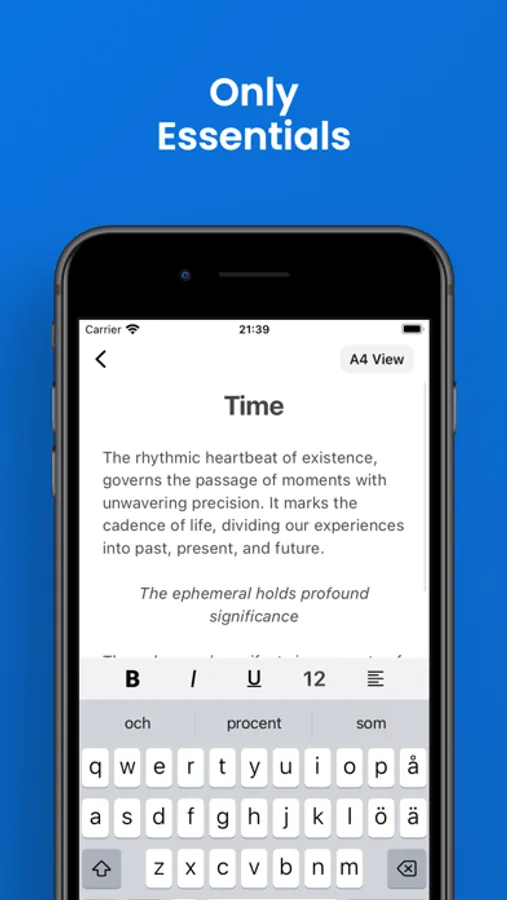
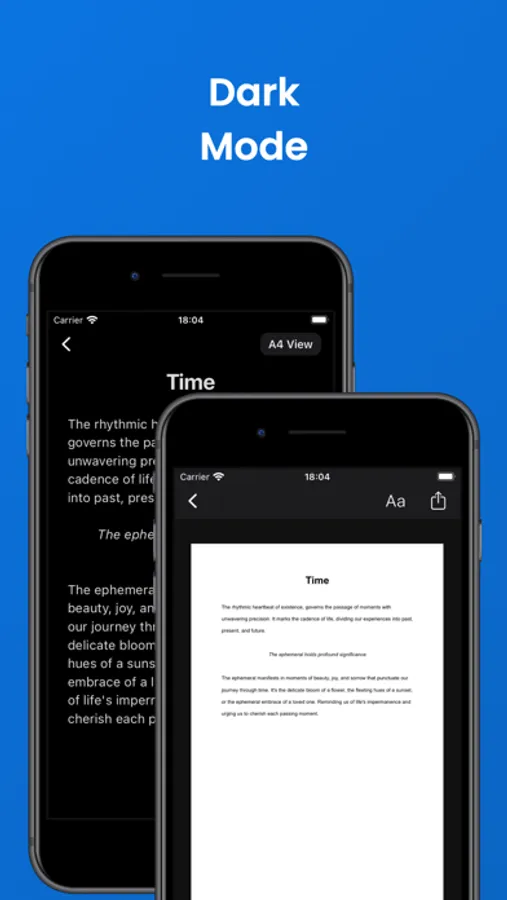
With A4, writing on your iPhone has never been smoother. Simply type away in a familiar iPhone-native environment, and with a quick swipe, transition effortlessly to a beautifully formatted paper view. It's the perfect blend of simplicity and sophistication, allowing you to focus on your words without distraction.
Editor and Viewer: Tailored for Your Needs
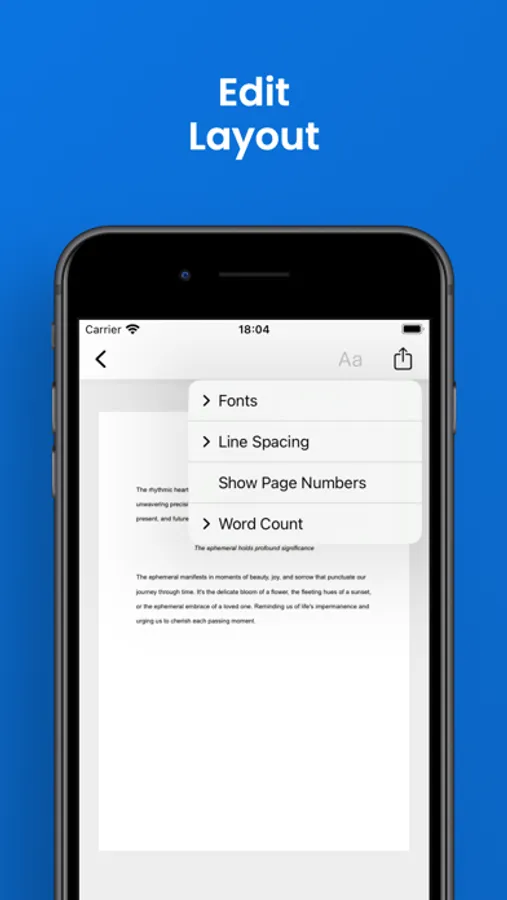
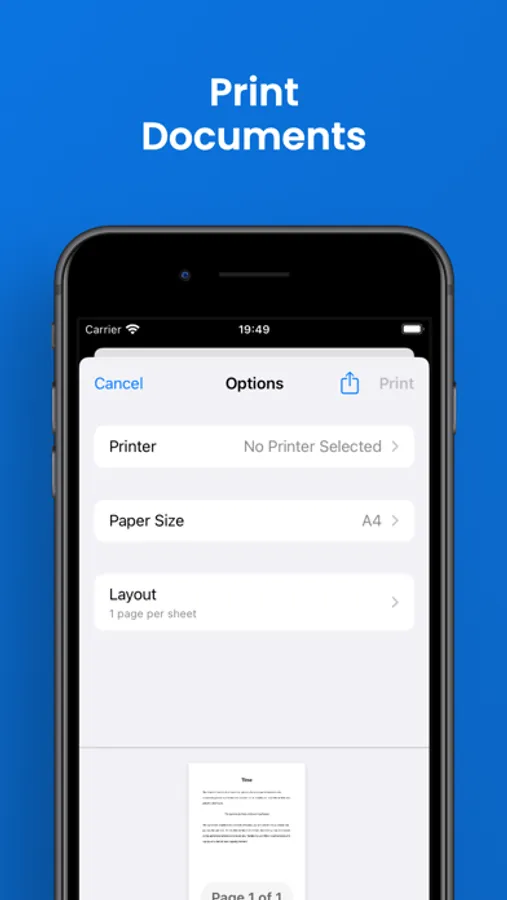
Edit with precision in the editor view, where it's as simple is typing in the standard Notes app. Then, switch seamlessly to viewer mode to customize fonts, adjust line spacing, add page numbers and keep track of your word count with ease. It's the best of both worlds, optimized for your writing process.
Mobile-First, Desktop-Ready
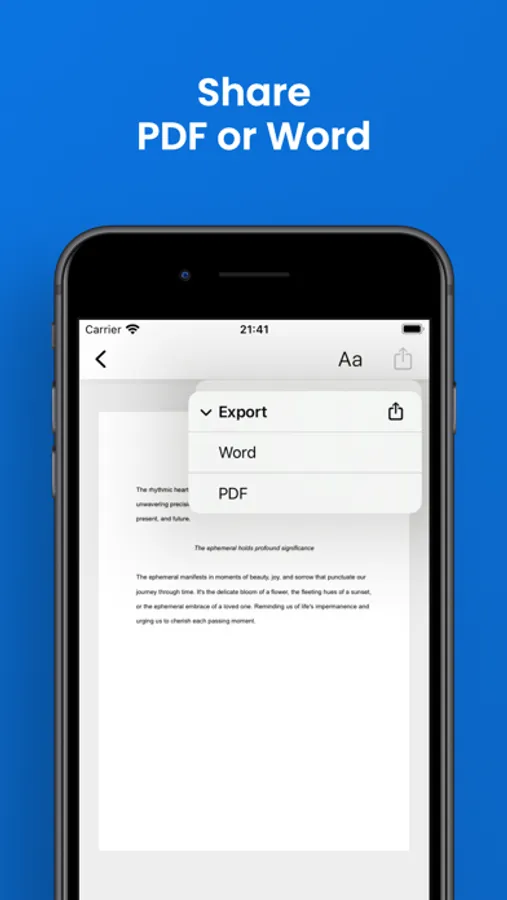
A4 isn't just confined to your iPhone. With export options, you can seamlessly transition your work to other devices. Export and share your documents as PDFs or Word files, perfect for continuing your writing journey on desktop or iPad. It's mobile-first flexibility that fits your lifestyle.
THIS IS A4:
Effortless Writing: Say goodbye to distractions and hello to focused writing sessions.
Mobile-First Design: Built with the iPhone in mind, A4 brings the power of a word processor to your pocket.
Transition: Swipe effortlessly between editing and viewing modes for a tailored writing experience.
Sharing: Share your work as PDFs or Word files, ready for collaboration or further editing.
A4: Type, Swipe, Share Screenshots
Tap to Rate:
Reviews for A4: Type, Swipe, Share
MacToirneach
I REMOVE my previous “5 stars!”
You want a word processor that’s FREE? Use your phone’s notes!! Do NOT use this app!!!! If I gave a thumbs down, my hand would crash through my floor if I could make it! I had written over 10 articles! Thought they were safe? NO! Now, after the app suddenly quits while typing, I only see “type here to write your ‘first’ document,” and it will NOT save!! Not even for a “first” doc after the fact! I read a reply about a similar problem, the creator said the files are “locally saved,” and suggested the phone’s storage was “full.” I have OVER 120 GB of free space locally! I search and search for my documents in my phone’s files, but they’re NOWHERE to be seen. Not any keywords, titles, or anything else I know should show up. Because NOTHING does!!
Del Issa
Terrible terrible app
This is an awful app. I typed a whole paper and lost it. There was no way to return the work I did! So disappointing!