PDF App: Convert, Create, Sign
Minimodev Technologies LTD
4.7 ★
839 ratings
Free
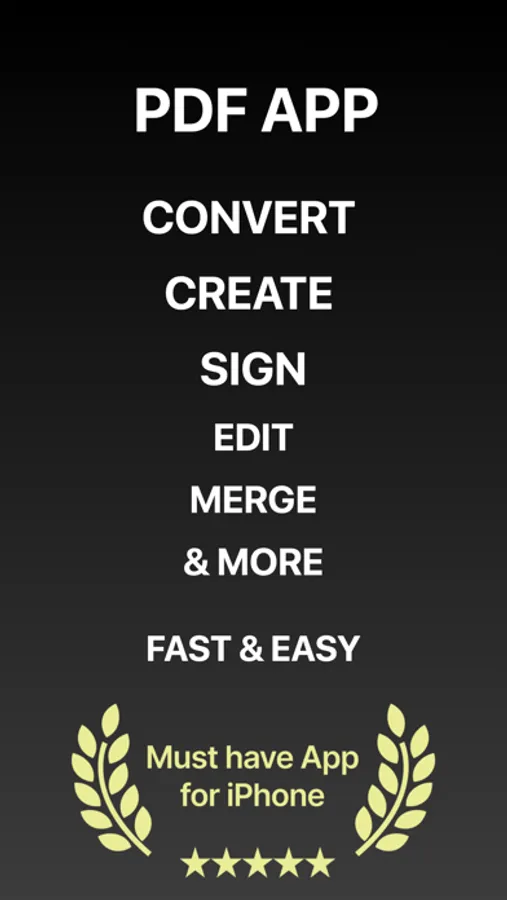
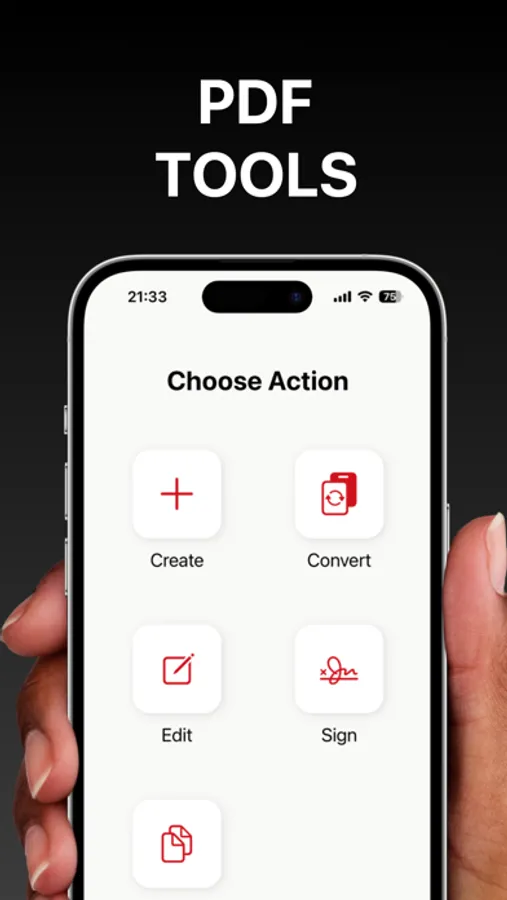
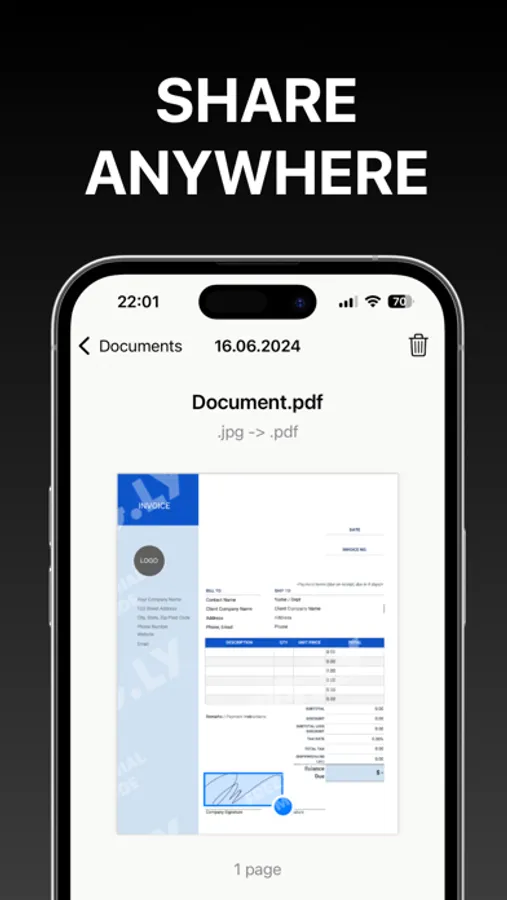
With this PDF management app, you can create, convert, sign, edit, and organize PDF documents. Includes tools for importing files, customizing layouts, and exporting files.
AppRecs review analysis
AppRecs rating 4.4. Trustworthiness 78 out of 100. Review manipulation risk 29 out of 100. Based on a review sample analyzed.
★★★★☆
4.4
AppRecs Rating
Ratings breakdown
5 star
87%
4 star
7%
3 star
1%
2 star
0%
1 star
4%
What to know
✓
Low review manipulation risk
29% review manipulation risk
✓
Credible reviews
78% trustworthiness score from analyzed reviews
✓
High user satisfaction
87% of sampled ratings are 5 stars
About PDF App: Convert, Create, Sign
Introducing PDF App: Convert, Create, Sign – your all-in-one solution for seamless PDF management. Elevate your productivity with our powerful and intuitive tool.
- Create PDFs with Ease: Effortlessly create professional PDF documents using pre-installed layouts. Import images from your gallery or snap new photos directly within the app. Customize and format your documents to perfection.
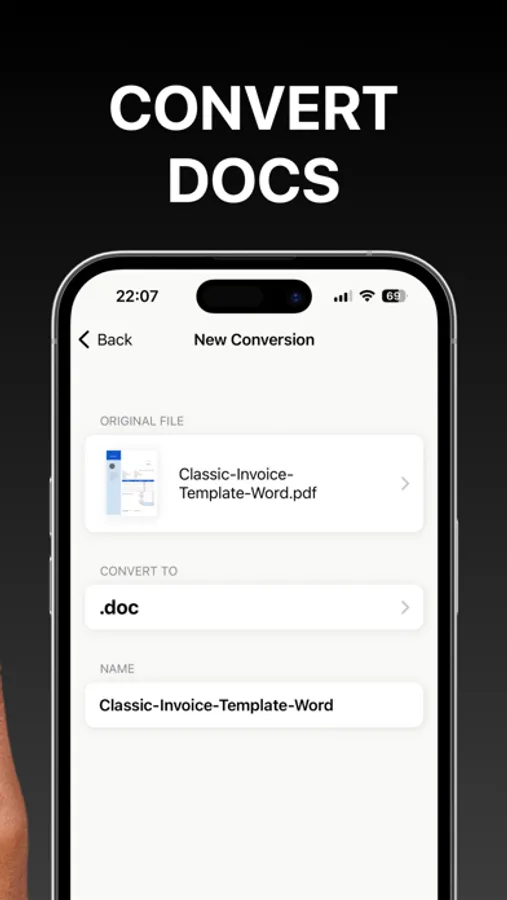
- Convert with Versatility: Transform various file formats into PDF and vice versa. Whether it's a Word document, an image, or a spreadsheet, convert it to PDF with just a few taps.
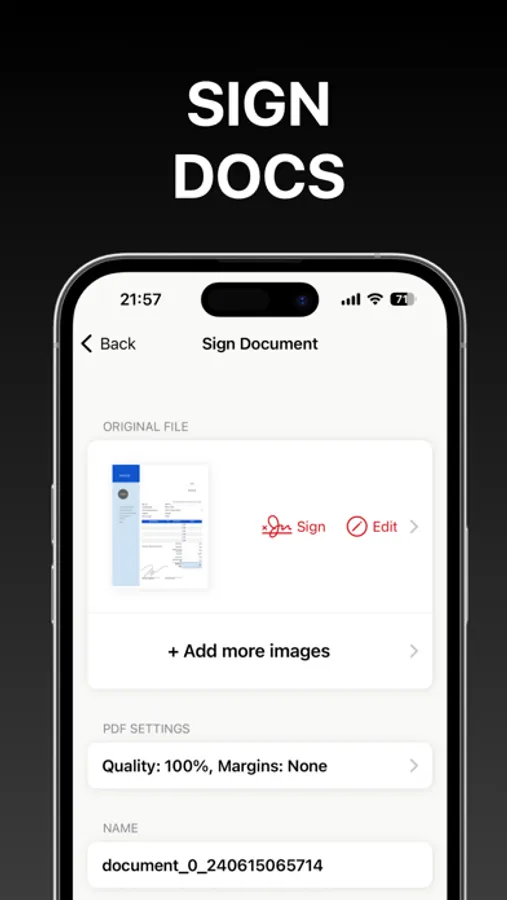
- Sign Documents Quickly: Create your signature and place it on any document with ease. Simplify your workflow and ensure your documents are signed and ready.
- Edit Existing PDFs: Make corrections and updates to your existing PDF files with our easy-to-use editing tools.
- Combine Documents: Merge multiple PDF files into a single document. Organize and consolidate your files for better management and accessibility.
- Export Effortlessly: Export your PDFs quickly and efficiently. Share your documents via email, cloud services, or other applications directly from the app.
Transform your PDF experience with PDF App: Convert, Create, Sign – the ultimate tool for creating, converting, signing, editing, and exporting PDFs. Download now and unlock the full potential of your documents!
Information about the auto-renewal of subscription:
- Payment will be charged to iTunes Account at confirmation of purchase;
– Subscriptions are billed weekly, monthly, quarterly, or annually at the rate based on the subscription plan
- Subscription automatically renews unless auto-renew is turned off at least 24 hours before the end of the current period;
- The account will be charged for renewal within 24 hours before the end of the current period. The cost depends on the selected plan;
- Subscriptions may be managed by the user, and auto-renewal may be turned off by going to the user’s Account Settings after purchase;
Privacy Policy: https://minimodev.com/pdf_app/privacy
Terms of Use: https://minimodev.com/pdf_app/terms
For any questions or inquiries, please get in touch: support@minimodev.com
- Create PDFs with Ease: Effortlessly create professional PDF documents using pre-installed layouts. Import images from your gallery or snap new photos directly within the app. Customize and format your documents to perfection.
- Convert with Versatility: Transform various file formats into PDF and vice versa. Whether it's a Word document, an image, or a spreadsheet, convert it to PDF with just a few taps.
- Sign Documents Quickly: Create your signature and place it on any document with ease. Simplify your workflow and ensure your documents are signed and ready.
- Edit Existing PDFs: Make corrections and updates to your existing PDF files with our easy-to-use editing tools.
- Combine Documents: Merge multiple PDF files into a single document. Organize and consolidate your files for better management and accessibility.
- Export Effortlessly: Export your PDFs quickly and efficiently. Share your documents via email, cloud services, or other applications directly from the app.
Transform your PDF experience with PDF App: Convert, Create, Sign – the ultimate tool for creating, converting, signing, editing, and exporting PDFs. Download now and unlock the full potential of your documents!
Information about the auto-renewal of subscription:
- Payment will be charged to iTunes Account at confirmation of purchase;
– Subscriptions are billed weekly, monthly, quarterly, or annually at the rate based on the subscription plan
- Subscription automatically renews unless auto-renew is turned off at least 24 hours before the end of the current period;
- The account will be charged for renewal within 24 hours before the end of the current period. The cost depends on the selected plan;
- Subscriptions may be managed by the user, and auto-renewal may be turned off by going to the user’s Account Settings after purchase;
Privacy Policy: https://minimodev.com/pdf_app/privacy
Terms of Use: https://minimodev.com/pdf_app/terms
For any questions or inquiries, please get in touch: support@minimodev.com
PDF App: Convert, Create, Sign Screenshots
Tap to Rate:
Reviews for PDF App: Convert, Create, Sign
fotheringhame
Very easy app to use
This app is so easy to convert PDF. I appreciate it cause I’m a Rosemary writer and I’m very busy résumé rider.
Jason Caramanno
Love it
The only person who can do this