About TorchCam - Light up Camera
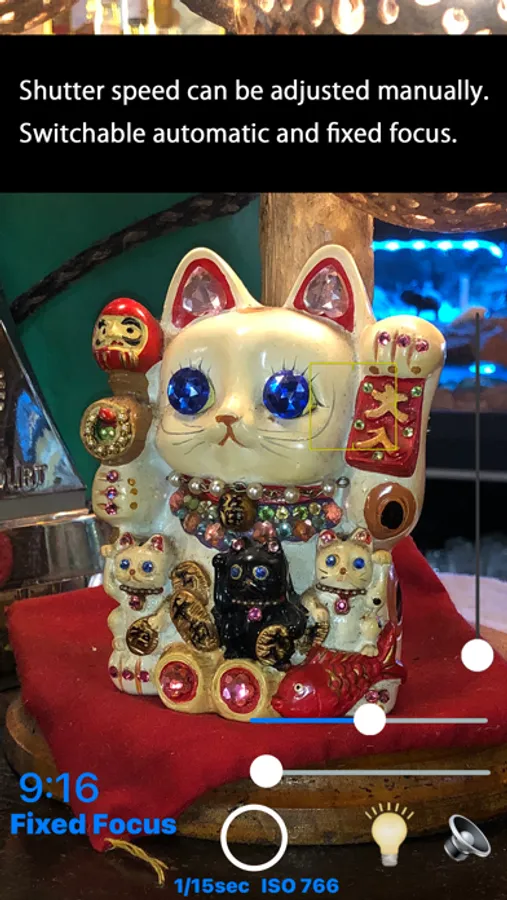
・ Manually adjust the shutter speed.
・ Switchable automatic and fixed focus.
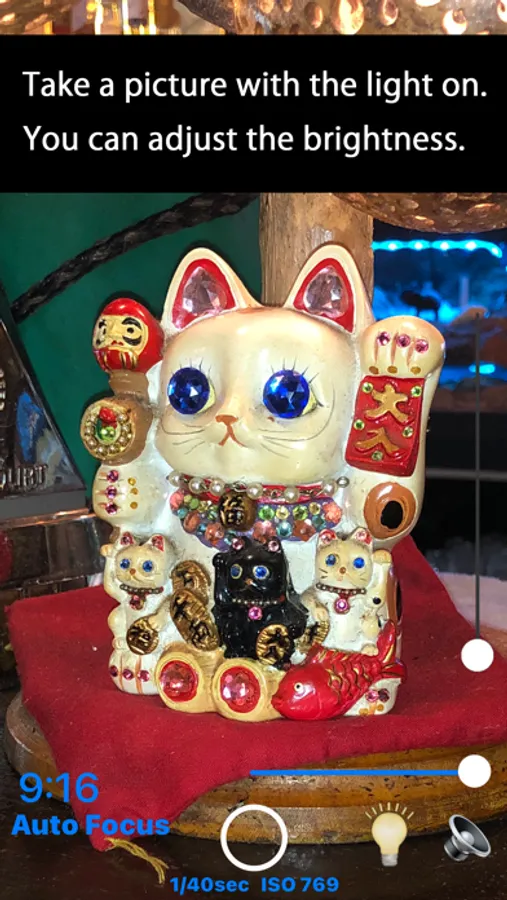
・ Turn the light on/off.
・ Manually adjust the brightness of the light.
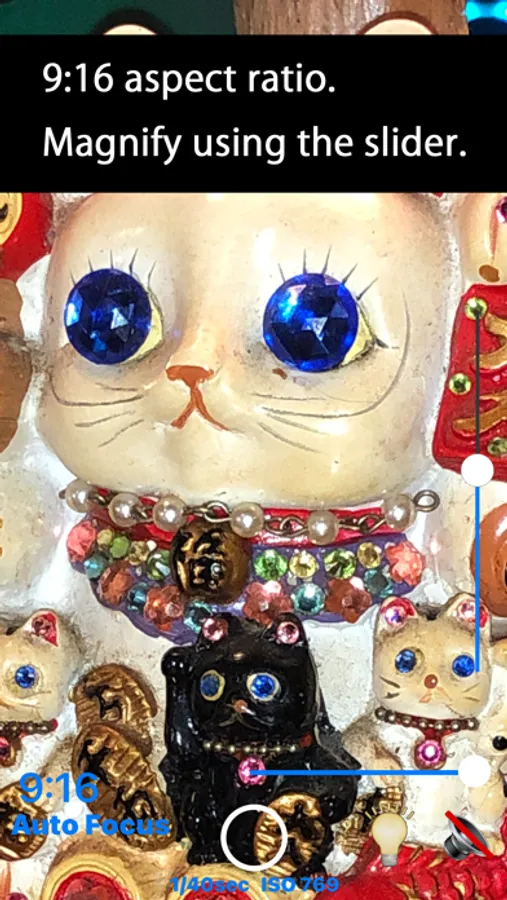
・ Select 9:16 or 3:4 aspect ratio.
・ Save to the “Photos” library.
・ Show the saved photo by opening the “Photos” library.
Usage:
Tap the picture to set fixed focus mode and adjust the shutter speed using the slider.
Slide the slider to adjust the brightness of the light.
Tap the light bulb button to turn the light on/off.
Tap the “9:16” button to switch the aspect ratio to “3:4” and vice versa.
Tap the circle button to take a picture and save it to the “Photos” library.
Tap the saved thumbnail photo to display it in the “Photos” library.
・ Switchable automatic and fixed focus.
・ Turn the light on/off.
・ Manually adjust the brightness of the light.
・ Select 9:16 or 3:4 aspect ratio.
・ Save to the “Photos” library.
・ Show the saved photo by opening the “Photos” library.
Usage:
Tap the picture to set fixed focus mode and adjust the shutter speed using the slider.
Slide the slider to adjust the brightness of the light.
Tap the light bulb button to turn the light on/off.
Tap the “9:16” button to switch the aspect ratio to “3:4” and vice versa.
Tap the circle button to take a picture and save it to the “Photos” library.
Tap the saved thumbnail photo to display it in the “Photos” library.
TorchCam - Light up Camera Screenshots
Tap to Rate: