AppRecs review analysis
AppRecs rating 5.0. Trustworthiness 0 out of 100. Review manipulation risk 0 out of 100. Based on a review sample analyzed.
★★★★★
5.0
AppRecs Rating
Ratings breakdown
5 star
100%
4 star
0%
3 star
0%
2 star
0%
1 star
0%
What to know
✓
High user satisfaction
100% of sampled ratings are 5 stars
About Speed Gun for Break Speed
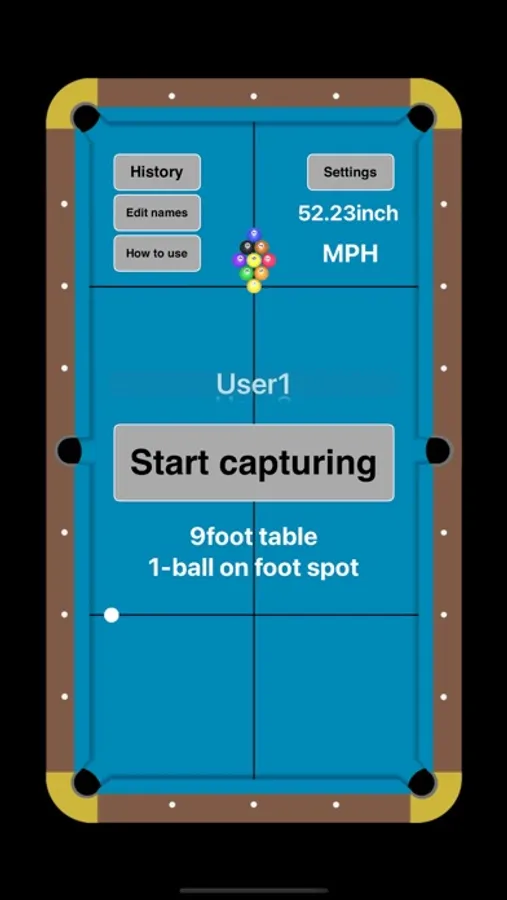
Measure and record pool break speed.
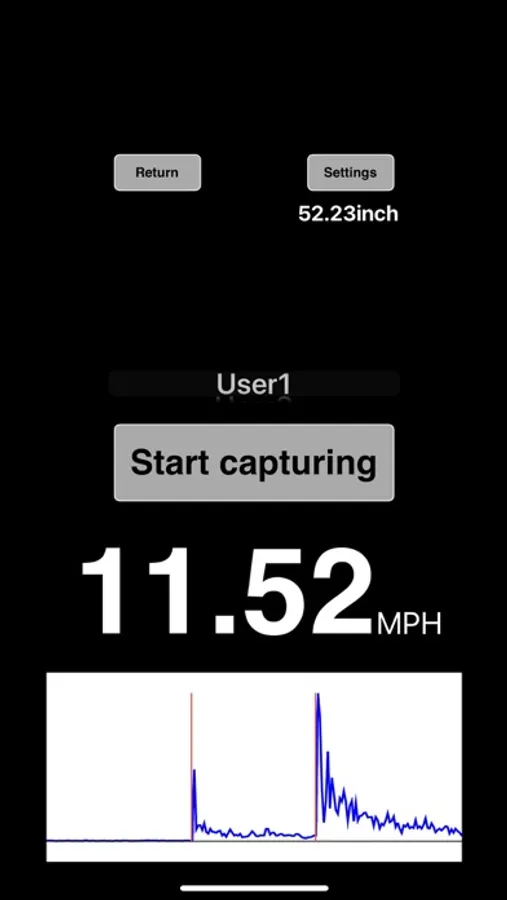
Theory behind is to calculate the break speed by measuring the time interval between the sound of the cue hitting the cue ball and the sound of the cue ball hitting the object ball and the distance.
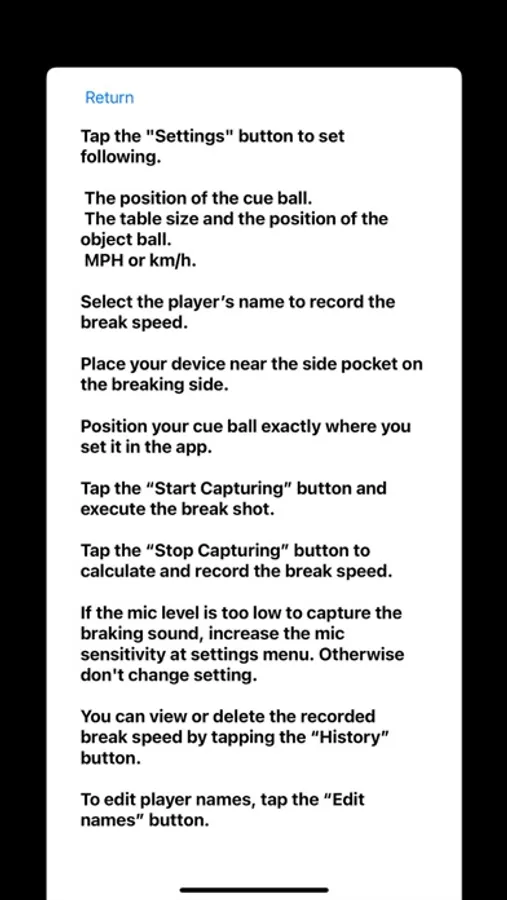
Instructions:
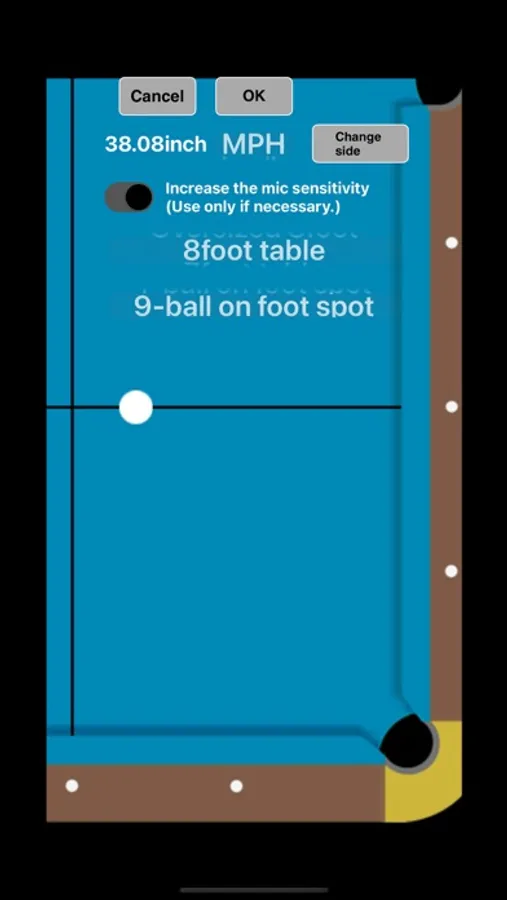
Tap the "Settings" button to set following.
The position of the cue ball.
The table size and the position of the object ball.
MPH or km/h.
Select the player’s name to record the break speed.
Place your iPhone/iPad on the rail of your pool table near the side pocket of your break shot side.
Position your cue ball exactly where you set it in the app.
Tap the “Tap here and execute the break shot” button and execute the break shot.
Tap the “Tap here after you’ve done the break shot” button within 2 minutes to calculate and record the break speed.
If your iPhone/iPad microphone sound level is too low to capture the break shot sounds, increase the microphone sensitivity at this apps settings menu. Otherwise don't change setting.
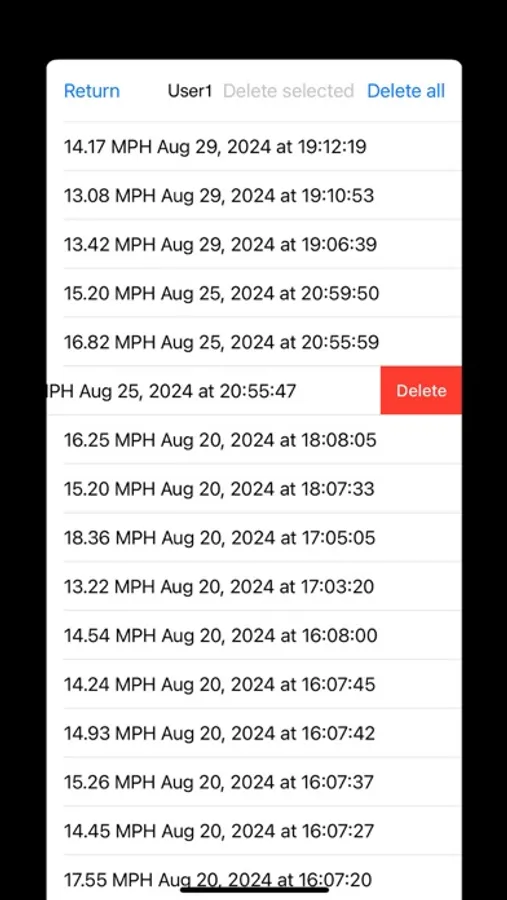
You can view or delete the recorded break speed by tapping the “History” button.
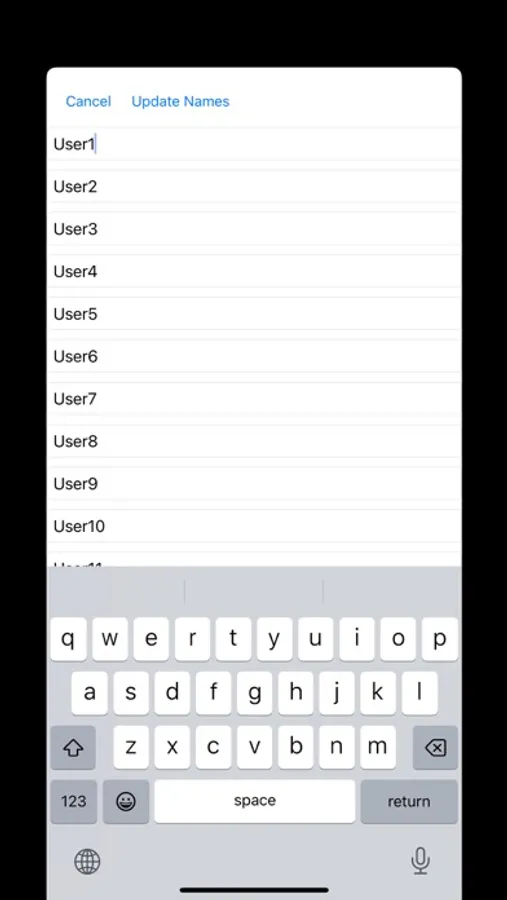
To edit player names, tap the “Edit names” button.
Theory behind is to calculate the break speed by measuring the time interval between the sound of the cue hitting the cue ball and the sound of the cue ball hitting the object ball and the distance.
Instructions:
Tap the "Settings" button to set following.
The position of the cue ball.
The table size and the position of the object ball.
MPH or km/h.
Select the player’s name to record the break speed.
Place your iPhone/iPad on the rail of your pool table near the side pocket of your break shot side.
Position your cue ball exactly where you set it in the app.
Tap the “Tap here and execute the break shot” button and execute the break shot.
Tap the “Tap here after you’ve done the break shot” button within 2 minutes to calculate and record the break speed.
If your iPhone/iPad microphone sound level is too low to capture the break shot sounds, increase the microphone sensitivity at this apps settings menu. Otherwise don't change setting.
You can view or delete the recorded break speed by tapping the “History” button.
To edit player names, tap the “Edit names” button.
Speed Gun for Break Speed Screenshots
Tap to Rate: