AppRecs review analysis
AppRecs rating 1.5. Trustworthiness 0 out of 100. Review manipulation risk 0 out of 100. Based on a review sample analyzed.
★☆☆☆☆
1.5
AppRecs Rating
Ratings breakdown
5 star
0%
4 star
0%
3 star
0%
2 star
50%
1 star
50%
What to know
⚠
Mixed user feedback
Average 1.5★ rating suggests room for improvement
About PDF Clipper
1.This is a kind of software?
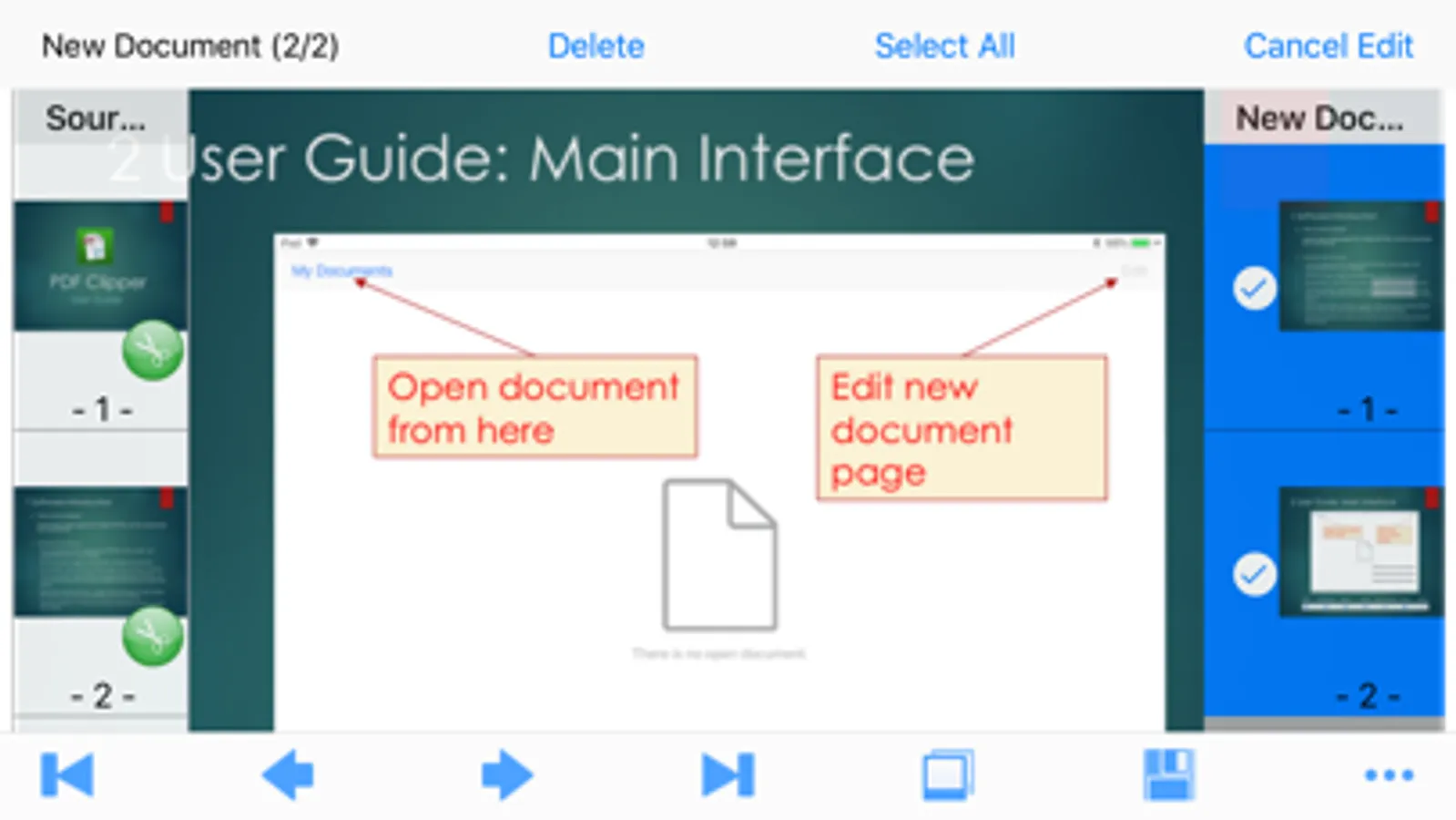
Quickly select multiple pages from multiple PDF files, and then reassembled into a new PDF file.
2. Main features of the software:
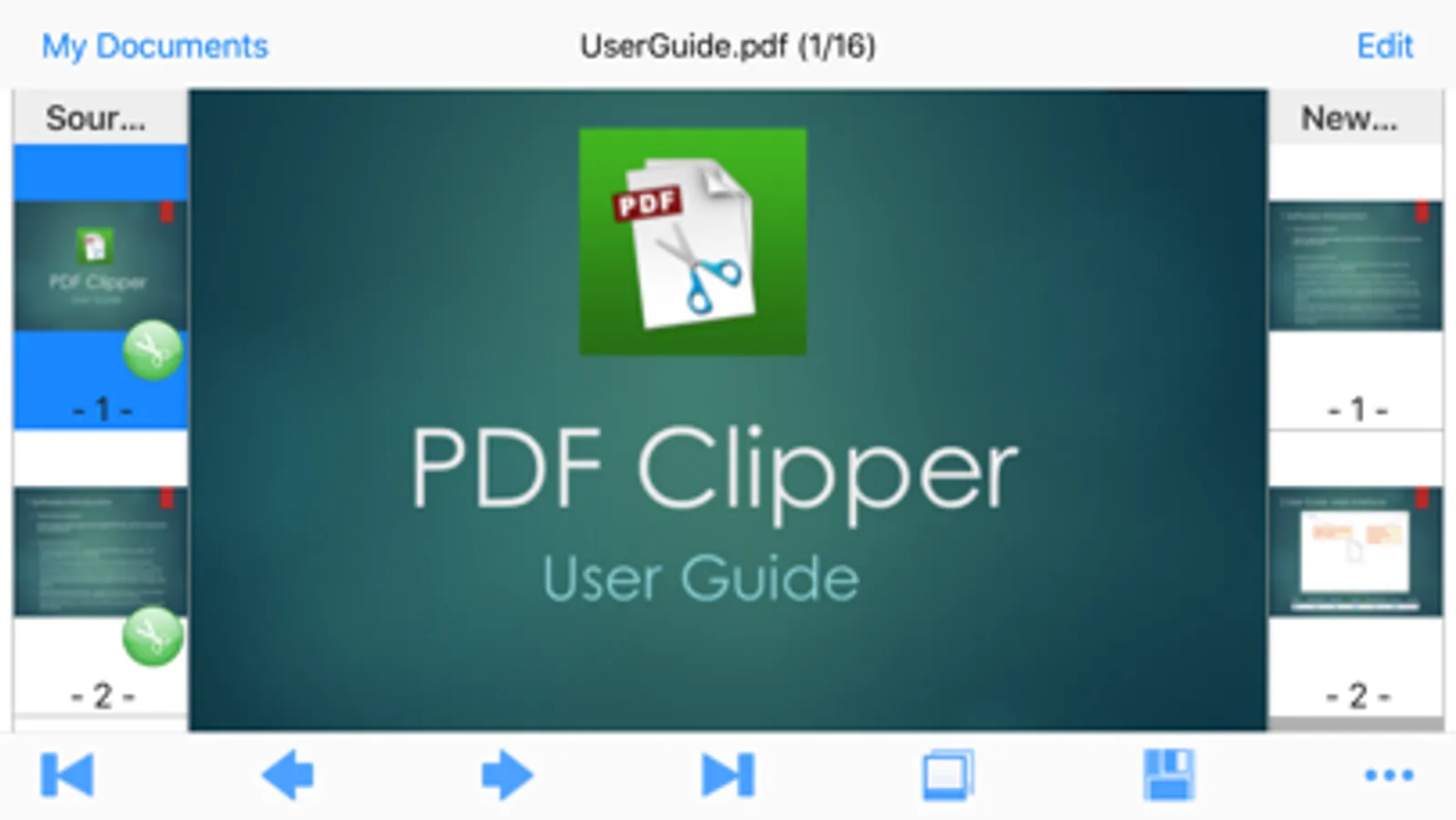
(1) You can select any pages from one or more PDF files and recombine them into a new PDF file.
(2) Each page of a PDF file can be viewed as a thumbnail or zoomed in/out with your fingers.
(3) The pages in the newly recombined PDF document can be freely reordered or deleted.
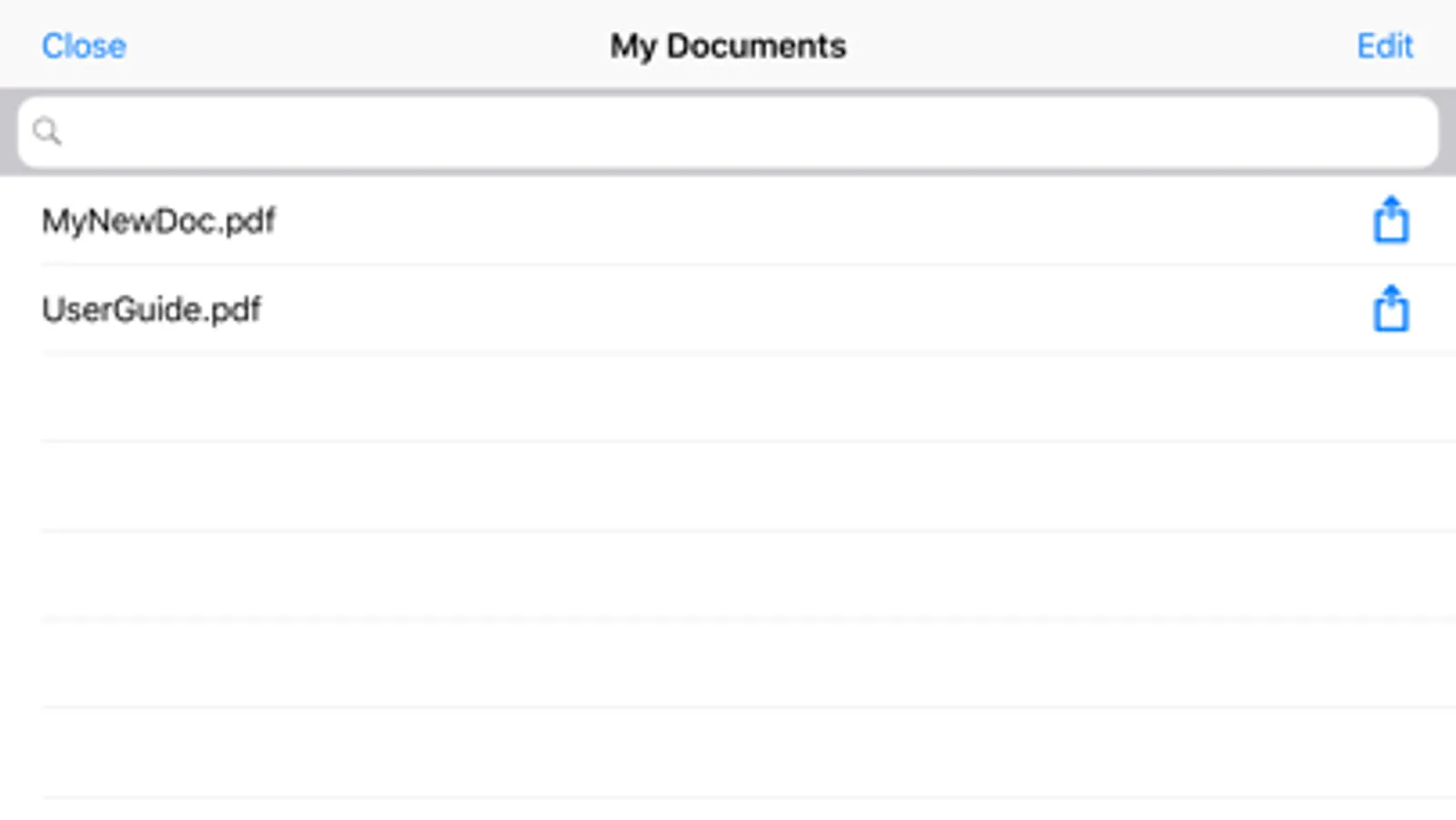
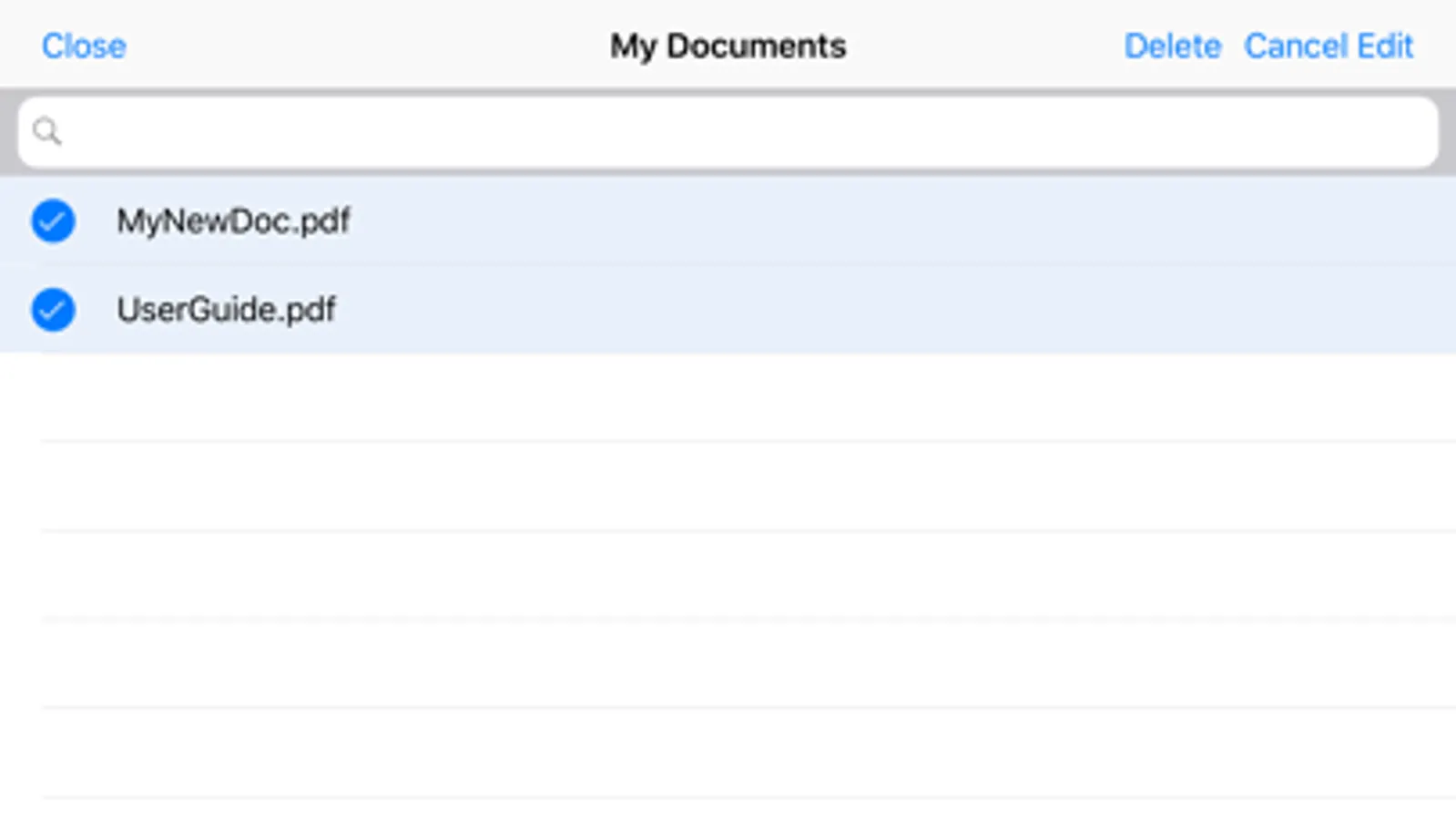
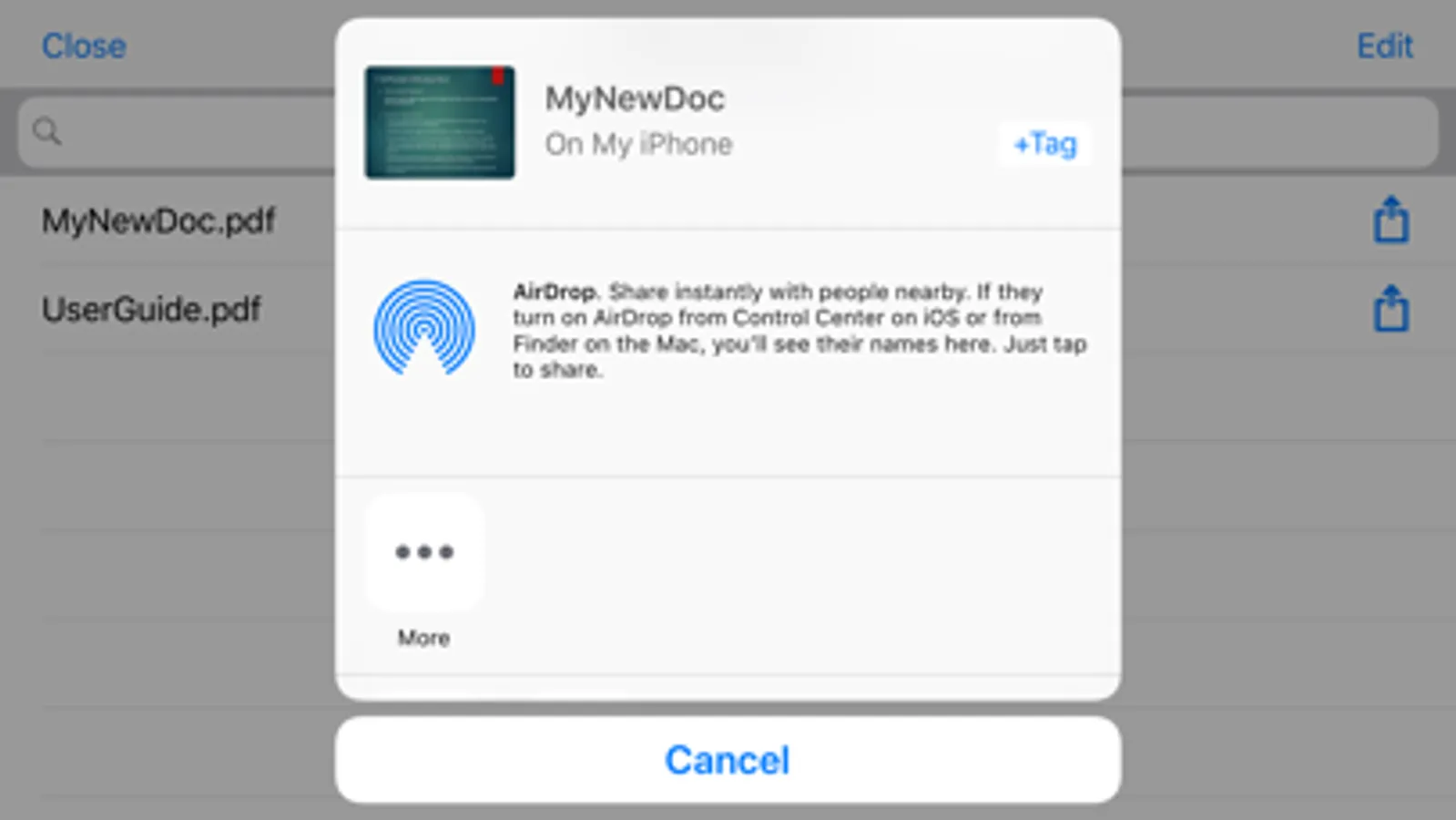
(4) PDF files in "My Documents" can be shared with other apps or saved to "Files," and more.
(5) The "Connect" feature in "My Documents" allows you to access the document directory of this software through the browser on any device and manage PDF files.
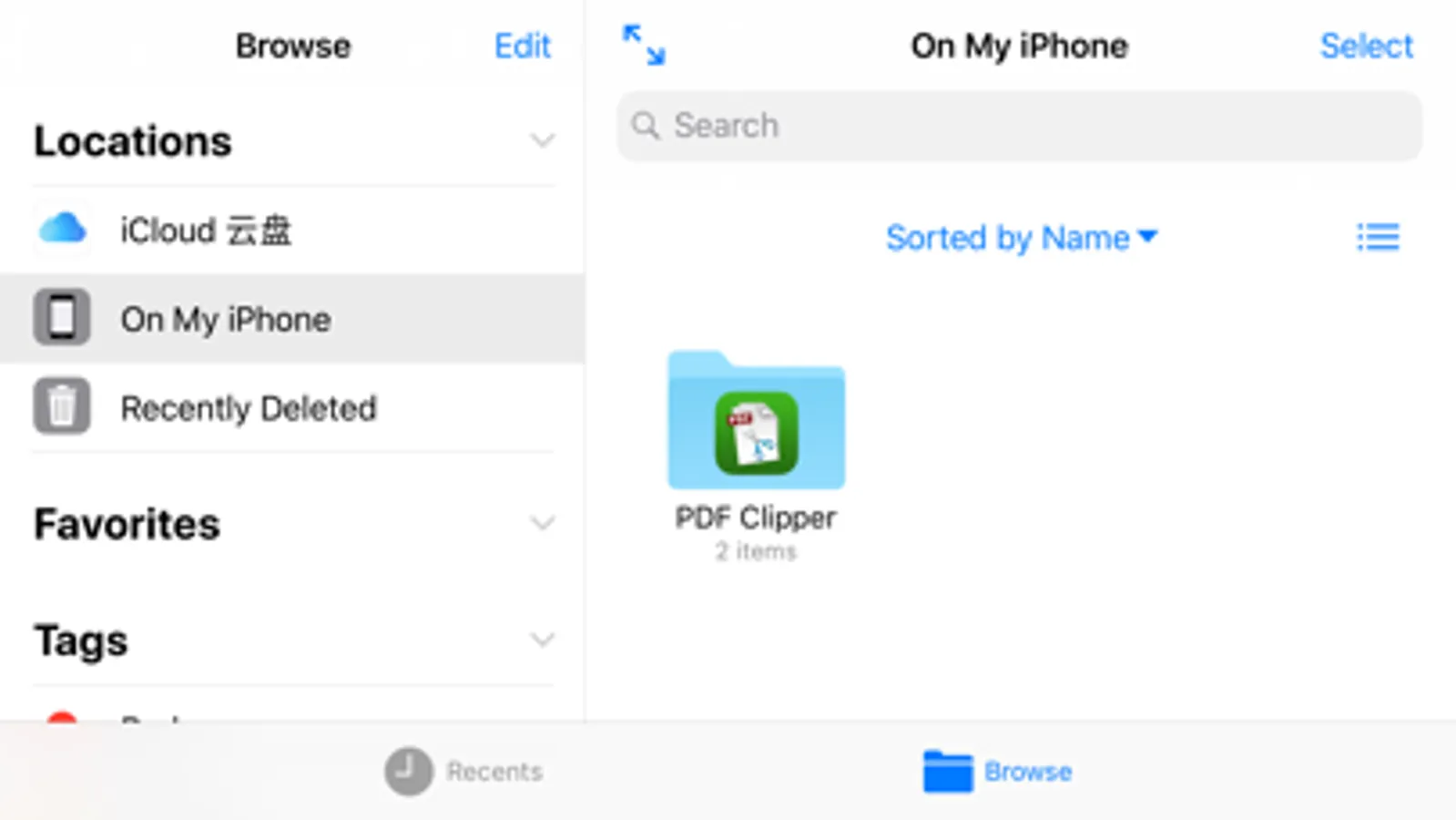
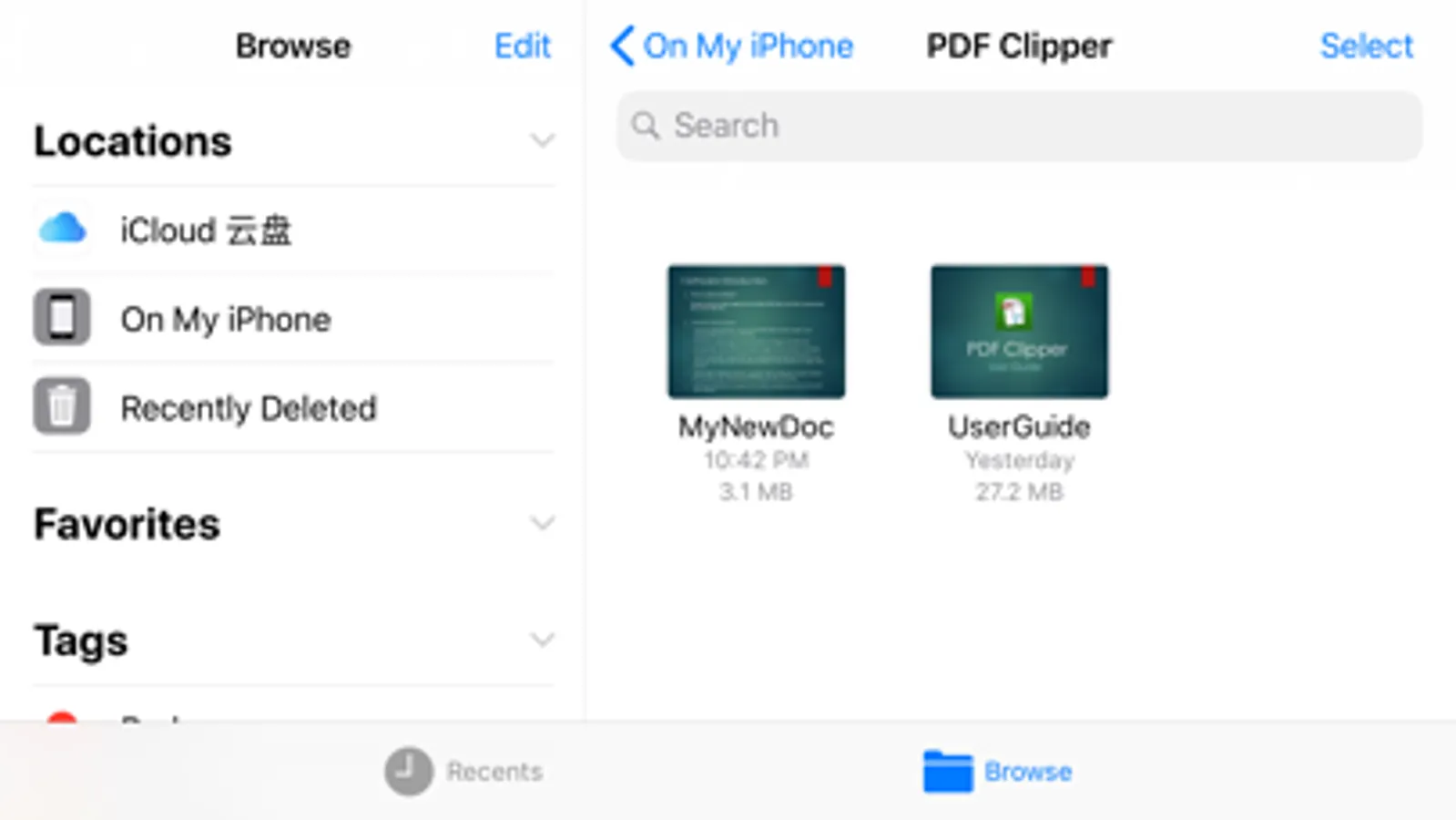
(6) PDF files can be imported into this software from the system "Files" app or other PDF software.
(7) The software interface is clean, and operations like browsing and editing documents are intuitive and convenient.
(8) The software supports multiple languages: English, Simplified Chinese, Traditional Chinese, Korean, Japanese, French, German, Russian, Spanish, Portuguese, Italian, and more.
Quickly select multiple pages from multiple PDF files, and then reassembled into a new PDF file.
2. Main features of the software:
(1) You can select any pages from one or more PDF files and recombine them into a new PDF file.
(2) Each page of a PDF file can be viewed as a thumbnail or zoomed in/out with your fingers.
(3) The pages in the newly recombined PDF document can be freely reordered or deleted.
(4) PDF files in "My Documents" can be shared with other apps or saved to "Files," and more.
(5) The "Connect" feature in "My Documents" allows you to access the document directory of this software through the browser on any device and manage PDF files.
(6) PDF files can be imported into this software from the system "Files" app or other PDF software.
(7) The software interface is clean, and operations like browsing and editing documents are intuitive and convenient.
(8) The software supports multiple languages: English, Simplified Chinese, Traditional Chinese, Korean, Japanese, French, German, Russian, Spanish, Portuguese, Italian, and more.
PDF Clipper Screenshots
Tap to Rate:
Reviews for PDF Clipper
Great app at Handy
Bad app
Can’t open/import any pdf file with this app
Powder Brain
Great idea, if it worked
Seems like a great idea, but I can't get PDF's into the program and the instructions are no help