In this task management app, you can organize tasks by tags and create projects easily. Includes Reminders integration, file support, live search, and customizable options.
AppRecs review analysis
AppRecs rating 4.4. Trustworthiness 83 out of 100. Review manipulation risk 18 out of 100. Based on a review sample analyzed.
★★★★☆
4.4
AppRecs Rating
Ratings breakdown
5 star
65%
4 star
16%
3 star
5%
2 star
6%
1 star
7%
What to know
✓
Low review manipulation risk
18% review manipulation risk
✓
Credible reviews
83% trustworthiness score from analyzed reviews
✓
High user satisfaction
81% of sampled ratings are 4+ stars (4.3★ average)
About Taskmator - TaskPaper Client
◉ "Excellent Task Manager"— Cult of Mac
◉ “Taskmator, a powerful TaskPaper client for iPhone and iPad, has received full Reminders Integration” — Federico Viticci, MacStories
◉ "Taskmator is really neat and great" —Merlin Mann
◉ "I love using the TaskPaper format, with TaskPaper on Mac and Taskmator on iOS" —Brett Terpstra
Taskmator ( Next-Generation of renowned task management app called TaskPaper ) takes full advantage of iOS/ iPadOS technologies, gives you speedy, powerful tools that let you more productive.
• Based on the open source code of TaskPaper for iOS/ iPadOS.
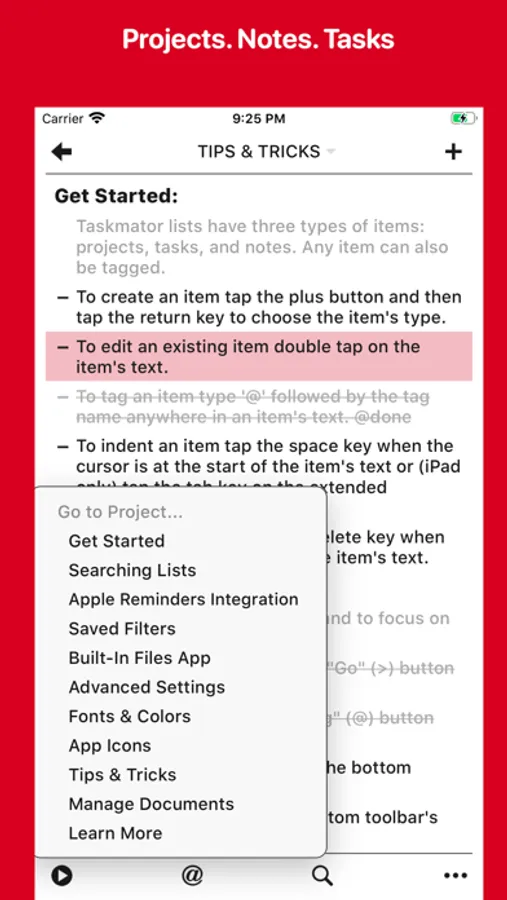
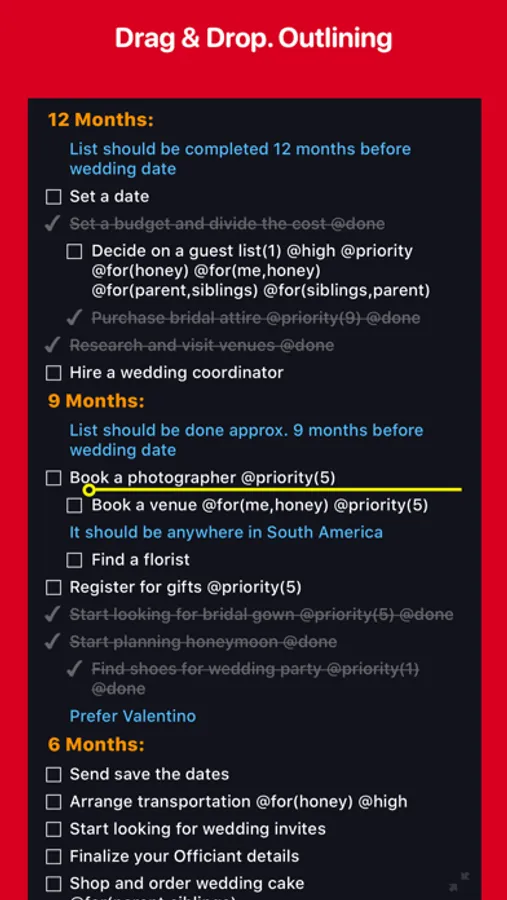
• Type your lists into Taskmator and each line is quickly formatted into a Project, Task, or Note.
• Apple Reminders Integration.
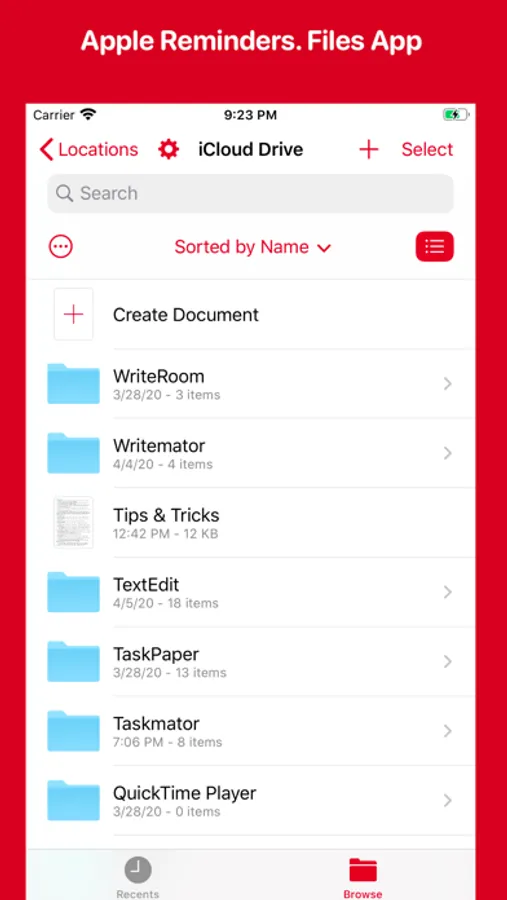
• Built-In Files App Integration.
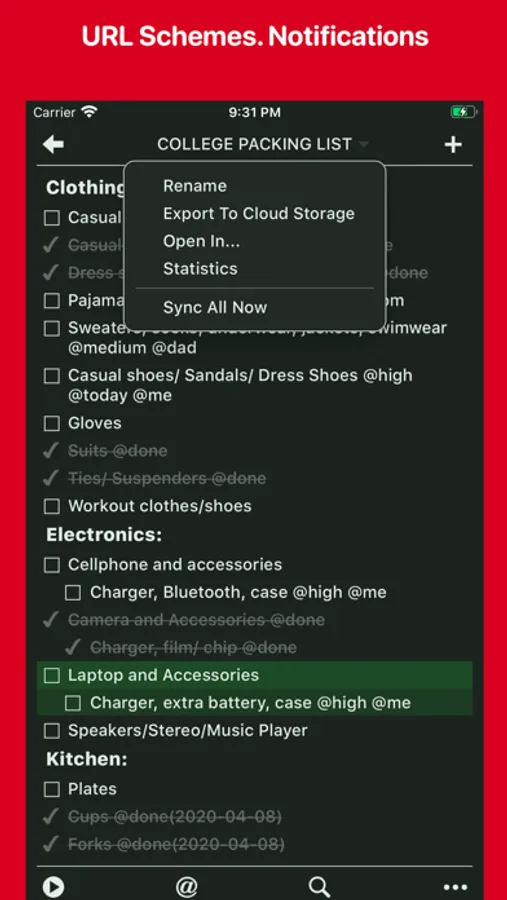
• Local Notifications.
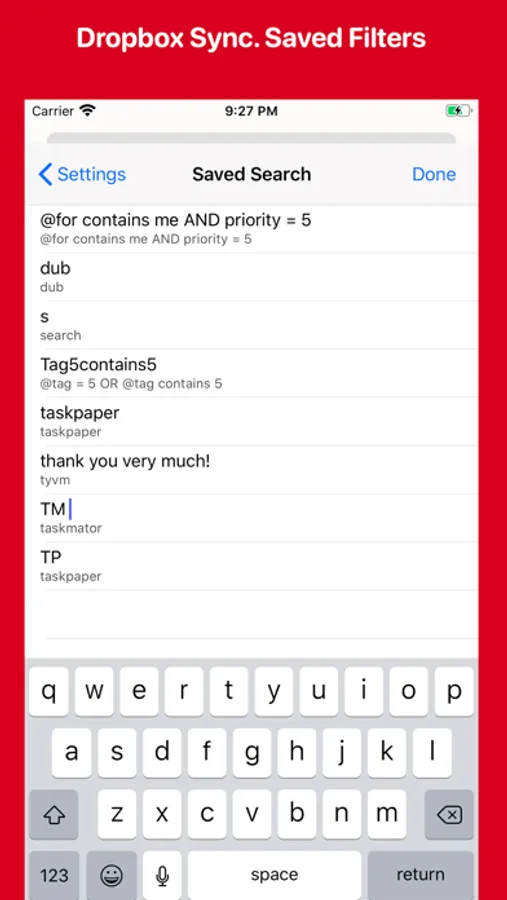
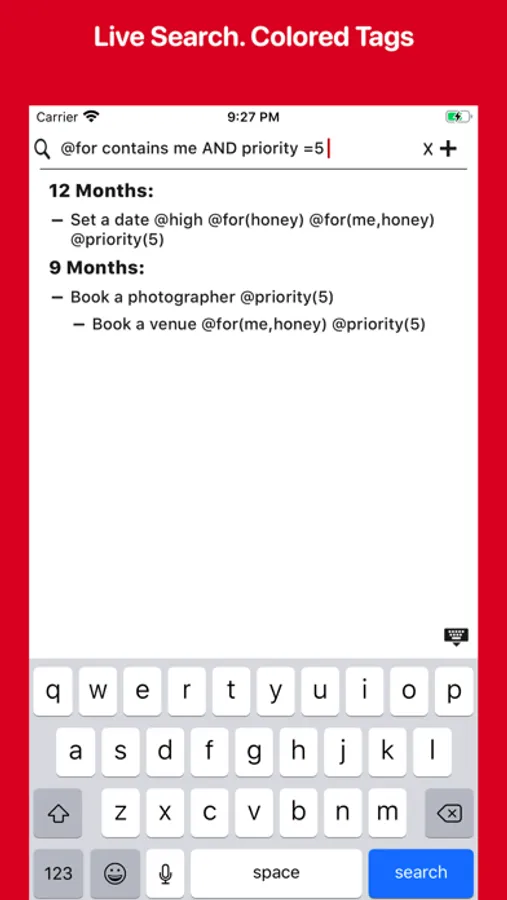
• Live Search with Saved Filters.
• Dropbox Sync API V2.
• Multiple Window, Split View Support for iPadOS.
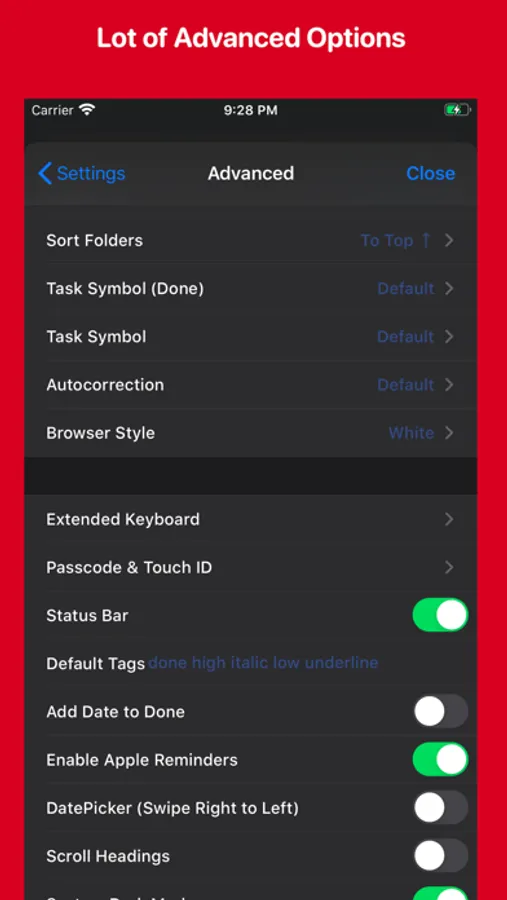
• System Dark Mode.
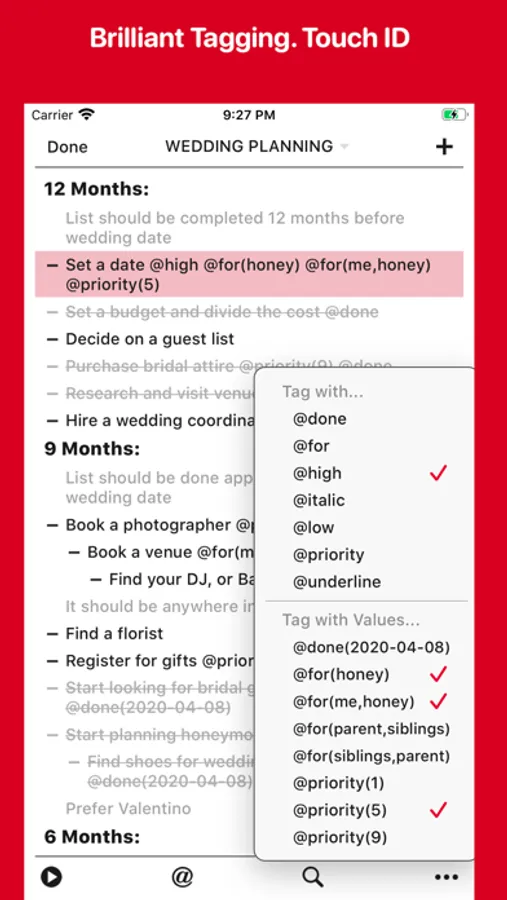
• Touch ID/ Face ID support.
• Document Picker Support.
• Custom Task Symbol.
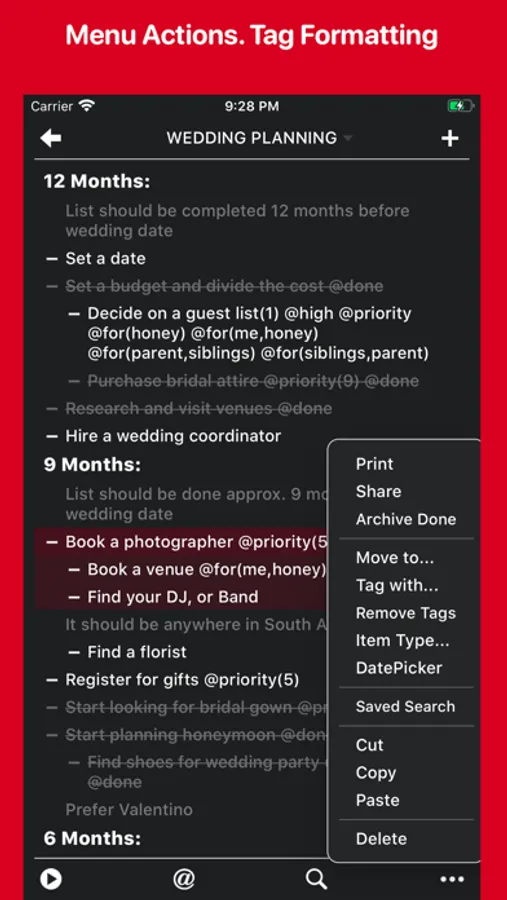
• Colored Tags, Tags Suggestion, Links Detections, Tag Formatting.
• Print with custom task symbol.
• Full Screen Mode. Scroll Headings to have more space.
• Organize notes, tasks, or projects by tags.
• Support Outlining. Drag & Drop items from another app and vice versa.
• UI elements respond to the cursor on iPadOS when connecting a mouse or trackpad.
• Statistics.
• TextExpander (TETouch Snippet Expansion) support.
• Re-use a file on a single tap. Little expensive method.
• Review all your projects using "Go to Project.." feature.
• URL Schemes.
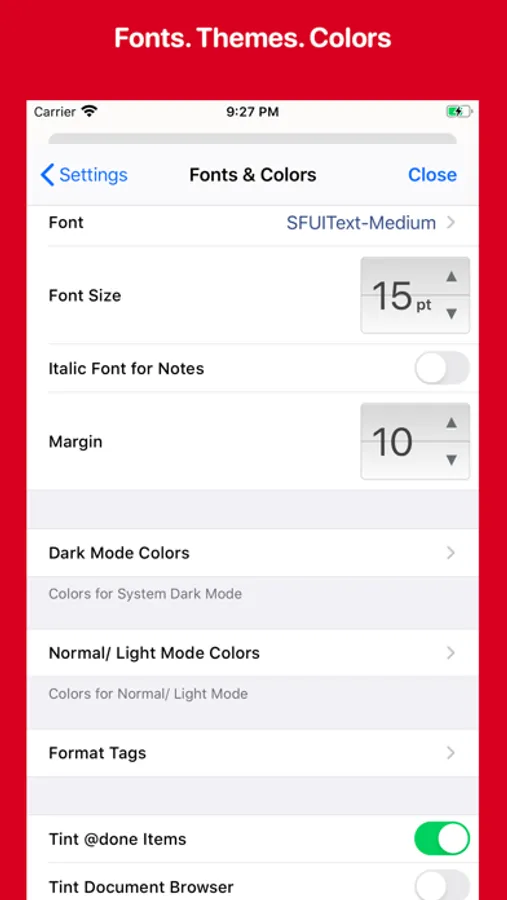
• Customize extended keyboard keys, themes, dark mode, fonts, colors.
• Export file as PDF.
• Approx. 150 beautiful fonts are available.
• Total 9 app icons available.
If you have any questions/ suggestions/ issues related to Taskmator then please contact me via email (taskmator@gmail.com) or on twitter (@Taskmator).
Taskmator - TaskPaper Client Screenshots
Tap to Rate:
Reviews for Taskmator - TaskPaper Client
lowell.
Scrolling by flick can move text - Ugh
Still a problem - and fatal for me. Using the scroll bar feature works well and can quickly move from top to bottom of a file be sliding your finger tip from top to bottom of the edge of the screen. But the normal method of scrolling up or down on an iPhone remains how Steve Jobs demonstrated it in 2007. Flicking up and down the screen. 14 years of muscle and brain memory is really hard to stop using. And this is Taskmator's failure. I regularly see some random bit of text flying up the screen to a new location without doing a "tap and hold" to select the text I want to move somewhere rose. The problem with the super speed of dragging to the top of the document after just starting to drag seems to have been fixed. So the inadvertent move does seem constrained to be modestly local to the starting location. When I do use tap and hold it seems to have a significant delay before popping the text up to move. This is good and I wonder how flicking can get past this delay. Perhaps if tap and hold to move is set to only work when the text is STATIONARY. Just thinking. I will not give up on Mac TaskPaper as it is one of the most creative apps ever introduced. I use it every day and a lot. Thank you to Jesse Grosjean. Just duplicate TaskPaper on IOS and you can have a real winner.
Doodaddy
Dropbox doesn't work; Files app integration is dicey
The direct Dropbox integration doesn't work at all -- maybe it was abandoned when the Files app integration got added? Or so it would seem. Sadly, the Files app integration is quite bad; syncing doesn't seem to happen. Also (maybe related?) there's some weird lagginess if you turn off Apple Reminders integration. This app might be okay if you're only working with local files on your iPad, but if you want to store your Taskpaper files in the cloud. Essentially, this seems like abandonware. Stay away.