AppRecs review analysis
AppRecs rating 1.9. Trustworthiness 69 out of 100. Review manipulation risk 23 out of 100. Based on a review sample analyzed.
★☆☆☆☆
1.9
AppRecs Rating
Ratings breakdown
5 star
13%
4 star
6%
3 star
6%
2 star
6%
1 star
68%
What to know
✓
Low review manipulation risk
23% review manipulation risk
⚠
Mixed user feedback
Average 1.9★ rating suggests room for improvement
About MirrorOp Presenter
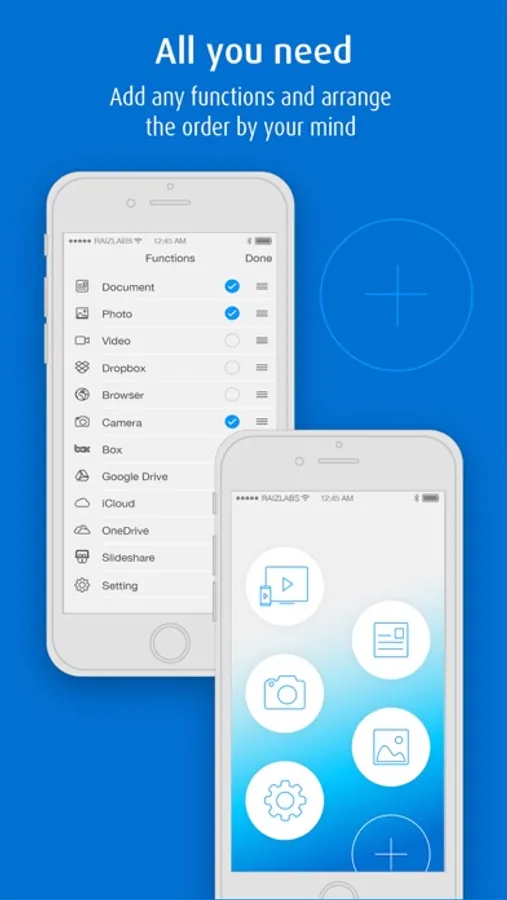
Key Features
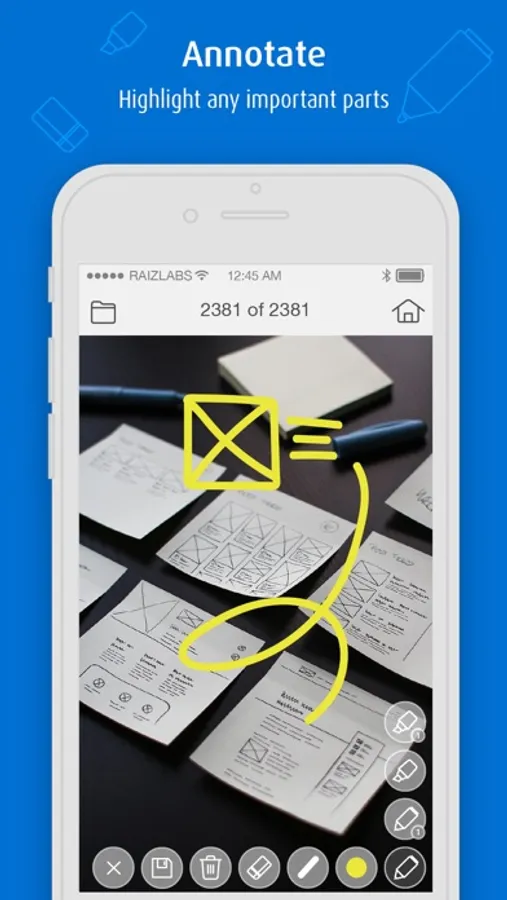
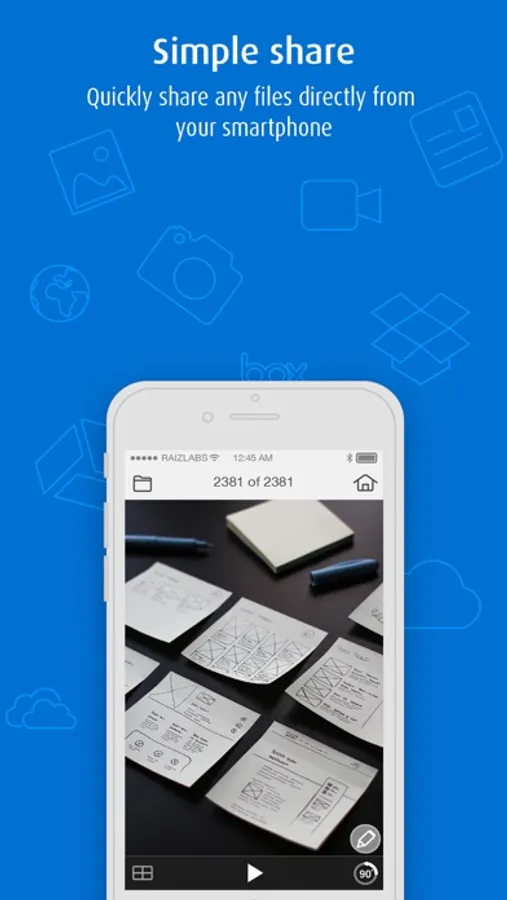
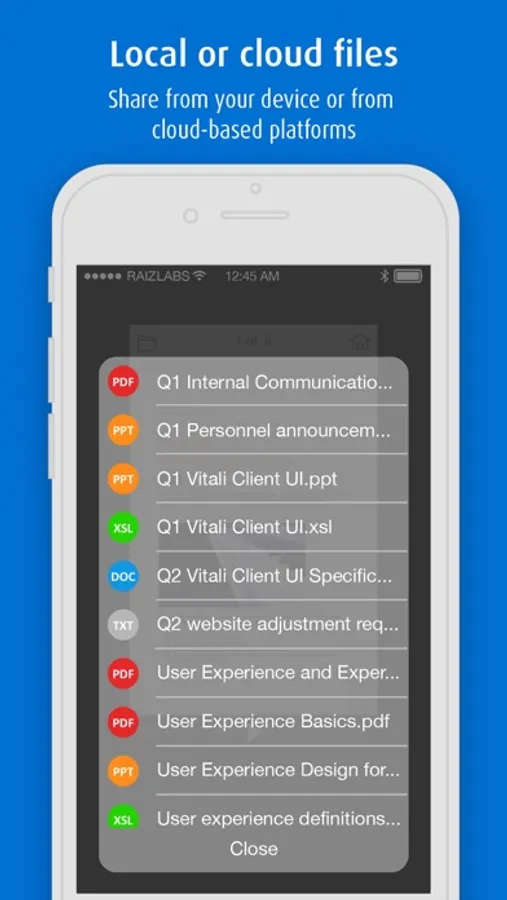
-Documents (Word, Excel, PowerPoint, PDF)
-Photos (JPG, PNG)
-Browser
-Live Camera
-Annotation tools
-Cloud
Requirements
-MirrorOp Presenter is free to use with wePresent receiver devices (e.g. WiPG-1000/WiPG-1600/WiPG-2000/WiPG-1600W/WiCS-2100). For more info, please visit https://www.barco.com/wepresent or contact your local wePresent distributor.
-MirrorOp Presenter is free to use with CSC (ClickShare for Conference Rooms) and CSM (ClickShare for Meeting Rooms) receiver devices. Firmware update may be required. For more info, please contact your local ClickShare support team.
-For other (unauthorized) receiver devices which have downloaded the MirrorOp Receiver app, projection via MirrorOp Presenter will be stopped every 5 minutes unless users make an in-app purchase of the license key.
Setup with 3 easy steps
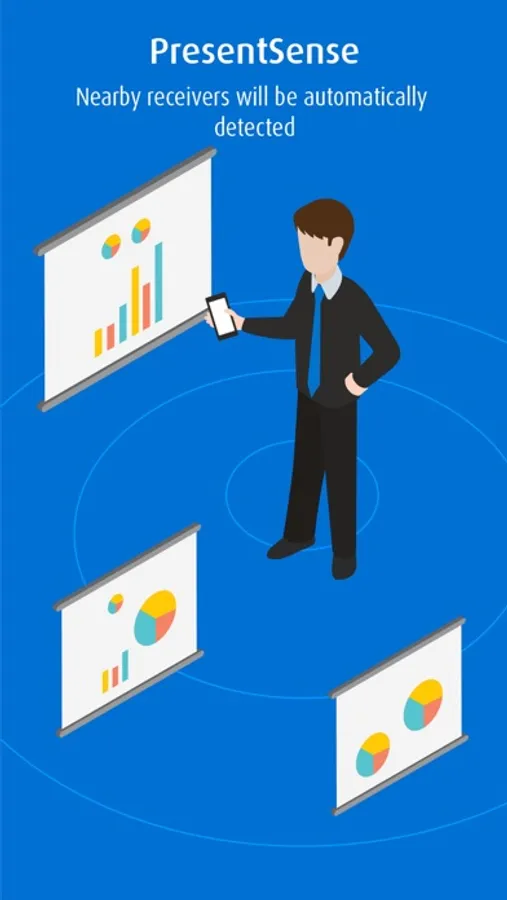
1.Install a receiver device.
2.Connect to the receiver device via WiFi.
3.Launch the MirrorOp Presenter app and start presentation.
EULA
https://www.barco.com/en/support/docs/TDE9701
Keywords
MirrorOp, wePresent, wePresent WiPG, Barco, ClickShare, ClickShare CSC, ClickShare CSM, screenshot, snapshot, projector, presentation, mobishow, sender, wireless sender, TV sender, remote display, WiFi-Doc, Office, Word, Excel, PowerPoint, PDF, photo, camera, document, teacher, annotation
MirrorOp Presenter Screenshots
Tap to Rate:
Reviews for MirrorOp Presenter
skottles
Garbage
Worst app hands down I have ever used. Doesn’t work. Delete
bdaroz
MirrorOp for Mac this is not
… in fact this app is mostly useless as it is unable to share your iOS screen to the receiver. So unless you use it’s built-in browser, you can’t share another app (like OneNote, etc) to the projector at all. If it’s not going to have anywhere near the same functionality, why use the same program name, unless the intent is to confuse, at best.