
AppRecs review analysis
AppRecs rating 3.1. Trustworthiness 76 out of 100. Review manipulation risk 24 out of 100. Based on a review sample analyzed.
★★★☆☆
3.1
AppRecs Rating
Ratings breakdown
5 star
53%
4 star
0%
3 star
0%
2 star
7%
1 star
40%
What to know
✓
Low review manipulation risk
24% review manipulation risk
✓
Credible reviews
76% trustworthiness score from analyzed reviews
About ClickShare
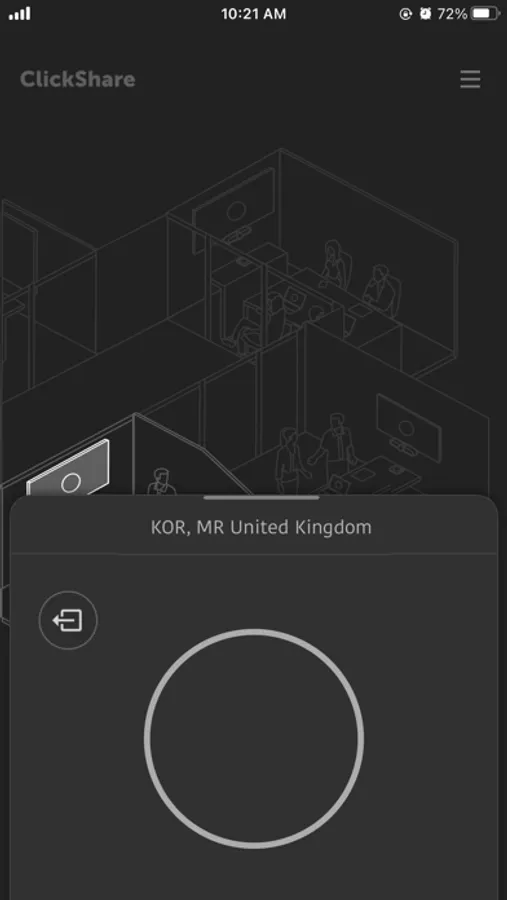
ClickShare Wireless Presentation and Conferencing technology creates understanding between people by freeing them to interact easily and naturally. The ClickShare App lets you easily connect to the meeting room, allowing you to share any content on your device with everyone in the meeting.
FUNCTIONALITY
◉ Share to any ClickShare or ClickShare Conference equipped meeting room (CS-100, CSE-200, CSE-800, CX-20, CX-30, CX-50)
◉ Quickly find a connected meeting room (mDNS/SSDP based lookup of network-connected ClickShare Base Units)
◉ Automatically connect to stand-alone meeting room setups after switching to the Base Unit Wi-Fi
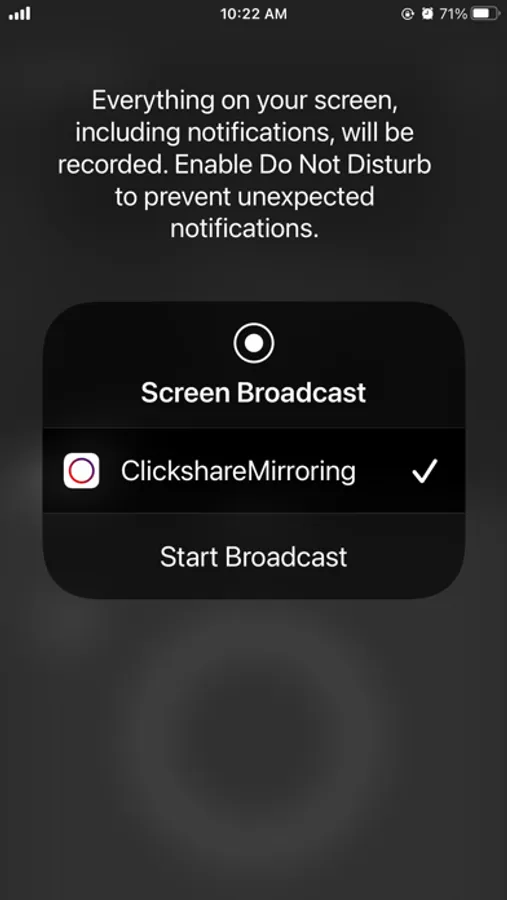
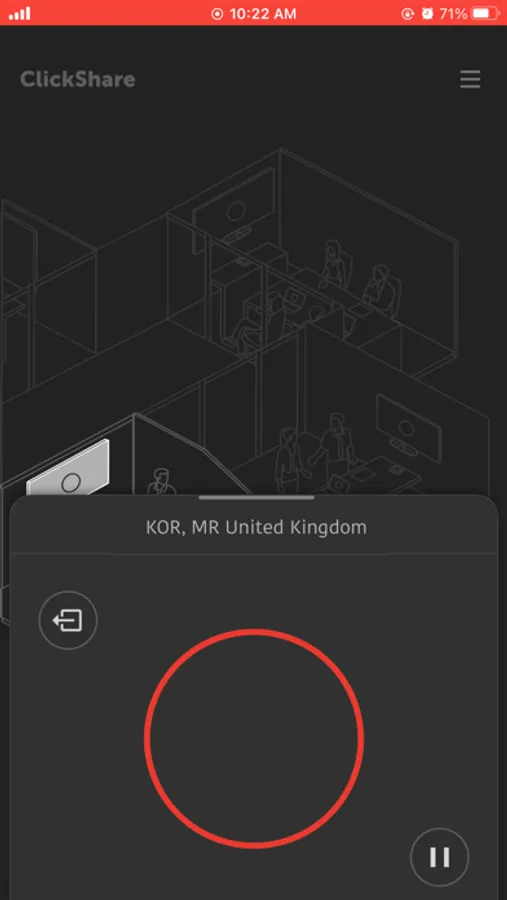
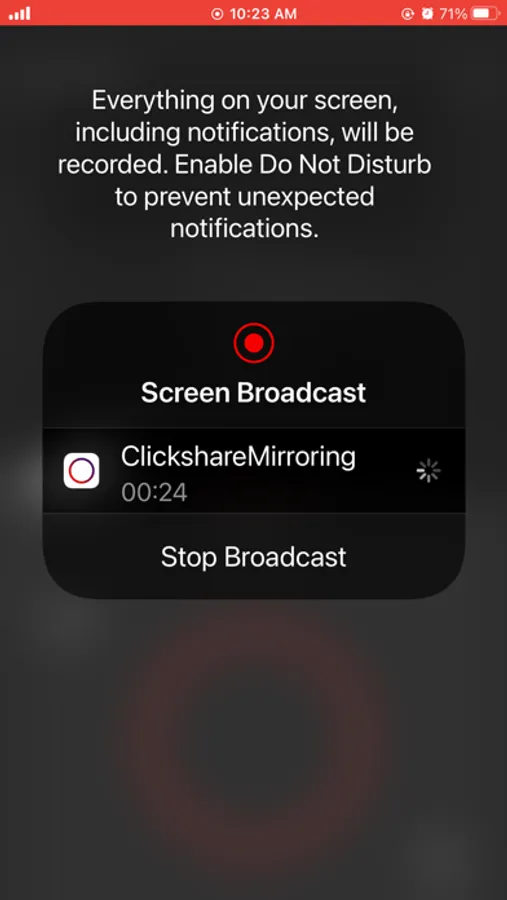
◉ Share your screen in portrait or landscape mode (with supported apps; audio will not be shared)
◉ Control screen sharing from anywhere through the iOS Screen Recording shortcut
◉ Secure encrypted screen sharing
ClickShare Screenshots
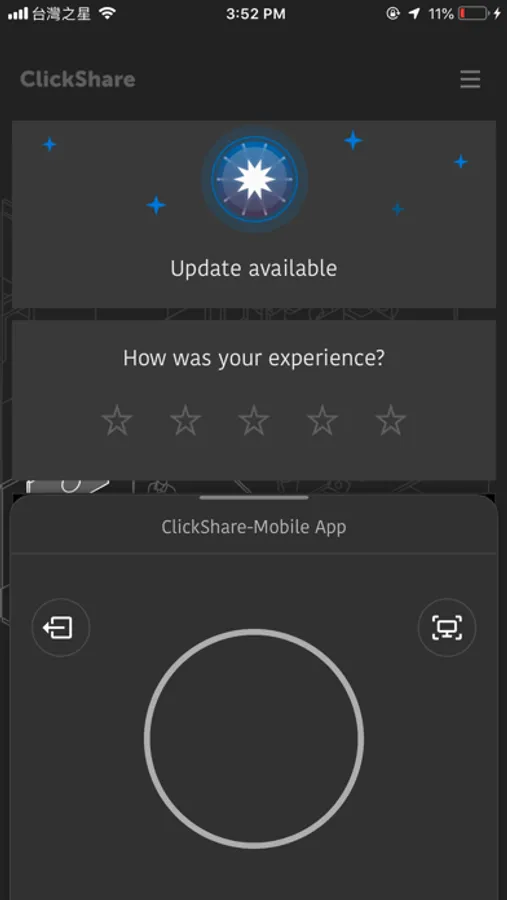
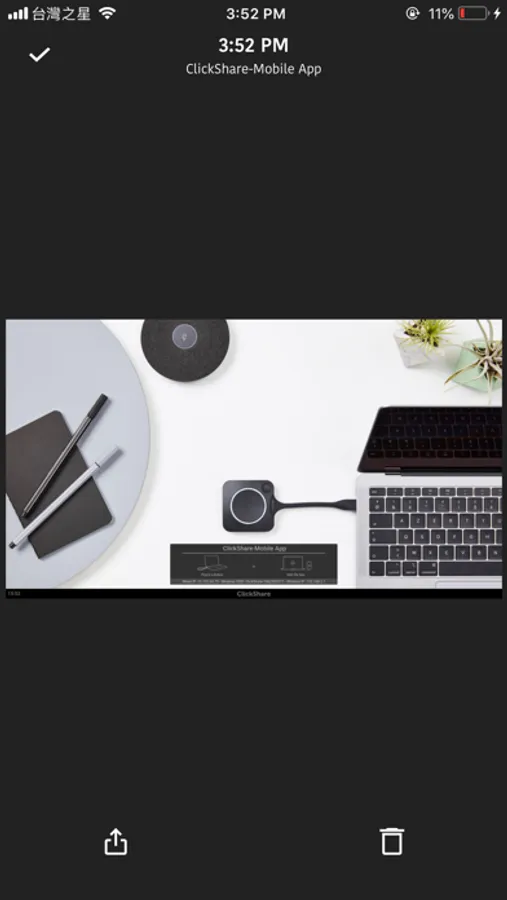
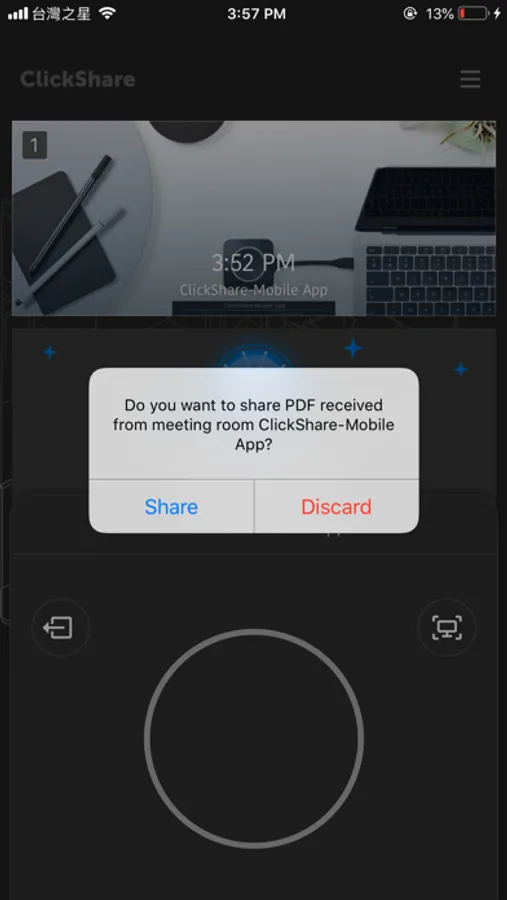
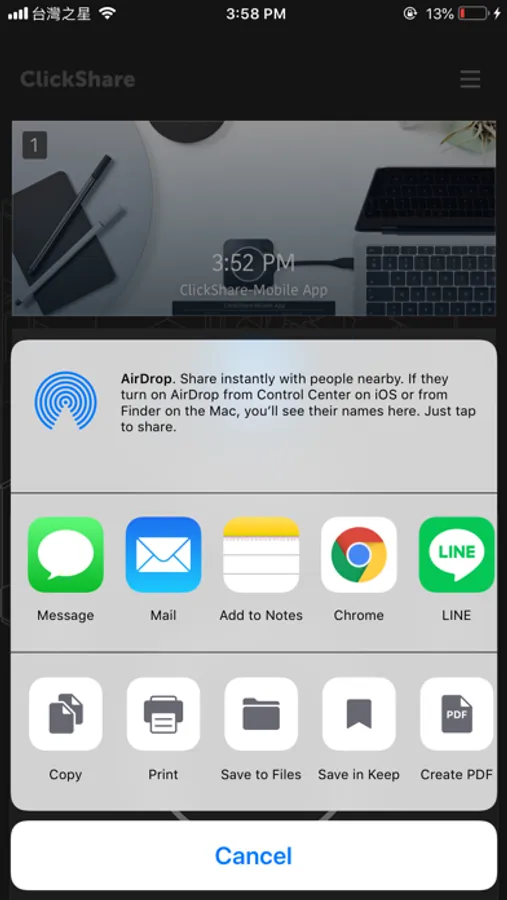
Tap to Rate:
Reviews for ClickShare
...him downstairs
It’s the little things
So I’ve been administering several Barco c-10’s for a couple different clients about a year now. All in all it’s pretty great. This app however leaves a lot to be desired. Main thing is if I’m sharing my screen, I can’t mute the sound on my phone to play it on the monitor only. It plays on both of them and of course it’s delayed on the monitor. VERY ANNOYING. That’s definitely a bug, not a feature. The other thing that’s rather annoying is my app says there’s an update EVERYTIME I use it. I click it hoping it’s gonna be the fix to the aforementioned problem but low and behold, there’s not an update at all. I guess that’s a glitch. Other than that, it’s pretty awesome as a tool. So far the hardest thing is encouraging users of the tech to use the tech. I mean everytime there is a problem and I get called in to fix it, there’s an unplugged hdmi cable that some one has decided to plug directly into their laptop to use the system.
ThicknQuick
Previous version was simpler compared to this version.
Previous version could find the ClickShare once logged into the WiFi. Now you need to type it all in