
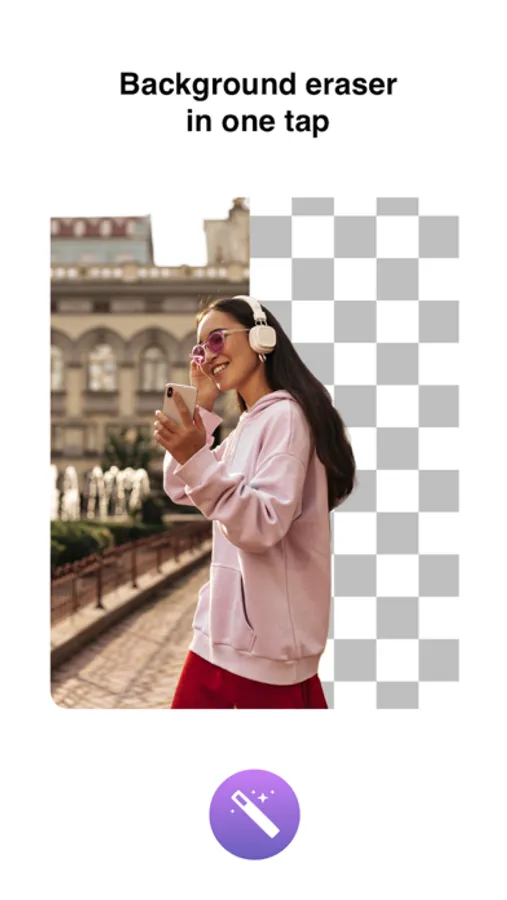
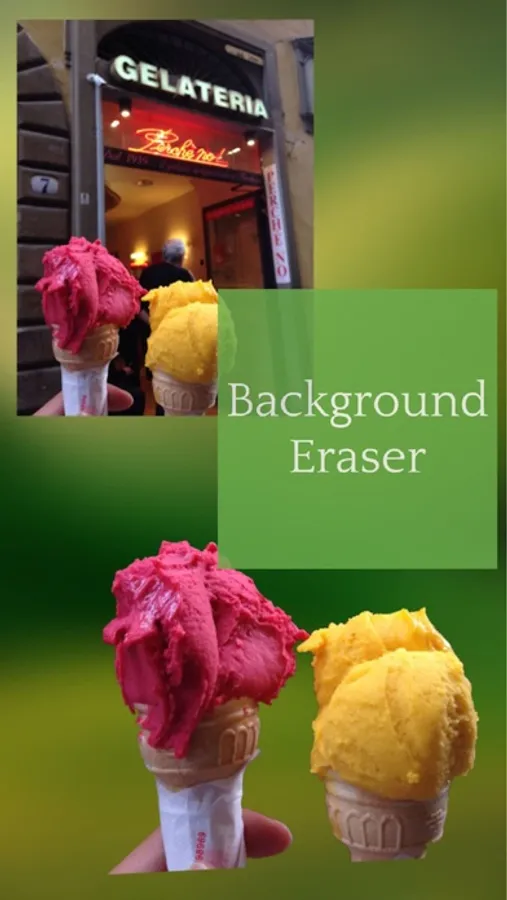
In this photo editing app, you can remove backgrounds from images and enhance transparency with simple tools. Includes options for cropping, adjusting effects, and exporting in multiple formats.
AppRecs review analysis
AppRecs rating 4.1. Trustworthiness 77 out of 100. Review manipulation risk 29 out of 100. Based on a review sample analyzed.
★★★★☆
4.1
AppRecs Rating
Ratings breakdown
5 star
73%
4 star
16%
3 star
6%
2 star
2%
1 star
3%
What to know
✓
Low review manipulation risk
29% review manipulation risk
✓
Credible reviews
77% trustworthiness score from analyzed reviews
⚠
Pricing complaints
Many low ratings mention paywalls or pricing
About Background Eraser: AI Remove
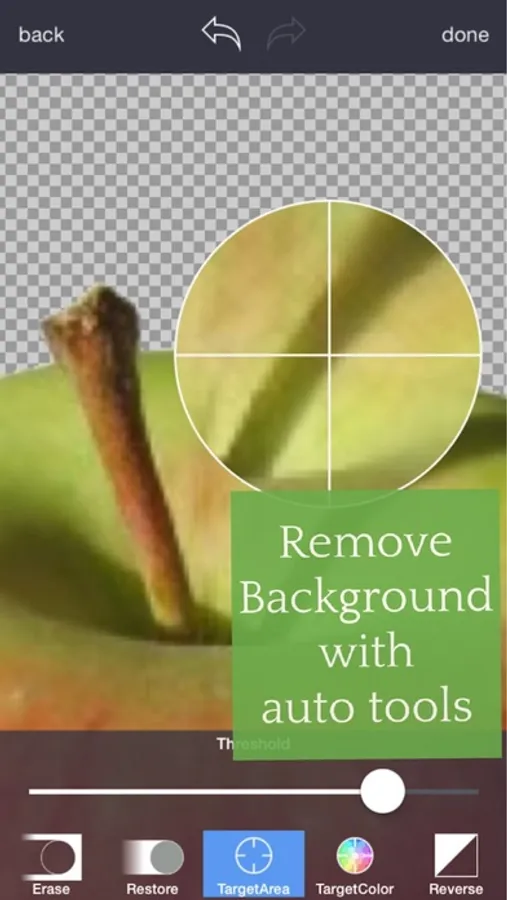
Just touch where you want to remove. "Target" function removes the area of similar color automatically.
The image which one maintaining transparency background can be used with other apps
ex) Keynote. Pages, etc.
#Cut Out Tools – Cut images (Zoom in to work for fine pixel-level accuracy)
___#Erase/Restore : Erase/Restore the area you touched
___#Target Area Auto remove tool (Area/Color) : Remove similar color area automatically
___#Reverse tool : Reverse removed area
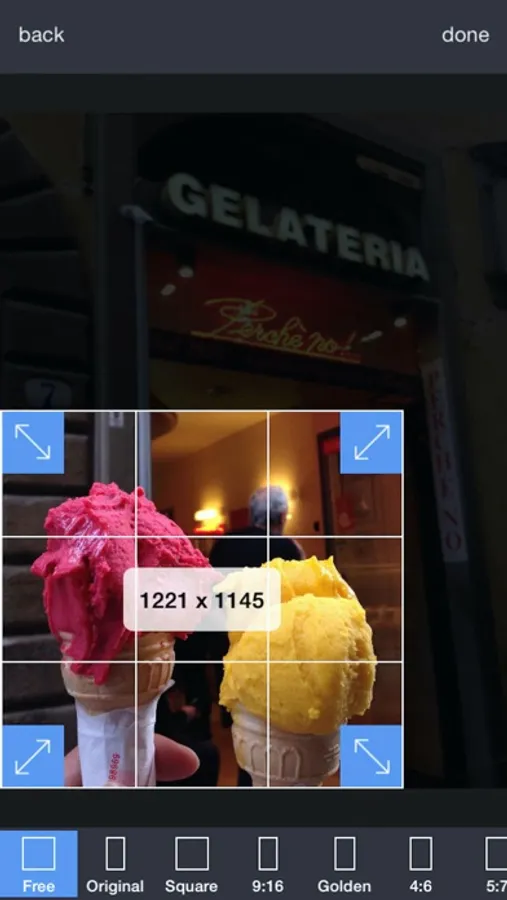
#Crop – Crop your photos with 15 different presets feature quickly and easily.
#Adjust Effect - 9 ADJUSTMENT tools (Smooth, brightness, contrast, saturation, exposure, highlights, shadows, temperature, vignette)
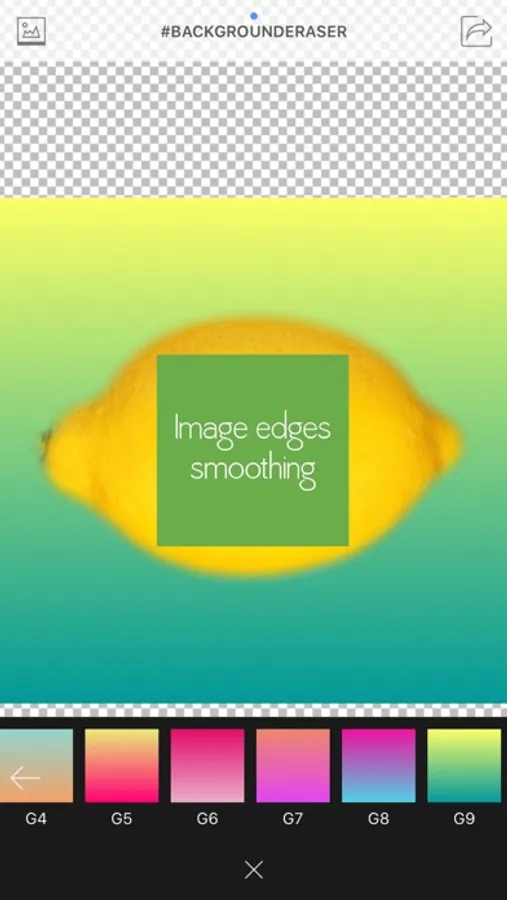
**”Smooth” - Smoothing image edge
#Add Background Photo - Remove & Change your photo background
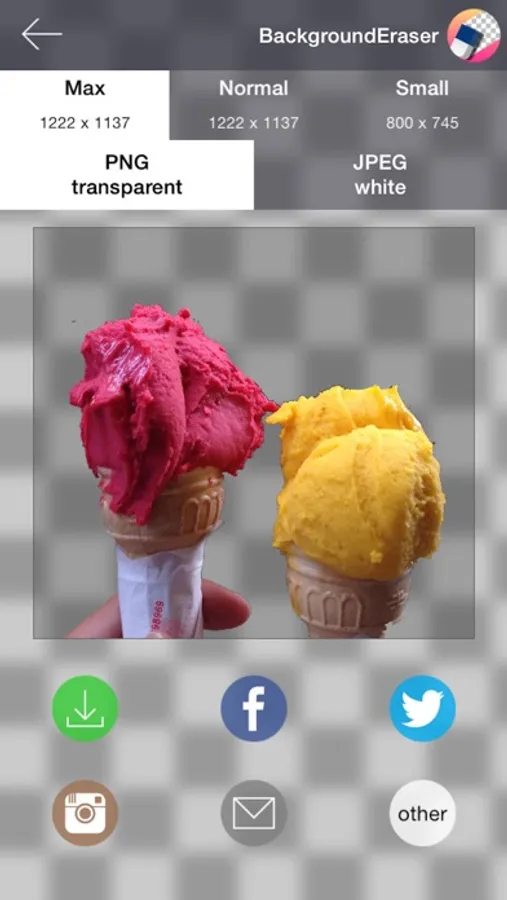
#Full Resolution - Selecting size of output picture (HQ 3264 x 3264 pixel , Normal 1600 x 1600 pixel, LQ 800 x 600 pixel)
#PNG/ JPEG File Selection - Selecting size of output picture (PNG_transparent background,JPEG_white background)
#Share Instagram, Facebook, Twitter, Mail, Other Apps
Terms of Use:
https://sites.google.com/view/noonus-ltd/terms-condition
Privacy Policy:
https://sites.google.com/view/noonus-ltd/privacy-policy
SUBSCRIPTION INFO:
• Subscription for Background Eraser for full access to all features.
• Subscription length: 12 months.
• Your payment will be charged to your iTunes Account as soon as you confirm your purchase.
• You can manage your subscriptions and turn off auto-renewal from your Account Settings after the purchase.
• Your subscription will renew automatically, unless you turn off auto-renew at least 24 hours before the end of the current period.
• The cost of renewal will be charged to your account in the 24 hours prior to the end of the current period.
• When canceling a subscription, your subscription will stay active until the end of the period. Auto-renewal will be disabled, but the current subscription will not be refunded.
• Any unused portion of a free trial period, if offered, will be forfeited when purchasing a subscription.
Background Eraser: AI Remove Screenshots
Tap to Rate:
Reviews for Background Eraser: AI Remove
Happy Dog Mom
Free Trial Rip Off
During what was advertised as a 3-day free trial, I was immediately charged $12.99 for a one-year subscription, WHY?? Trying out the “Pro” version shouldn't be falsely advertised on the IOS App Store. Even if I loved it, which I didn't, I’d 100% hate it now!!
MelissaR83
Only works half of the time
It doesn’t delete the background after it saves. Works about half the time and I don’t know why.