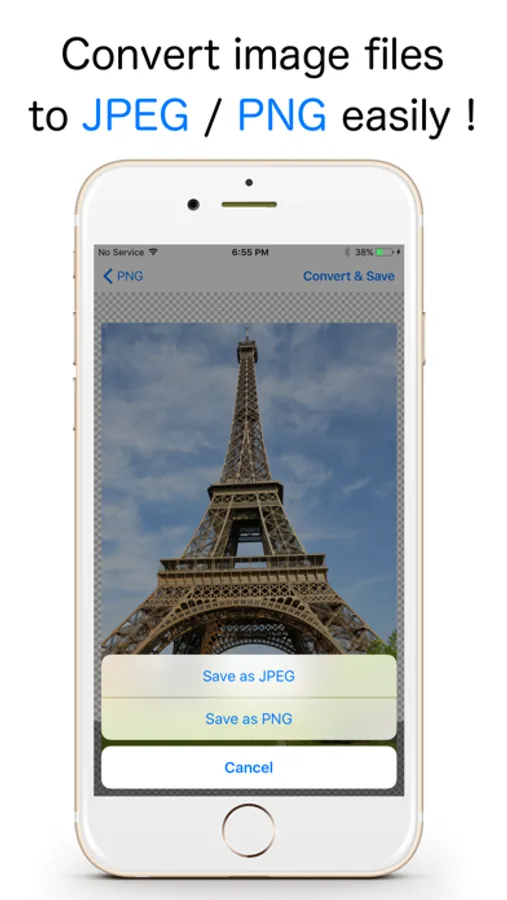
Use this image file converter to change formats to JPEG or PNG and manage color transparency. Includes options for loading various image formats and automatic saving to the Photos app.
AppRecs review analysis
AppRecs rating 4.0. Trustworthiness 79 out of 100. Review manipulation risk 26 out of 100. Based on a review sample analyzed.
★★★★☆
4.0
AppRecs Rating
Ratings breakdown
5 star
85%
4 star
6%
3 star
2%
2 star
1%
1 star
5%
What to know
✓
Low review manipulation risk
26% review manipulation risk
✓
Credible reviews
79% trustworthiness score from analyzed reviews
⚠
Ad complaints
Many low ratings mention excessive ads
About JPEG-PNG Image file converter
Convert images to JPEG or PNG with a simple, lightweight app.
This app supports HEIF/HEIC and many common image formats, and saves the converted images directly to the Photos app.
◇ Key Features ◇
- Convert to JPEG or PNG
- Supports HEIF/HEIC (.heic) conversion
- Converted images are saved to the Photos app
(Albums named “JPEG” or “PNG” will be created automatically.)
◇ Notes ◇
- Some printers do not support PNG files. You can convert PNG images to JPEG for printing.
- JPEG does not support transparency. Transparent areas will be saved as white when converting to JPEG.
◇ Supported input formats ◇
- JPEG / JPG
- PNG
- GIF
- BMP
- TIFF
- TGA
- HEIF / HEIC (.heic)
This app supports HEIF/HEIC and many common image formats, and saves the converted images directly to the Photos app.
◇ Key Features ◇
- Convert to JPEG or PNG
- Supports HEIF/HEIC (.heic) conversion
- Converted images are saved to the Photos app
(Albums named “JPEG” or “PNG” will be created automatically.)
◇ Notes ◇
- Some printers do not support PNG files. You can convert PNG images to JPEG for printing.
- JPEG does not support transparency. Transparent areas will be saved as white when converting to JPEG.
◇ Supported input formats ◇
- JPEG / JPG
- PNG
- GIF
- BMP
- TIFF
- TGA
- HEIF / HEIC (.heic)
JPEG-PNG Image file converter Screenshots
Tap to Rate:
Reviews for JPEG-PNG Image file converter
Wonderful first workout
Fast and easy
This was so quick and easy to do.
Jesus Christ is LORD
scam
scam