
AppRecs review analysis
AppRecs rating 2.6. Trustworthiness 80 out of 100. Review manipulation risk 23 out of 100. Based on a review sample analyzed.
★★☆☆☆
2.6
AppRecs Rating
Ratings breakdown
5 star
20%
4 star
13%
3 star
7%
2 star
27%
1 star
33%
What to know
✓
Low review manipulation risk
23% review manipulation risk
✓
Credible reviews
80% trustworthiness score from analyzed reviews
⚠
Mixed user feedback
Average 2.6★ rating suggests room for improvement
About eCompliance – Safety App
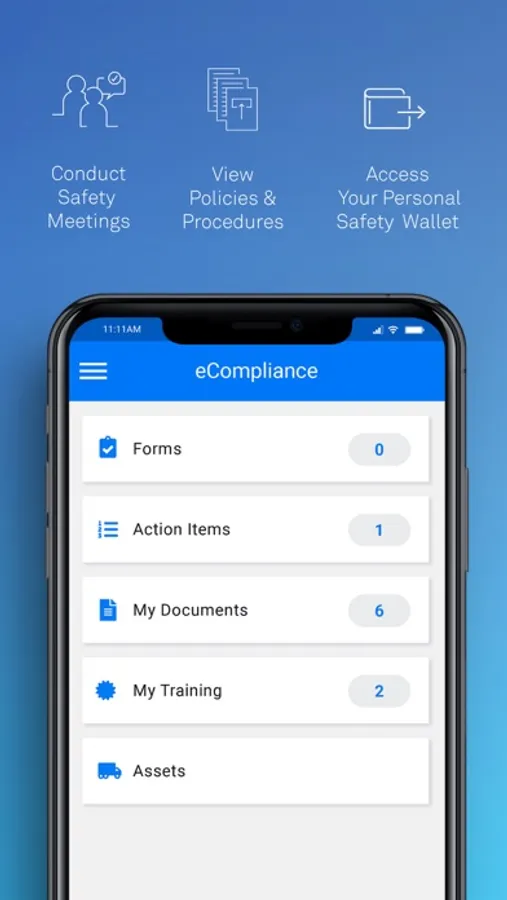
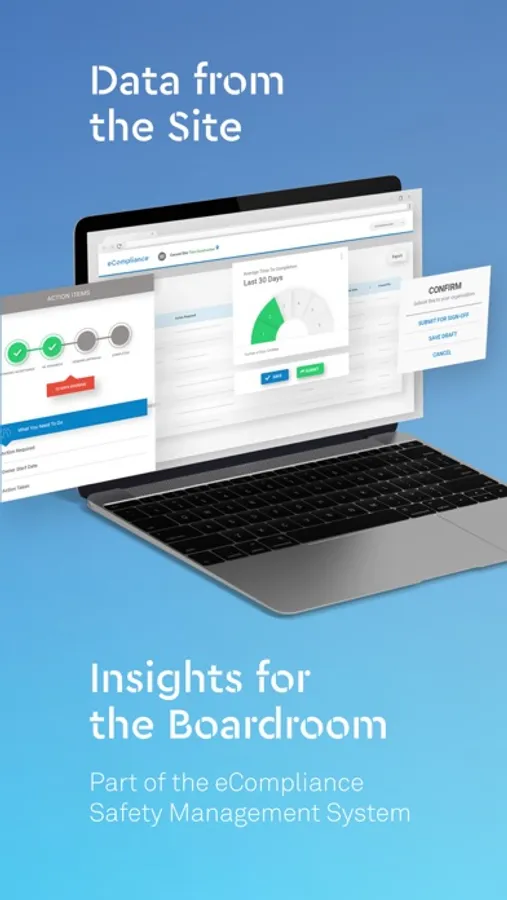
By allowing data to be immediately shared between onsite and head office, eCompliance Mobile empowers every member of your organization from onsite workers to executives to actively participate in your safety program.
Key Features:
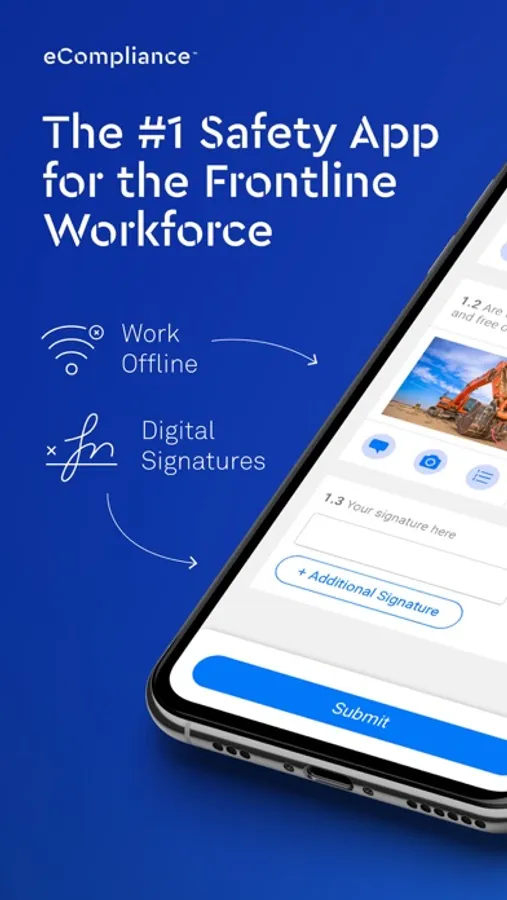
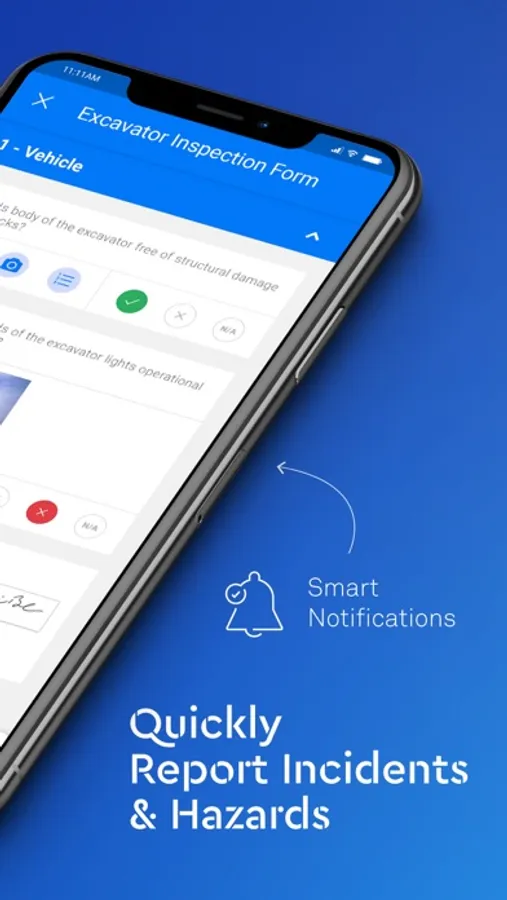
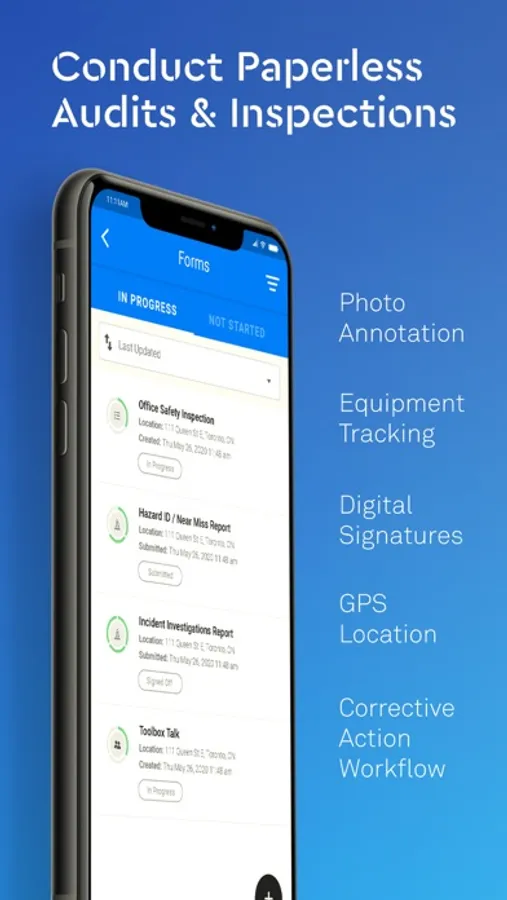
Paperless Forms – All inspections, audits, incident and near miss reports can be completed on the eCompliance Mobile and then immediately submitted for sign off. All forms can include geographical location, important notes and photos which can be annotated.
Inspection Scoring – Scored inspections can be completed using eCompliance Mobile and then immediately shared with head office. Employees will receive an automatic passing or failing score on the inspection and upper management can then view these scores immediately to see if any pressing issues need to be addressed.
Offline Capabilities – eCompliance Mobile works offline so workers in remote locations can complete all necessary forms and reports, and then share with head office once they have internet connection.
Assign and Track Preventative and Corrective Actions – employees can assign corrective actions using eCompliance Mobile and track the progress of that corrective action.
eCompliance – Safety App Screenshots
Tap to Rate:
Reviews for eCompliance – Safety App
Skate Snake
Can’t upload images via photo album
This app is great for my line of work but totally tanks when it comes to uploading images off of my photo album rather than taking a photo in app, the application allows the option but doesn’t follow through. I click the button and nothing happens. I’m forced to use the Ecompliance “take a photo” option instead which isn’t applicable when I’m away from a work scene I need to document and can’t physically be there to take the photo after the fact. So please fix this issue if at all possible.
great product for us
Great app for Safety
Simple and easy to use. Great for my team