AppRecs review analysis
AppRecs rating . Trustworthiness 67 out of 100. Review manipulation risk 21 out of 100. Based on a review sample analyzed.
★
AppRecs Rating
Ratings breakdown
5 star
33%
4 star
33%
3 star
0%
2 star
33%
1 star
0%
What to know
✓
Low review manipulation risk
21% review manipulation risk
✓
Good user ratings
67% positive sampled reviews
About TXT Write
TXT Write is a powerful new TXT and PDF (Plain Text, PDF) Editor for iOS and macOS! Featuring full iCloud document synchronization, TXT files in addition to supporting nearly 15 plain text code formats; as well as PDF Viewing/Creating/Annotation; TXT Write makes it super easy to create in many different formats while still being incredibly powerful! And the best part is TXT Write is free for iOS and only $2.99 (U.S.) on macOS!
Ridiculously Advanced Features!
- iCloud document synchronization; TXT Write keeps all your documents up to date on all your iOS and OS X devices (iPhone, iPad, and Mac)
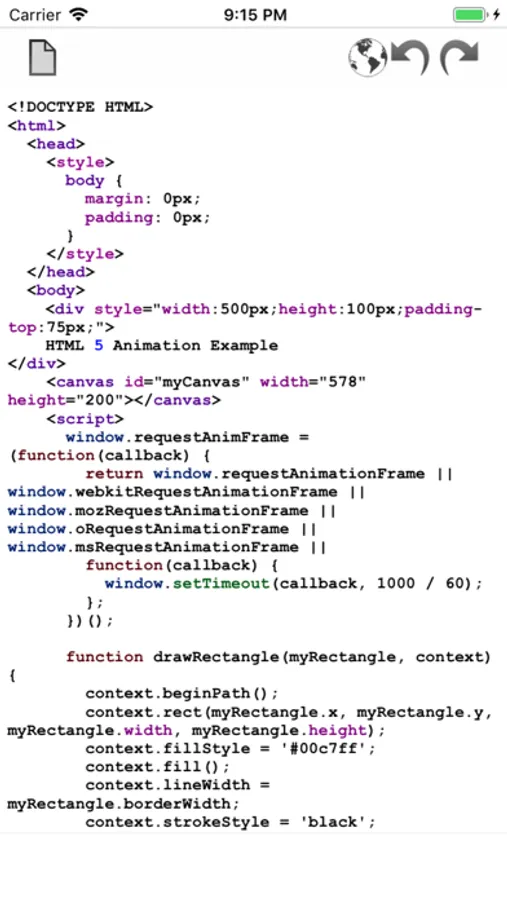
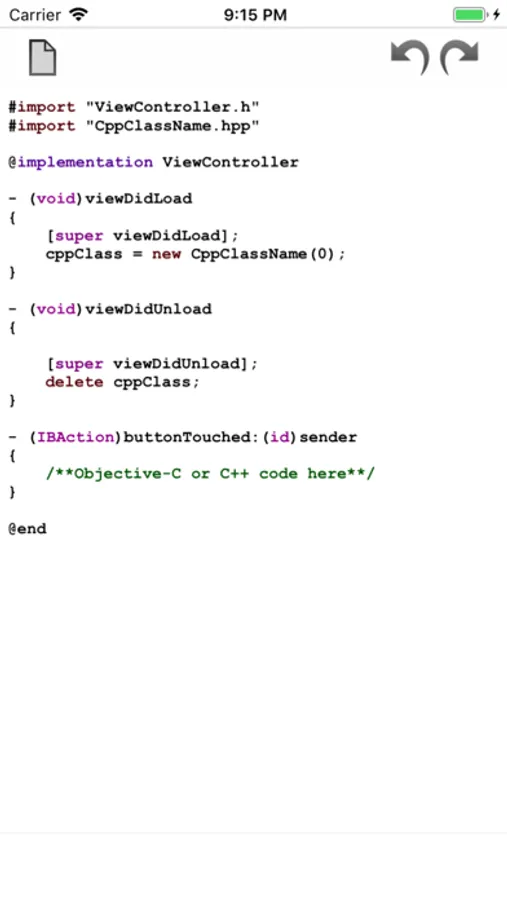
- TXT Read/Write support; as well as HTML/JS/PHP/RB/PL/JAVA/C/H/M/CP/SH/MM Read/Write with Syntax Highlighting support for HTML, Javascript, PHP, Ruby, Perl, Java, C, C++, Objective-C++ and more
- PDF Creation/Viewing/Annotation -- On OS X add text, shapes, lines, markup and more; on iOS draw diagrams, take notes, grade documents, sign documents with Freehand writing. (Large PDF documents in iCloud, such as large eBooks, are not recommended)
- Preview HTML Files instantly on iOS (Drag the proxy icon in the Titlebar to a web browser in the Dock to preview HTML on OS X)
- Keyboard Toolbar (iOS only) provides access to frequently used functions and commonly used keys
- Export as PDF makes it easy to annotate PDF's (iOS only) for grading papers, making corrections, or signing documents
- Revolutionary PDF Magnifer feature makes it super easy to take Notes and automatically save as PDF (iOS only)
- Incredibly advanced, yet super easy to use!
TXT Write Screenshots
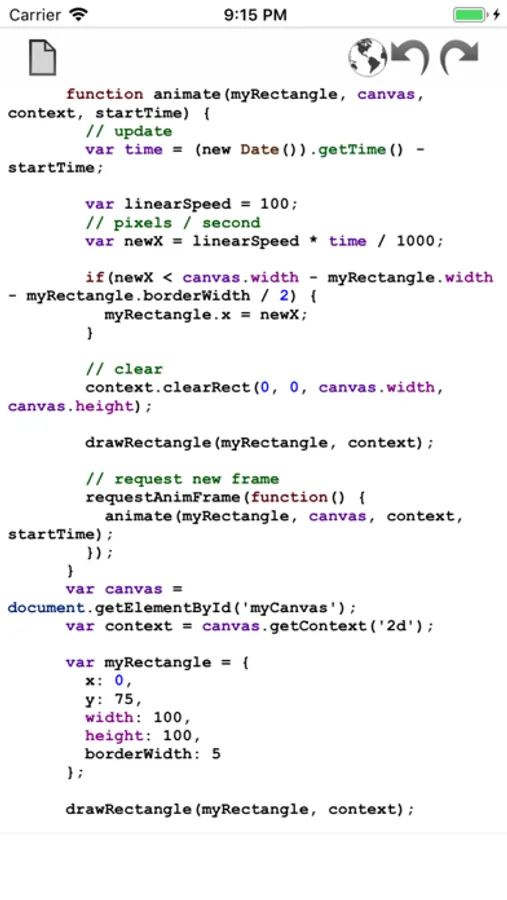
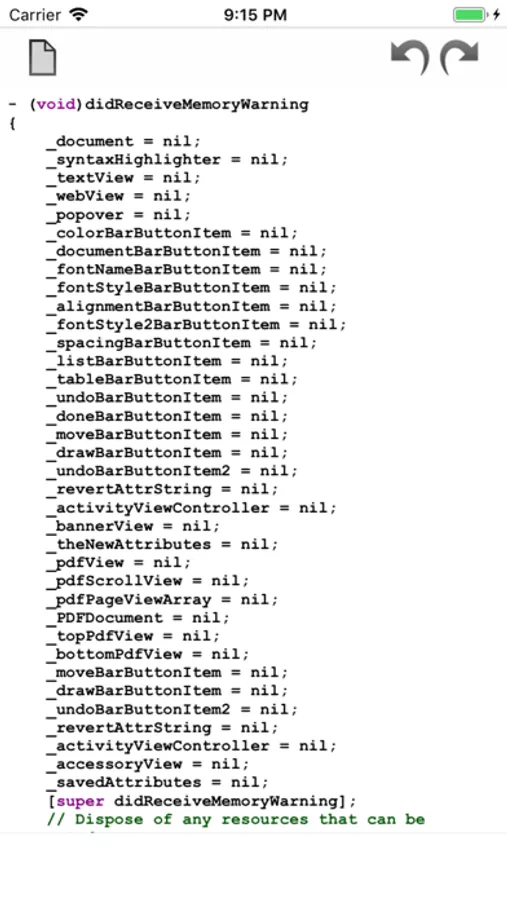
Tap to Rate:
Reviews for TXT Write
支持pandownload
very good
This app lets us writing .txt documents in iPhone and iPad
Alejandro37
Simple, gets the job done.
Done exactly what you need it to do - nothing extra. Exactly what I needed! Recommend to add: -“favorites tab” for most used documents. -When editing a document, a back arrow to to back to documents instead of having to click “go back to documents” - Change font of text when in edit mode. Looks too bold/strong. System default text would be better imo