In this remote control app, you can connect your device to your computer to handle mouse, keyboard, media, and presentation controls remotely. Includes support for WiFi connectivity, multiple programs, and security features.
AppRecs review analysis
AppRecs rating 3.6. Trustworthiness 80 out of 100. Review manipulation risk 24 out of 100. Based on a review sample analyzed.
★★★☆☆
3.6
AppRecs Rating
Ratings breakdown
5 star
54%
4 star
15%
3 star
6%
2 star
6%
1 star
19%
What to know
✓
Low review manipulation risk
24% review manipulation risk
✓
Credible reviews
80% trustworthiness score from analyzed reviews
⚠
Pricing complaints
Many low ratings mention paywalls or pricing
About Unified Remote
Server: www.unifiedremote.com
“Fantastic tool for those of you who want to have a remote control for their computer for watching TV, or maybe for listening to music.” – Gizmodo
Key Features:
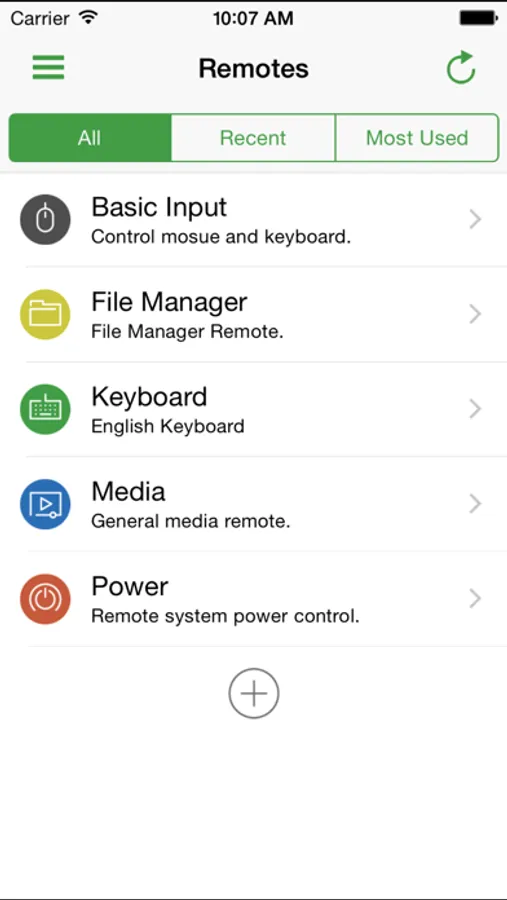
• Easy server and app setup, that just works.
• Automatic server detection to easily find servers on your network.
• Server password protection and encryption for added security.
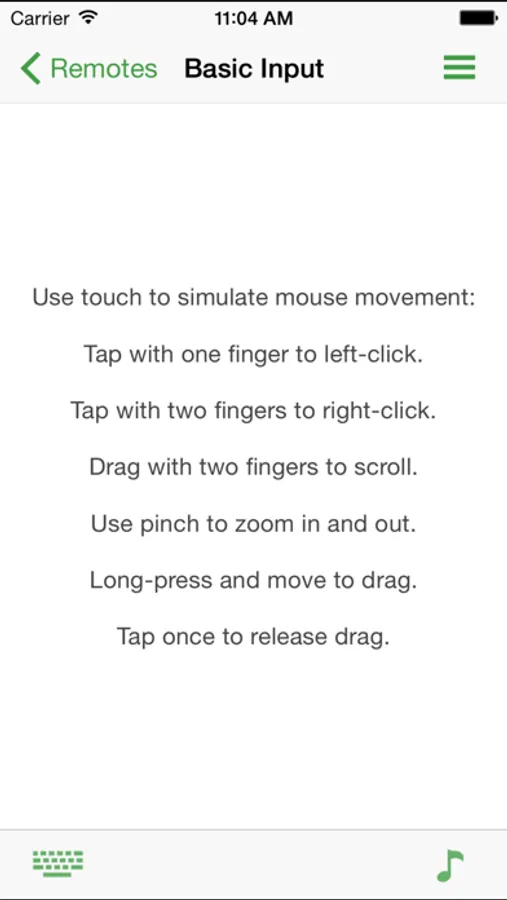
• Supports single and multi-touch mouse control.
• Wake On LAN to easily start your server.
• Includes light and dark color themes.
• Server is available for Windows, Mac, and Linux.
• Control other devices including Raspberry Pi and Arduino Yún.
• 18 free remotes
Both the Unified Remote app and server are free to download and use. Additional features and remotes are available through In-App Purchases.
Essentials:
Mouse, Keyboard, Screen, Volume, and more.
Music:
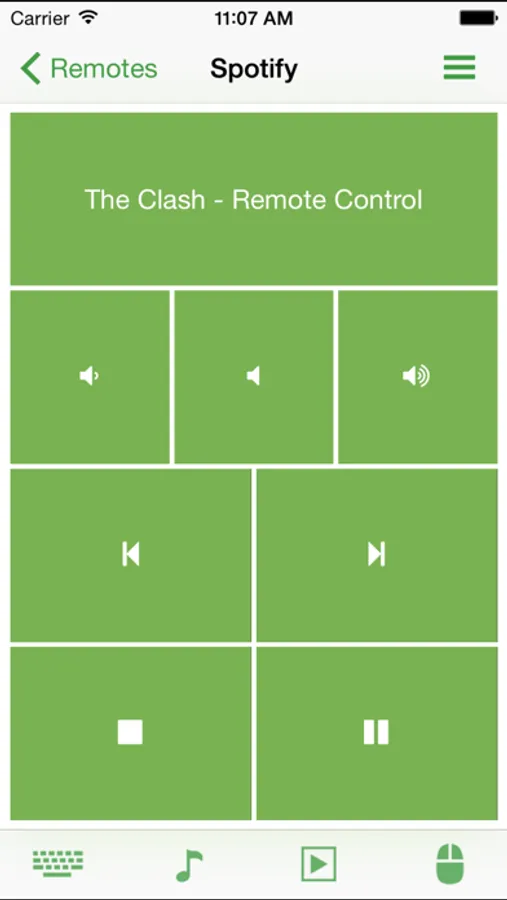
Spotify, iTunes, Google Music, Winamp, etc.
Video:
VLC, BSPlayer, Windows Media Player, PotPlayer, etc.
Media Center:
Kodi (XBMC), Plex, Windows Media Center, Boxee, etc.
Streaming:
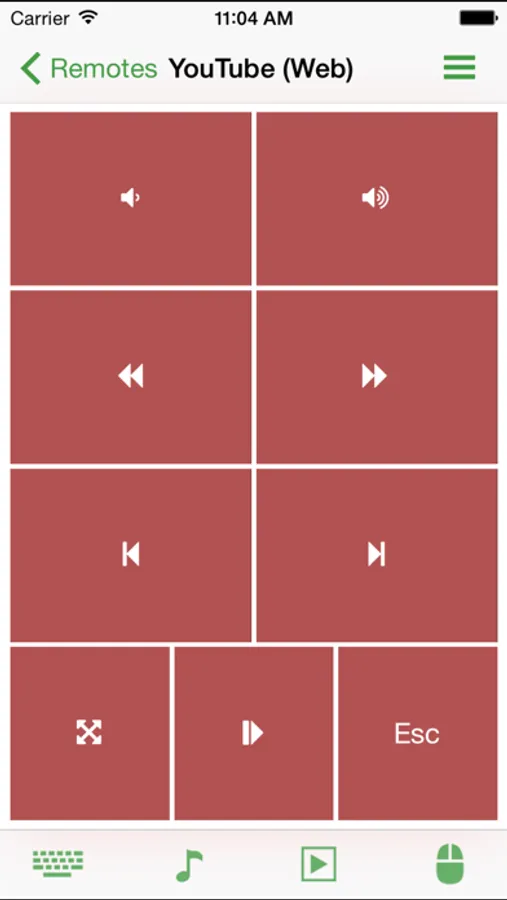
YouTube, Netflix, Hulu
Presentations:
PowerPoint, Keynote, Google Presentation
Browsers:
Chrome, Internet Explorer, Firefox, Opera, Safari
Other:
Power, Monitor, Files, Task Manager, Commands, etc.
All Remotes:
https://www.unifiedremote.com/remotes
Note that some remotes are not available for all operating systems.
Unified Remote Screenshots
Tap to Rate:
Reviews for Unified Remote
_SMALLe
Abandoned App
It barely gets the job done and does technically function, but still paywalling features when there hasn’t been an update in over 4 years…insane. Android has been getting updates and new features like crazy though. I did reach out to the devs several months back to see if they would confirm or deny if they abandoned iOS officially, but all I got back was a ChatGPT crafted response with the classic overly nice response that quotes your talking points back to you almost verbatim. For the record, the email response did state that iOS was still on their roadmap and I do think a human was involved in the response, but I just don’t know if that part was human or AI. I’ll gladly put a sock in my mouth if they’d ultimately prove me wrong with a new release. This is one of the few apps I’d be willing to pay a subscription for if they’d just pay any attention to it at all… RIP to what could have been.
robbjunk2
Doesn’t work
TL;DR - use RemoteMouse (remotemouse.net) instead. This buggy app bills itself as plug and play, but despite following the instructions the spending another half hour trying to configure “external LAN” and “bindings,” I still couldn’t get it to work. RemoteMouse worked instantly first-time.