AppRecs review analysis
AppRecs rating 4.0. Trustworthiness 69 out of 100. Review manipulation risk 23 out of 100. Based on a review sample analyzed.
★★★★☆
4.0
AppRecs Rating
Ratings breakdown
5 star
33%
4 star
33%
3 star
33%
2 star
0%
1 star
0%
What to know
✓
Low review manipulation risk
23% review manipulation risk
✓
Good user ratings
67% positive sampled reviews
About Diving Log - Scuba Logbook
Have you thought that you want to record the activity in the water when writing a logbook of scuba diving? For example, Record of practice of neutral buoyancy, Record of fishes you met, etc...
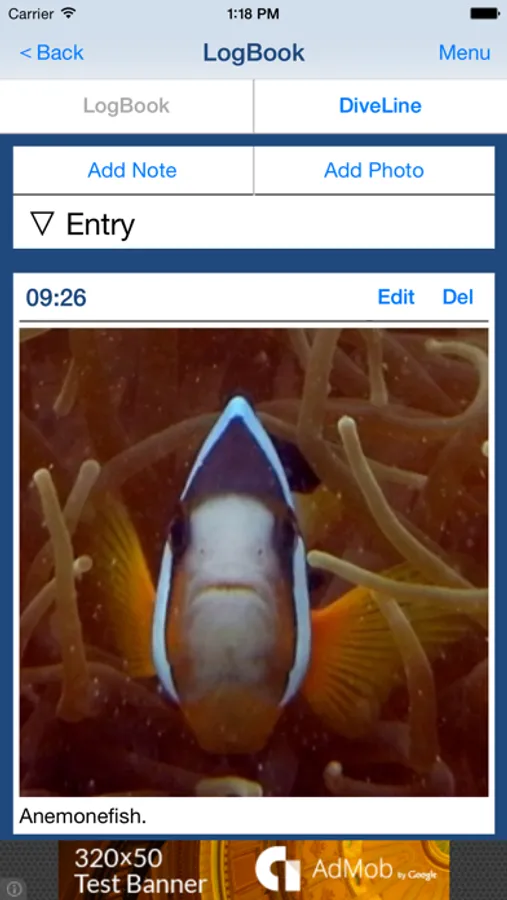
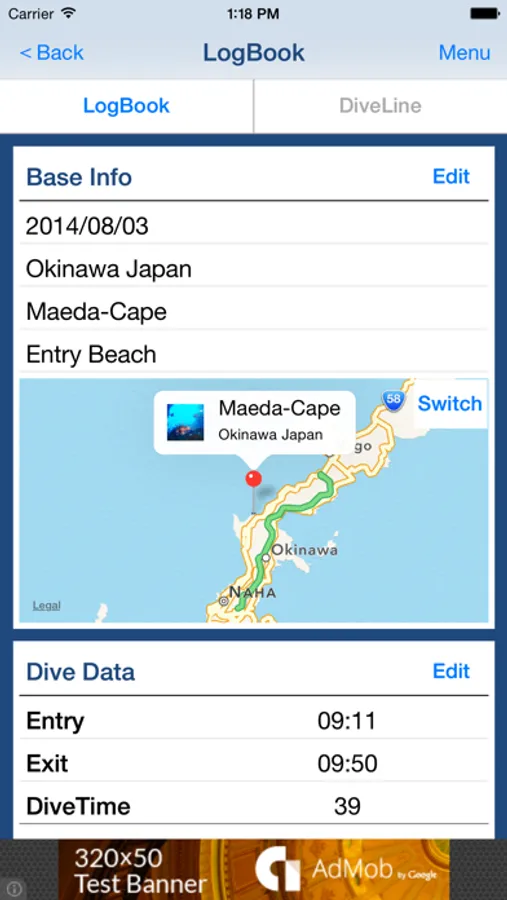
You will be able to create "DiveLine" in addition to the LogBook by "DivingLog". "DiveLine" is a record of activities and photos in water. You can create an image file of the "LogBook" and image file of "DiveLine", and you can share those image file with your friends through the SNS, such as facebook and twitter.
Ad will appear in the app, but you can hide Ad by having you purchase the add-on.
■Main function of App
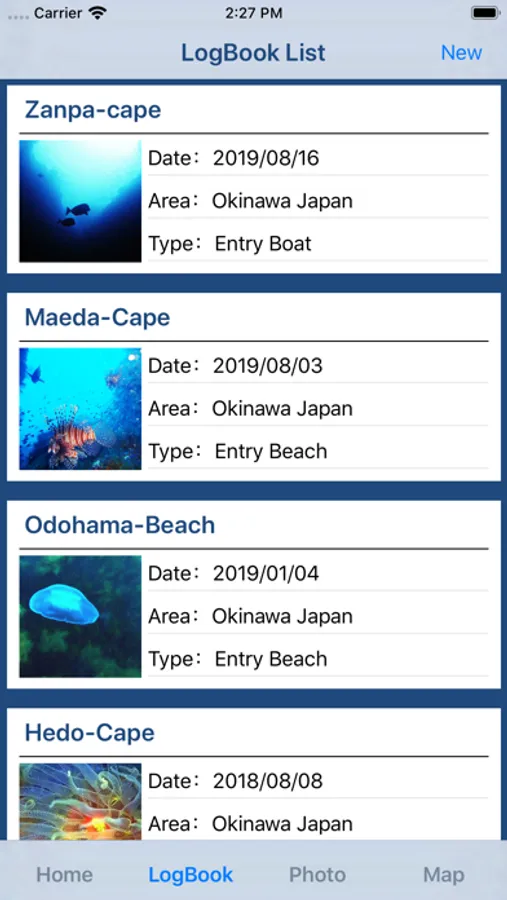
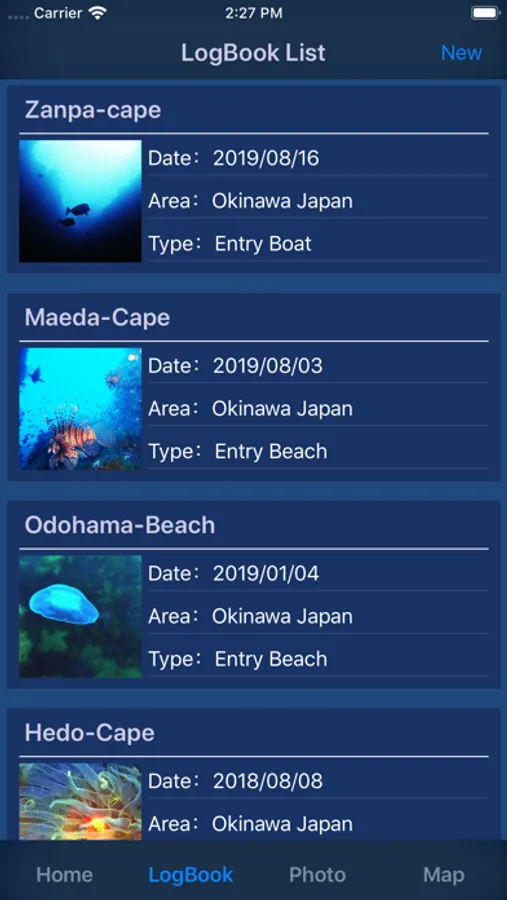
1. Creating, editing and viewing of Scuba Diving LogBook and DiveLine.
2. Creating, editing and viewing of Scuba Diving LogBook and DiveLine with location information.
3. CSV file output of the Scuba Diving LogBook and DiveLine.
4. Image file output of the Scuba Diving Log Book and DiveLine.
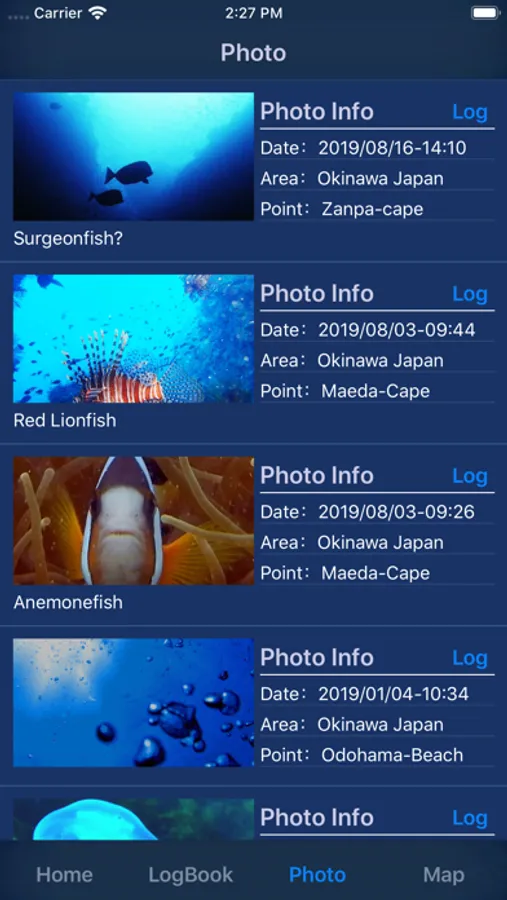
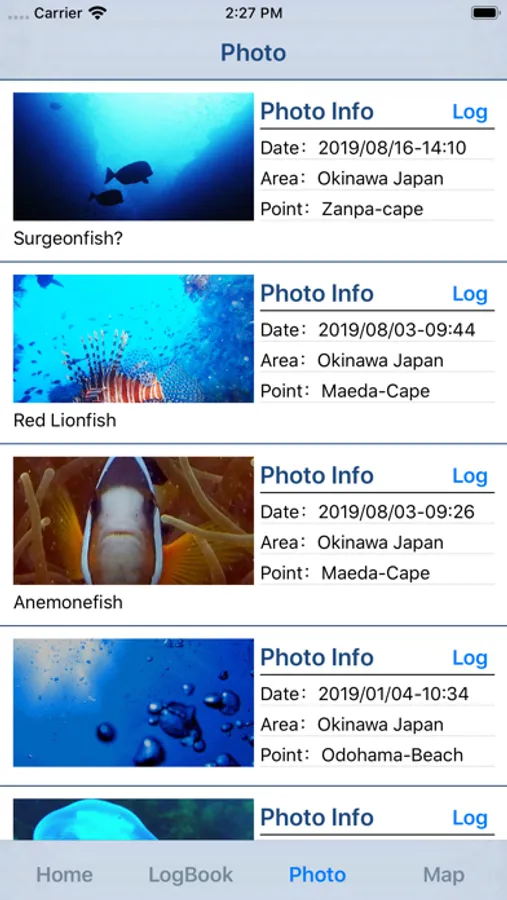
5. List of pictures recorded.
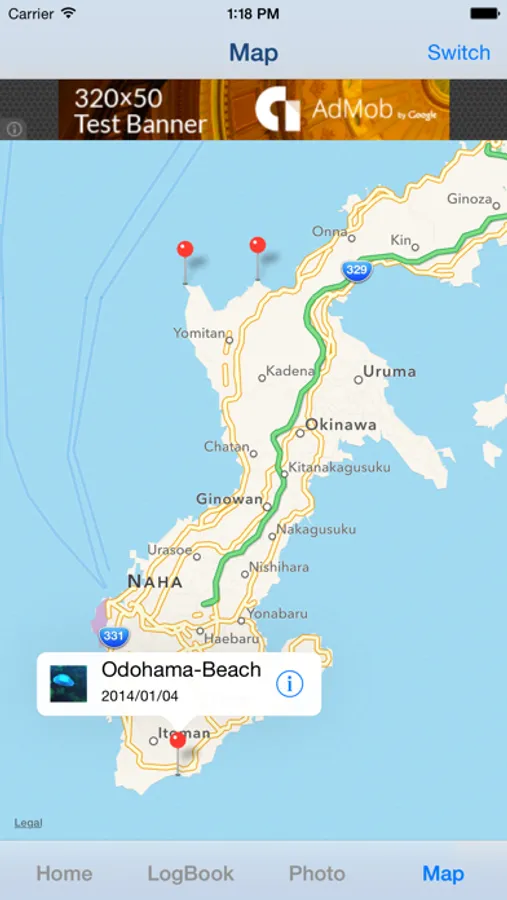
6. Map that displays the Scuba Diving LogBook.
■List of items that can be recorded
1. Base Info
・Date
・Area
・Point
・Type
・Location Information
2. Dive Data
・Entry
・Exit
・DiveTime(Auto calculation)
・Enyry Air
・Exit Air
・Consume(Auto calculation)
・Average Depth
・Max Depth
3. Weather Data
・Weather
・Temperature
・Water Temperature
・Visibility
・Wave
・Current
・Swell
・Wind Direction
・Wind
4. Equipment Data
・Suit
・Suit Thickness
・Tank
・Gus Type *need add-on.
・Weight
5. Buddy Data
・Leader
・Buddy
・Instructor
6. Record of activity in the water "DiveLine"
・Entry/Exit Time
・Note
・Photo
7. Other
・Instructor Sign
・Handwritten Notes
・Free Memo *need add-on.
■How to Create Scuba Diving LogBook
1. Create Scuba Diving LogBook
If you want to create a new LogBook, please press the "New LogBook" button in Home Screen.
2. Create Scuba Diving LogBook with location information.
If you want to create a new Log Book with location information, please press the "New LogBook with GPS" button in Home Screen.
if you create a new Log Book in this way in the beach or on the boat before entry, it saves you from having to manually set the location information at a later time.
Diving Log - Scuba Logbook Screenshots
Tap to Rate:
Reviews for Diving Log - Scuba Logbook
walking the Nakasendo
Great app but please update
I have been using this app for years now. My only regret is that I cannot transfer diving log data between my devices like iPad and iPhone. I have to manually input the information into each device. Please please update this app so it will be able to transfer data. Otherwise I love it. Easy to use and never crashes or lose data.
NenahB
It's okay... But it needs more work.
I mostly like the look. It's clean and easy to read and record. But it does not account for pre-planning. And (I could be doing it wrong) but I was only about to export one entry at a time. I could not get my dive and dive details to export at the same time.