
MapleRead SE enables users to read EPUB books with audio-visual features and customizable styles. Includes word lookup, translation, note-taking, and library management tools.
AppRecs review analysis
AppRecs rating 4.6. Trustworthiness 78 out of 100. Review manipulation risk 24 out of 100. Based on a review sample analyzed.
★★★★☆
4.6
AppRecs Rating
Ratings breakdown
5 star
62%
4 star
16%
3 star
9%
2 star
3%
1 star
10%
What to know
✓
Low review manipulation risk
24% review manipulation risk
✓
Credible reviews
78% trustworthiness score from analyzed reviews
✓
High user satisfaction
79% of sampled ratings are 4+ stars (4.2★ average)
About MapleRead SE
------------
Our MapleRead app family has 3 members, namely SE, CE and CX.
- SE is our flagship product with all features.
- CE is SE without PDF reader and built-in Library Server.
- CX is CE with some limitation. Free to try.
- No recurring subscription fees. No ads. Just buy it once. Gratuity optional.
- Moreover, SE and CE can be run side-by-side via split-view multitasking.
- Recommend SE for use on multiple devices with easy and fast book sharing via Library Server.
- Recommend the SE-CE bundle for the best value.
------------
MapleRead includes a superb audio-visual EPUB e-book reader.
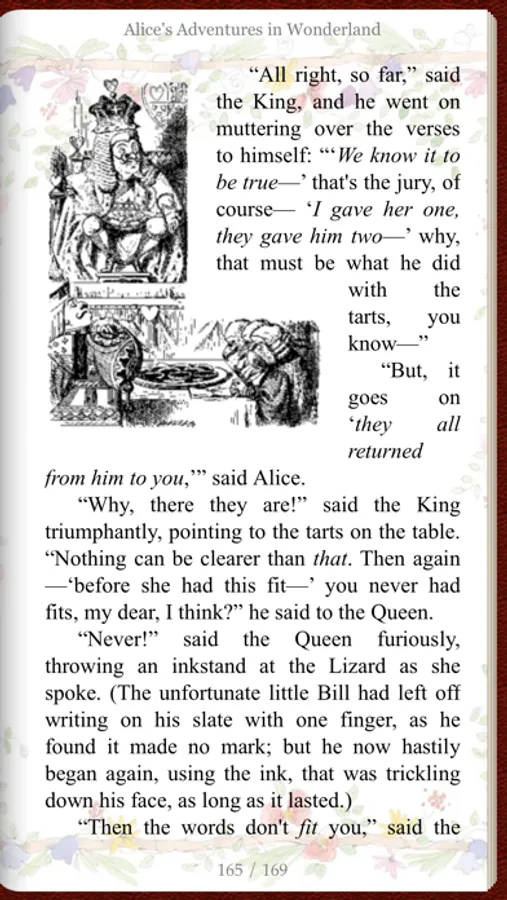
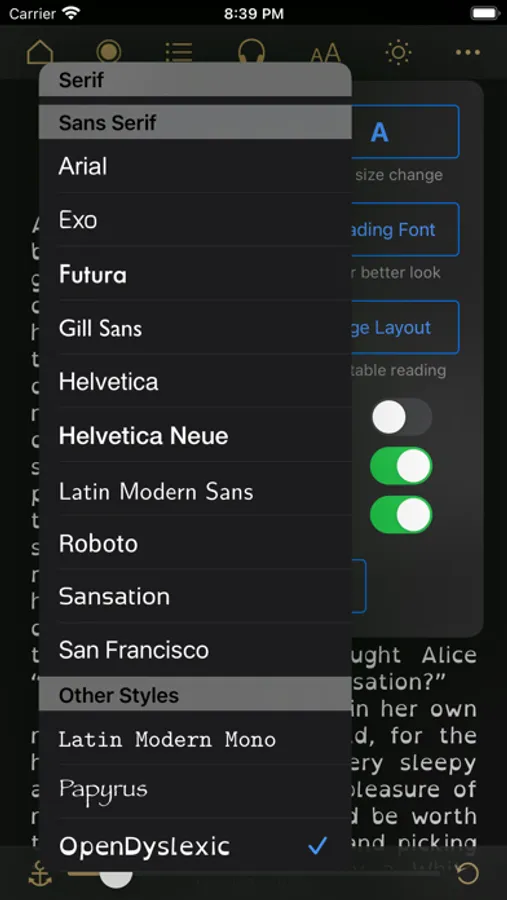
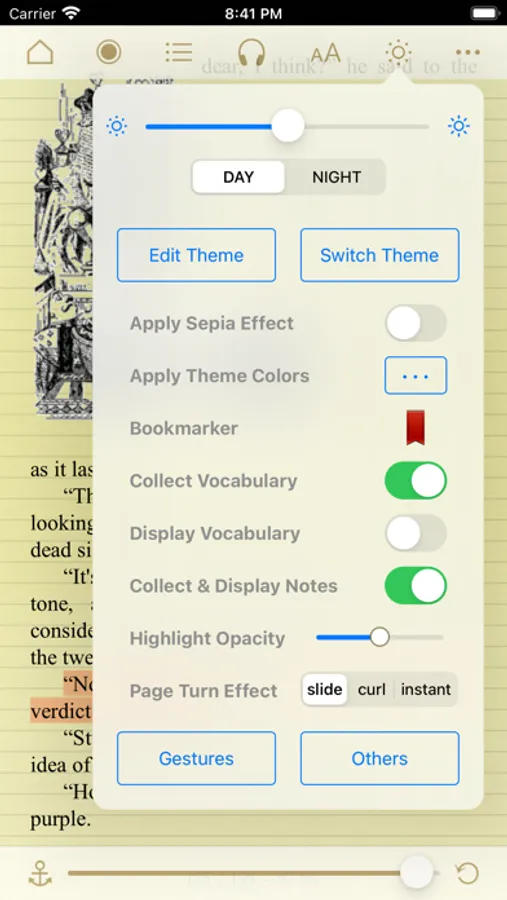
- It lets you easily modify publisher's original book style to better suit your aesthetic taste.
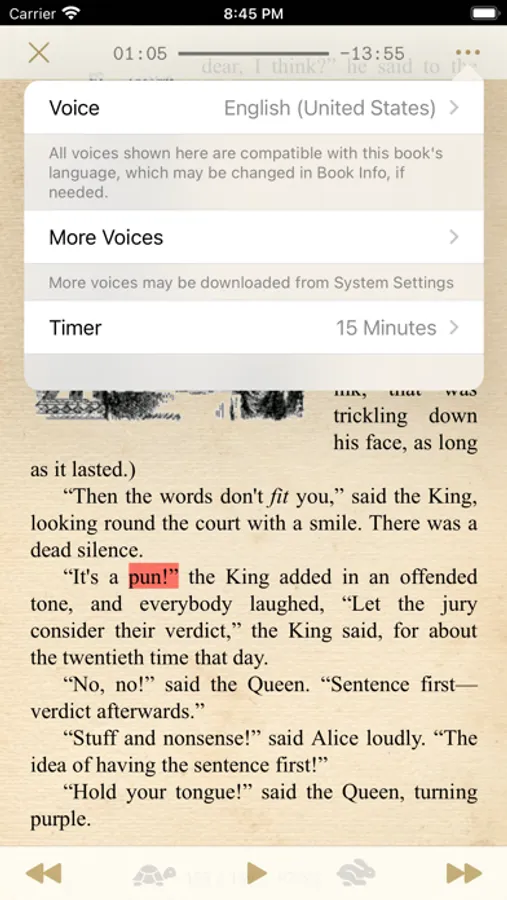
- It lets you instantly generate pseudo audiobooks with a choice of narrator voices over 40 languages.
- It enables immersion reading so that you may read and listen to the same book in sync.
- Background listening works well too. Compatible with Lock Screen Music Player and CarPlay.
MapleRead UI is friendly to users of all ages.
- Books can be read in regular and large print.
- A choice of UI text sizes makes reading in non-book views much more comfortable.
MapleRead is a great learning tool.
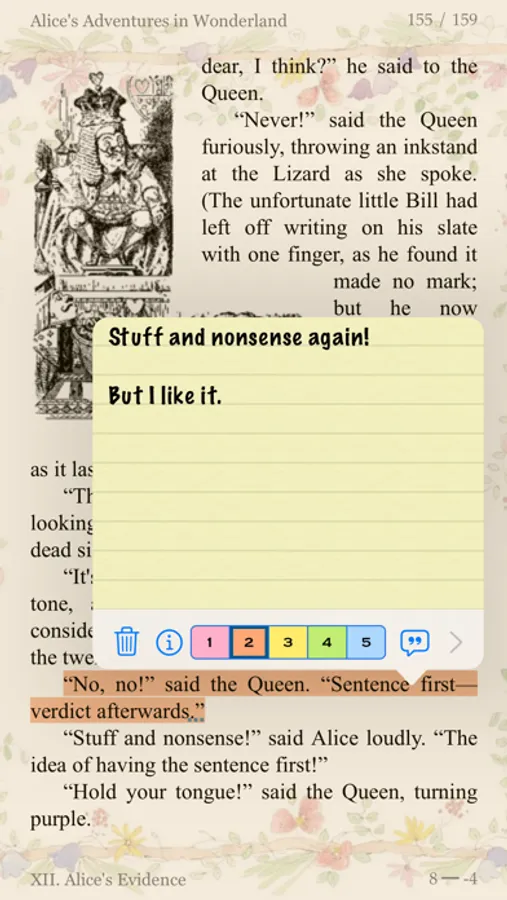
- It lets you look up words, translate sentences, search text, highlight text and write notes.
- It helps you collect vocabulary and organize notes with various priorities.
- It provides hooks to user-defined dictionaries, translators, and other tools.
- Immersion reading improves your comprehension, especially of foreign-language books.
MapleRead is an effective and fast library management tool.
- It is designed for you, a book lover, who may own a huge and/or growing book collection.
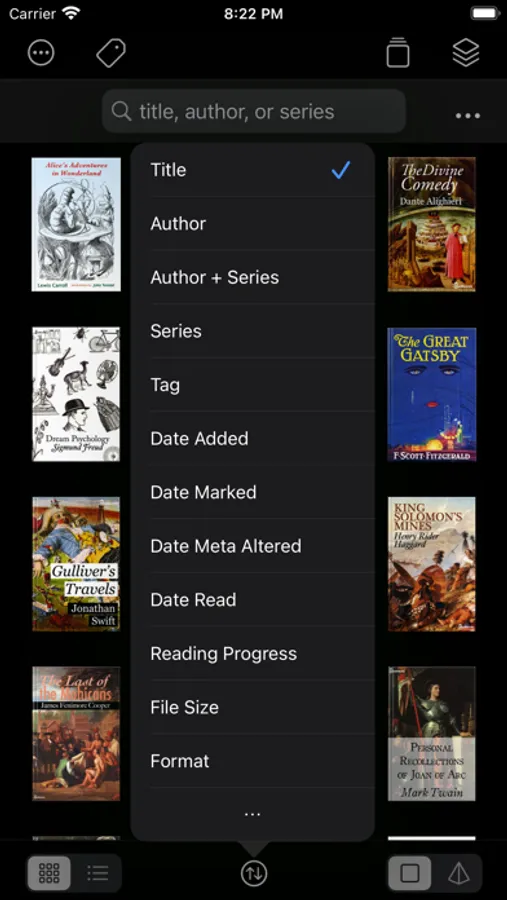
- It lets you keep all your books in one place and well-organized automatically.
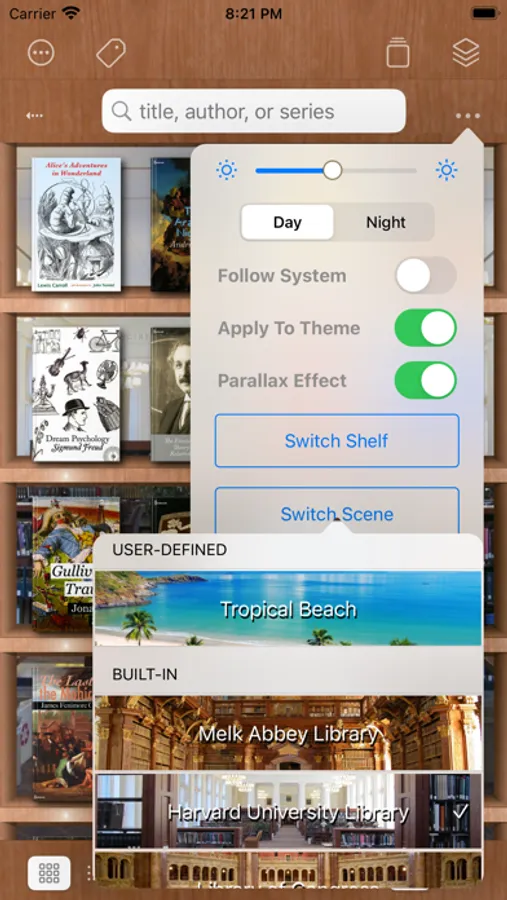
- It lets you display your books elegantly in style.
- It lets you easily repair individual book metadata.
- If supports multiple book sets and multiple tags.
- It offers multiple ways to import and export books, and works well with Calibre.
MapleRead supports secure sync across devices via MapleRead Cloud and iCloud.
- It syncs reading positions, notes, vocab, bookmarks, and book set membership (but not the books).
- It syncs reading positions additionally via iCloud for even better user experience.
- It enables web access to synced data via web browsers from desktop and mobile devices.
MapleRead offers unprecedented user-defined customization options.
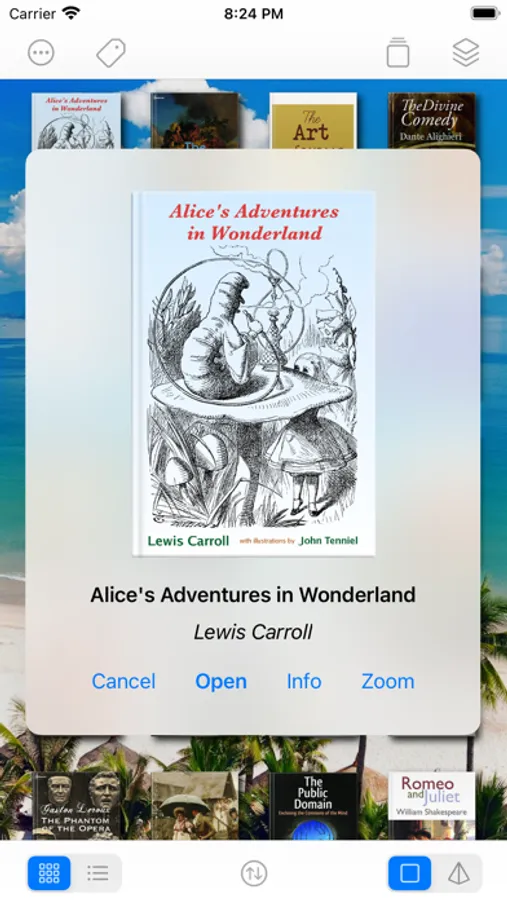
- They include unlimited user-defined fonts, book themes, cover images and library scenes.
- Each book theme includes various types of user-defined highlight colors.
MapleRead SE includes also a great PDF e-book reader.
- The PDF reader looks very similar to the EPUB reader for a sense of unified UI.
MapleRead SE has a zero-configuration Library Server for easy book sharing.
- All books in Library can be shared.
- Smart batch download makes transferring of multiple books very convenient.
[For more technical details, screenshots, FAQ and reviews, please visit our website.]
MapleRead SE Screenshots
Tap to Rate:
Reviews for MapleRead SE
Disgusted201111
Gave Up Trying to Download an Existing Library
I have over 3000 epub books and have spent four hours trying to figure out how to do it. $9 wasted. MapleRead - make this process easier.
Mindonly0
The one and only!
First, let it be known, this is only my second review on the App Store in the past 20 years. In that period of time I have ventured to find an epub reader that would provide maximum utility, ease of library management and a user interface that is both pleasing to the eye and intuitively formatted. I have struggled over the years to manage my rather large e-book library, now exceeding 10,000 books. As you can imagine, the size of the library has posed many problems in the traditional Apple Books ((formally iBooks) application, which requires iCloud storage for there to be full and potentially ready Accessibility to books as required across devices. Unfortunately, iCloud has a notorious habit of, offloading books from the device to the cloud significantly encumbering accessibility to books as may be needed. Whether it be the extremely efficient library management, particularly of such a large volume of books, it’s ease, importation and exportation of books, the tailoring to personal needs as it relates to user interface (the ability to alter the size of the image or text when viewing the library, in list or grid mode, means to access meta data, change e-book covers, adjust title or author or series as needed), multiple options for customizing the organization of the library (by author, by title, date added/read/modified, series, and tags for grouping by topic or relevancy) or the reading experience (adjusting, text size, text in paragraph spacing, page look and feel/animation) [to name just a few] together with the developers ongoing and regular attention to an effort to maintain this application at the cutting edge of the e-book reading experience, there is nothing that holds a candle to this application anywhere, for any device, at any time past or present! Not withstanding all of my praise and merits of this application, two small tweaks to its interface and E pub reader would seal the deal: the option to “highlight” text with underlining as is offered in some other E pub readers, and a larger size size to the book covers viewable in the various collections and main interface. That being said, subsequent to my composing this review just over 30 days ago, the ability to change the scene when viewing Books in the various collections individually or collectively, no longer works, unless the viewing mode is switched to dark. I would hope product support and developers would look into this ongoing and disturbing irregularity as of late.