In this app, you can connect your iPad to various printers and print documents directly over WiFi or mobile data. Includes support for all printer types, cloud file access, and web page printing.
AppRecs review analysis
AppRecs rating 4.5. Trustworthiness 67 out of 100. Review manipulation risk 31 out of 100. Based on a review sample analyzed.
★★★★☆
4.5
AppRecs Rating
Ratings breakdown
5 star
84%
4 star
4%
3 star
0%
2 star
1%
1 star
10%
What to know
✓
High user satisfaction
84% of sampled ratings are 5 stars
✓
Authentic reviews
No red flags detected
About PrintDirect for iPhone
You can print.. √ Emails √ Attachments √ Web pages √ Documents √ Contacts √ Calendars √ Cloud server files and much more.
Our support team are ready to help around the clock if needed.
Prove that you can print to any printer for free. Upgrade to unlock all of the features below...
FULLY FUNCTIONAL PRINTING
• Print to ALL printers (Network/WiFi/USB/Bluetooth) via your Mac or PC or direct to most WiFi printers without additional software. Also print to Apple AirPrint printers.
• Print from Pages, Numbers, Keynote or Safari extremely quickly & easily without the need for an AirPrint printer using Open in
• USB & Bluetooth printers can be used with free print server software (Windows & Mac)
• Print from other Apps using "Open in"
• Print remotely via Mobile Data
• Print using ALL the same document formats to ALL printers used by your Mac/PC
DOCUMENTS ON YOUR IPAD
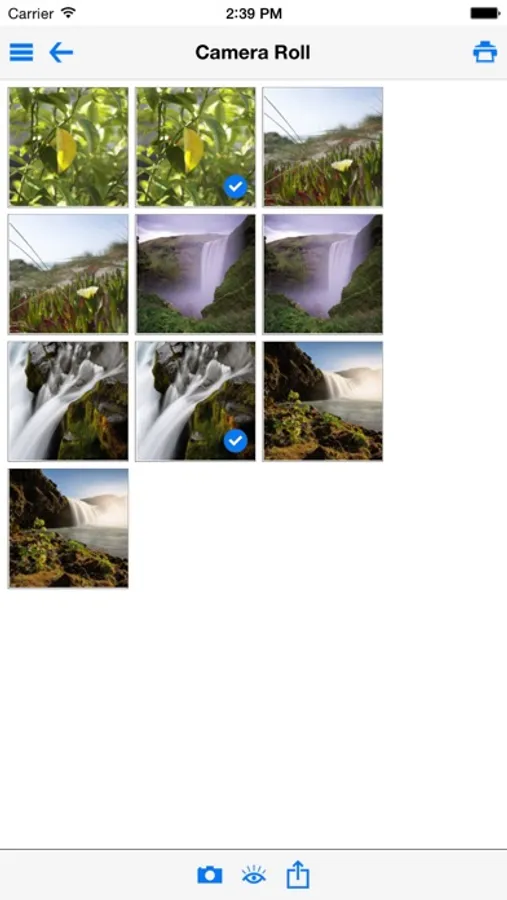
• Print/Store PDFs, documents, attachments, emails & images
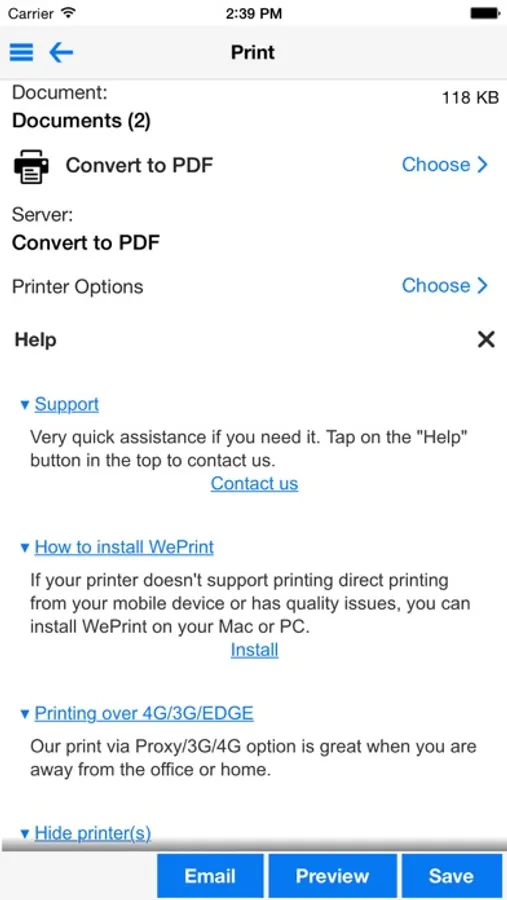
• Convert files/docs/web pages to PDF
• View/Print, iWork, Pages, Numbers, Keynote, MS Office files
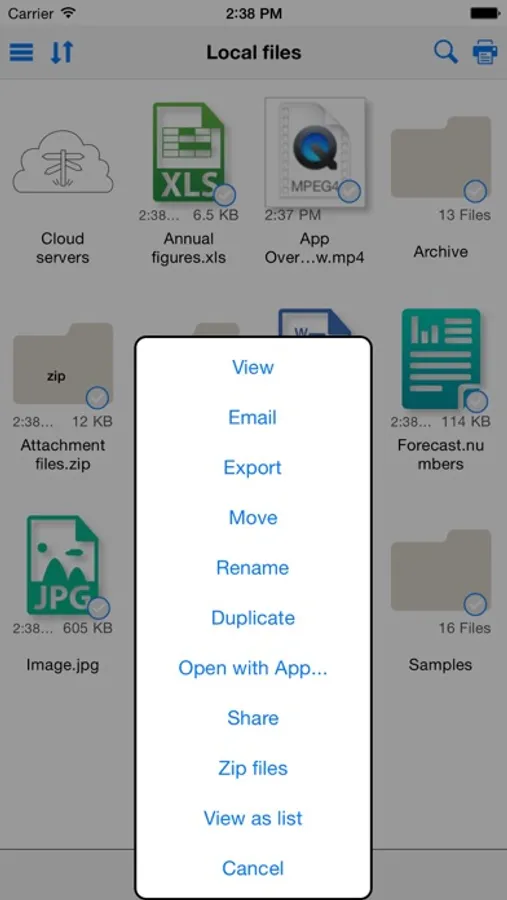
• Zip/Unzip files
• File sharing with several Macs and PCs, even remotely
WEB PAGE PRINTING
• Browse and print web pages to ALL printers
• Save web pages as an image for attaching to email
• Convert web pages to PDF documents for sharing
• Import bookmarks from your computer
• Store passwords and clear history/cache
• Multiple tabs for splitting up browsing
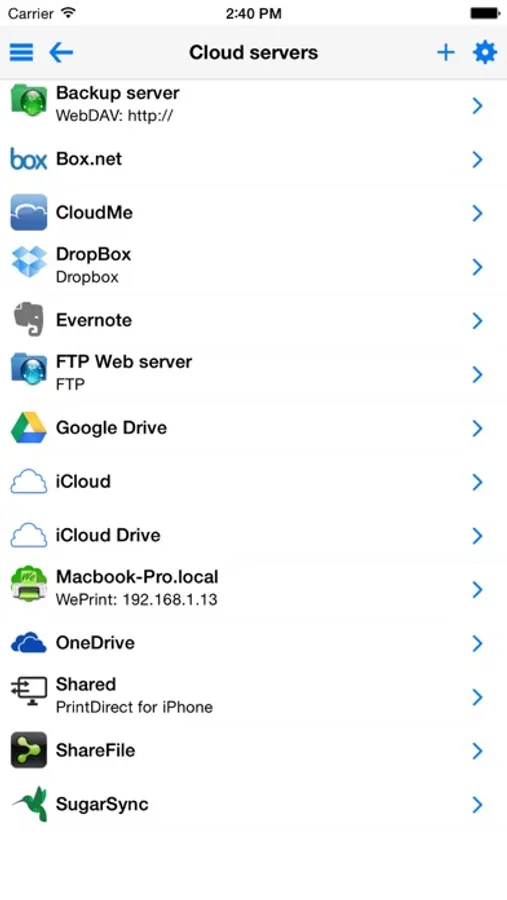
CLOUD SERVICES (IDISK, WEBDAV, DROPBOX, BOX.NET, SUGARSYNC, SHAREFILE, GOOGLE DRIVE etc.)
• Move/Print documents on your iPad from your Cloud account
• Move files to/from your iPad by connecting to Cloud account
• Full sync with Evernote
FULL FEATURED EMAIL APP
• Email files, photos, web pages & formatted text
• Full email field search - even across multiple email accounts
• Print email
• Send and Receive emails from your own email accounts
• View multiple email accounts in single inbox or on their own
• Supports most email account types, including Exchange 2007 OWA, & some Exchange 2003 servers
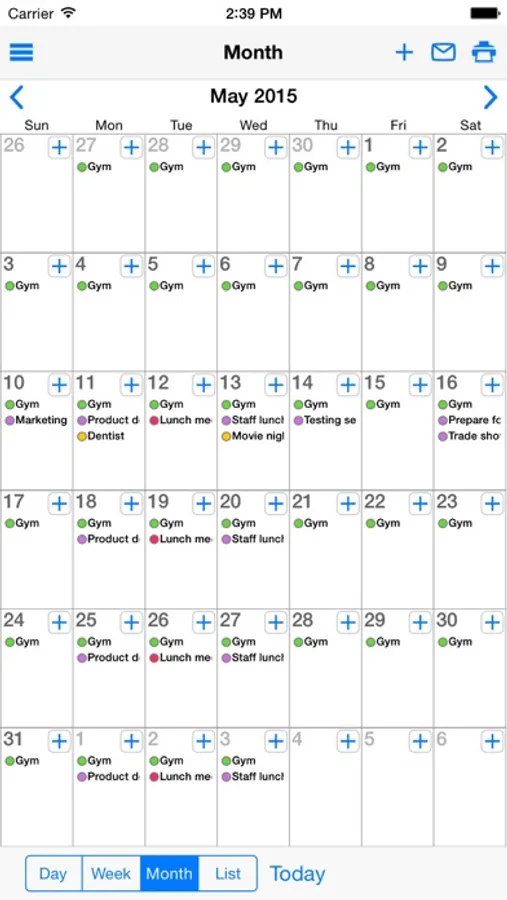
CALENDAR VIEW/PRINT
• Print/View Day/Week/Month calendar as well as reminders, shopping lists & to do lists.
• Email your calendar as PDF
• Utilizes existing calendar entries, no new calendar needed
• Integrated with Exchange & Other Calendars
FILE MANAGEMENT
• Transfer docs and files via iTunes using USB cable (Apps Tab)
• Open documents stored in PrintDirect directly into iWork for easy editing
• Mount your iPad as a network disk on your Mac/PC
COPY, TRANSFER & ARCHIVE
• Copy and transfer to another user's iPad Touch using Bluetooth or WiFi (both devices require PrintDirect)
• Copy and transfer to your PC or Mac via WiFi
• Select multiple text and image clips to merge and paste them into other Apps.
AND MORE....
• Print SMS/Text messages, simply Copy, open PrintDirect & print
• Move photos to a folder on your computer/cloud service
• Print address/shipping labels
QUICK HELP - if you need it
PrintDirect for iPhone Screenshots
Tap to Rate:
Reviews for PrintDirect for iPhone
alljazzd'up
NOT FREE so worthless in that regard. I’ll continue to look for a direct USB to printer app.
GUI is not intuitive at all and seemingly part of the problem is that it only will print out a “test” document to prove that it “could possibly” work. Otherwise it’s a pay to play app disguised as a free app. In fairness it did print the test document fine (or at least pg.1 of 2) so IF you’re willing to pay it MAY work out fine. I was using iPhone 16 iOS 26 onto an older hp officejet 8600 pro plus.
Amex client since '74
User
Works awesome on IPhone to print to network IP printers rather than use AirPrint. Particularly awesome when AirPrint will no longer work with your printer (mine is a Kyocera 5100 commercial scanner, printer, fax) because of the lack of a printer firmware update.