In this drawing app, you can create and edit pixel art, import photos, and animate designs. Includes color palette options, export features, and drawing modes.
AppRecs review analysis
AppRecs rating 4.4. Trustworthiness 65 out of 100. Review manipulation risk 26 out of 100. Based on a review sample analyzed.
★★★★☆
4.4
AppRecs Rating
Ratings breakdown
5 star
89%
4 star
7%
3 star
2%
2 star
1%
1 star
1%
What to know
✓
Low review manipulation risk
26% review manipulation risk
✓
High user satisfaction
89% of sampled ratings are 5 stars
⚠
Low-content positive reviews
Many 5-star reviews use very limited vocabulary
About Pixel Art Maker
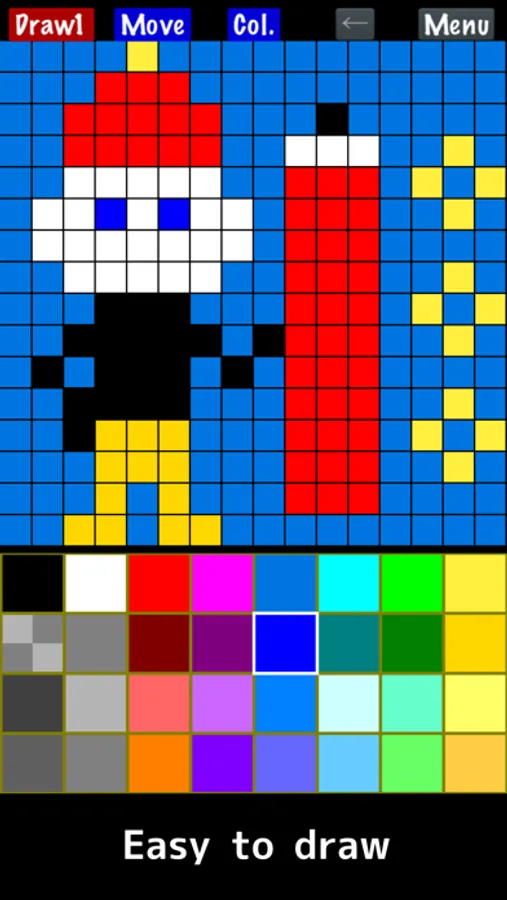
"Pixel Art Maker" is a drawing tool for pixel art like a retro game.
◇ Easy to use
You can draw a pixel art soon after Launching the app.
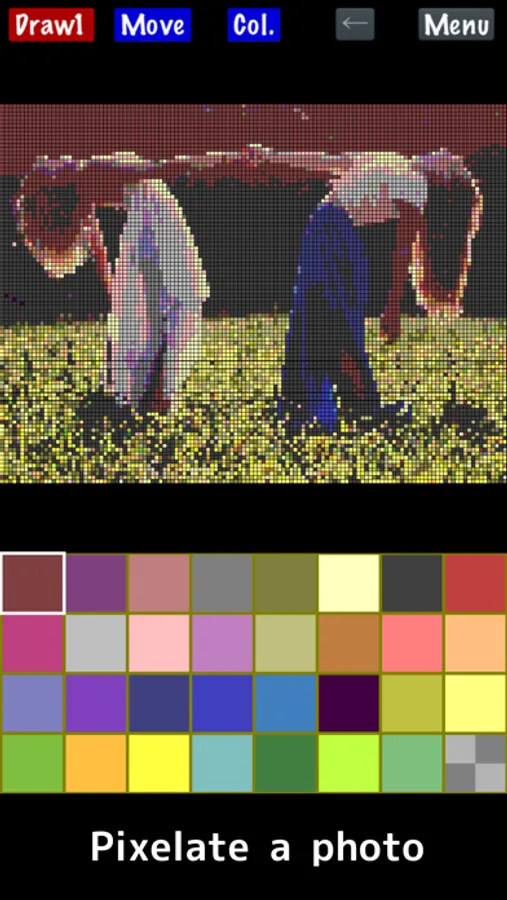
◇ Import a photo
Pixelate a photo.
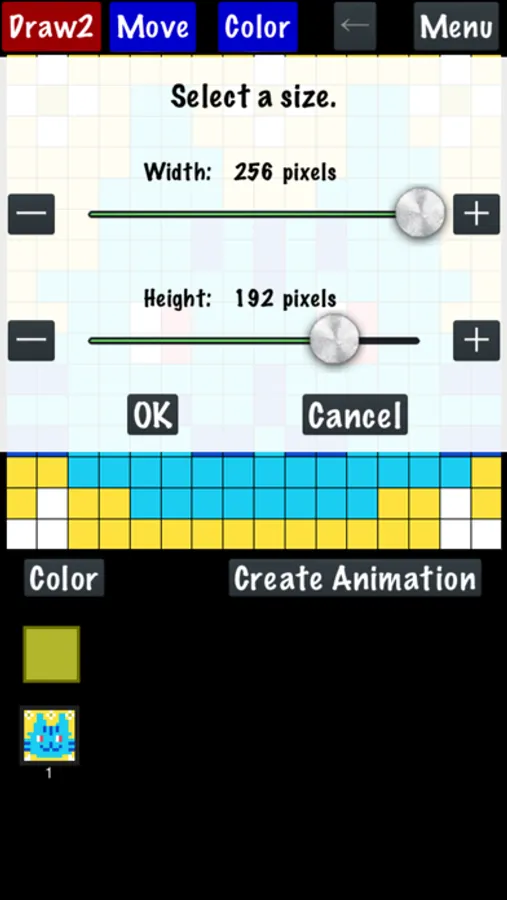
◇ Create an animated pixel art.
Draw one pixel art, copy it, and then you can draw an animation.
Feathers:
- Draw pixel art on canvases ranging from 8×8 up to 256×256 pixels.
(I recommend 16×16 or 32×32 for getting started.)
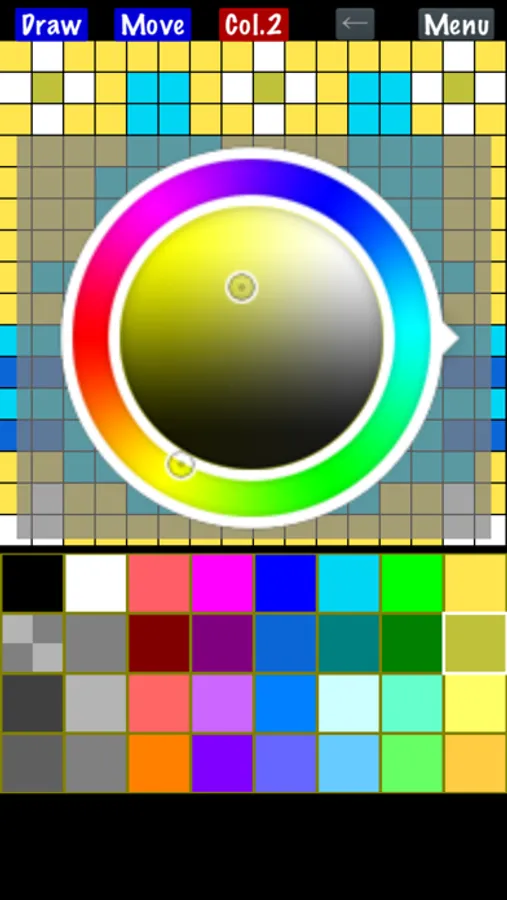
- Change the color palette (up to 256 colors). The basic palette includes 32 colors. The free version supports up to 65 colors; watching an ad temporarily unlocks up to 256 colors. Note that one color is always reserved for transparency.
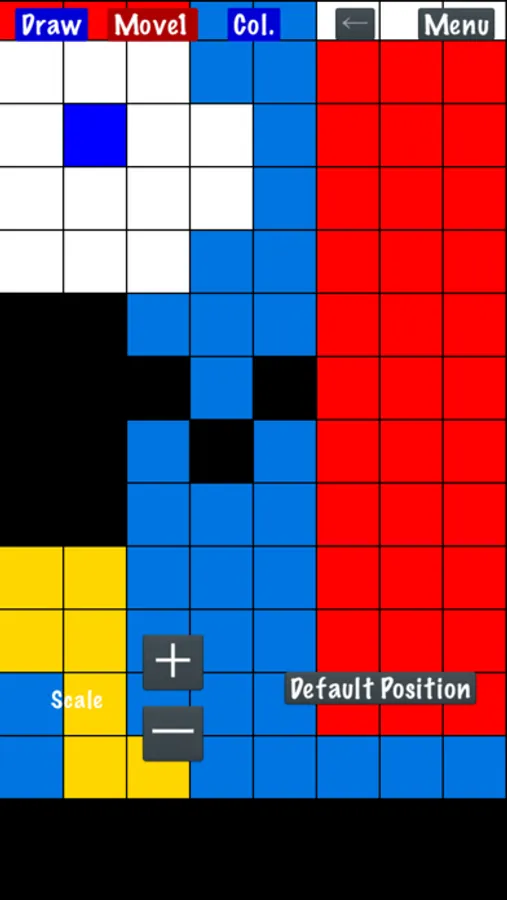
- Zoom in and out of your canvas for precise editing — just pinch with two fingers.
- Save and load your drawing data.
- Load a photo or an animated GIF file from your Photos library.
- Export pixel art with a transparent color.
- Upscale your artwork up to 2048×2048 when exporting for higher resolution output.
- Save your artwork to Photos.
- Share your artwork with other apps.
- Create and export animated GIFs — up to 256 frames for canvas sizes of 128×128 or smaller, and up to 64 frames for larger sizes.
* Animated GIF files are saved to Photos, but they will not animate within the Photos app.
- Finger Mode
Finger Mode is the default. Draw pixels directly on the screen with your finger.
- Cursor Mode
Move your finger on the screen to move the cursor, then press the "PIXEL" button to place a pixel.
Go to "Menu" → "Settings" → "Change Drawing Mode" to switch to Cursor Mode.
- Premium: Remove ads and permanently unlock the full 256-color palette.
* When running this app on an Apple Silicon Mac (iPad version), photo import has the following limitations:
1. Animated images (e.g., GIF) are not supported.
2. Photos may be imported at low resolution.
◇ Easy to use
You can draw a pixel art soon after Launching the app.
◇ Import a photo
Pixelate a photo.
◇ Create an animated pixel art.
Draw one pixel art, copy it, and then you can draw an animation.
Feathers:
- Draw pixel art on canvases ranging from 8×8 up to 256×256 pixels.
(I recommend 16×16 or 32×32 for getting started.)
- Change the color palette (up to 256 colors). The basic palette includes 32 colors. The free version supports up to 65 colors; watching an ad temporarily unlocks up to 256 colors. Note that one color is always reserved for transparency.
- Zoom in and out of your canvas for precise editing — just pinch with two fingers.
- Save and load your drawing data.
- Load a photo or an animated GIF file from your Photos library.
- Export pixel art with a transparent color.
- Upscale your artwork up to 2048×2048 when exporting for higher resolution output.
- Save your artwork to Photos.
- Share your artwork with other apps.
- Create and export animated GIFs — up to 256 frames for canvas sizes of 128×128 or smaller, and up to 64 frames for larger sizes.
* Animated GIF files are saved to Photos, but they will not animate within the Photos app.
- Finger Mode
Finger Mode is the default. Draw pixels directly on the screen with your finger.
- Cursor Mode
Move your finger on the screen to move the cursor, then press the "PIXEL" button to place a pixel.
Go to "Menu" → "Settings" → "Change Drawing Mode" to switch to Cursor Mode.
- Premium: Remove ads and permanently unlock the full 256-color palette.
* When running this app on an Apple Silicon Mac (iPad version), photo import has the following limitations:
1. Animated images (e.g., GIF) are not supported.
2. Photos may be imported at low resolution.
Pixel Art Maker Screenshots
Tap to Rate:
Reviews for Pixel Art Maker
It’s not that bad!
This is good
This game is great. It helps me with everything. I need on a certain game called melon sandbox. It’s a really good for making images out PixelArt.
Kelly sef$
All about the best
I LOVE CREATING PIXEL ART AND ANIMATING A LOT