Photo Collage Make & Print PRO
Vitalij Schaefer
4.6 ★
19 ratings
$34.99
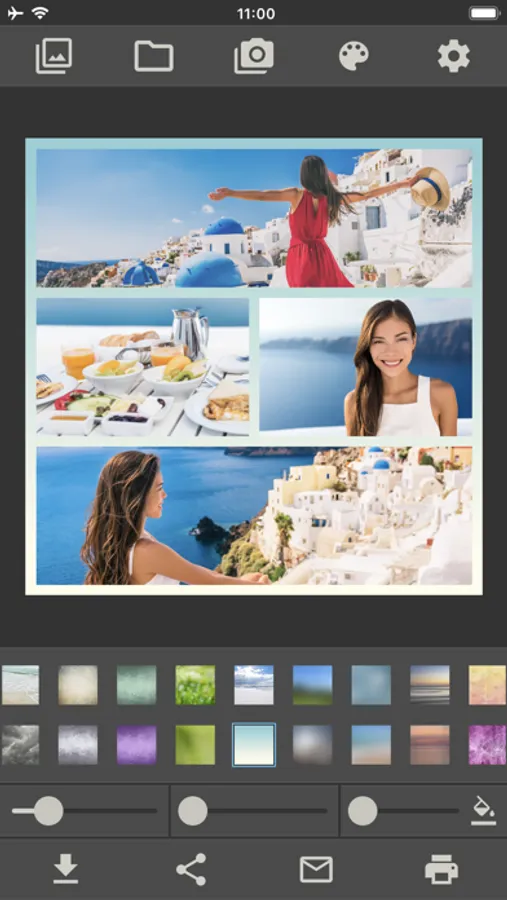
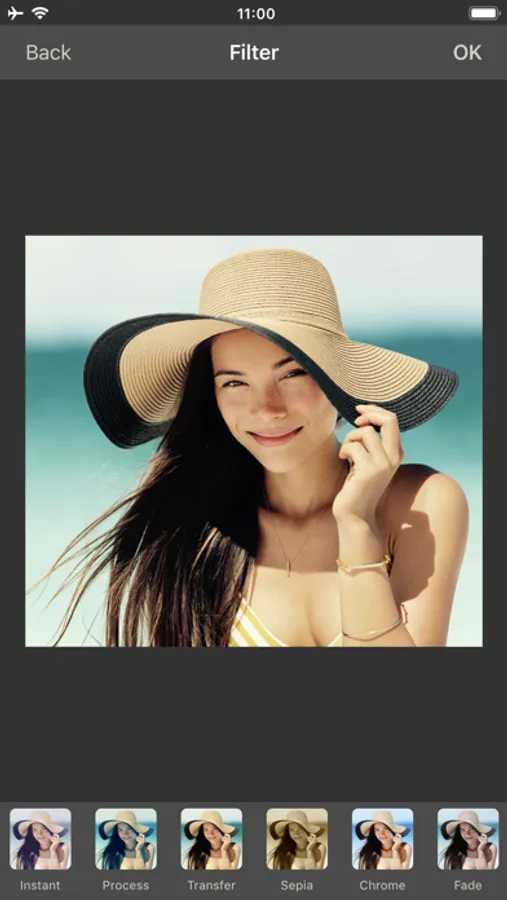
With this photo collage app, you can create and customize photo collages to specific sizes, then save, print, or share the results. Includes options for multiple layouts, adjustable image positions, and rotation tools.
AppRecs review analysis
AppRecs rating 4.7. Trustworthiness 45 out of 100. Review manipulation risk 20 out of 100. Based on a review sample analyzed.
★★★★☆
4.7
AppRecs Rating
Ratings breakdown
5 star
84%
4 star
5%
3 star
0%
2 star
5%
1 star
5%
What to know
⚠
Rating authenticity concerns
High rating concentration (84% 5-star) in sampled ratings
About Photo Collage Make & Print PRO
This is a PRO version for business customers and for schools. Without advertising and without in-app purchases.
This is not just another collage app. This app creates photo collages in the exact size that you want!
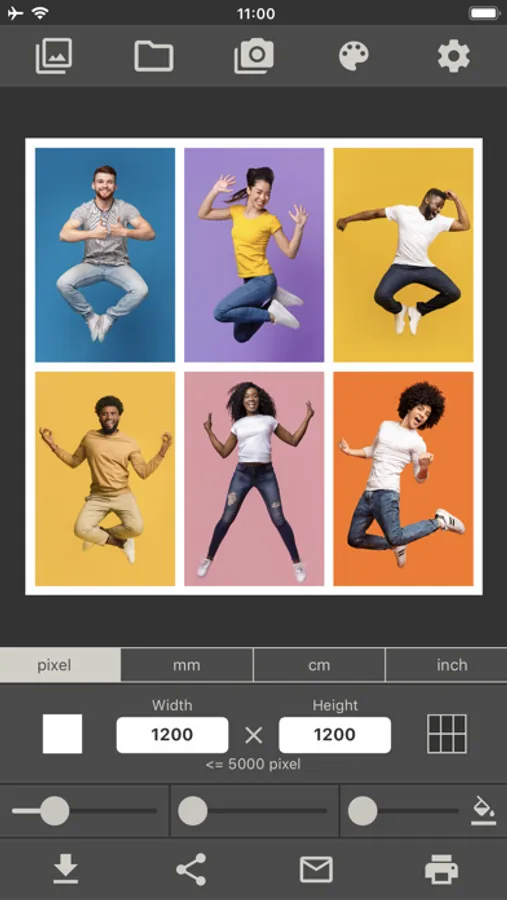
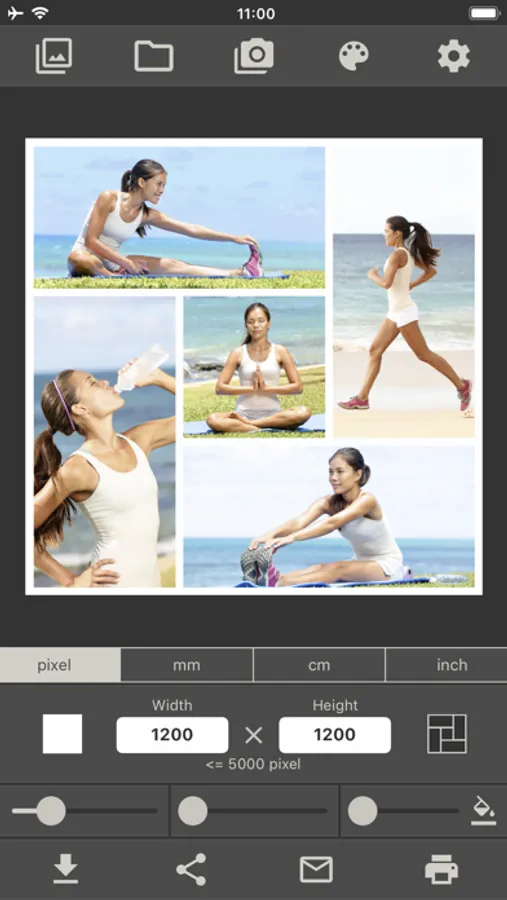
Do you need a photo collage in size 2560 x 1440 pixels for a video platform, or 1200 x 1200 pixels for a social network? With this collage app, it's no problem!
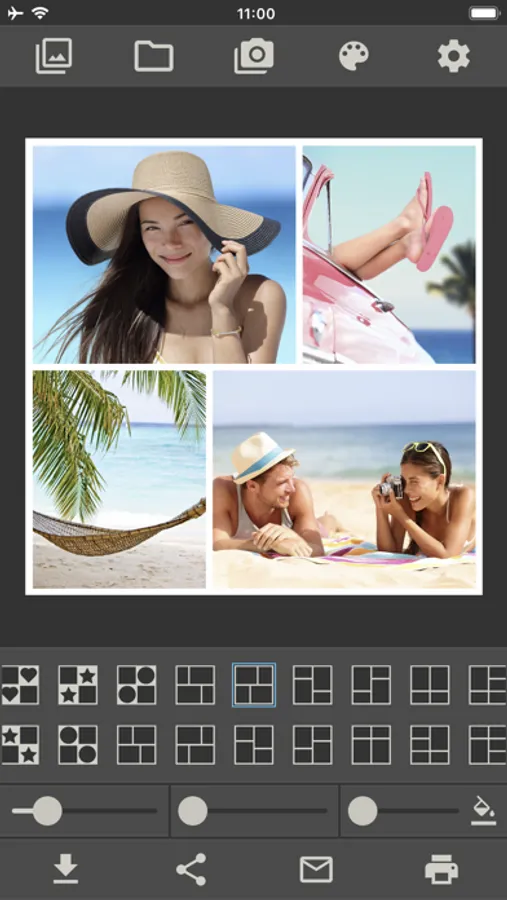
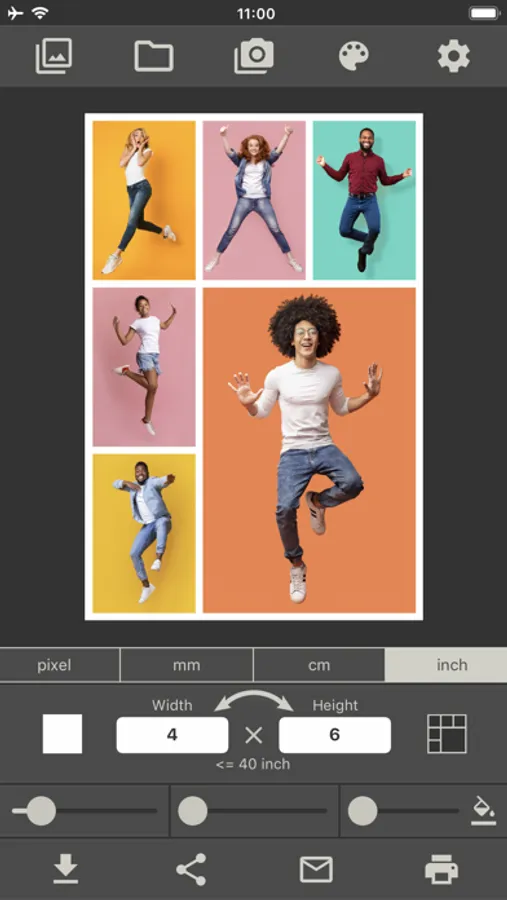
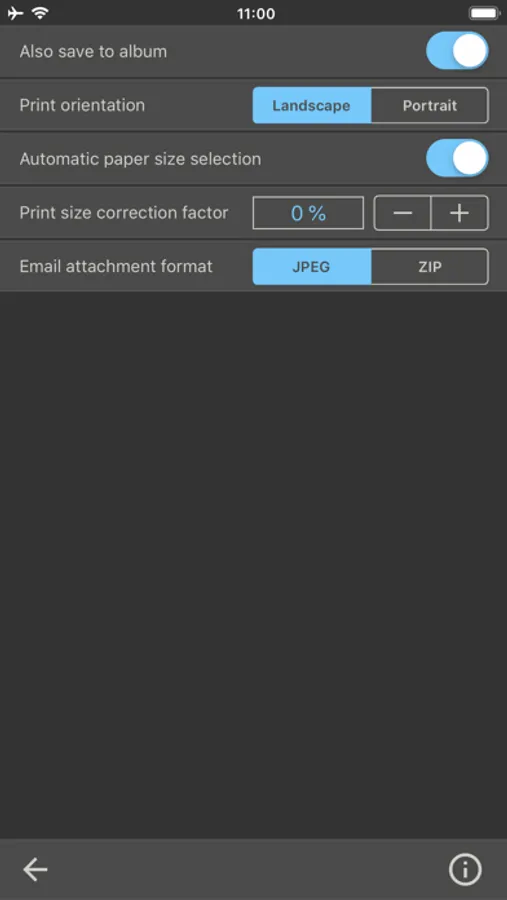
Do you want to print a photo collage on 4 x 6 photo paper and put it in a frame? Even this is a breeze with our collage app. Set your required image size, choose from one of 300 collage layouts, place your images on it, and print.
The output format is defined in one of the following four units: pixels, millimeters, centimeters, inches
This collage app allows you to save the finished image, send it via email, print it out or share it with others.ed
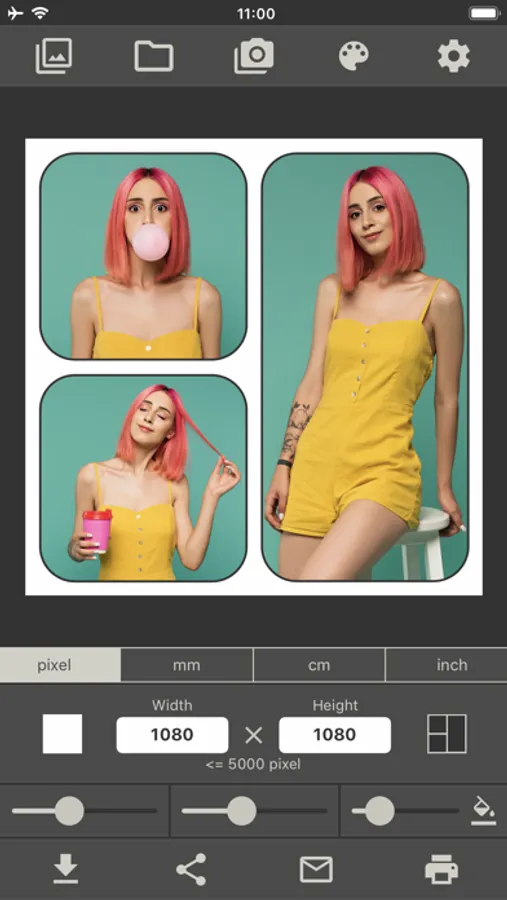
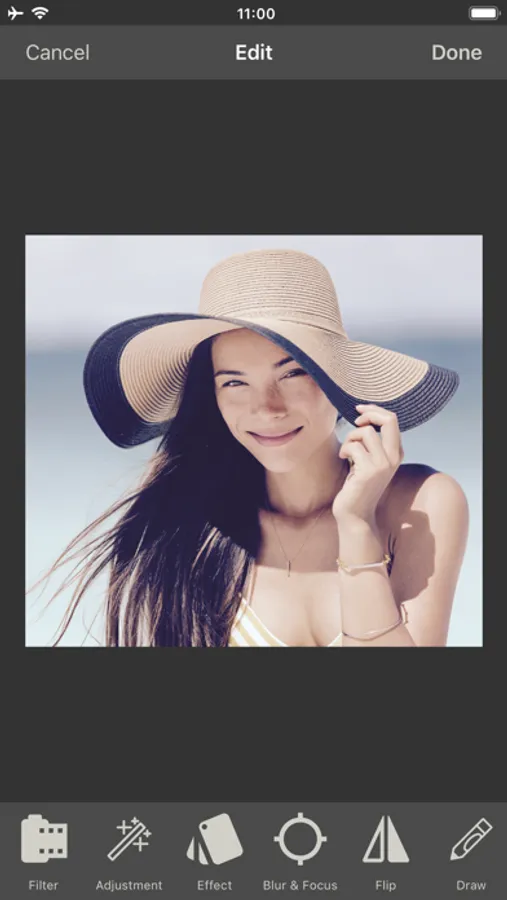
As well as being able to move and enlarge/reduce images, this app also lets you freely rotate them. This feature gives you even more freedom in designing your creative photo collages.
This is not just another collage app. This app creates photo collages in the exact size that you want!
Do you need a photo collage in size 2560 x 1440 pixels for a video platform, or 1200 x 1200 pixels for a social network? With this collage app, it's no problem!
Do you want to print a photo collage on 4 x 6 photo paper and put it in a frame? Even this is a breeze with our collage app. Set your required image size, choose from one of 300 collage layouts, place your images on it, and print.
The output format is defined in one of the following four units: pixels, millimeters, centimeters, inches
This collage app allows you to save the finished image, send it via email, print it out or share it with others.ed
As well as being able to move and enlarge/reduce images, this app also lets you freely rotate them. This feature gives you even more freedom in designing your creative photo collages.
Photo Collage Make & Print PRO Screenshots
Tap to Rate:
Reviews for Photo Collage Make & Print PRO
Perplexed Two
Text
Can’t figure out how to add a text box.