Susquehanna Comm Bank – Mobile
Susquehanna Community Bank
4.7 ★
rating
Free
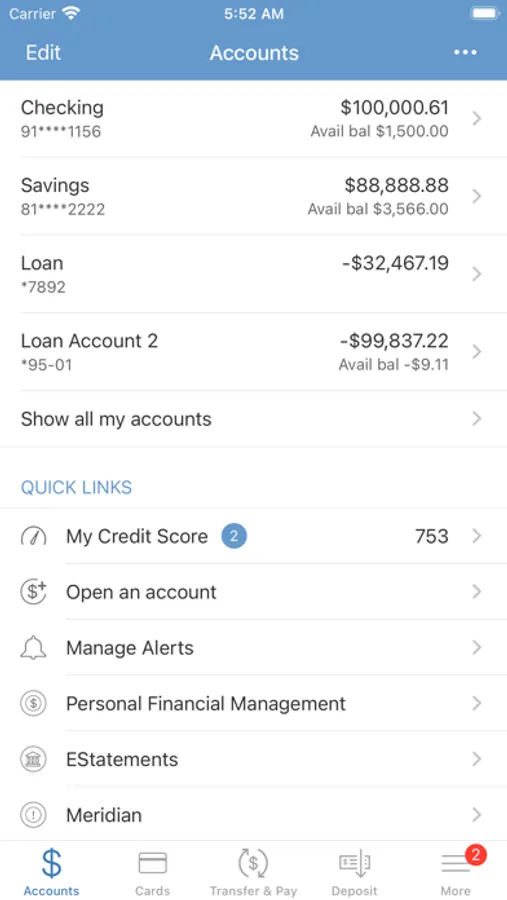
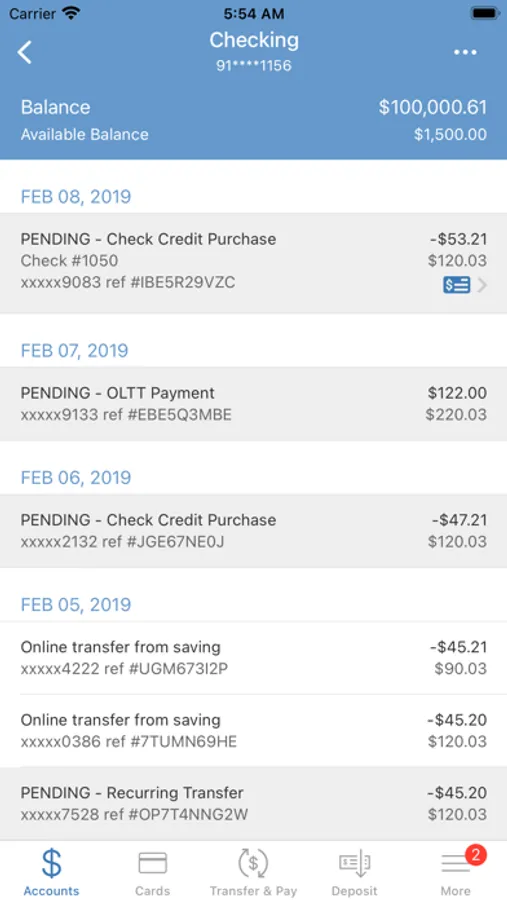
With this mobile banking app, you can check balances, view transactions, make bill payments, and deposit checks. Includes options for fund transfers, card controls, money sending, and branch locating.
About Susquehanna Comm Bank – Mobile
Manage your finances anytime, anywhere, and when it’s convenient for you, all from your mobile device.
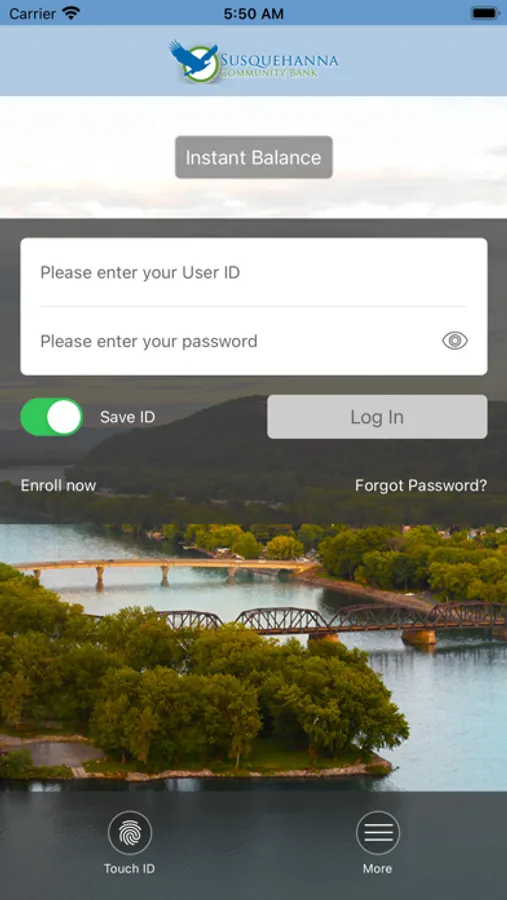
• INSTANT BALANCE – Check your balance right from your login screen.
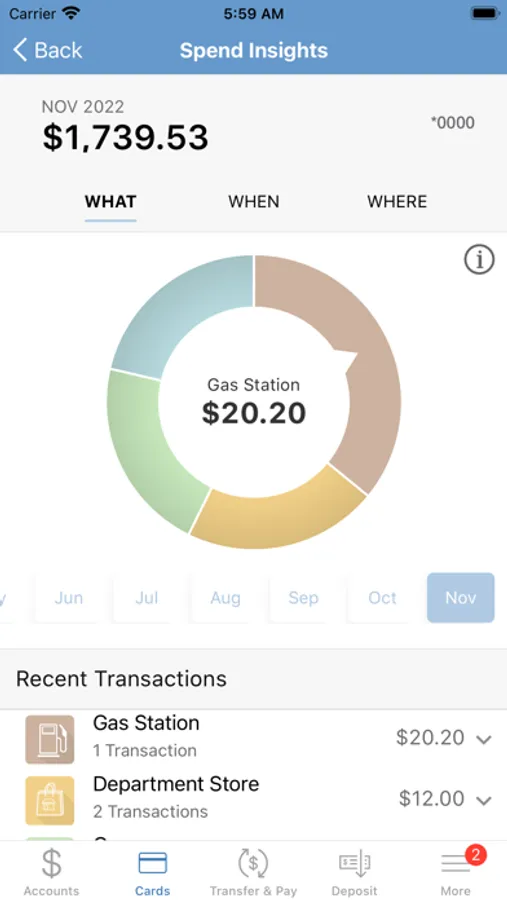
• VIEW TRANSACTIONS - View recent transaction history and search for specific transactions.
• PAY BILLS - Make one-time bill payments to billers you have previously entered in Online Banking.
• MOBILE DEPOSIT- Deposit checks in a few simple steps.
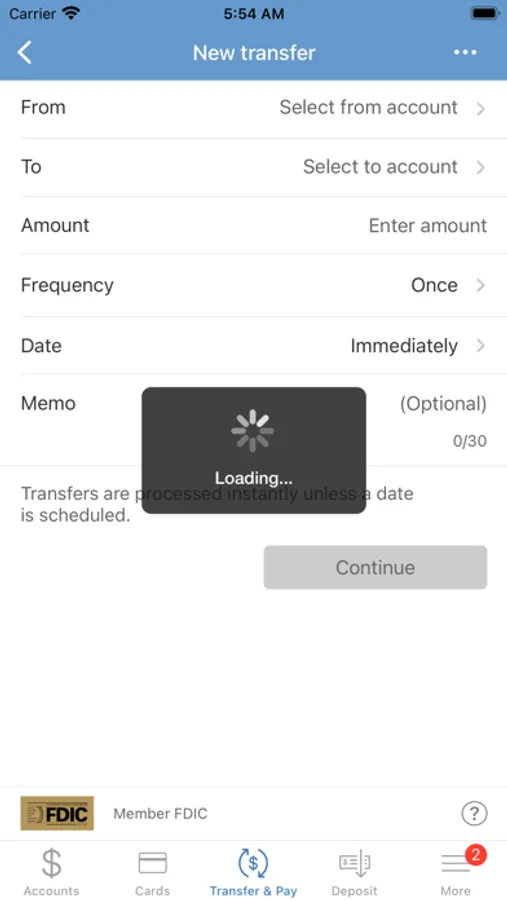
• TRANSFER FUNDS - Transfer funds between your eligible accounts.
• FREEZ IT – A remote control for your debit card
• POPMONEY® - Send money to friends and family using an email address or mobile number.
• LOCATE Susquehanna Community Bank - Locate the nearest Branch or ATM.
For support, call: (570) 568-6851
To use Susquehanna Community Bank – Mobile Banking, you must have an eligible Susquehanna Community Bank account and be enrolled in Online Banking. Certain other restrictions apply. See the Susquehanna Community Bank Online, Bill Payment, & Mobile Banking Service Agreement. Visit scb.bank to learn more.
Member FDIC. Equal Housing Lender.
• INSTANT BALANCE – Check your balance right from your login screen.
• VIEW TRANSACTIONS - View recent transaction history and search for specific transactions.
• PAY BILLS - Make one-time bill payments to billers you have previously entered in Online Banking.
• MOBILE DEPOSIT- Deposit checks in a few simple steps.
• TRANSFER FUNDS - Transfer funds between your eligible accounts.
• FREEZ IT – A remote control for your debit card
• POPMONEY® - Send money to friends and family using an email address or mobile number.
• LOCATE Susquehanna Community Bank - Locate the nearest Branch or ATM.
For support, call: (570) 568-6851
To use Susquehanna Community Bank – Mobile Banking, you must have an eligible Susquehanna Community Bank account and be enrolled in Online Banking. Certain other restrictions apply. See the Susquehanna Community Bank Online, Bill Payment, & Mobile Banking Service Agreement. Visit scb.bank to learn more.
Member FDIC. Equal Housing Lender.
Susquehanna Comm Bank – Mobile Screenshots

Tap to Rate: