
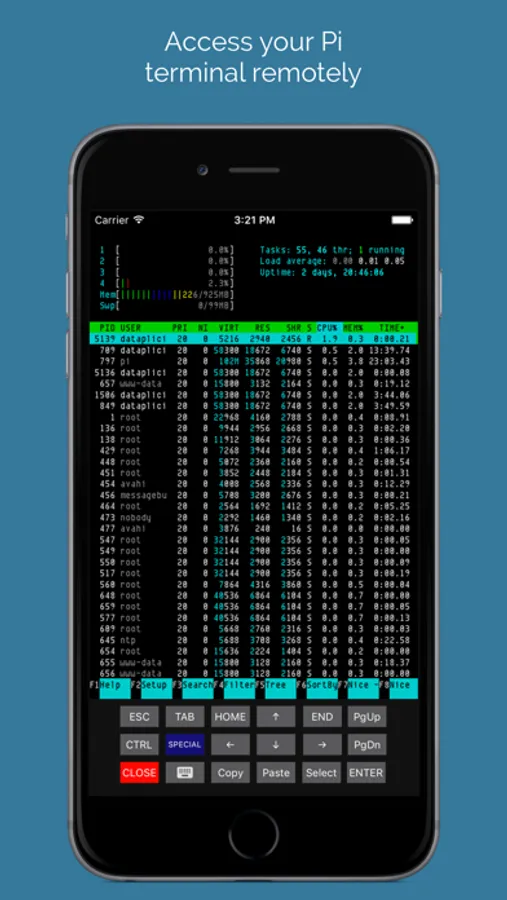
With this remote access app, you can connect to your Raspberry Pi shell from any network and manage it securely. Includes a web-based interface and agent installation on the Pi.
AppRecs review analysis
AppRecs rating 4.5. Trustworthiness 77 out of 100. Review manipulation risk 21 out of 100. Based on a review sample analyzed.
★★★★☆
4.5
AppRecs Rating
Ratings breakdown
5 star
84%
4 star
6%
3 star
1%
2 star
4%
1 star
4%
What to know
✓
Low review manipulation risk
21% review manipulation risk
✓
Credible reviews
77% trustworthiness score from analyzed reviews
✓
High user satisfaction
84% of sampled ratings are 5 stars
About Dataplicity - Terminal for Pi
* DOES IT WORK BEHIND NAT?
Yes. The client initiates a secure websockets connection to the Dataplicity service. This means that it works most places where there are firewalls, NAT or other network obstructions in place.
* HOW DATAPLICITY WORKS
The Dataplicity client uses a opportunistically-connected secure web connection to provide a communications channel between your device and Dataplicity, and your web browser attaches to the other end of that channel.
* DO I NEED TO ENABLE SSH?
No. Dataplicity does not require SSH, telnet or any other network services to operate. The client is self-contained and does not open any network ports on the device.
* DOES IT OPEN A LOCAL PORT ON THE PI?
No. Client connections are initiated from the device end and do not open any local ports.
* DO I NEED TO INSTALL SOMETHING ON THE PI?
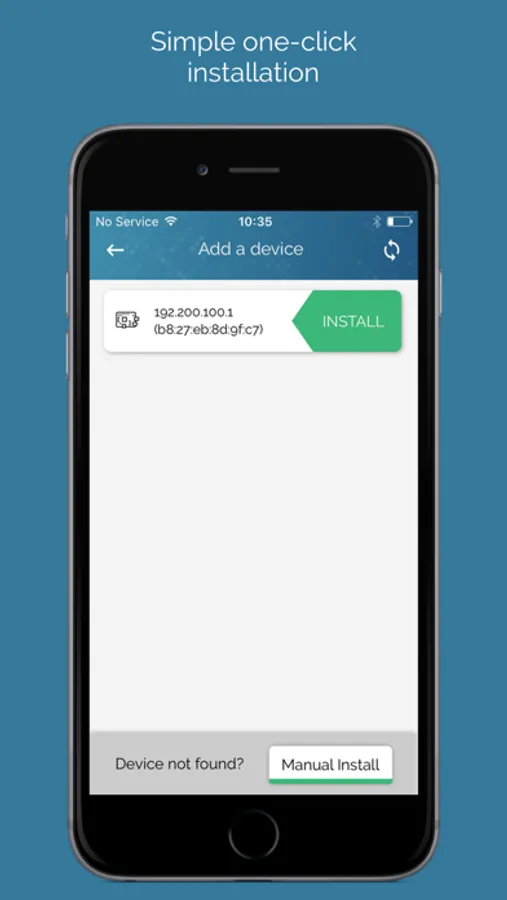
Yes, you need to install the Dataplicity agent on the Pi. You can view the source on GitHub.
* DOES DATAPLICITY AGENT RUN AS ROOT?
No. When you log into the Dataplicity shell you still need to explicitly ask for super user rights to gain full control.
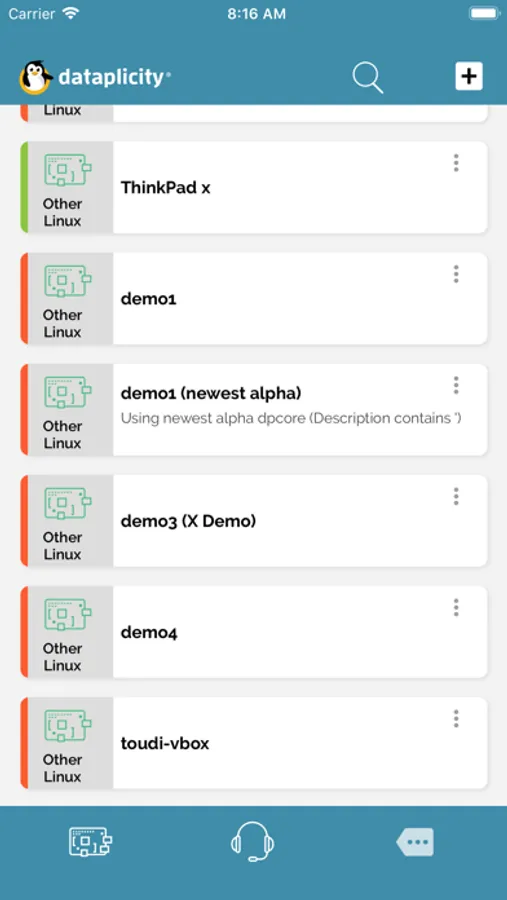
Dataplicity - Terminal for Pi Screenshots
Tap to Rate:
Reviews for Dataplicity - Terminal for Pi
lofidelityrockr
Terrible
Signed up and verified my account online and the app crashes before I can do anything. Cant add a system because the app crashes when I press the button. iPhone 16 Pro Max and it doesn’t work. This is completely useless. It looks like at the time I downloaded and wrote this review, the App Store says they fixed the signup crash. I guess they just moved it to the next step of adding the device.
sgtBadbob
Dose not allow you to sign up
No sign up for service works