With this audio recording app, you can capture, edit, and organize high-quality recordings with features like bookmarking and note-taking. Includes file management, cloud sync, sharing options, and editing tools.
AppRecs review analysis
AppRecs rating 4.3. Trustworthiness 77 out of 100. Review manipulation risk 25 out of 100. Based on a review sample analyzed.
★★★★☆
4.3
AppRecs Rating
Ratings breakdown
5 star
69%
4 star
19%
3 star
3%
2 star
2%
1 star
7%
What to know
✓
Low review manipulation risk
25% review manipulation risk
✓
Credible reviews
77% trustworthiness score from analyzed reviews
✓
High user satisfaction
88% of sampled ratings are 4+ stars (4.4★ average)
About eXtra Voice Recorder Pro
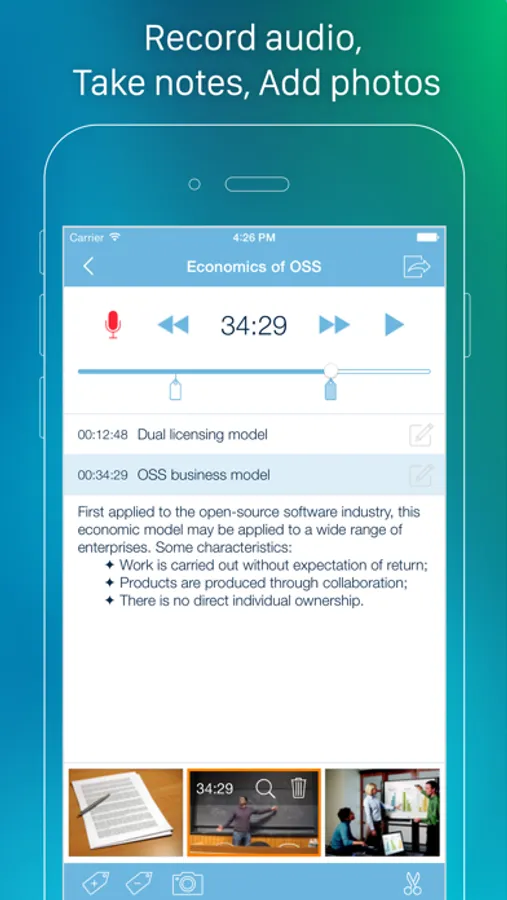
eXtra Voice Recorder is a combination of a high-quality audio recorder, a multi-functional audio editor and an easy-to-use audio files manager. With eXtra Voice Recorder all your recordings will be fully organized and available whenever you need them. You can add notes and photos to each recording, bookmark important parts for ease of navigation, continue recordings and save them directly to the cloud for universal accessibility. Moreover, the app offers a host of handy features for instant file sharing, so sharing your recordings will only be a matter of a couple of taps.
eXtra Voice Recorder offers the following:
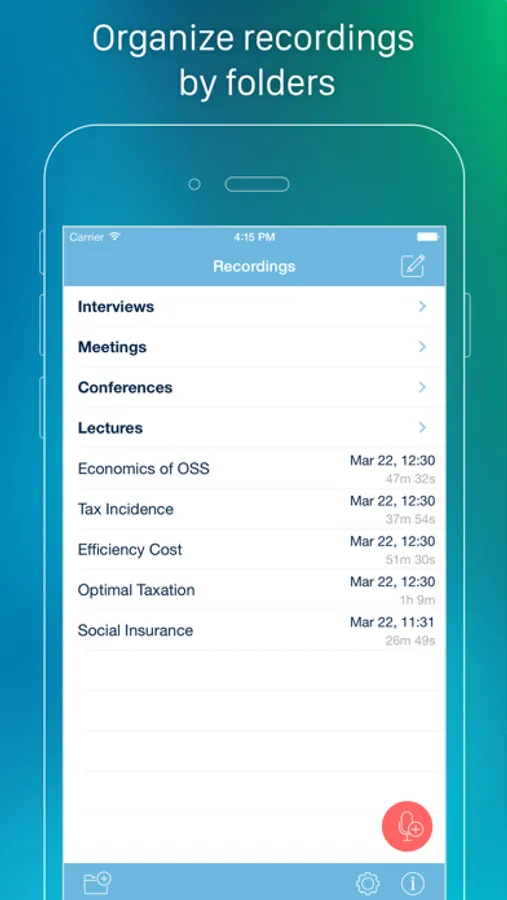
• Multi-level file manager to keep your recordings organized
• Resume previously created recordings
• Supply your recordings with comments
• Bookmark the most important parts of recordings
• Add photos to your recordings
• Keep photos synced with audio
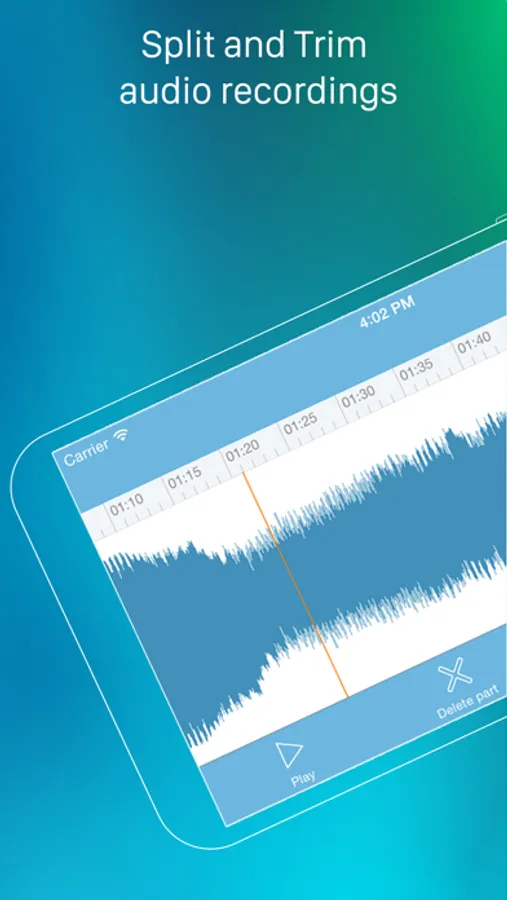
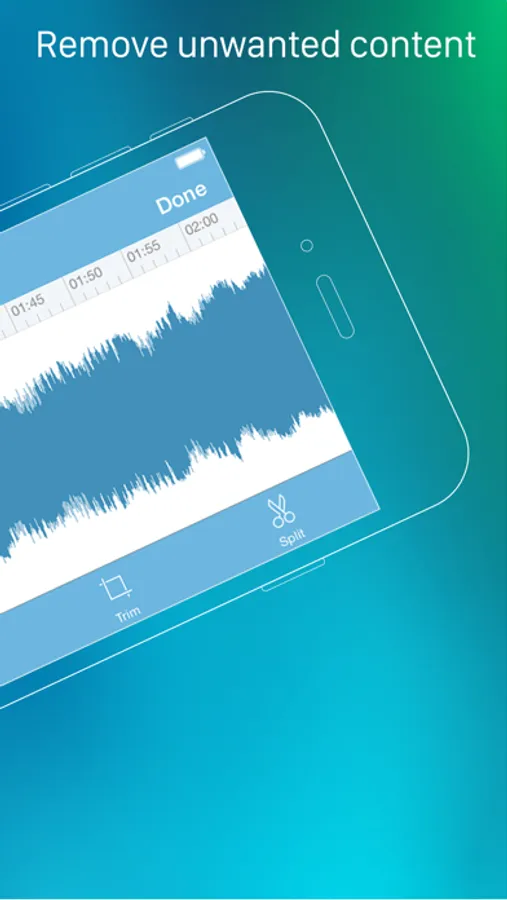
• Edit recordings with split, trim, and delete features
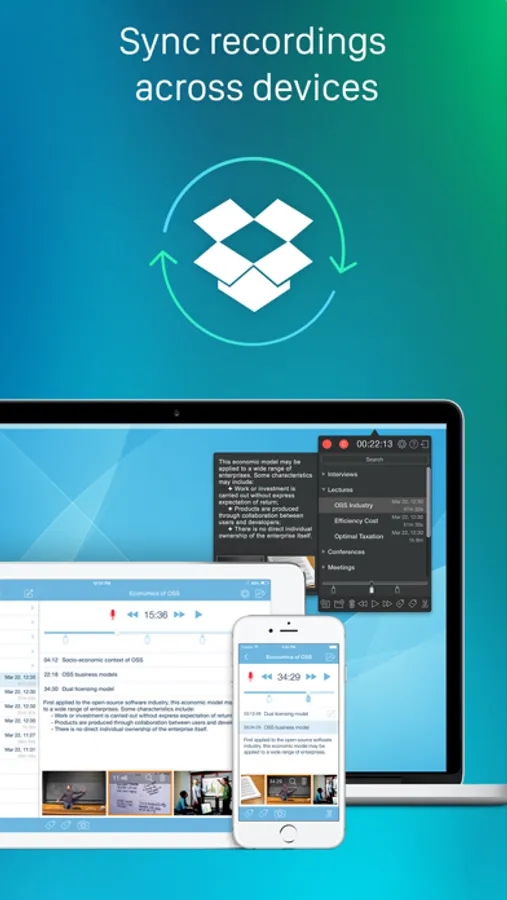
• Keep your recordings synced across your iPhone, iPad and Mac
• Keep your recordings synced with Dropbox
• Share recordings via Wi-Fi, AirDrop, Messages, Email or iTunes File Sharing
• Keep notes in recording Meta tags that are available for other apps
• Adjustable quality of recording
• Audio scrubbing with variable speed
• The ability to change the playback speed
• Built-in search to find recordings by title or comments
• Record in the background mode even when the device is locked
• Import recordings from other apps
• Upload your recordings to Google Drive, Evernote and other apps
• Record directly to high-quality m4a (AAC) files
• 3D Touch Menu support
• Designed for iPhone, iPod touch and iPad
• It’s also available on Mac
eXtra Voice Recorder offers the following:
• Multi-level file manager to keep your recordings organized
• Resume previously created recordings
• Supply your recordings with comments
• Bookmark the most important parts of recordings
• Add photos to your recordings
• Keep photos synced with audio
• Edit recordings with split, trim, and delete features
• Keep your recordings synced across your iPhone, iPad and Mac
• Keep your recordings synced with Dropbox
• Share recordings via Wi-Fi, AirDrop, Messages, Email or iTunes File Sharing
• Keep notes in recording Meta tags that are available for other apps
• Adjustable quality of recording
• Audio scrubbing with variable speed
• The ability to change the playback speed
• Built-in search to find recordings by title or comments
• Record in the background mode even when the device is locked
• Import recordings from other apps
• Upload your recordings to Google Drive, Evernote and other apps
• Record directly to high-quality m4a (AAC) files
• 3D Touch Menu support
• Designed for iPhone, iPod touch and iPad
• It’s also available on Mac
eXtra Voice Recorder Pro Screenshots
Tap to Rate:
Reviews for eXtra Voice Recorder Pro
Hyperzzzz
Simply Works
Used for interviews. Works fine.
mfjps1
Love This!
This app is a life saver. I often record moving passages that I play for friends later.