
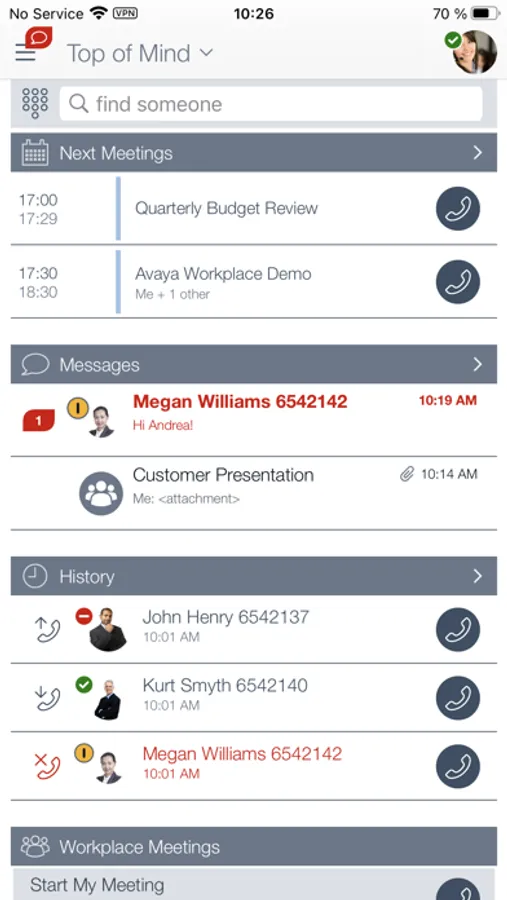
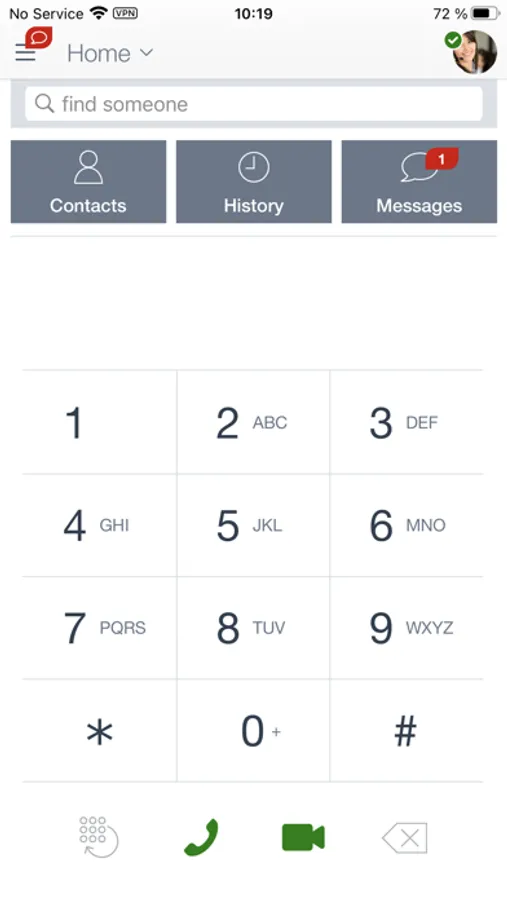
In this communication app, you can make VoIP calls, manage contacts, and join conferences. Includes instant messaging, presence status, visual voicemail, and call logs.
AppRecs review analysis
AppRecs rating 1.9. Trustworthiness 68 out of 100. Review manipulation risk 24 out of 100. Based on a review sample analyzed.
★☆☆☆☆
1.9
AppRecs Rating
Ratings breakdown
5 star
18%
4 star
3%
3 star
6%
2 star
15%
1 star
58%
What to know
✓
Low review manipulation risk
24% review manipulation risk
⚠
Mixed user feedback
Average 2.1★ rating suggests room for improvement
⚠
High negative review ratio
73% of sampled ratings are 1–2 stars
About Avaya Workplace
Key Capabilities (Feature availability will vary based on your environment and configured services)
· VoIP calls – Lower your mobile service charges by making VoIP calls over Wi-Fi or mobile data networks
· Conceal Your Mobile Phone Number - Calls made with Avaya Workplace are handled by your office communication system and will display your office calling line ID, not your mobile phone number
· Cellular Voice integration – If VoIP isn’t your best option, then traditional cellular voice service can be used and calls will still be routed through your office communication system
· Call Mobility – VoIP roaming between Wi-Fi and 3/4G networks, and call handoff between cellular voice and VoIP
· Single Number Contact – Choose to have incoming office calls ring on your iPhone and/or any other phone you may want to use
· Visual voicemail – Enables you to see who left you a voice message and when it arrived. Messages can be played in any order.
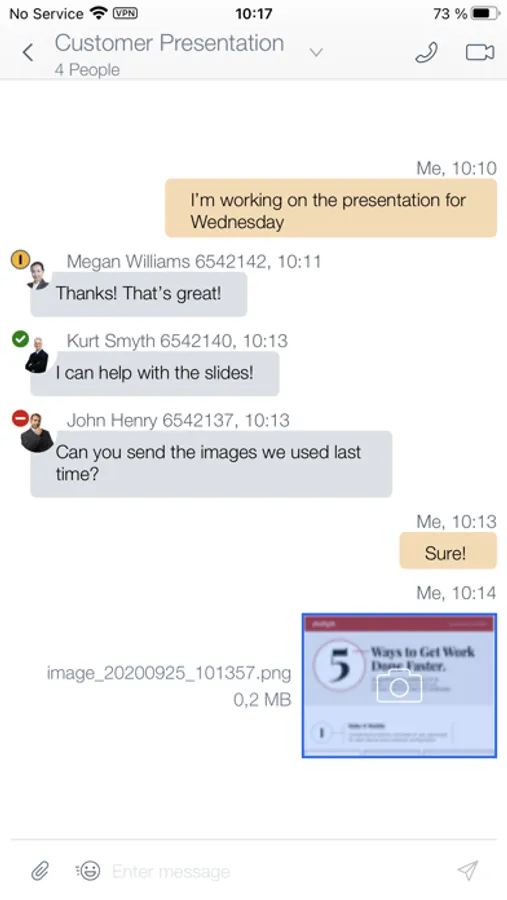
· Instant Messaging – Exchange text messages and multi-media file attachments with archival/retrieval
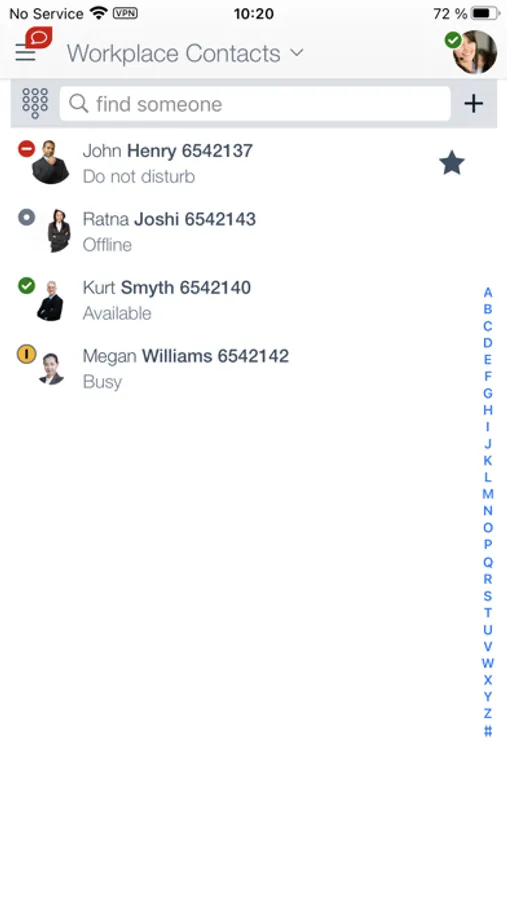
· Presence status – View the Presence status of colleagues
· 24X7 call logs shows all office line call activity regardless of which device was used or when calls arrived
· Corporate Directory Integration – Search for corporate contacts and create a list of favorites
· Integrated audio / video / web conferencing with Avaya Workplace Meetings Online and Avaya Workplace Conferencing
Avaya Workplace Screenshots
Tap to Rate:
Reviews for Avaya Workplace
NicknameUser001
In-coming calls
In-coming calls still go through even after logging off and not on wi-fi.
Sappling92
Does not work
I have had this phone app for years for work. It used to work well, but I have recently been forced to “upgrade” (delete and re-add the app as per my employer) and now I cannot receive any calls from my forwarded office phone. Nothing I do works. My IT representative cannot get it to work. IT man says my phone isn’t staying connected. What has happened?! This used to be a decent app! Now it’s unusable.