Indigo Nav
American Printing House for the Blind (APH)
4.0 ★
26 ratings
Free
AppRecs review analysis
AppRecs rating 4.0. Trustworthiness 77 out of 100. Review manipulation risk 21 out of 100. Based on a review sample analyzed.
★★★★☆
4.0
AppRecs Rating
Ratings breakdown
5 star
62%
4 star
8%
3 star
15%
2 star
4%
1 star
12%
What to know
✓
Low review manipulation risk
21% review manipulation risk
✓
Credible reviews
77% trustworthiness score from analyzed reviews
✓
Good user ratings
69% positive sampled reviews
About Indigo Nav
It has all the outdoor navigation features you expect plus unique offerings you cannot get
anywhere else including extra verbosity for blind users.
Features:
Four main tabs are easy to access at the bottom of the screen.
Routes, Location, POIs and settings
Indigo has the option to explore POIs or route turning points virtually.
Transit Routes can be created and nearby transit stops will be announced.
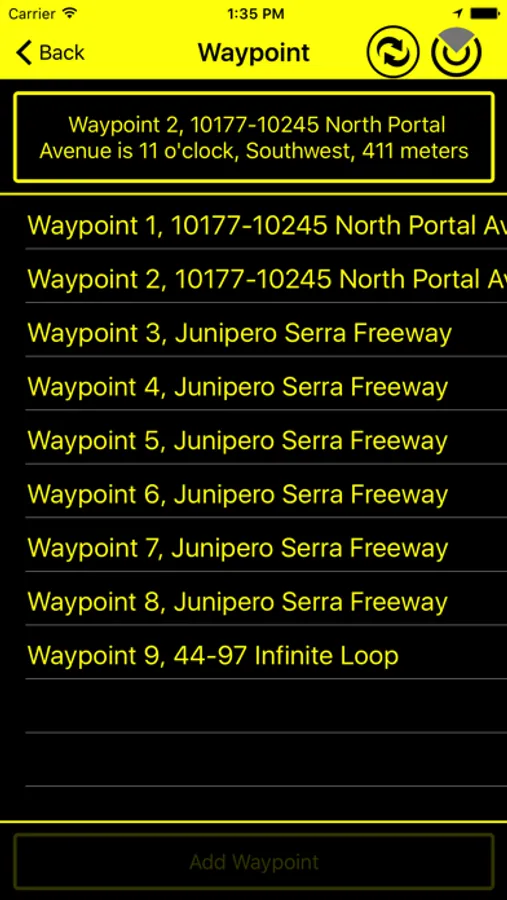
A unique Indigo feature: record a route using breadcrumbs called Waypoints. No other accessible
app has this. You can add these waypoints with the Add Button or you can shake the phone to
create a waypoint. It also automatically records a point after you have gone a certain distance.
These waypoint routes can be saved for future use.
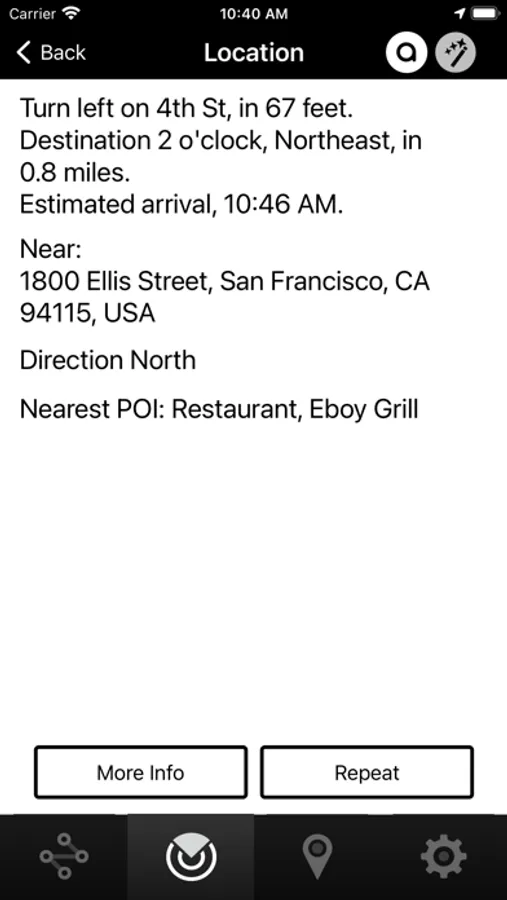
The LookAround Wand in the upper right corner tells you what is in the direction your phone is
pointing. The More Info button on the Location screen gives the altitude and speed.
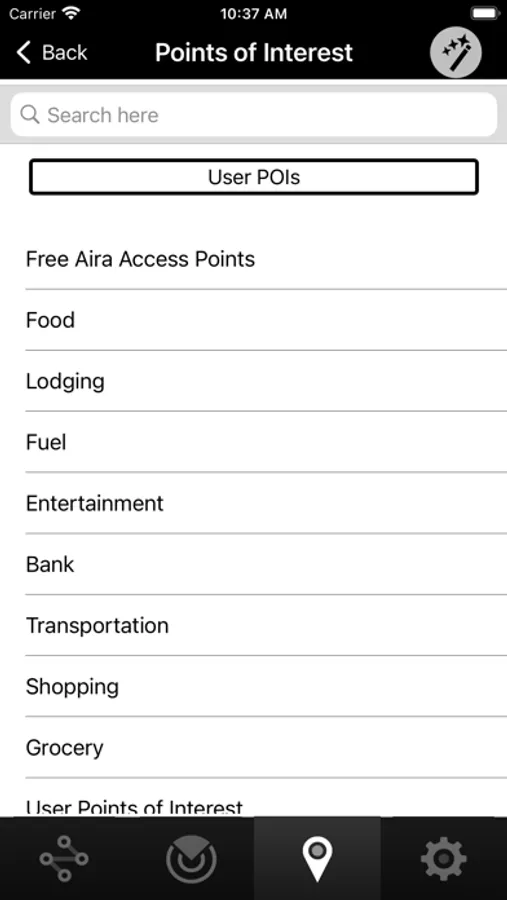
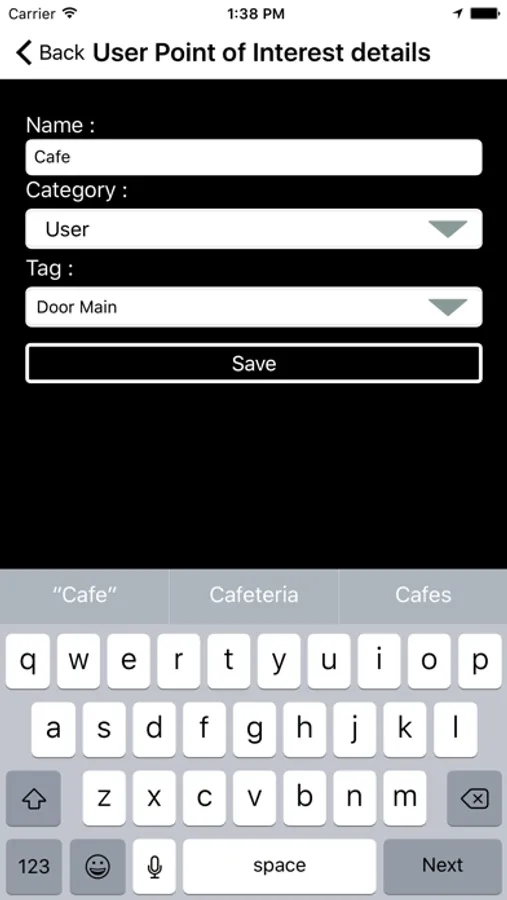
Create your own POIs and share your POIs with others or keep them private with a shortcut on
the Location page or from the POIs page. POI categories are announced with search results and
make finding your destination easier.
Audio tones and vibrations give feedback throughout the app letting you know about upcoming
turns, critical intersection information and when search is loading
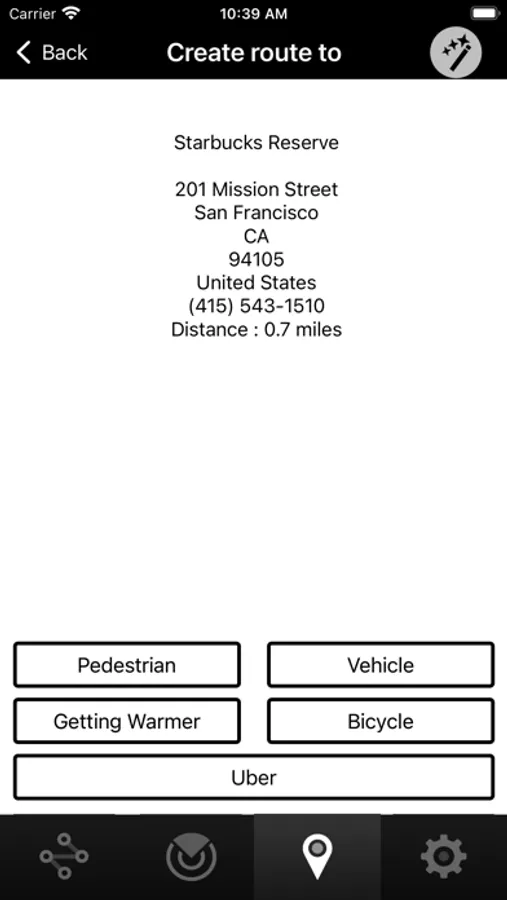
A robust route menu includes multiple methods of choosing a destination starting with a POI
and an address from your contact list, your route history and many more.
Settings include many customization options like vibrations, vision contrast, color settings and
distance units.
There are announcement options like right/left, clockface, or both.
Indigo Nav Screenshots

Tap to Rate:
Reviews for Indigo Nav
KHarvickfan429
Good app with great potential
I will say before I write this that I haven’t used this app in a few months because of the issue I’m about to talk about… That being said this app is a good app with great potential. However, a major issue that I was having with this while working with an orientation and mobility instructor, was that when putting in addresses and locations, POI’s. When it was giving me directions, it seemed to be several hundred feet off base when getting near the location. For example, if I tried to go to the library and put in that address, it would take me 2 to 300 feet away from the library when I got close and I wouldn’t actually get to the library. This was pretty consistent. It least in my area. This is kind of a big deal but if this could be fixed and again it may be I haven’t used it in a few months, then this app can do great things. I’m in northeastern PA for context.
Chester Thrash
indigo:
I really love this app!!!!!!! Thanks to APH for this app. I hope it will stay around for years to come!