Talking Typer
American Printing House for the Blind (APH)
3.9 ★
10 ratings
Free
AppRecs review analysis
AppRecs rating 3.9. Trustworthiness 71 out of 100. Review manipulation risk 24 out of 100. Based on a review sample analyzed.
★★★☆☆
3.9
AppRecs Rating
Ratings breakdown
5 star
40%
4 star
10%
3 star
50%
2 star
0%
1 star
0%
What to know
✓
Low review manipulation risk
24% review manipulation risk
✓
Credible reviews
71% trustworthiness score from analyzed reviews
About Talking Typer
Talking Typer
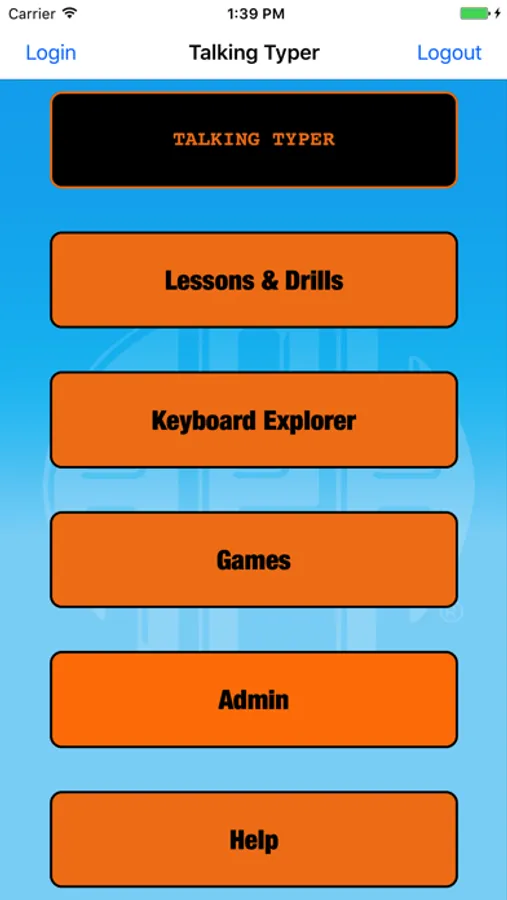
An accessible typing and computer keyboard tutorial app with a keyboard game to help increase speed and accuracy in a fun environment!
Learn to type or improve your skills with drills, practice lessons, keyboard explorer, and an entertaining game. It is designed for blind and visually impaired students, but can be used by sighted students too. This makes it a great tool for the whole class.
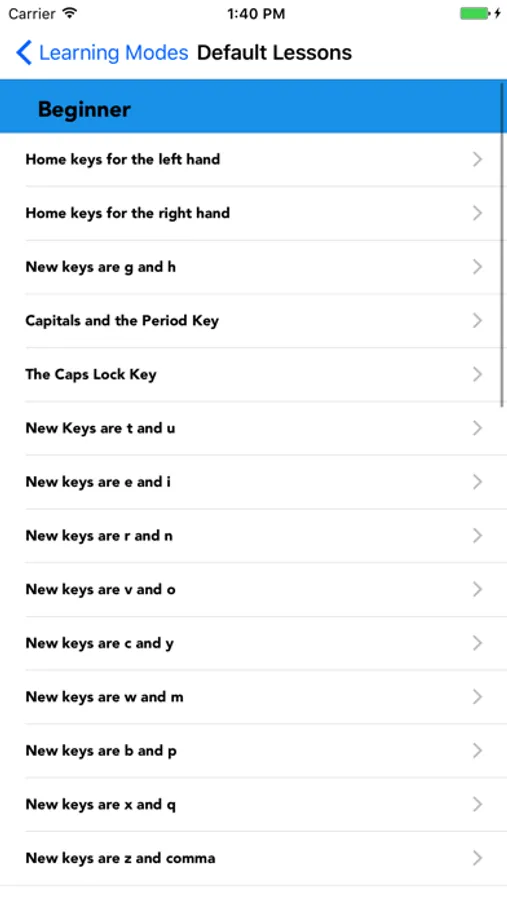
35 Built-in Lessons
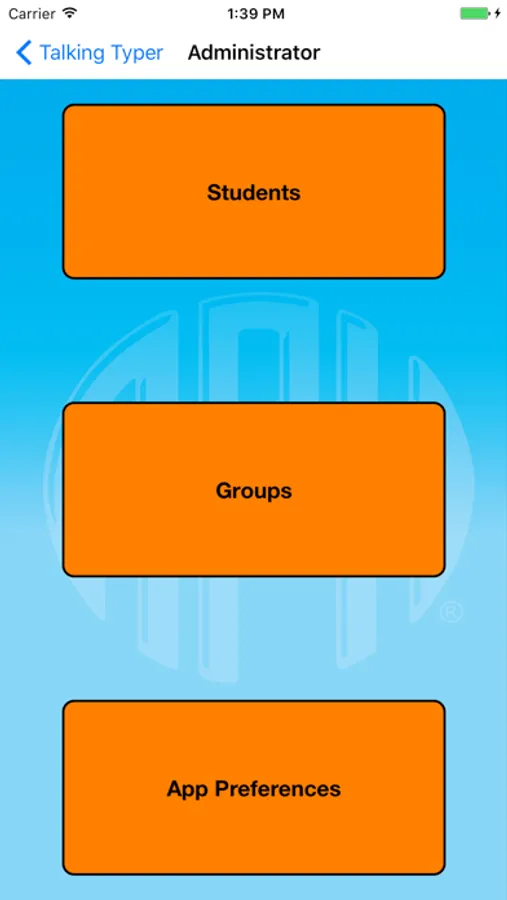
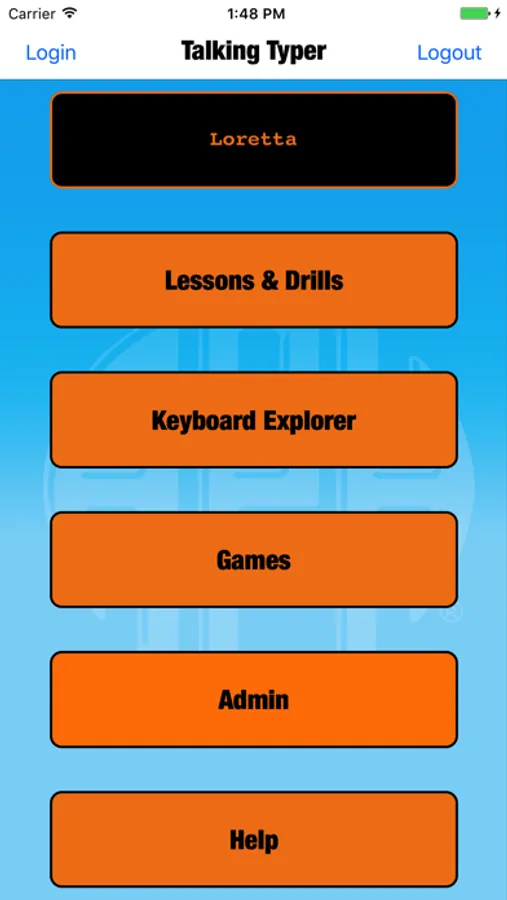
Talking TyperTM for iOS devices comes with 35 built-in lessons at levels 1-10. Teachers and parents can create new lessons, edit lessons, and assign lessons to individual students or groups. Speed, accuracy, and typing level can also be set for individual students or groups. The app saves the results of each drill allowing students, teachers, and parents to monitor improvement.
Hurry Scurry Game
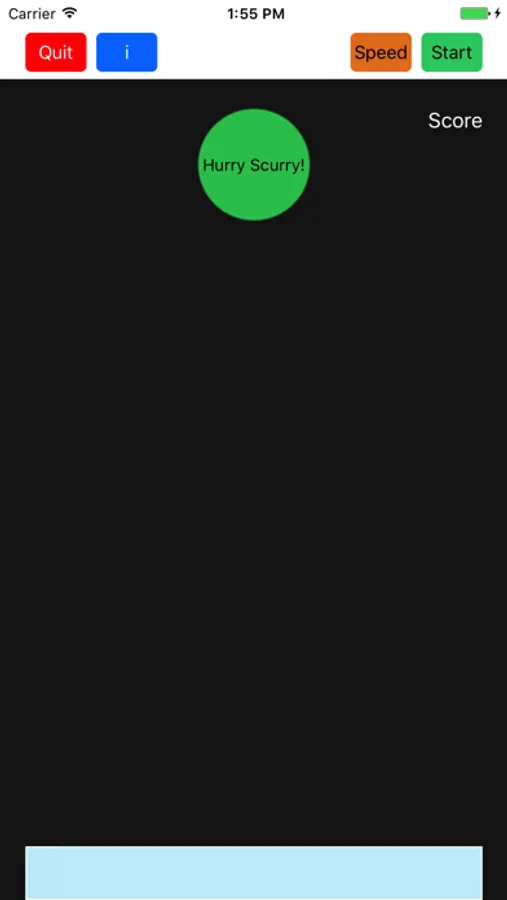
The app also includes the exciting game Hurry Scurry, where students earn points by typing letters before the ball drops. It’s fun for all ages and skill levels!
Self-Voicing and Apple® VoiceOver Accessible
The app is both self-voicing and accessible with Apple’s VoiceOver. The onboard keyboard of your device can be used with Talking Typer, but an external keyboard is recommended.
The app can also be used with a refreshable braille display, like APH’s Refreshabraille 18TM Bluetooth®-enabled device, making it accessible for students who are deafblind as well.
Recommended ages: All.
Talking Typer Screenshots
Tap to Rate:
Reviews for Talking Typer
specialappssk
Issues with the keyboard not popping up?
For some reason, the keyboard will not come up immediately, skewing the Words Per Minute results.
Chameleon 6500
This app is great, need more apps!
That’s why there should be an application where acappella text to speech is available for voiceover. Not just custom voices, because custom voices are in another application developed by another company, this application will be well defined for some of the voices that were not created and you don’t need credentials. It’s not the my own voice feature, but it’s the standard voices like Ryan, and others, and all of them will be supported. And also vocal :-) would be supported, some of the voices have this feature, it’s hidden and no one even remembers that, like a laugh, a cry, and a scream, so instead of those being ignored, instead it will be recognized because they are always recognized. And this may work if you have a custom punctuation group, and there should be pause mode like pause longer on paragraph, and pause longer on; and paragraph pause