
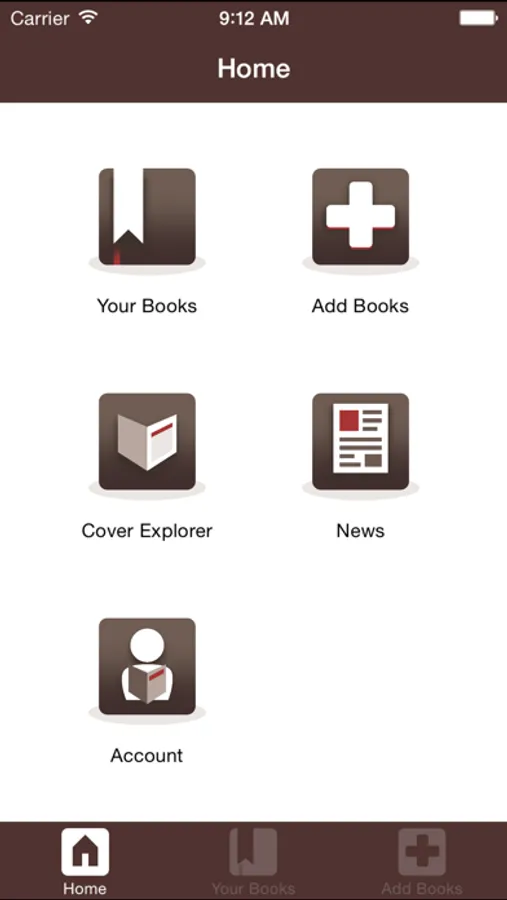
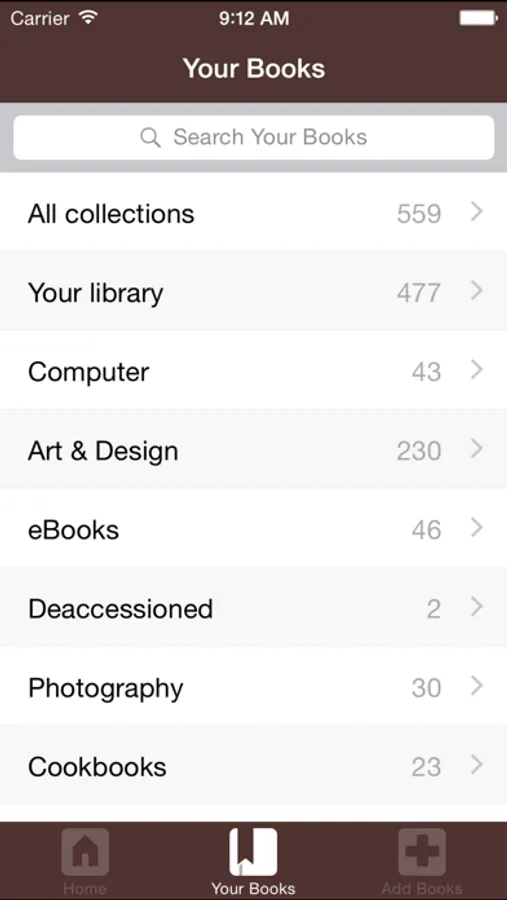
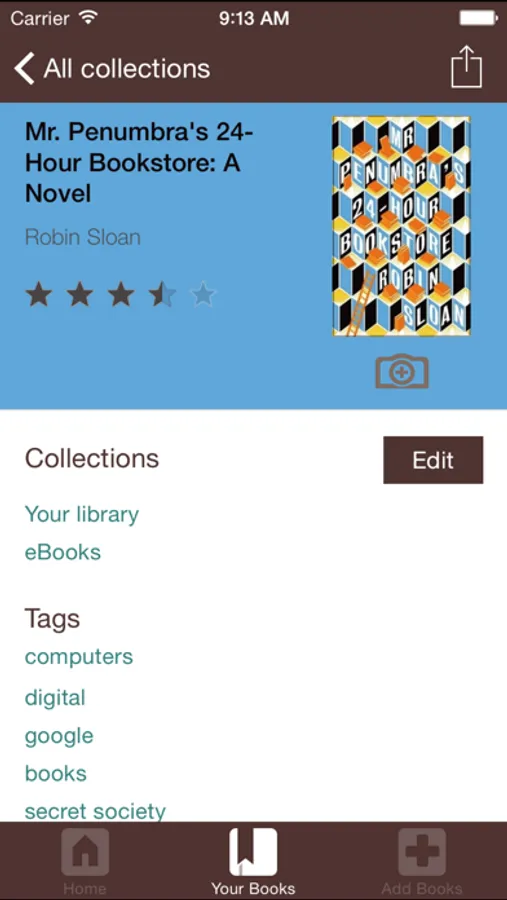
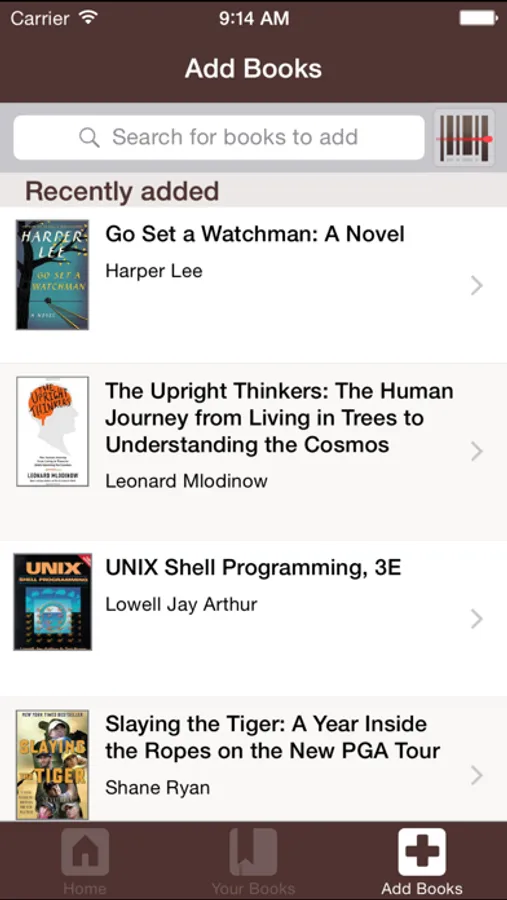
With this app, you can catalog and browse your media collections, search or scan ISBNs to add items, and edit cover photos. Includes barcode scanning, cover editing, and media browsing features.
AppRecs review analysis
AppRecs rating 3.4. Trustworthiness 76 out of 100. Review manipulation risk 22 out of 100. Based on a review sample analyzed.
★★★☆☆
3.4
AppRecs Rating
Ratings breakdown
5 star
33%
4 star
22%
3 star
21%
2 star
10%
1 star
14%
What to know
✓
Low review manipulation risk
22% review manipulation risk
✓
Credible reviews
76% trustworthiness score from analyzed reviews
✓
Authentic reviews
No red flags detected
About LibraryThing
Add books by searching for them or scanning their ISBN barcode with the camera.
Add high-resolution cover photos of your books with the cover editor and browse your books by cover type to find copies that need better covers.
LibraryThing Screenshots
Tap to Rate:
Reviews for LibraryThing
Pilgrim_99
Badly needs an update
This app hasn’t been updated in over 2 years. It now has glitches which render it unusable for anything other than viewing your catalog, which has at times been buggy on the app to begin with, sometimes failing to find a book that is in my catalog. You can no longer edit books, as other reviewers have noted. This may have coincided with the release of iOS 26. Scanning books into your catalog has been the main benefit of this app through the years. But the app isn’t even very useful as a scanner anymore since you need to use a browser if you want to make any edits.
alarob
Infuriating
If you just want to scan barcodes and accept whatever you get, this app will satisfy you. The scanner is as good as you will find. But if you edit your book entries, this app is treacherous and may as well have been designed to infuriate users who curate their book catalog. Best practice among app developers is to save edits unless the user cancels them. This app confuses you into thinking it works that way, because the “Save” button disappears when you scroll down, but “Close” is visible at all times in the top bar. So you work your way down the page, adding tags, assigning a bookshelf, adding details, maybe writing a review. Your only visible option for exiting the page is “Close” so you tap it. Guess what? All your changes were discarded! I have fallen for this so many times, unable to believe that LibraryThing could be so perverse as to require users to select a “Save” button that is concealed most of the time. It’s clear that user testing was neglected. Whoever was hired to code this obnoxious kludge seems to expect app users to think like punch-card programmers. (“If no SAVE command, erase buffer.”) I wrote this review to remind myself to never again trust this app for any task other than scanning barcodes. Editing the resulting entry must be done in the web browser. As of Feb. 2026 the last app update was 2 years ago. So I don’t have much hope for improvement.