AppRecs review analysis
AppRecs rating 3.5. Trustworthiness 65 out of 100. Review manipulation risk 31 out of 100. Based on a review sample analyzed.
★★★☆☆
3.5
AppRecs Rating
Ratings breakdown
5 star
100%
4 star
0%
3 star
0%
2 star
0%
1 star
0%
What to know
✓
High user satisfaction
100% of sampled ratings are 4+ stars (4.0★ average)
About PianoDisc Calibrate
PLEASE NOTE: This app is designed to be used by professional installers who have completed the PianoDisc installation training program. Improper adjustment is not covered under warranty, and may adversely affect playback.
[Requirements]
A hardware MIDI interface is required (such as the Prodigy CPU, Roland UM-ONE Mk II, or Quicco Sound mi.1). MIDI IN and OUT must both be connected to the SilentDrive HD CPU.
NOTE: The MIDI interface must be connected before you launch the app! Settings are only adjusted when the MIDI indicator is green. If the indicator remains red, try pressing the reset button on the SilentDrive CPU.
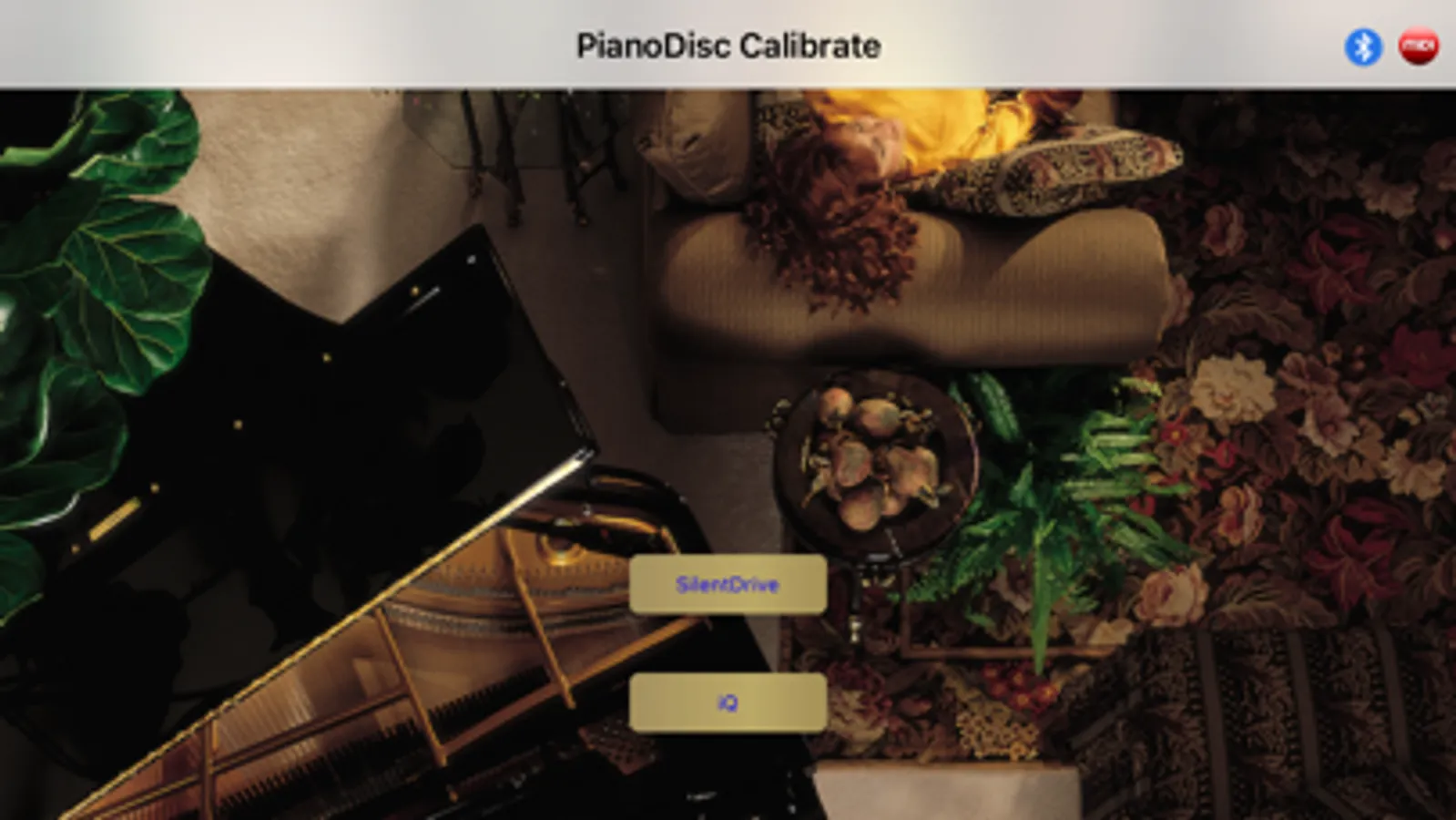
[SilentDrive Settings]
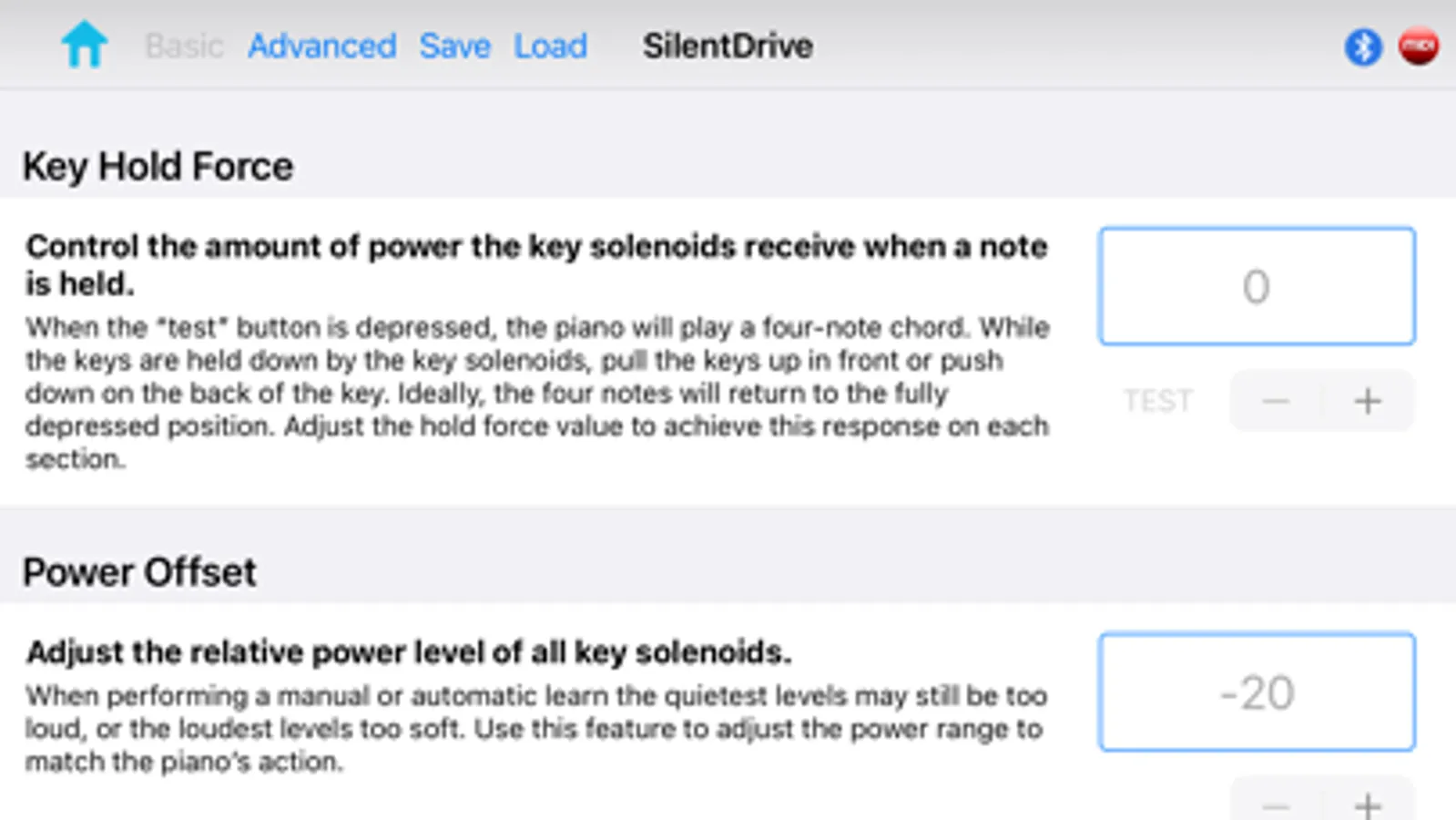
* Key Hold Force
* Power Offset
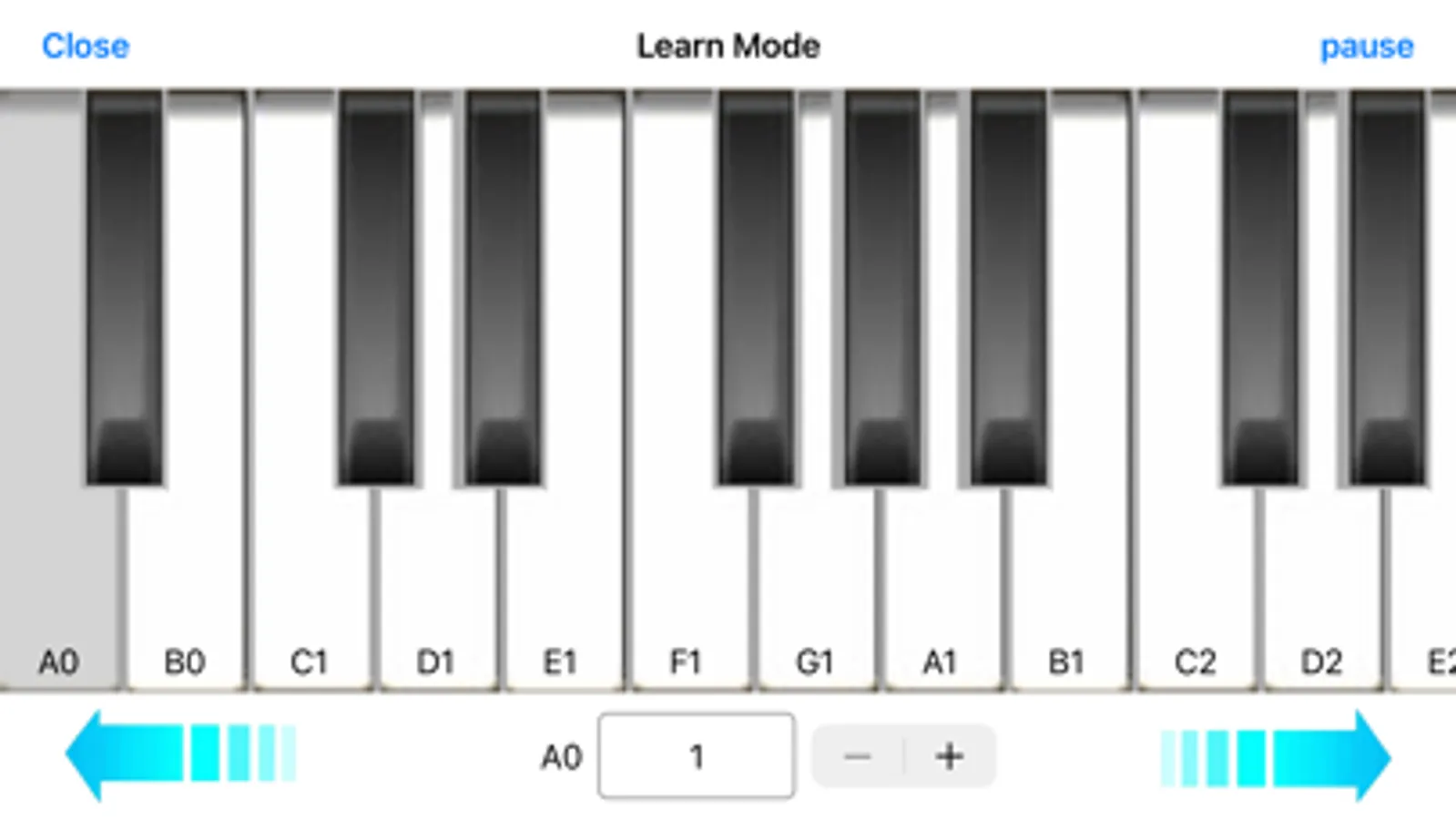
* Individual Key Calibration (Learn)
* Pedal Strike Force
* Pedal Hold Force
* Pedal Drop Time
* Minimum Note Duration
* Springless Solenoids
* Note Release Control (NRC)
* Pedal Release Control (PRC)
* Firmware Update (for CPUs manufactured in 2015 or later; the mi.1 cannot be used for firmware updates)
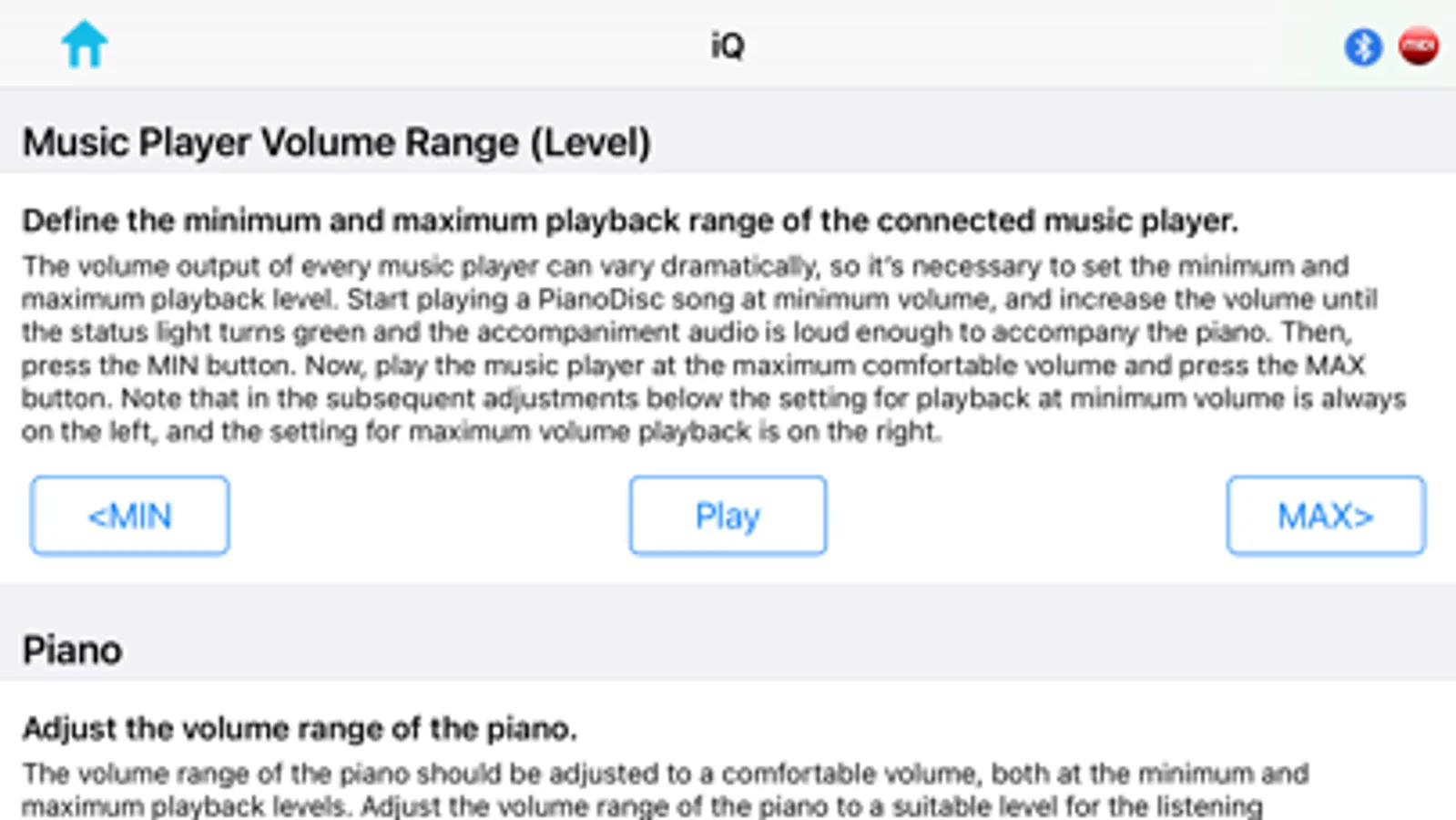
[iQ Settings]
* Music Player Volume Range
* Piano Volume Range
* Accompaniment Volume Range
* Sync Range
* Manual/Automatic Volume
* Much more
PianoDisc Calibrate Screenshots
Tap to Rate:
Reviews for PianoDisc Calibrate
Mopac01
Goodbye Thumbwheel!
The iQ thumbwheel/blinking light interface seemed about as up to date as a punched paper roll or pumping pedals to make the piano play. The PianoDisc Calibrate app brings adjusting the iQ into the 21st century. The app is accessible either via a wired interface or a wireless one. You can jump straight to a note you want to calibrate on a virtual keyboard rather than umpteen flicks of your thumb on that doggone wheel. And on a new or appropriately updated CPU you can easily upgrade the iQ firmware. This is the greatest thing for the PianoDisc player since they got rid of the floppy disks and CD-ROM drives. One day I hope they might come up with a way to allow the iOS device to “listen” to the piano and calibrate each note on it’s own rather than rely on my subjective ear. But in the meantime, this GREATLY simplifies life for the appropriately trained installer you would otherwise be forced to use the iQ thumbwheel for calibration.