AppRecs review analysis
AppRecs rating 2.1. Trustworthiness 64 out of 100. Review manipulation risk 24 out of 100. Based on a review sample analyzed.
★★☆☆☆
2.1
AppRecs Rating
Ratings breakdown
5 star
21%
4 star
3%
3 star
6%
2 star
0%
1 star
70%
What to know
✓
Low review manipulation risk
24% review manipulation risk
⚠
Mixed user feedback
Average 2.1★ rating suggests room for improvement
About Auto+
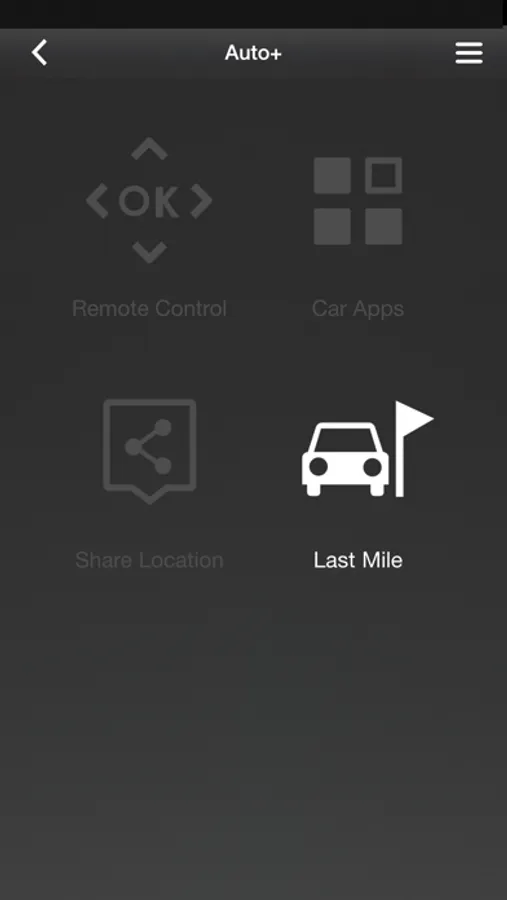
Auto+ is designed to be used with the particular model Infotainment System, there are four modes to enhance the connectivity between the infotainment and your smartphone.
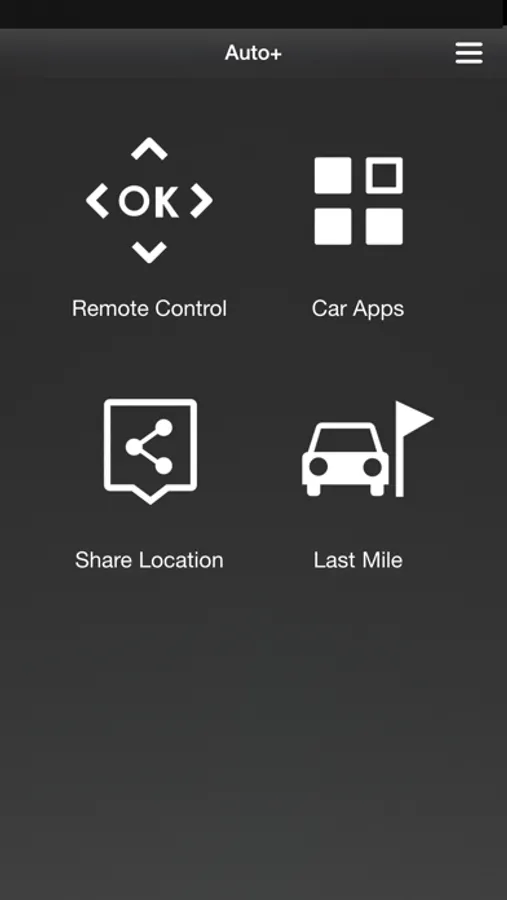
You can control the infotainment anywhere from your car once the Bluetooth is connected, watch online video streaming, sync your personal calendar, share current locations and off-car last mile navigation.
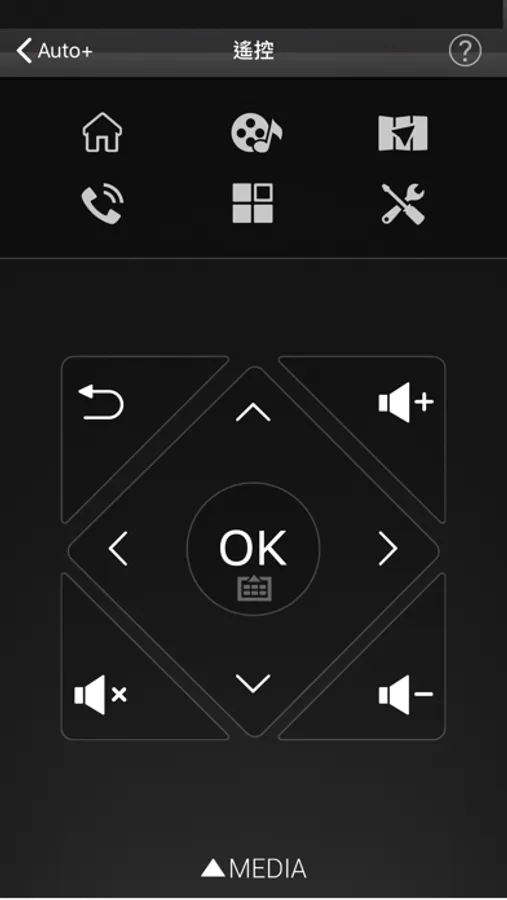
Auto+ Remote control mode:
Control navigation and media playback with single tap. Switch the Car Launcher with flick of your finger or quickly tap out the POI name instead of clicking the letter on the Infotainment System screen.
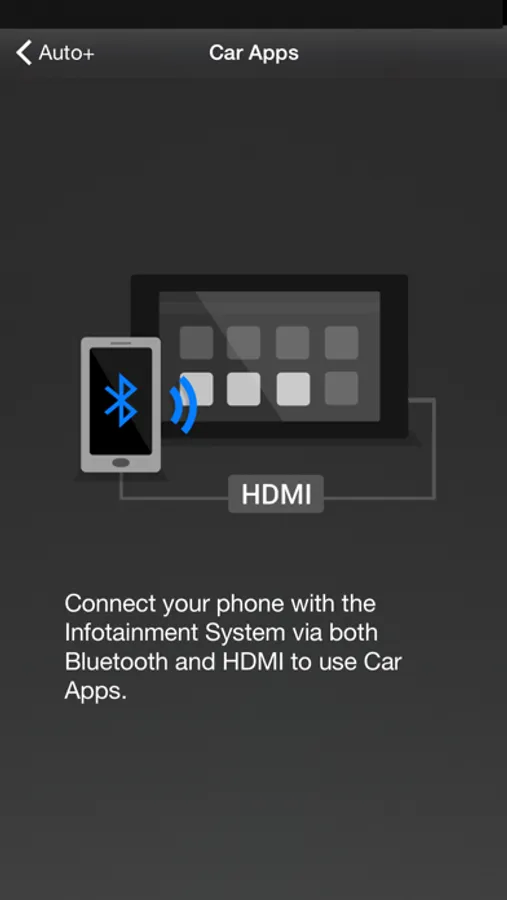
Auto+ Car App mode(*Require MHL cable):
Use MHL cable connect infotainment to watch online video streaming, and also to sync your personal calendar via smartphone.
Auto+ Share Location mode:
Share locations from cell phone and start navigation by infotainment.
Auto+ Last mile mode:
Use last mile navigation guiding you from your car to destination and back.
You can use Auto+ to:
- Control the Infotainment System
- Control media playback
- Control car launcher
- Enter text with Keyboard
- Watch online video streaming (*Require MHL cable)
- Sync up your personal calendar (*Require MHL cable)
- Share locations from cell phone
- Use last mile navigation guiding you to the destination
Auto+ Requirement:
- Requires a Bluetooth LE connection to the infotainment to use Auto+.
Auto+ Quick guide:
1. Install Auto+
2. Click "Auto+ Connect" on the infotainment, and select iPhone mode.
3. Launch Auto+ and it will automatically connect.
Enjoy our Auto+.
You can control the infotainment anywhere from your car once the Bluetooth is connected, watch online video streaming, sync your personal calendar, share current locations and off-car last mile navigation.
Auto+ Remote control mode:
Control navigation and media playback with single tap. Switch the Car Launcher with flick of your finger or quickly tap out the POI name instead of clicking the letter on the Infotainment System screen.
Auto+ Car App mode(*Require MHL cable):
Use MHL cable connect infotainment to watch online video streaming, and also to sync your personal calendar via smartphone.
Auto+ Share Location mode:
Share locations from cell phone and start navigation by infotainment.
Auto+ Last mile mode:
Use last mile navigation guiding you from your car to destination and back.
You can use Auto+ to:
- Control the Infotainment System
- Control media playback
- Control car launcher
- Enter text with Keyboard
- Watch online video streaming (*Require MHL cable)
- Sync up your personal calendar (*Require MHL cable)
- Share locations from cell phone
- Use last mile navigation guiding you to the destination
Auto+ Requirement:
- Requires a Bluetooth LE connection to the infotainment to use Auto+.
Auto+ Quick guide:
1. Install Auto+
2. Click "Auto+ Connect" on the infotainment, and select iPhone mode.
3. Launch Auto+ and it will automatically connect.
Enjoy our Auto+.
Auto+ Screenshots
Tap to Rate:
Reviews for Auto+
Kim Oliver
Doesn’t connect
Was really hoping that this app would be able to replace CarPlay offered by Apple since our car doesn’t support Apple. Sadly I just cannot get the app to connect 😭
Al.wathiqi.116
Not working
Update app please