AppRecs review analysis
AppRecs rating 1.3. Trustworthiness 58 out of 100. Review manipulation risk 28 out of 100. Based on a review sample analyzed.
★☆☆☆☆
1.3
AppRecs Rating
Ratings breakdown
5 star
0%
4 star
0%
3 star
0%
2 star
33%
1 star
67%
What to know
⚠
Mixed user feedback
Average 1.3★ rating suggests room for improvement
About Opti Aura
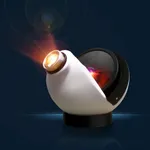
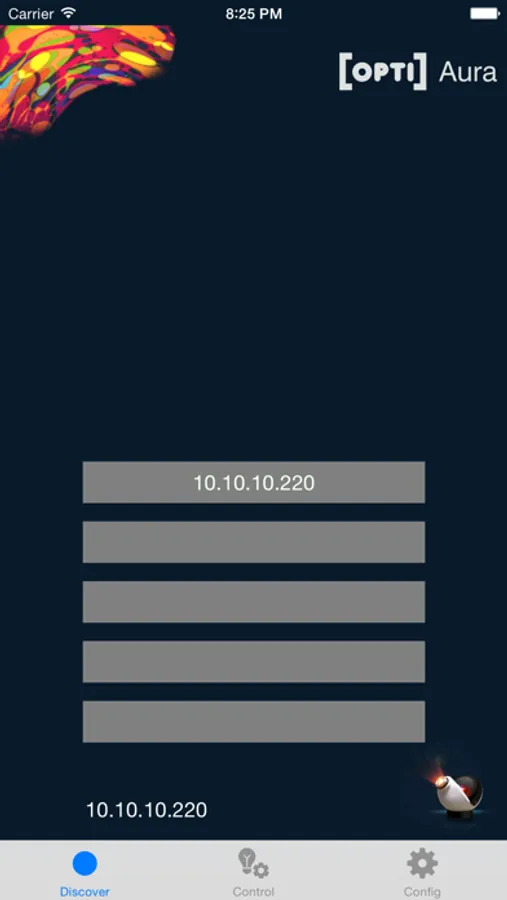
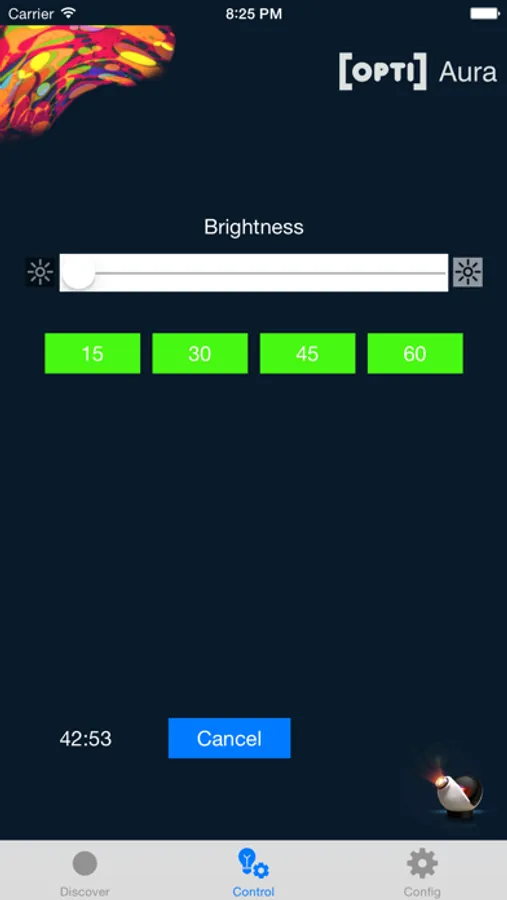
Remotely control Opti Aura Projector using this app from your iPhone or IPad. Can be used to set a timer and switch the projector On/Off.
Will control up to 5 projectors.
(Tab Icons courtesy of icons8.com)
Opti Aura Screenshots
Tap to Rate:
Reviews for Opti Aura
Mr.U4iK
Works but not great
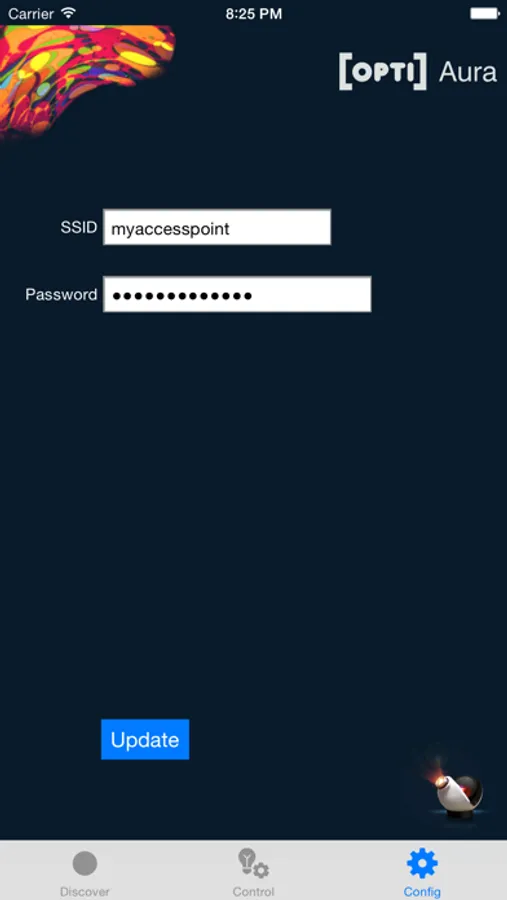
The reason I gave it 2 stars instead of 1 is because it actually does control the unit. The company should provide more details on how to connect the app to your unit. For anyone having trouble getting a connection, you have to go into your WiFi settings and it will show up as a network you can join. Join the network that says AURA with some numbers after it. Once you do that go back to the app and click the ip address it shows and that will connect it. Go to controls and you can adjust the brightness and put a timer on it. That’s about all you can do with this app. I guess it does what it supposed to but it’s far from impressive.
g_Dev
Broken
Not a single button works.