
AppRecs review analysis
AppRecs rating 4.1. Trustworthiness 74 out of 100. Review manipulation risk 28 out of 100. Based on a review sample analyzed.
★★★★☆
4.1
AppRecs Rating
Ratings breakdown
5 star
78%
4 star
0%
3 star
0%
2 star
0%
1 star
22%
What to know
✓
Low review manipulation risk
28% review manipulation risk
✓
Credible reviews
74% trustworthiness score from analyzed reviews
✓
High user satisfaction
78% of sampled ratings are 4+ stars (4.1★ average)
About Regroup AlertManager
REGROUP CLIENTS:
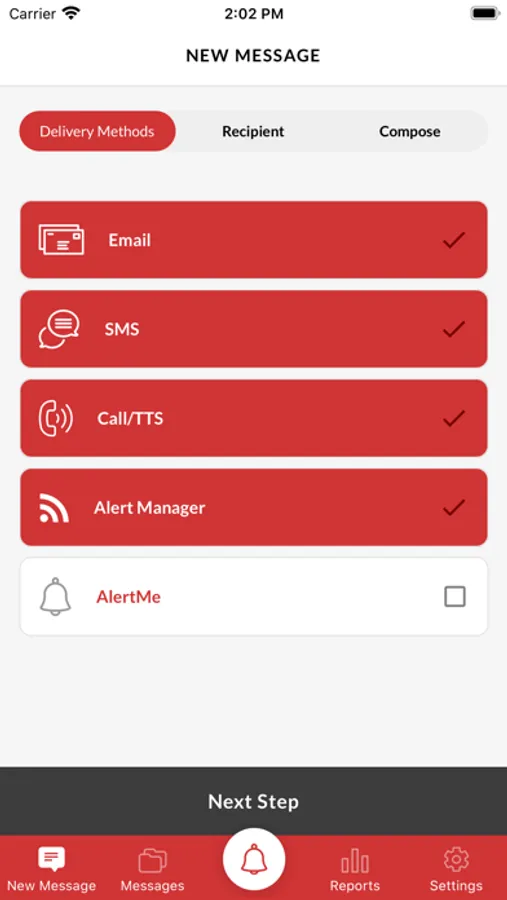
For clients of Regroup, AlertManager empowers admins, staff, and other group leaders to easily and quickly access the full power of Regroup Mass Notification from the palm of their hand using any iOS smartphone.
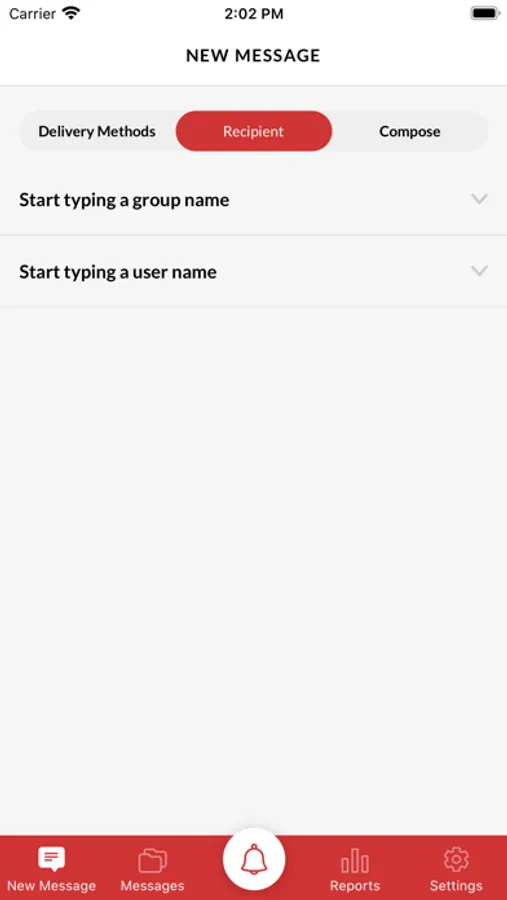
• Alert from Anywhere: Quickly reach any recipient or group from wherever you are by sending messages to mobile phones, landlines, email, social media, and more.
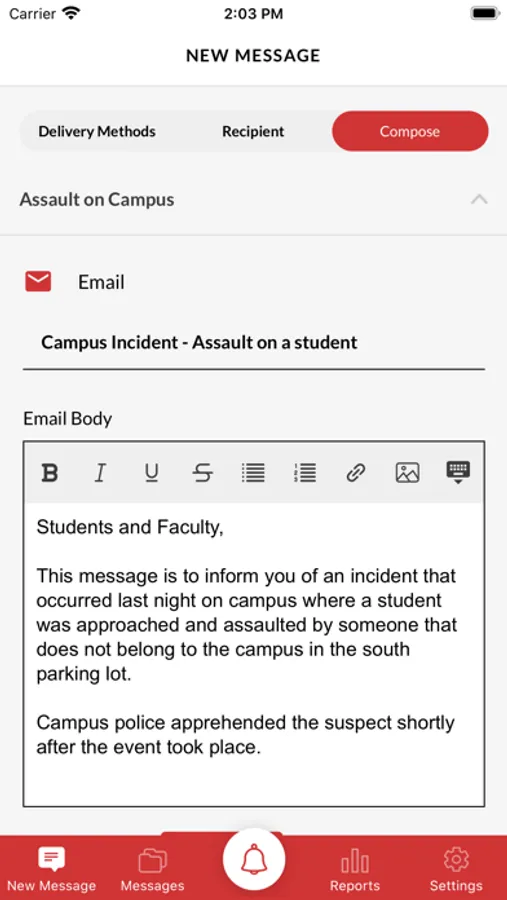
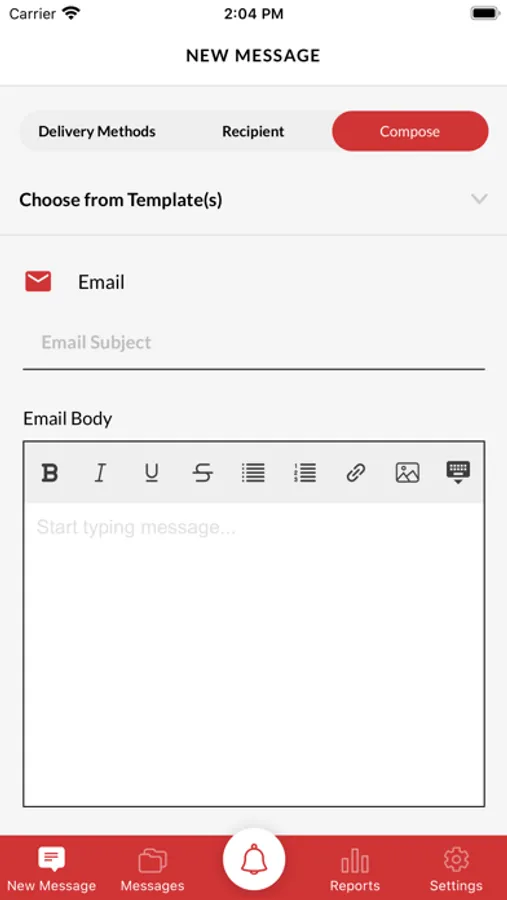
• Two-Tap Emergency Notifications: When seconds count, pre-programmed QuickMessage Templates help you get information out fast with only two-taps in the app. System administrators can create an unlimited number of QuickMessages templates to use during any situation.
• Two-Way Messaging: Replies from recipients can be seen in real-time in the AlertManager app so admins have immediate access to information and can take action fast.
• Bulk Replies and Updates: Admins can now select multiple recipients to send a bulk reply or update. They can also select recipients in bulk based on whether they have or haven’t replied to the original message.
• In-App Reports: View detailed delivery statistics for notifications on their mobile device.
• Built-In Security: Enable fingerprint login to prevent messages from being sent by unauthorized users.
MESSAGE RECIPIENTS:
If you’re part of an organization like a school, business, house of worship, or community that uses Regroup, you can download the free AlertManager app to customize your alert preferences and settings.
• Get Important Notifications Fast: Alerts can be delivered to the palm of your hand, and your organization can even deliver push notifications to you when cell towers are down and local cell networks are overloaded.
• Location-Based Alerts: With AlertManager installed and location services turned on, your organization can send emergency alerts based on your exact location to keep you safe in case of a critical event in your area.
• Configure Preferences: Use AlertManager to easily update your notification preferences and keep your contact information up to date.
Regroup AlertManager Screenshots
Tap to Rate:
Reviews for Regroup AlertManager
ARUSB
Not optimized for dark mode, Face ID or iPhone XS
Username and password, in dark mode, show up as white text in a white box. Not helpful for reviewing for typos. Biometric refers to Touch ID but I use Face ID. Luckily, one refers to the other so I was able to enable Face ID by enabling Touch ID. Last, the size of the screen and margins aren’t optimized for iPhone XS - it goes all the way to the bottom of the screen where the bar is. It doesn’t seem like developers have read the toolkit for newer iPhones.
congoportobelo
Quick simple and reliable
Very quick and easy to use soooo simple