
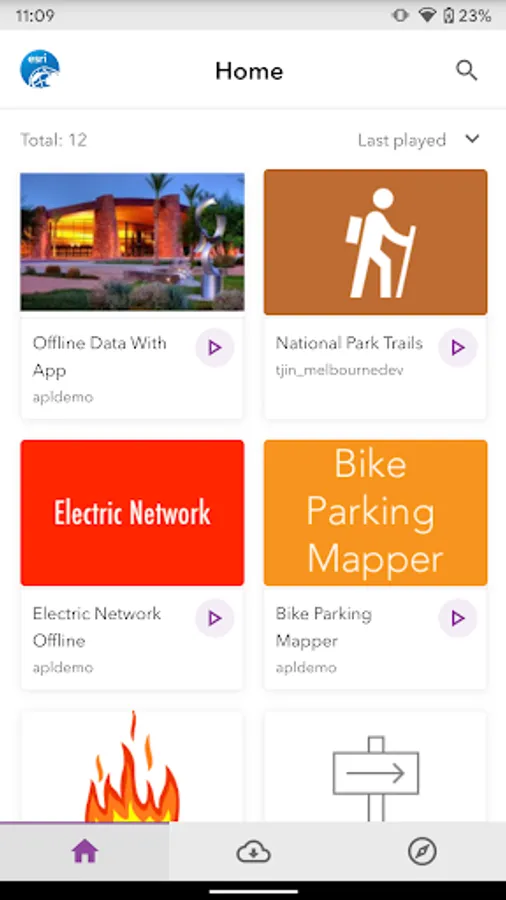
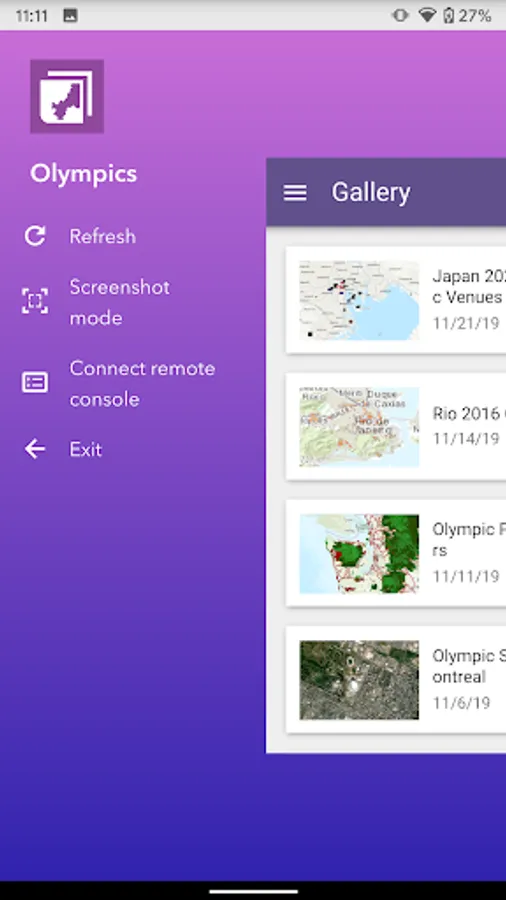
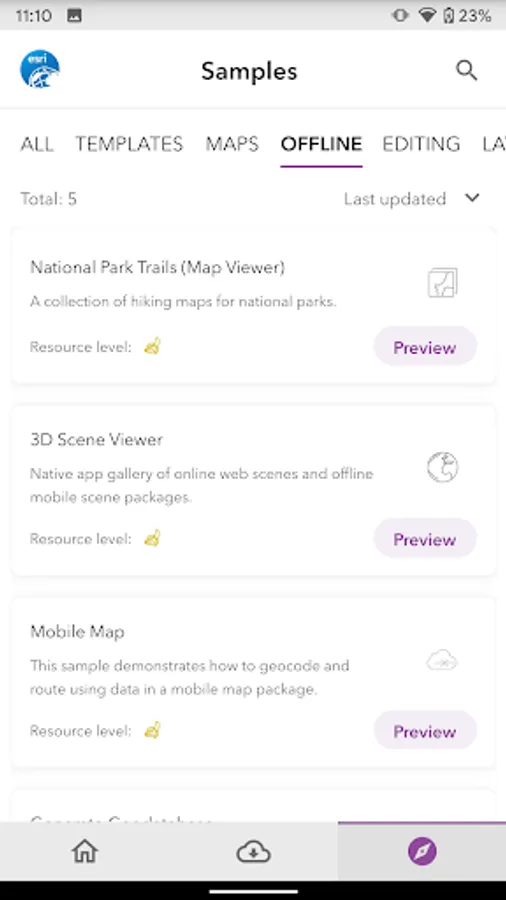
With this app, you can view and test mapping applications created with ArcGIS AppStudio. Includes support for signing in with organizational credentials and downloading user-created applications.
AppRecs review analysis
AppRecs rating 3.8. Trustworthiness 57 out of 100. Review manipulation risk 25 out of 100. Based on a review sample analyzed.
★★★☆☆
3.8
AppRecs Rating
Ratings breakdown
5 star
75%
4 star
0%
3 star
0%
2 star
0%
1 star
25%
What to know
✓
Good user ratings
75% positive sampled reviews
✓
Authentic reviews
No red flags detected
About ArcGIS AppStudio Player
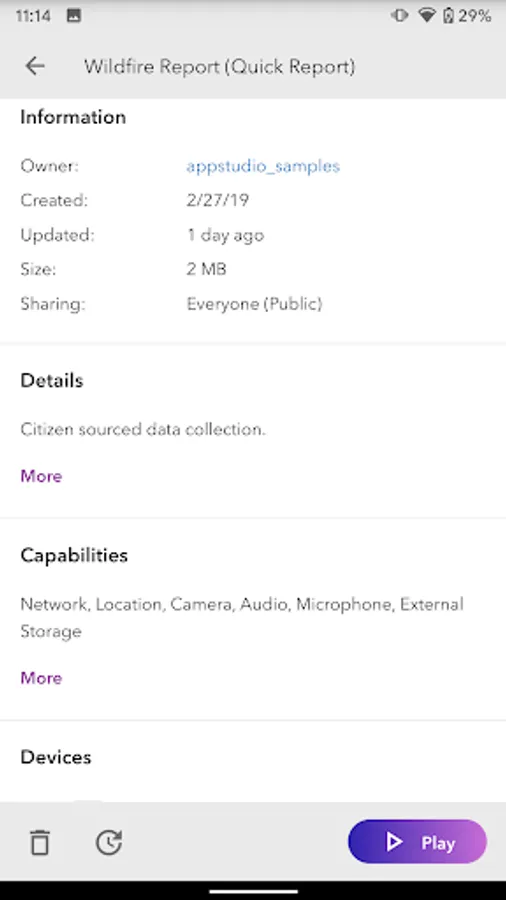
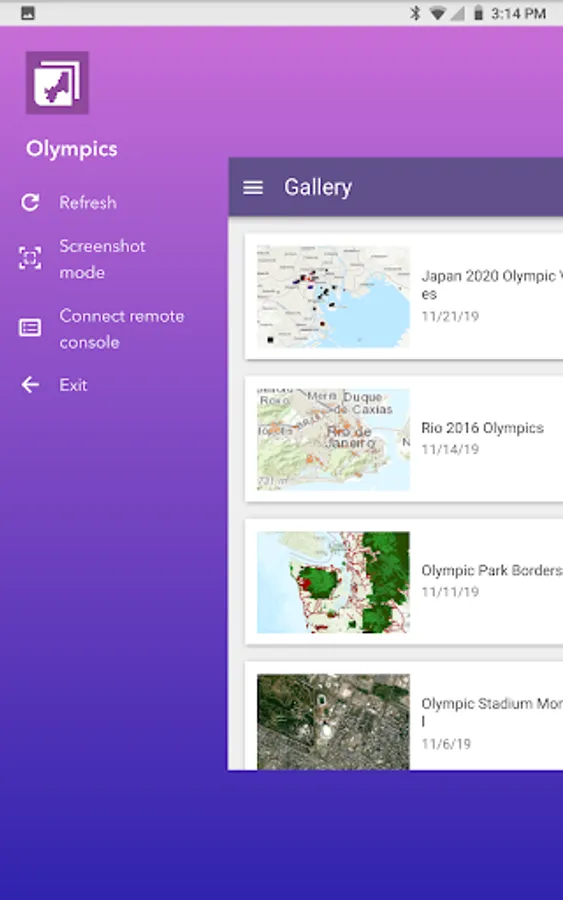
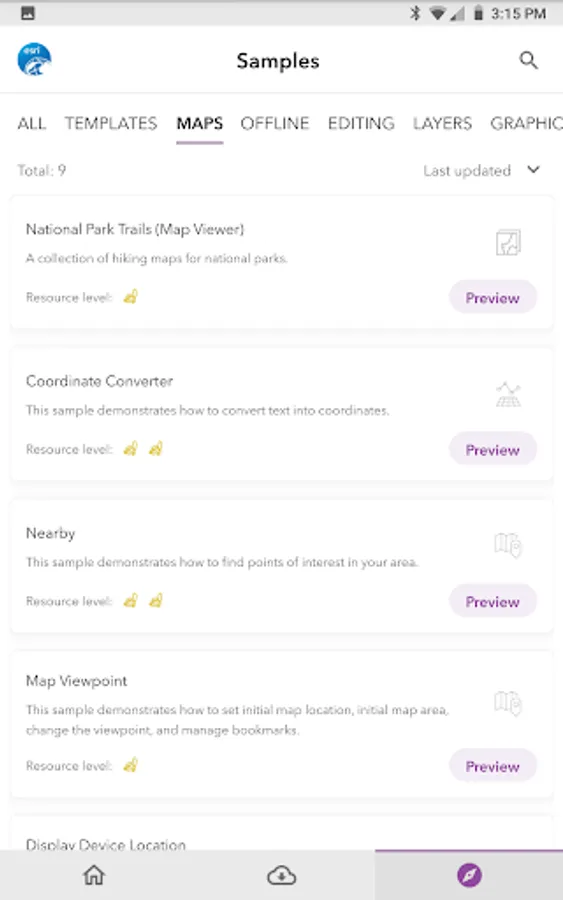
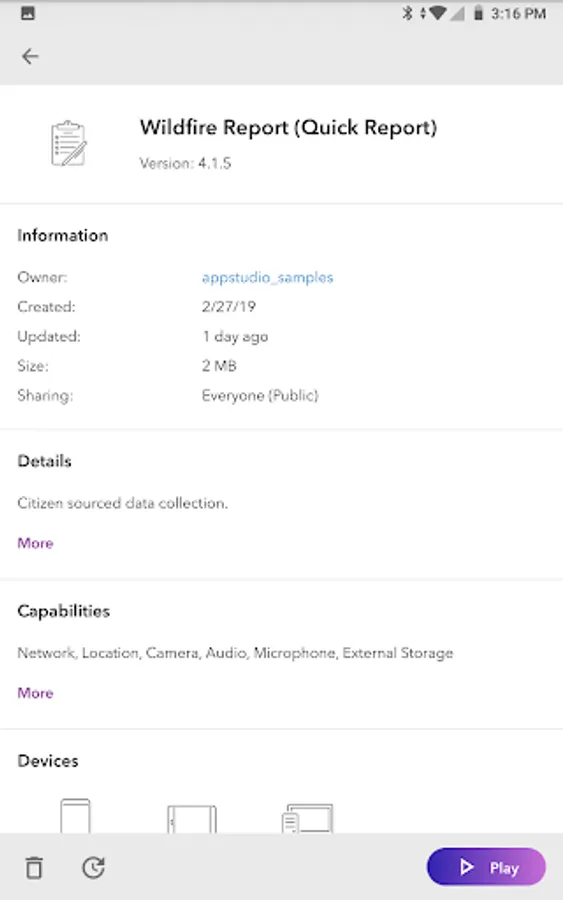
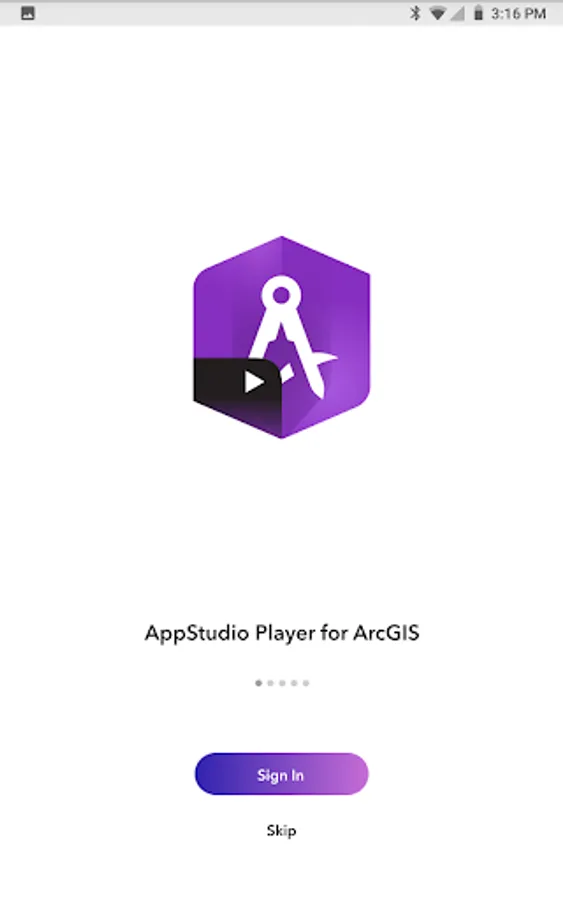
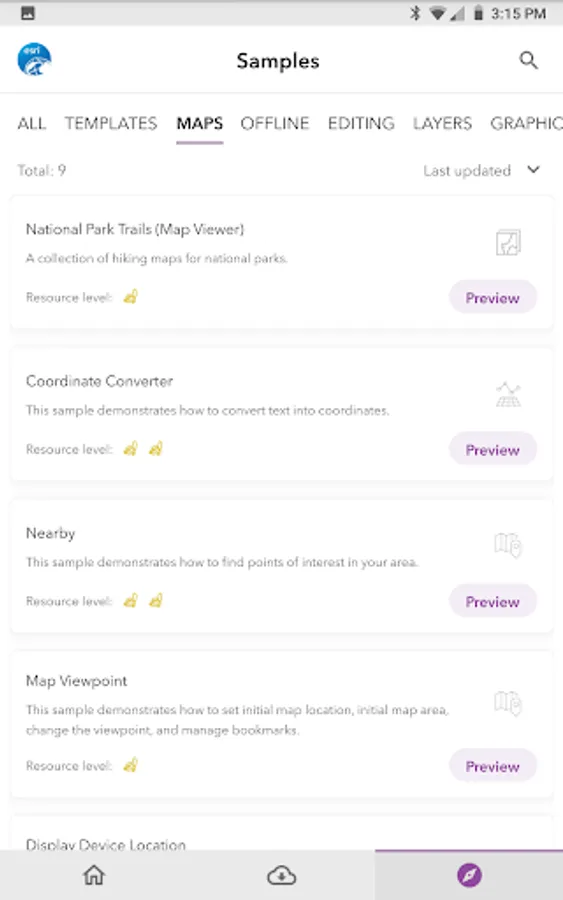
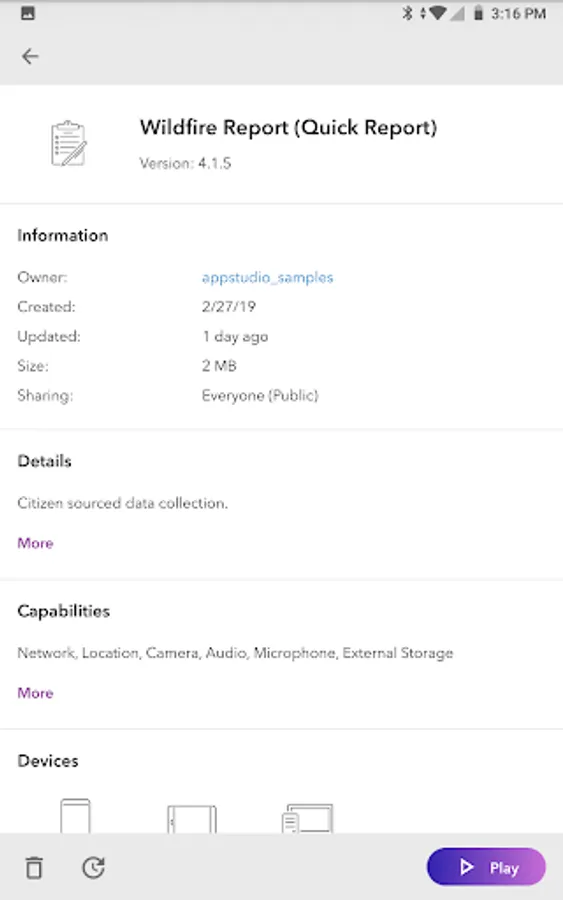
AppStudio Player lets you instantly view mapping applications created with ArcGIS AppStudio. It offers you a great way to quickly test your own creations before you build and distribute them.
To get started:
1. Install the AppStudio for ArcGIS Player app
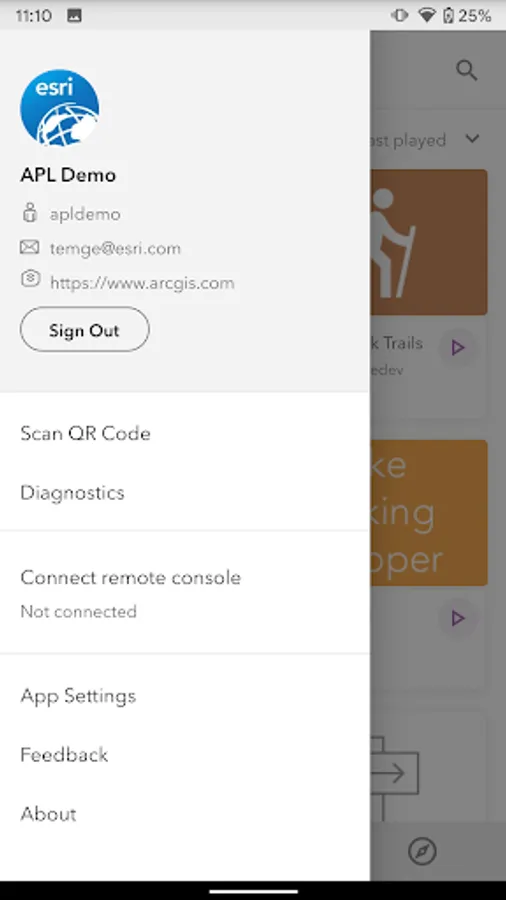
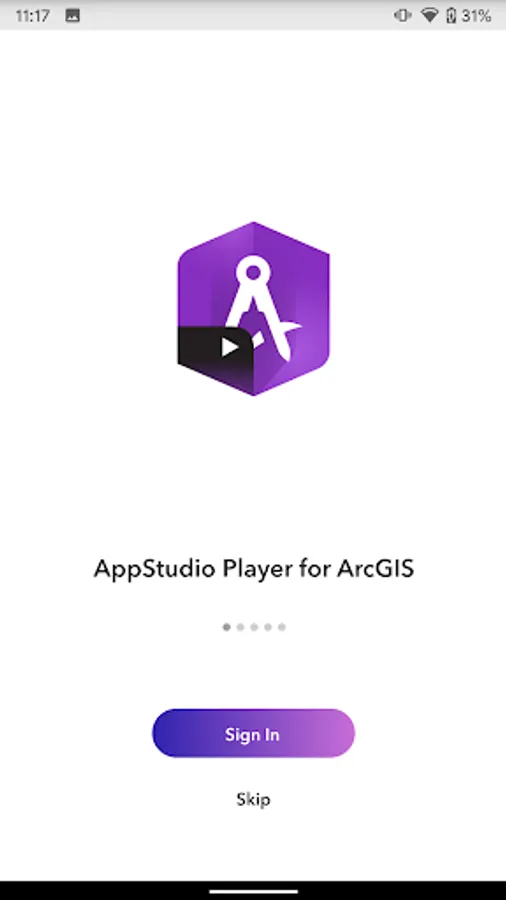
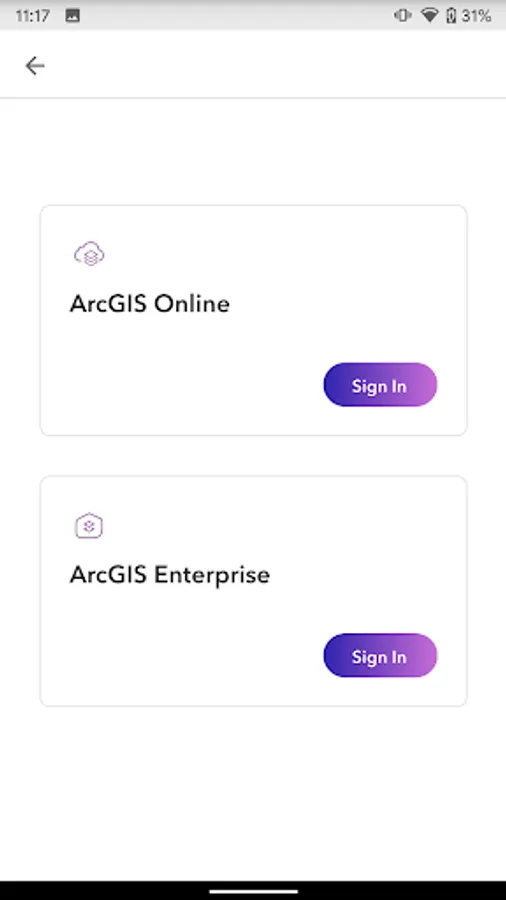
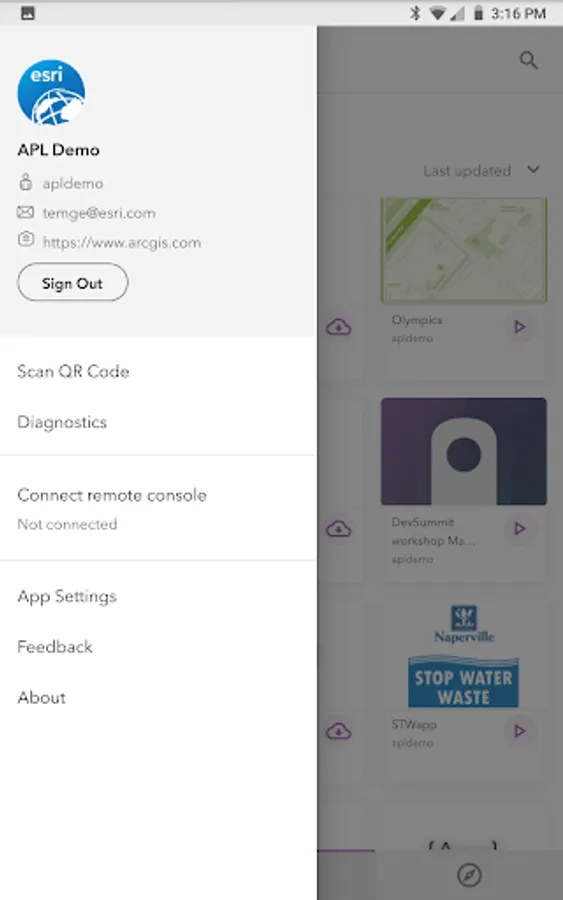
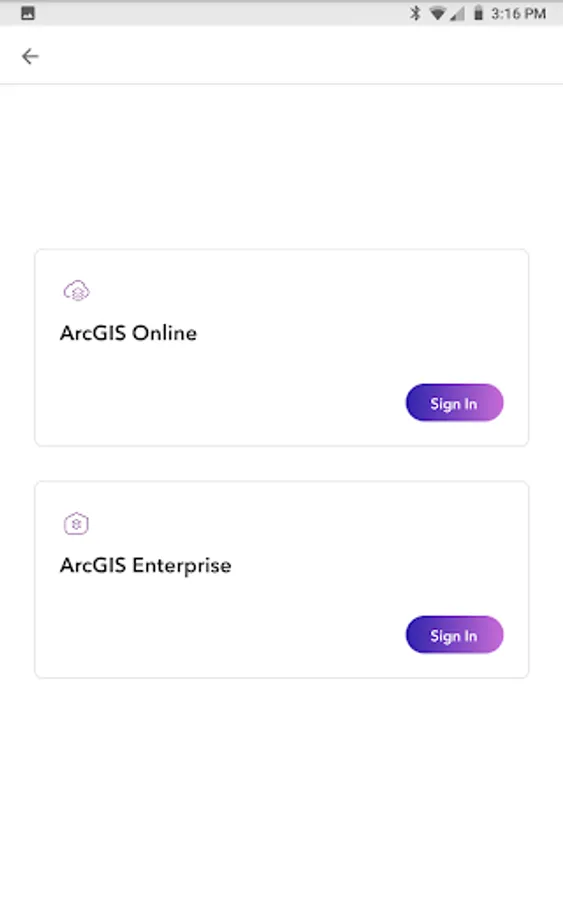
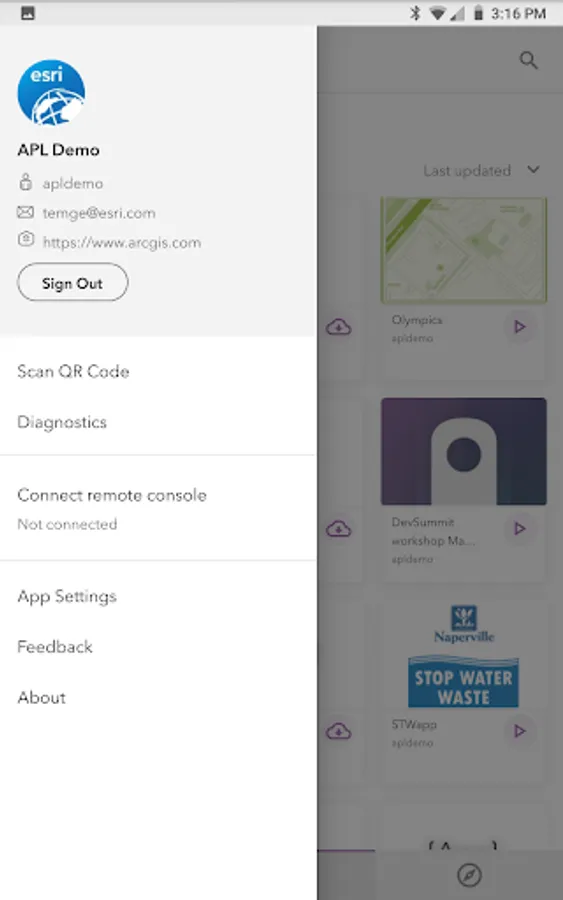
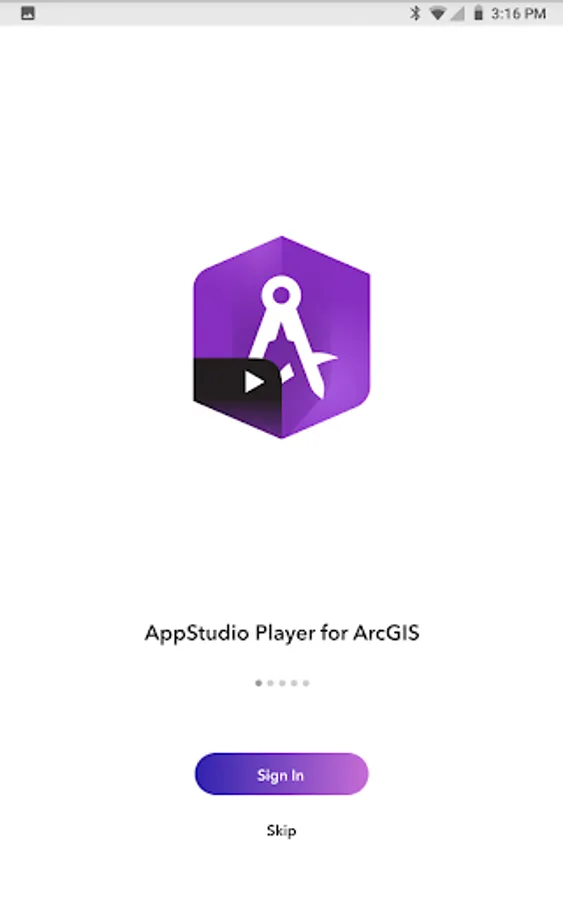
2. Open and sign in with your ArcGIS Organizational credentials.
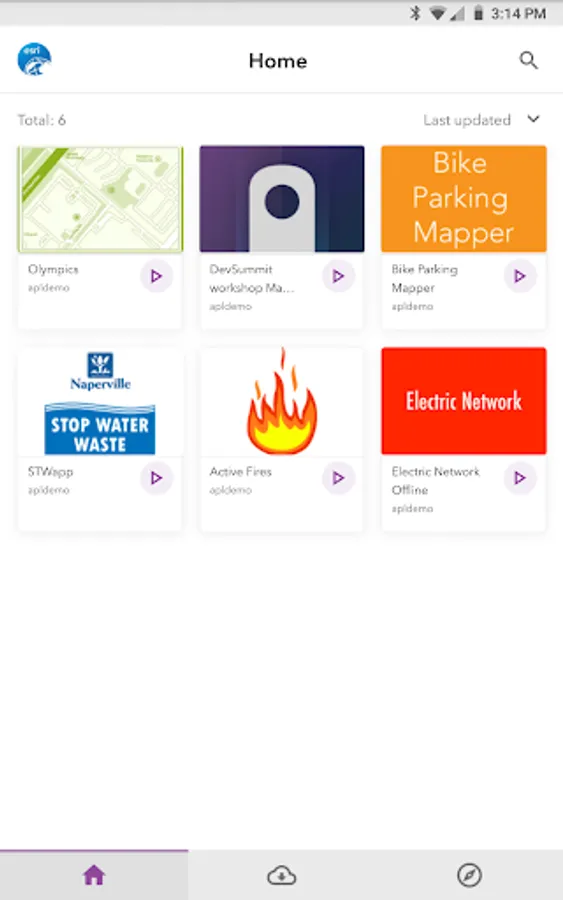
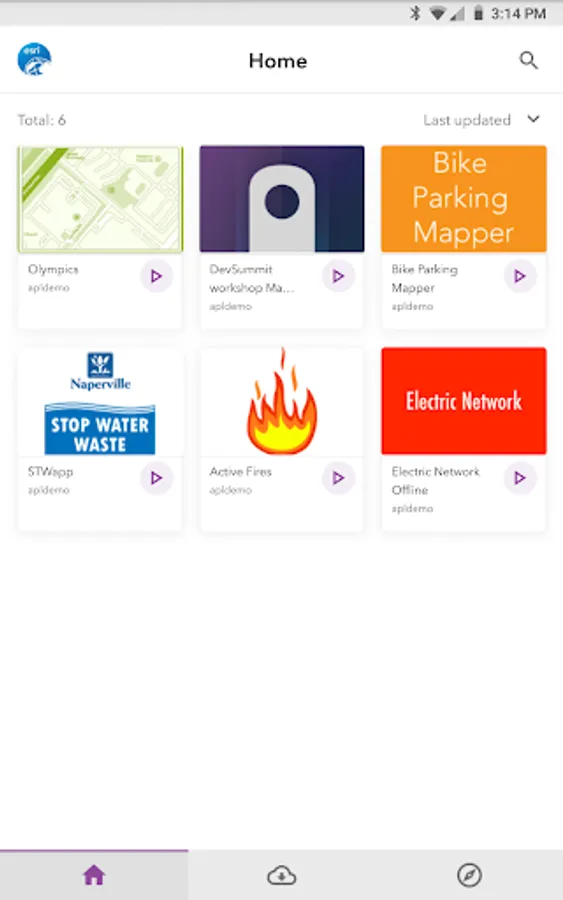
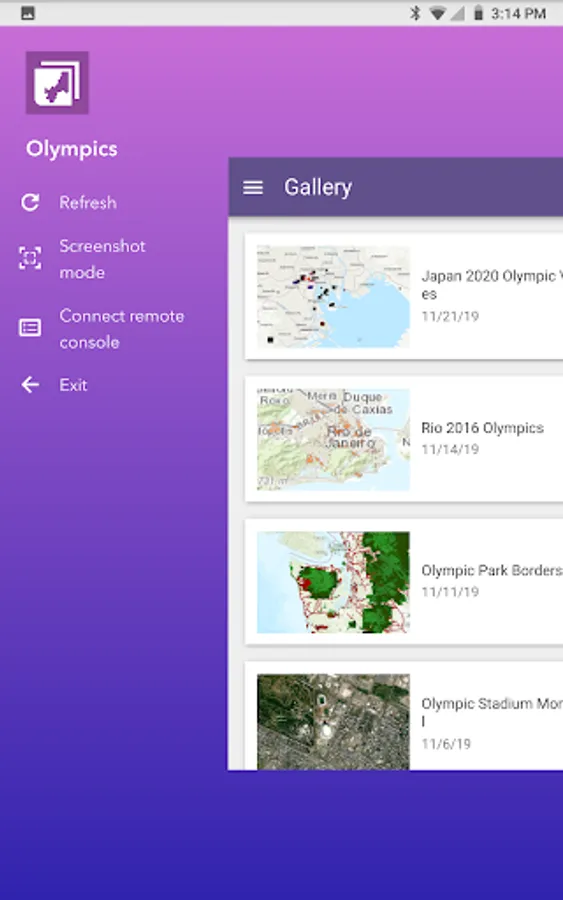
3. Select, download and test the mapping applications you have created.
To get started:
1. Install the AppStudio for ArcGIS Player app
2. Open and sign in with your ArcGIS Organizational credentials.
3. Select, download and test the mapping applications you have created.
ArcGIS AppStudio Player Screenshots

Tap to Rate:
Reviews for ArcGIS AppStudio Player
Nicole Sager
4/22/2023
Apparently I don't have permission to view this app
Aisyah Fajarini
1/28/2021
bad