
ArcGIS Runtime SDK Sample View
Esri
4.6 ★
49 ratings
10,000+
downloads
Free
In this app, you can explore various GIS functionalities through interactive samples and access the underlying code on GitHub. Includes analysis tools, data management features, and visualization options.
AppRecs review analysis
AppRecs rating 4.6. Trustworthiness 55 out of 100. Review manipulation risk 40 out of 100. Based on a review sample analyzed.
★★★★☆
4.6
AppRecs Rating
Ratings breakdown
5 star
79%
4 star
0%
3 star
21%
2 star
0%
1 star
0%
What to know
✓
High user satisfaction
79% of sampled ratings are 5 stars
About ArcGIS Runtime SDK Sample View
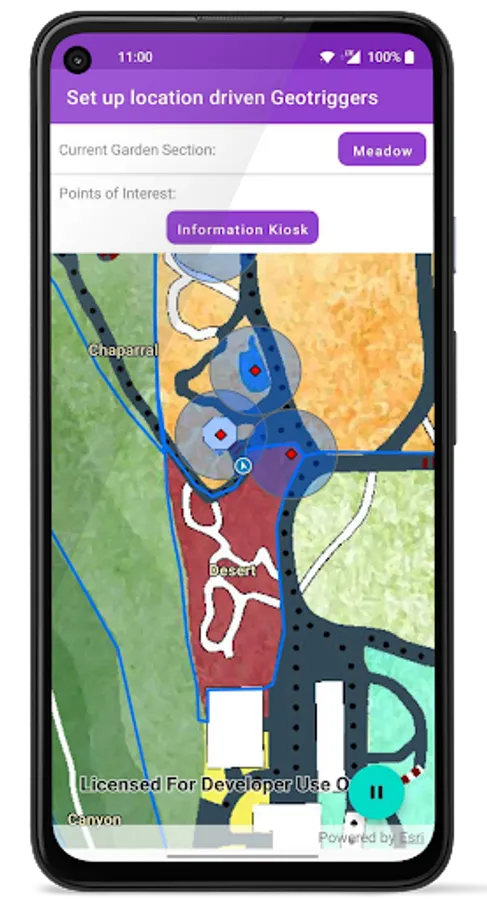
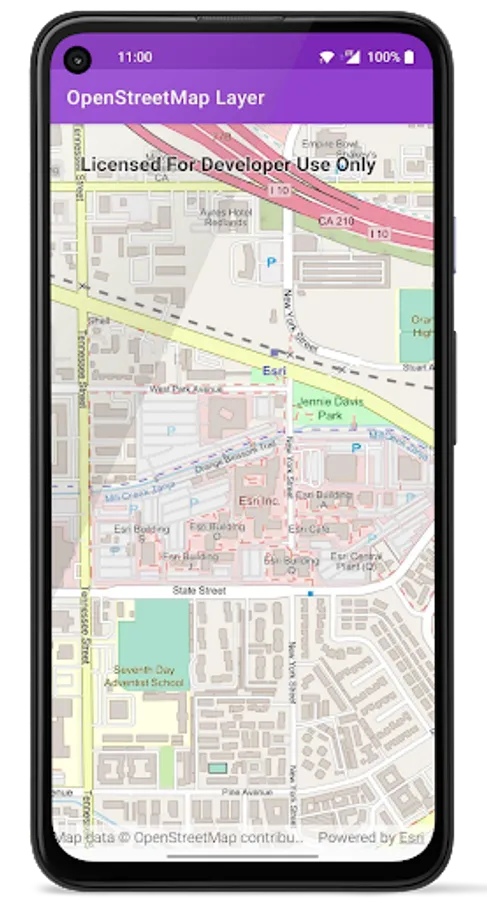
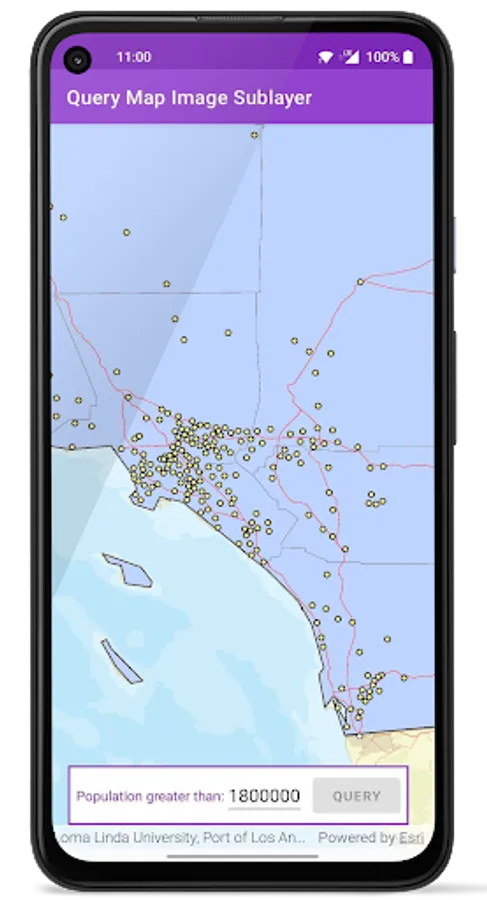
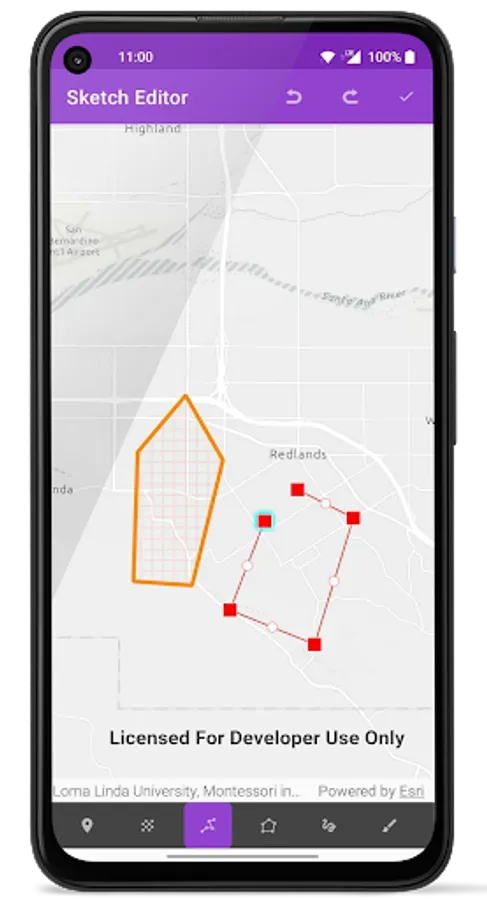
Explore the samples to get a first-hand experience of the functionality available for you to incorporate into your own custom apps. Browse the code behind each sample from within the app and on our github page(https://github.com/Esri/arcgis-runtime-samples-android) and see how easy it is to use the SDK.
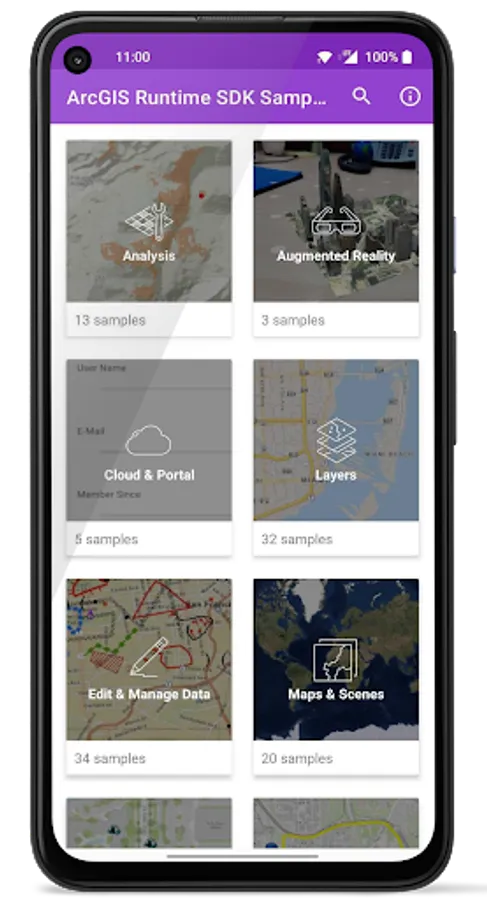
Samples are organized into the following categories -
+ Analysis - Perform spatial analysis and operations on geometries
+ Augmented Reality - Leverage GIS in AR
+ Cloud & Portal - Search for webmaps, list portal group users
+ Edit & Manage Data - Add, delete and edit features and attachments
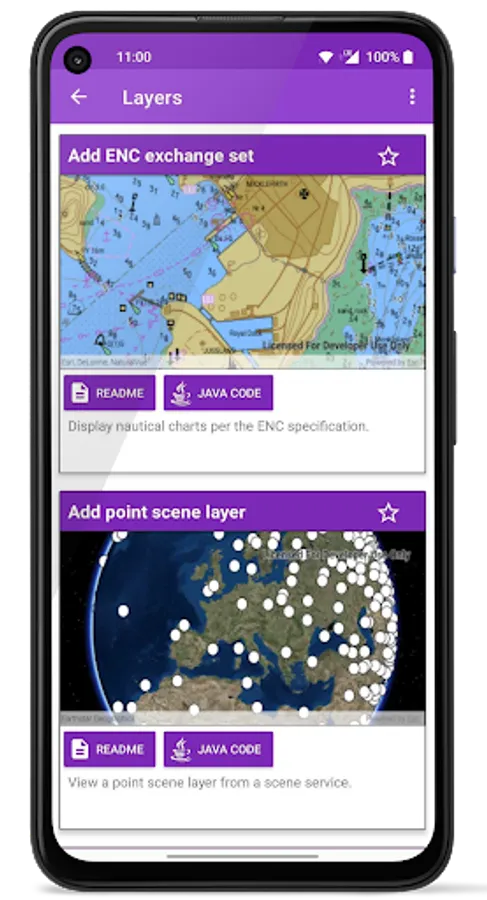
+ Layers - Layer types offered by the SDK
+ Maps and Scenes - Open, create and interact with 2D maps and 3D scenes
+ MapViews, SceneViews & UI – Display callouts, grids, and manage UI
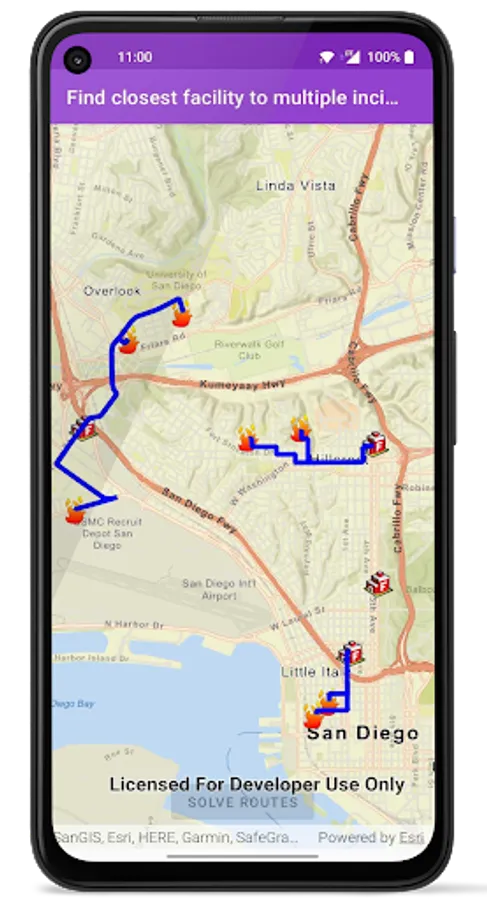
+ Routing & Logistics – Find routes around barriers
+ Search & Query - Find an address, place, or point of interest
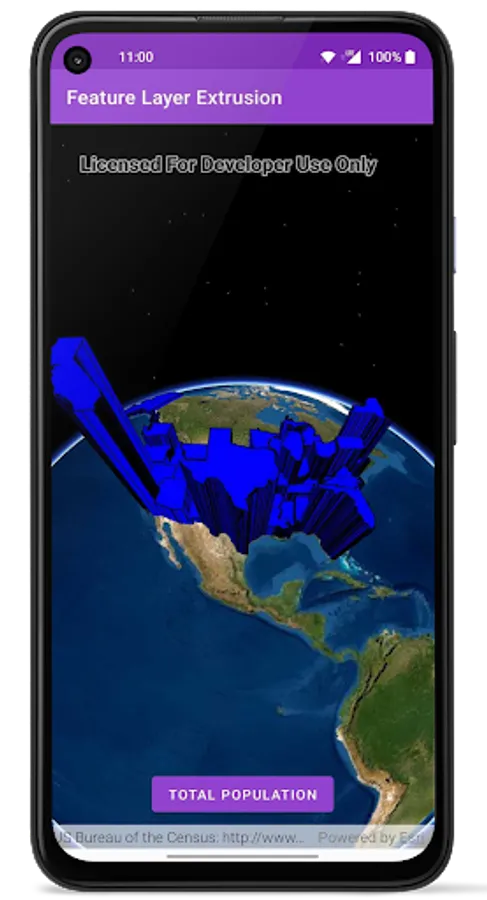
+ Visualization - Display graphics, custom renderers, symbols and sketches
The source code for the samples shown in the sample viewer is available on GitHub: https://github.com/Esri/arcgis-runtime-samples-android
Samples are organized into the following categories -
+ Analysis - Perform spatial analysis and operations on geometries
+ Augmented Reality - Leverage GIS in AR
+ Cloud & Portal - Search for webmaps, list portal group users
+ Edit & Manage Data - Add, delete and edit features and attachments
+ Layers - Layer types offered by the SDK
+ Maps and Scenes - Open, create and interact with 2D maps and 3D scenes
+ MapViews, SceneViews & UI – Display callouts, grids, and manage UI
+ Routing & Logistics – Find routes around barriers
+ Search & Query - Find an address, place, or point of interest
+ Visualization - Display graphics, custom renderers, symbols and sketches
The source code for the samples shown in the sample viewer is available on GitHub: https://github.com/Esri/arcgis-runtime-samples-android
ArcGIS Runtime SDK Sample View Screenshots
Tap to Rate:
Reviews for ArcGIS Runtime SDK Sample View
Wencelaus Simiyu
7/16/2020
This is really great! Especially for Developers using the ArcGIS Runtime SDK for Android.
A Google user
4/16/2020
Great